PhotoCraft is an open-source raster graphics editor developed under the ArtCraft umbrella. Written in the Rust programming language, it presents a workspace structured around standard desktop conventions, including layered compositions, layer masks, editable text, tonal corrections, and direct handling of Photoshop PSD files.
The application is designed primarily for editing existing visual media on a user's computer. Readers coming across the project will find a familiar desktop canvas that focuses on local file interaction, layer management, and standard color manipulation tools.
Origin and Background of the ArtCraft Project
PhotoCraft emerged from the work of Brandon Thomas, an engineer, filmmaker, and founder of ArtCraft, Storyteller.ai, and FakeYou. His January 30, 2026 ArtCraft article explored world models, 3D scenes, and more controllable AI filmmaking. PhotoCraft continues that interest in tools for creators.
The public motivation for building an independent graphics application centered on common frustrations with proprietary software ecosystems. An early launch post in community forums framed the initiative around dissatisfaction with expensive creative software subscriptions and administrative cancellation penalties. The project proposed native, locally operated creative tools.
The repository's earliest visible commit is dated September 30, 2026, and attributed to Brandon Thomas.
Public Attention and the Crafting Apps Suite
PhotoCraft is not an isolated experiment; it belongs to a broader collection named Crafting Apps. The suite consists of seven distinct tools: PhotoCraft for bitmap editing, VectorCraft for vector graphics, FilmCraft for video timeline editing, LightCraft for photographic management and RAW conversion, PdfCraft for document viewing and markup, EffectCraft for visual effects, and DesignCraft for multipage desktop publishing. Each program maintains its own codebase and repository, united by shared design principles: open code, native desktop applications, local file preservation, and interfaces modeled after classic creative conventions.
A central reason the software gained swift visibility across developer and creative communities was the disclosure of how it was assembled. As noted in a public launch discussion detailing AI-assisted Rust development, large language models served as assistive instruments to draft code across the multi-app collection. This disclosure drew widespread curiosity about whether assisted programming could stand up complex desktop software frameworks.
The first releases followed in quick succession:
| Version | Published Date | Documented Additions |
|---|---|---|
| v0.1.0 | 2026-10-02 | Initial public release package |
| v0.2.0 | 2026-10-05 | Photoshop .abr brush preset import, stylus pressure and tilt input, RAW and color workflow updates, and sandboxed WebAssembly plug-in infrastructure |
| v0.3.0 | 2026-10-07 | 31 community contributors, file recovery and editing stability fixes, CJK font and IME handling, and interface translations including Chinese |
This rapid progression attracted mainstream photography and tech media coverage, including a dedicated report published by PetaPixel on October 7, 2026, highlighting the sudden arrival of open-source alternatives to traditional creative software.
Practical Everyday Editing Workflow
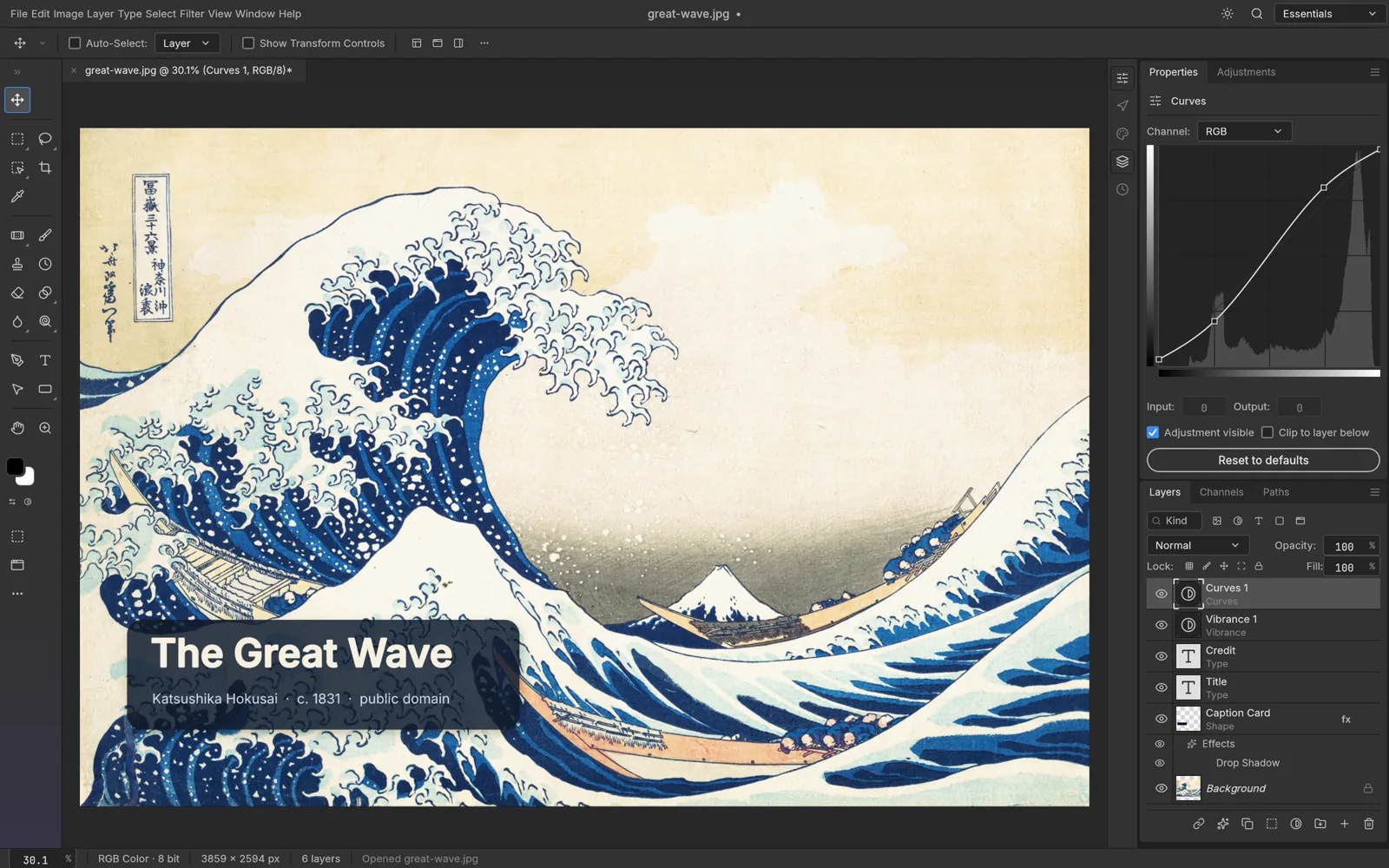
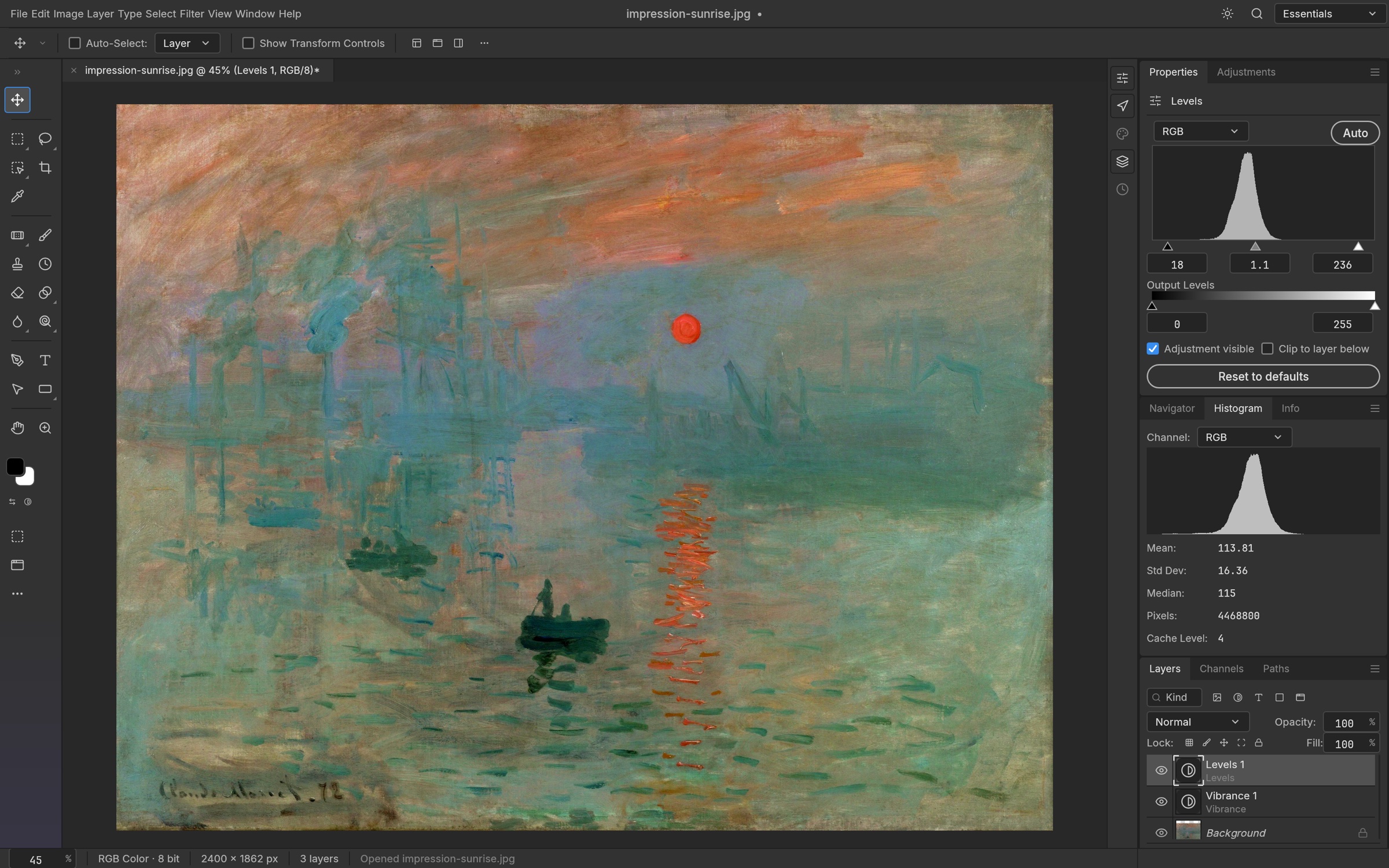
For everyday editing tasks, PhotoCraft provides an environment structured around established conventions. Designers retouching product shots, assembling website hero banners, or color-correcting photography can work with a multi-layered canvas containing raster graphics, vector shapes, and live text containers. Standard global and selective adjustments—including Levels, Curves, Hue/Saturation, and Channel Mixers—can be applied directly or non-destructively.
Credit: ArtCraft
Digital painters and illustrators can load existing Photoshop brush sets thanks to .abr file ingestion added in version 0.2.0. Drawing tablets are supported with hardware pressure sensitivity and pen tilt response, allowing lines to vary naturally in thickness and opacity during manual masking or painting passes. Masking channels permit soft-edge selections and composite blending without permanently discarding underlying pixels.
Credit: ArtCraft
Beneath the graphical user interface, the technical architecture separates the core document engine from presentation layers. Application commands are registered centrally across the platform, meaning identical internal directives can be dispatched through graphical buttons, automated command-line scripts, or external automation protocols. This decoupled design enables developers to trigger batch image manipulations or pipeline export passes headlessly.
Key Differences from Established Tools like Photoshop
PhotoCraft remains an early alpha and is not yet a complete replacement for daily professional Photoshop work.
The v0.3.0 test scorecard sets a minimum round-trip pass count of 307 out of 309 files for the psd-tools corpus, and a rendering-oracle minimum of 229 out of 309. These tests examine different things: retaining a document through saving and reopening, and reproducing its visible appearance. Neither count is a universal PSD compatibility rate.
The same scorecard lists 626 out of 626 menu items as connected to commands. That counts command dispatch; individual features can still be partial.
PhotoCraft's plug-in system uses sandboxed WebAssembly (.wasm) filters. It does not run native Photoshop .8BF, CEP, or UXP plug-ins, so workflows built around those extensions need a different approach.
Sourcing Visual Assets and Current Generative Limits
PhotoCraft's generative image features remain a substantial unfinished area.
A composition can begin with existing visual material. Users can bring in digital camera RAW captures, scans, icon graphics, or 3D render passes. When a project requires fresh conceptual visuals, illustrative elements, or contextual background backdrops that do not exist on disk, creators can produce source media using external tools.
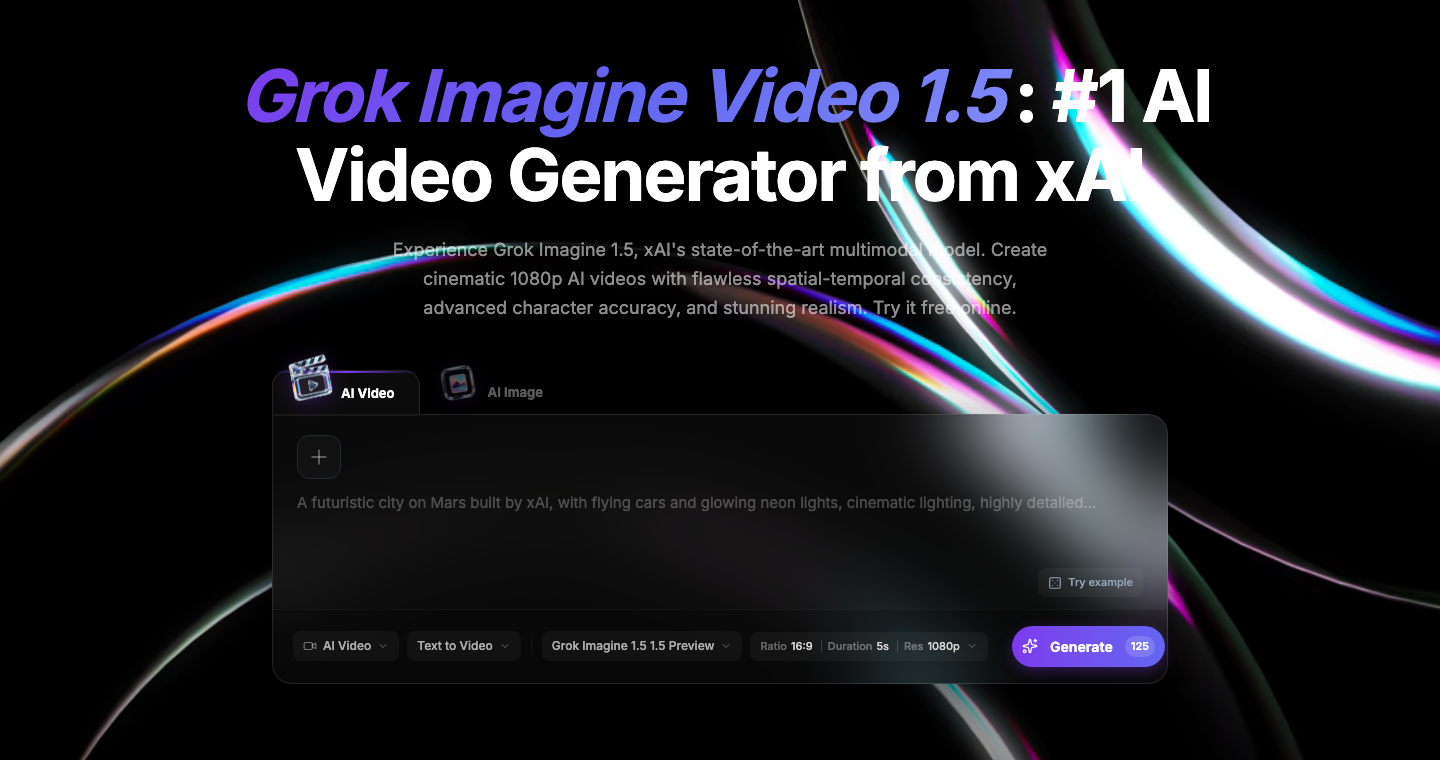
For readers who need an initial visual plate or illustrative concept before beginning manual layering in PhotoCraft, the FastMoroAI image generator provides a web-based text-to-image studio. Users can generate a background scene or graphic from descriptive prompts, export the resulting image file, and subsequently import it into PhotoCraft to perform local masking, typography integration, and color adjustments.
Installation Options and Interface Language Setup
The PhotoCraft download page offers free desktop packages for macOS, Windows, and Linux, plus a WebAssembly zip for users who want to host the editor themselves.
The editor's source uses MIT or Apache-2.0 licensing. ArtCraft separately sells AI generation plans and credits; using the PhotoCraft desktop editor does not require buying those services.
Starting with the v0.3.0 release, PhotoCraft introduced expanded internationalization and text input updates. Users working in international environments can adjust the interface language by navigating the application menu hierarchy:
- Open
Editfrom the top application menu bar. - Select
Preferences. - Choose
Interface. - Select
Languageand pick the preferred option, such as Chinese or English.
This release also incorporated fixes for CJK typography rendering and Input Method Editor (IME) text entry, covering CJK fonts and input methods.
Who PhotoCraft Fits Today and How to Test It
In its current alpha phase, PhotoCraft is well suited for specific groups of digital media practitioners:
- Developers and technical artists who value an open codebase, need to inspect internal document logic, or want to write scriptable image-processing pipelines through automation commands.
- Lightweight photo editors and hobbyists seeking a desktop canvas for resizing images, cleaning up contrast, applying standard tone curves, or cutting out subjects without paying monthly software fees.
- Cross-platform designers working on Linux, Windows, or macOS who prefer local file editing on their own computers.
Conversely, enterprise production teams that depend on automated print pre-press pipelines, specialized CMYK color separation profiles, complex Adobe script libraries, or proprietary .8BF filtering suites should maintain their current production tools.
If you are curious, start with a simple everyday task: cropping a snapshot, adjusting colors on a personal photograph, or assembling a few layers for a quick banner. PhotoCraft provides an open-source desktop editor with familiar layered editing, keeping your work local on your own machine.
Explore the canvas on one small project without changing the rest of your creative routine. Trying the tools yourself is the easiest way to see whether the application fits your day-to-day workflow or simply remains an interesting open-source effort to keep on your radar.