
Video Depth Anything
Original to depth
Drag the divider to compare the original clip with the Grayscale depth video from this generator.
Example previewBoth outputs were rendered by this video depth map generator from the same clip, frame, and model — only the color mapping changed. Depth values, speed, and price are identical.
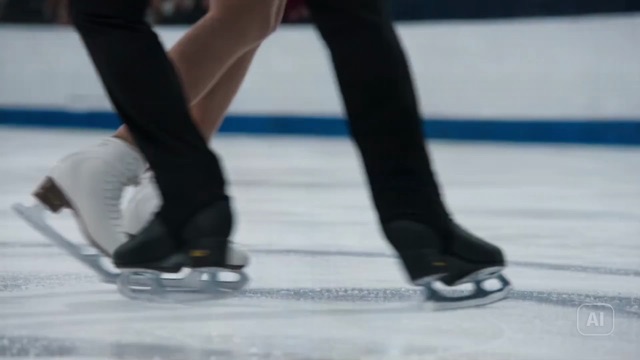
The source clip
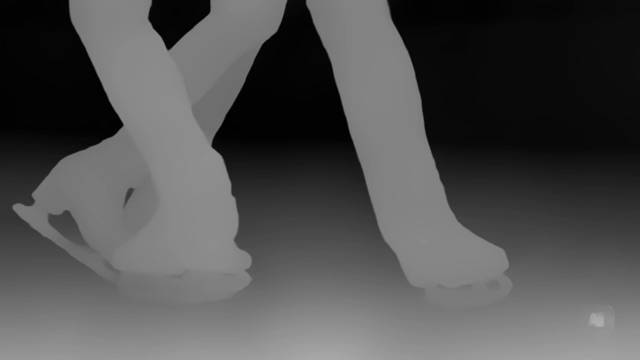
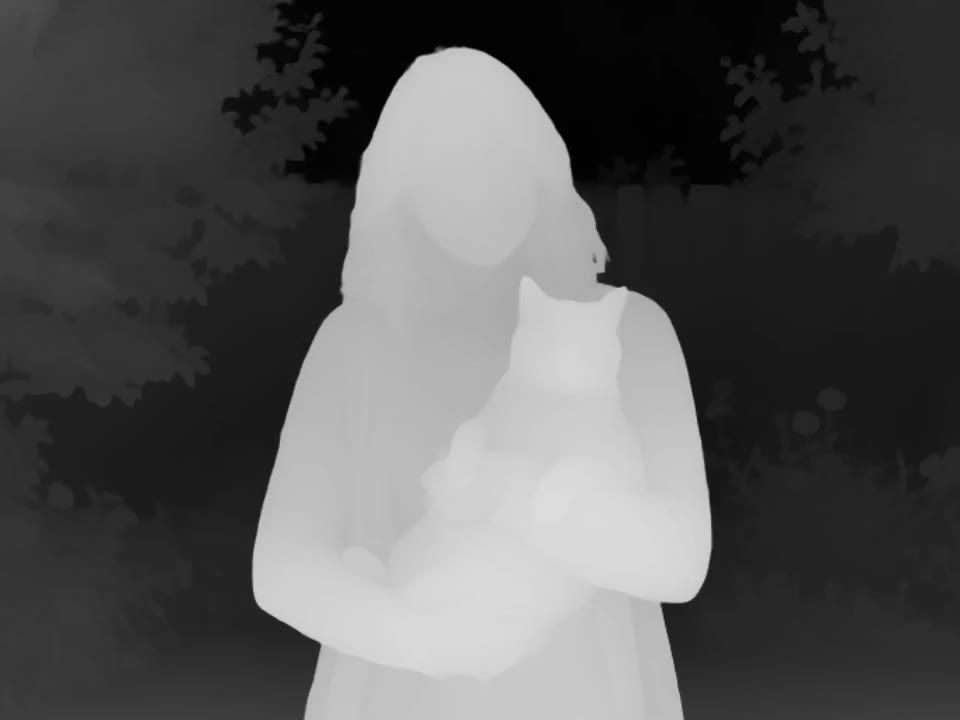
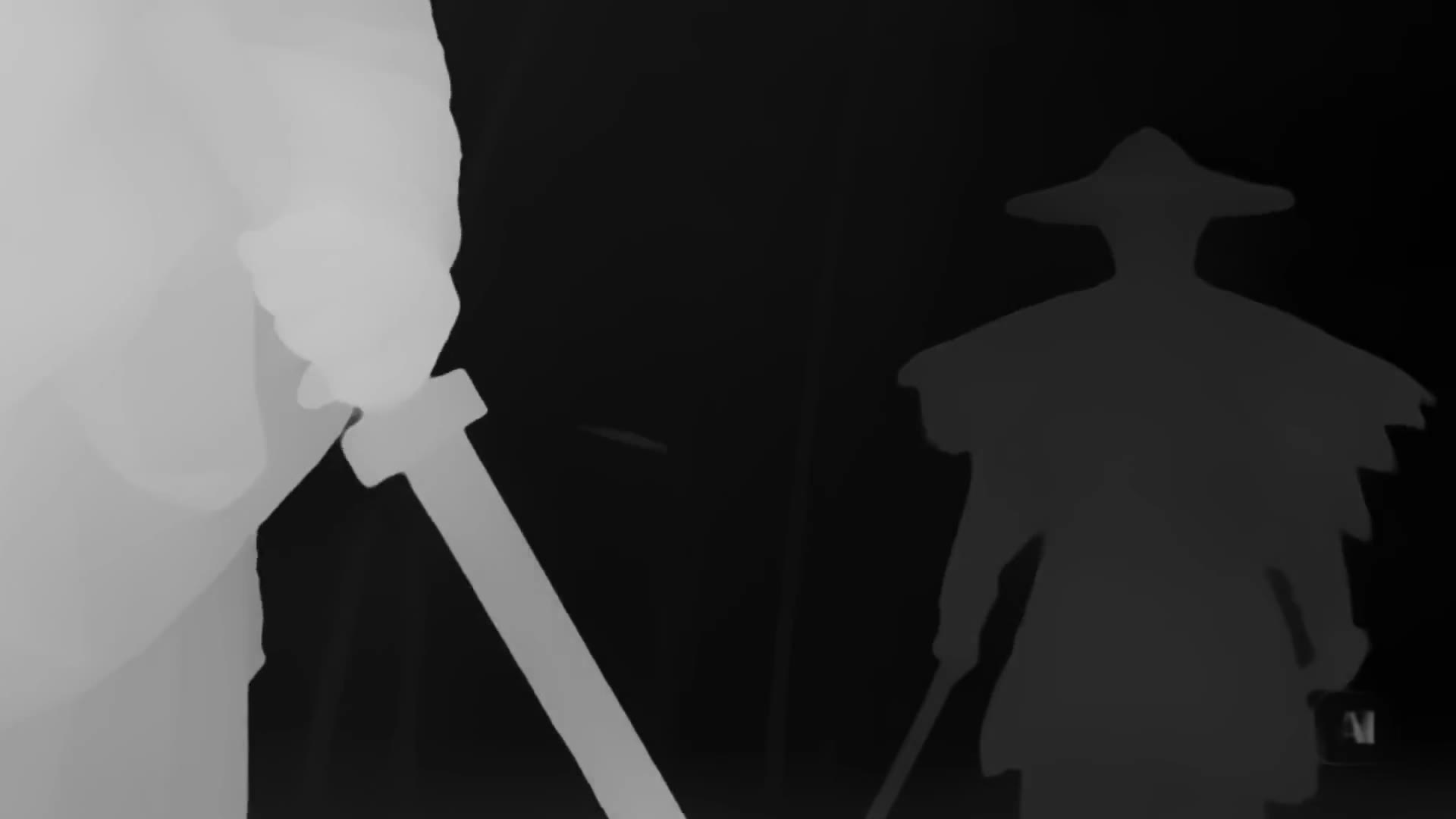
Bright near, dark far — for compositing
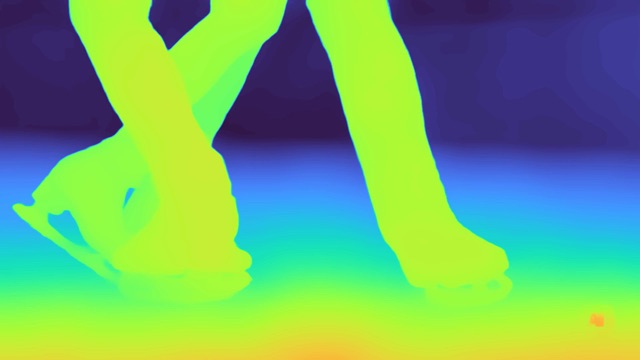
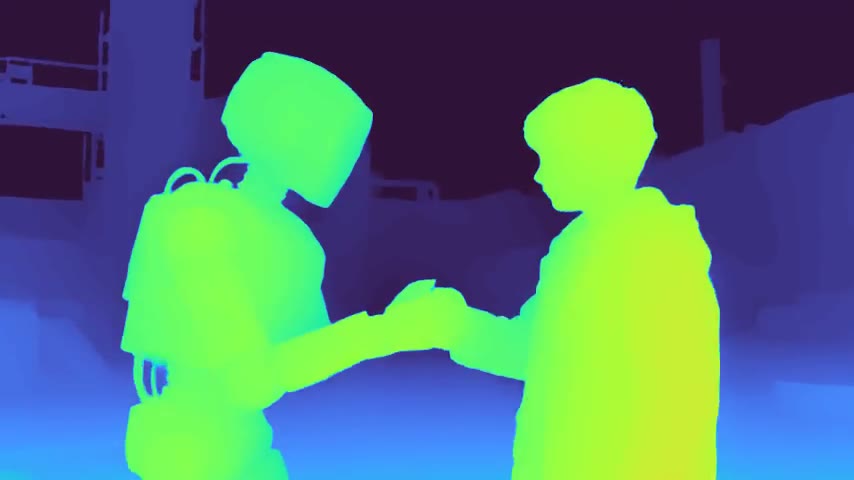
Warm near, cool far — easier to read
This video depth map generator runs on Video Depth Anything with three tiers; VDA-Base is the default we recommend. Switch tiers any time and the Studio re-quotes instantly.
| VDA-Small | VDA-BaseRecommended | VDA-Large | |
|---|---|---|---|
| Positioning | Speed first | Balanced speed and detail | Quality first |
| Best for | Quick previews, drafts, tight budgets | Most everyday footage and client work | Hero shots, fine edges, tricky details |
| Rate | 2 credits / second | 3 credits / second | 4 credits / second |
| 10s clip | 20 credits | 30 credits | 40 credits |
The video depth map generator bills by exact duration, verified on our servers — never by what a browser reports.
Three steps turn a clip into a downloadable depth video — no plugins, no masking.
Drop in an MP4, MOV, WebM, M4V, or GIF up to 60 seconds and 200MB. The video depth map generator reads the real duration on our servers, so your quote reflects the actual file.
Choose VDA-Small, VDA-Base, or VDA-Large in the video depth map generator, plus a Grayscale or Turbo style. You see the exact cost before anything runs.
Review the result in your history feed and download the MP4 from the video depth map generator. Every depth frame lines up with your source clip.
It takes ordinary footage and writes a matching depth video — near and far, frame by frame — so you can composite, grade, or preview space without a depth camera.
Upload everyday video. The model estimates how close each pixel sits to the camera and outputs an MP4 aligned to your timeline. No LiDAR, no per-frame rotoscoping — a temporally stable relative depth pass you can drop into an editor.

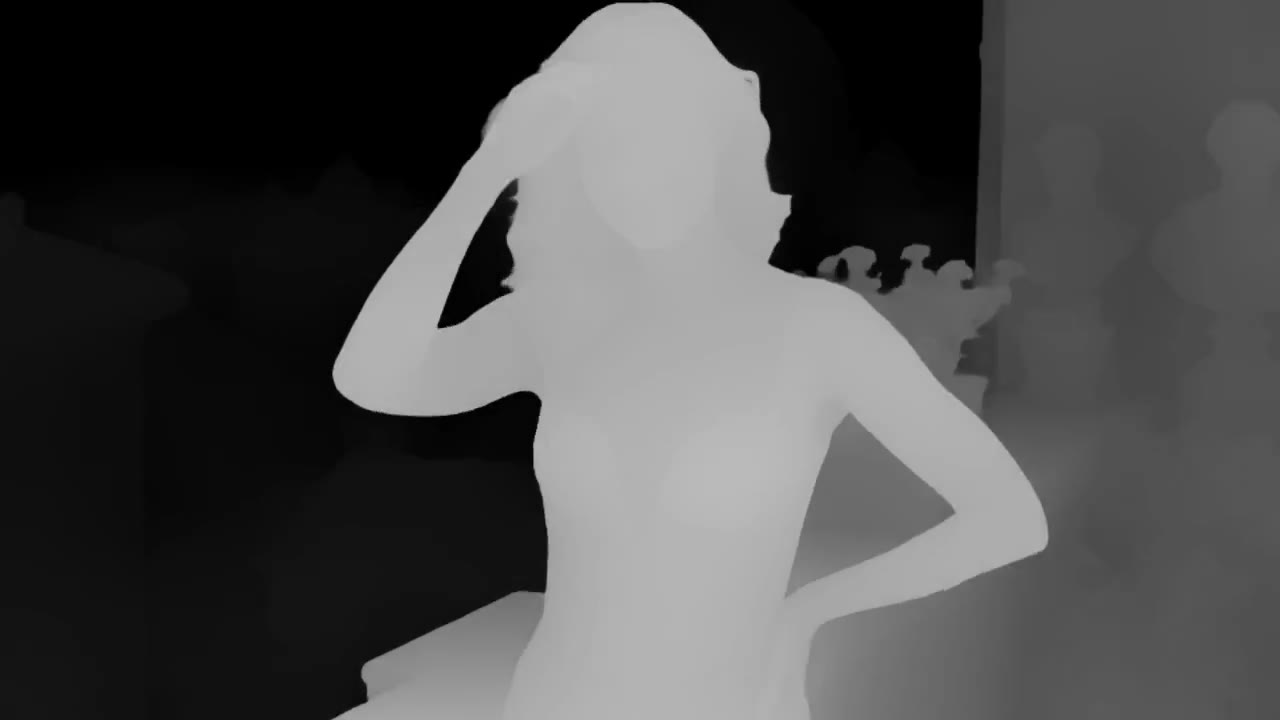
Grayscale paints near as bright and far as dark. That luma map imports cleanly into After Effects, Nuke, or Blender as a depth pass or holdout. The underlying depth values match Turbo — only the display mapping changes.
Treat the result as raw material: preview space by eye, then drive fog, defocus, and parallax in your real pipeline.
Turbo maps the same depth to a warm-to-cool ramp so foreground, midground, and background separate at a glance. Use it to check a shot before you import the pass. Credits and depth values stay identical to Grayscale.
Once you have per-frame depth, grade atmosphere, fake depth of field, or displace a card in 3D. It is relative depth — strong for looks and layout, not a measured survey.
Depth estimation is perception, not measurement. These guidelines keep the video depth map generator accurate and your expectations right.
The video depth map generator performs best on clips with textured surfaces, clear foreground and background, smooth camera motion, and even lighting. Focused shots of 5–30 seconds work best.
Mirrors, water, glass, low-texture walls, motion blur, and hard cuts can all produce local errors. And the video depth map generator outputs relative depth — nearer or farther, never meters. Do not use it for surveying or safety-critical measurement.
Upload MP4, MOV, WebM, M4V, or GIF up to 60 seconds, 200MB, and 2,400 frames; resolution is automatic. One video per task — this video depth map generator does one clip well, at a price you confirm up front.
What to know before running the video depth map generator on your footage.
Open the video depth map generator, upload a short clip, and see the exact credit price before you generate your first depth video.