Skip to content

Halloween costume collection

AI Halloween Costume Generator

Upload your photo, pick a Halloween costume, and see yourself in it in one click.
Use a clear half-body or full-body photo. For Cowboy & Angel, upload one photo with both people. For Dolly, use a pet photo.

Background

Your pose, hands and framing stay the same.

Explore the costume
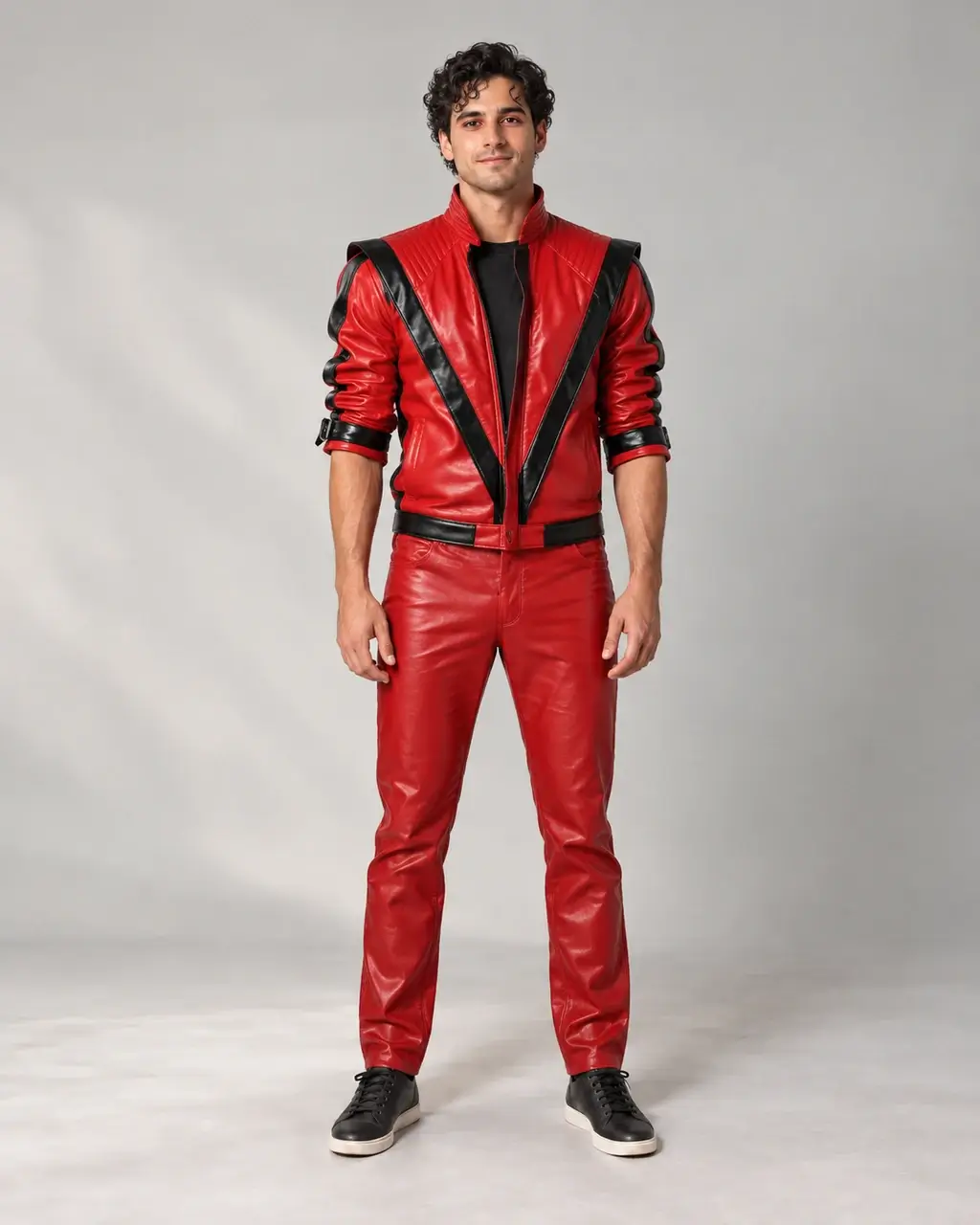
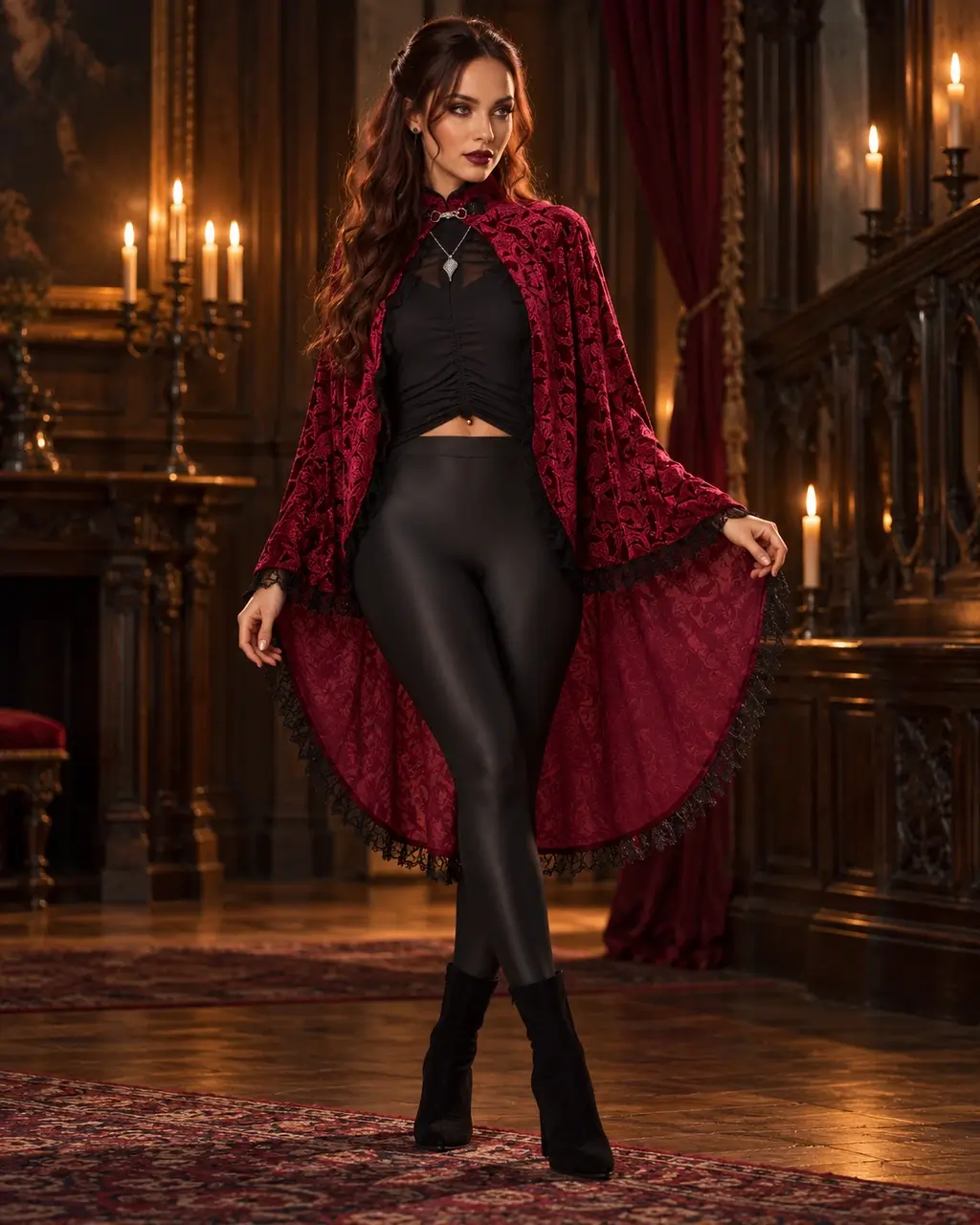
Original studio portrait before the Thriller costume transformationThriller Red Jacket AI-generated look with the original background
OriginalAI result
Thriller Red Jacket — Details
Details

Find your Halloween look

Halloween costume ideas you can try on with AI

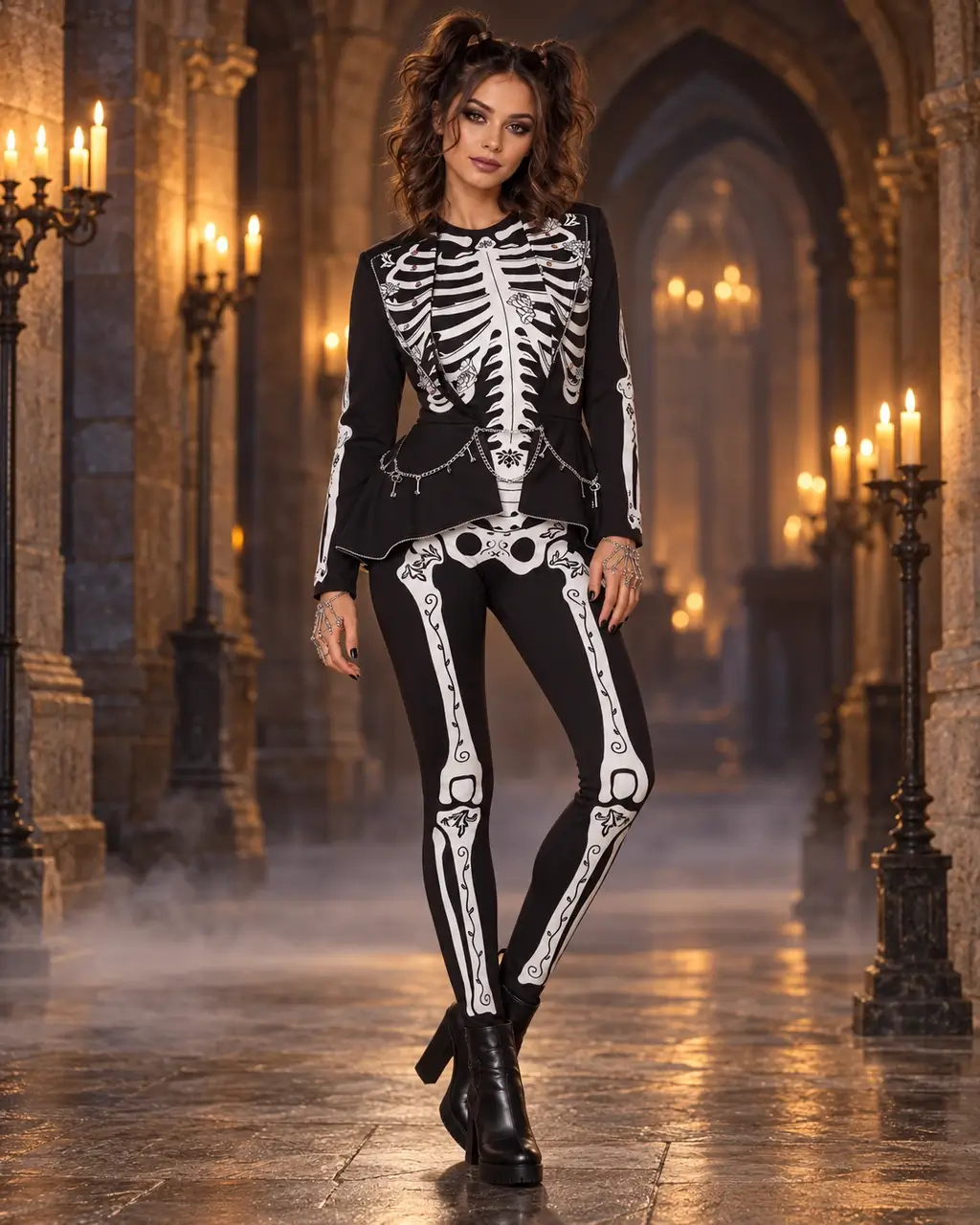
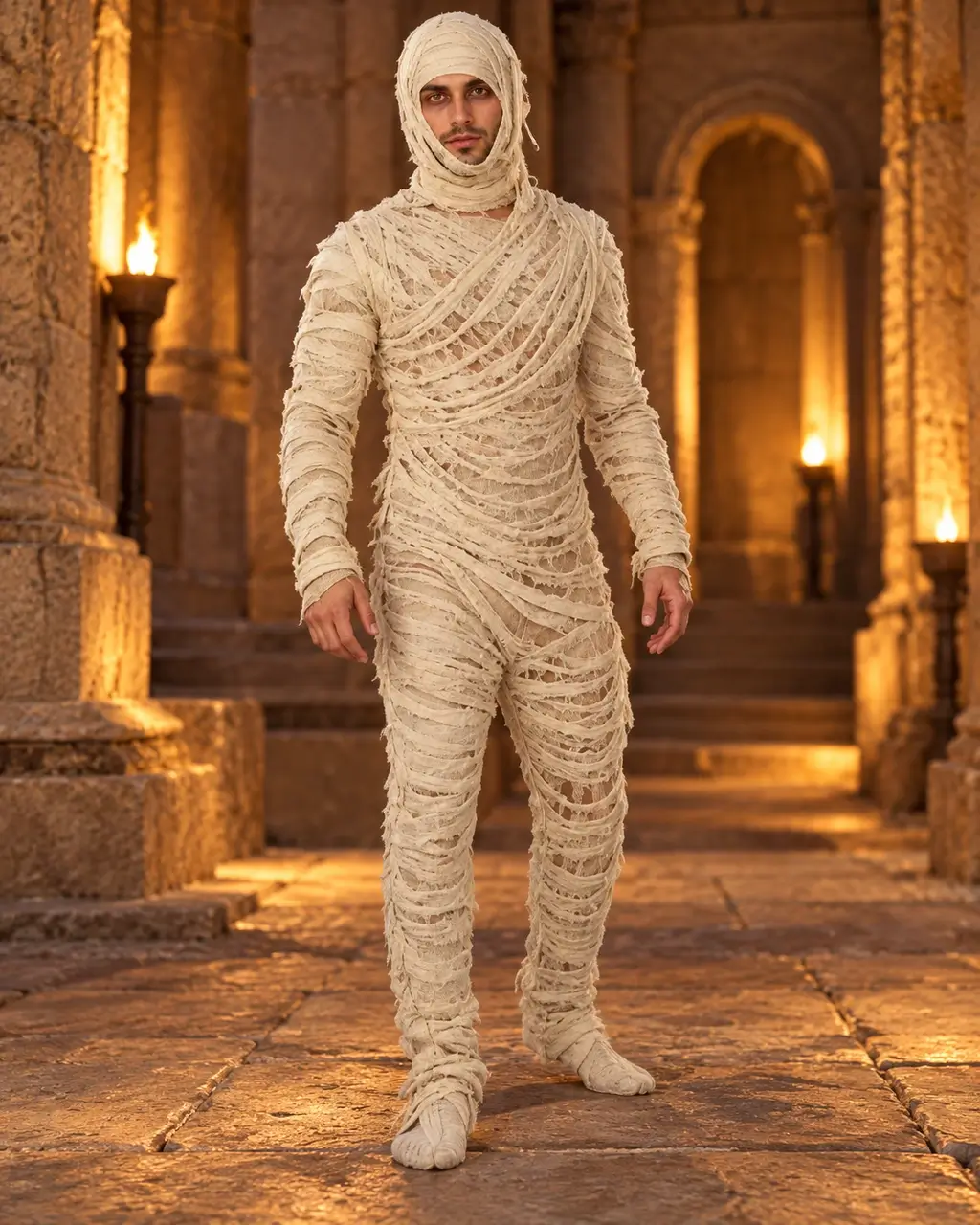
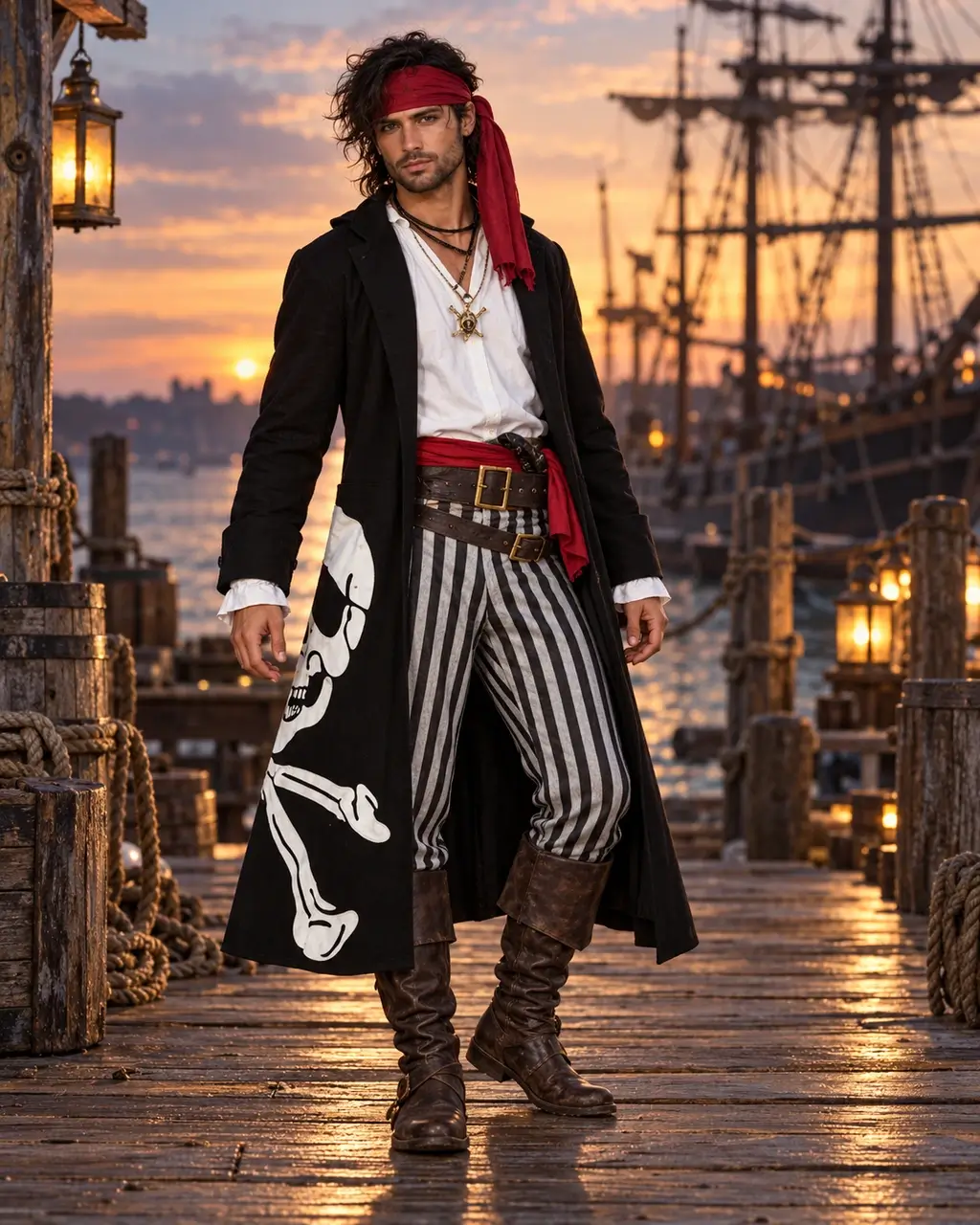
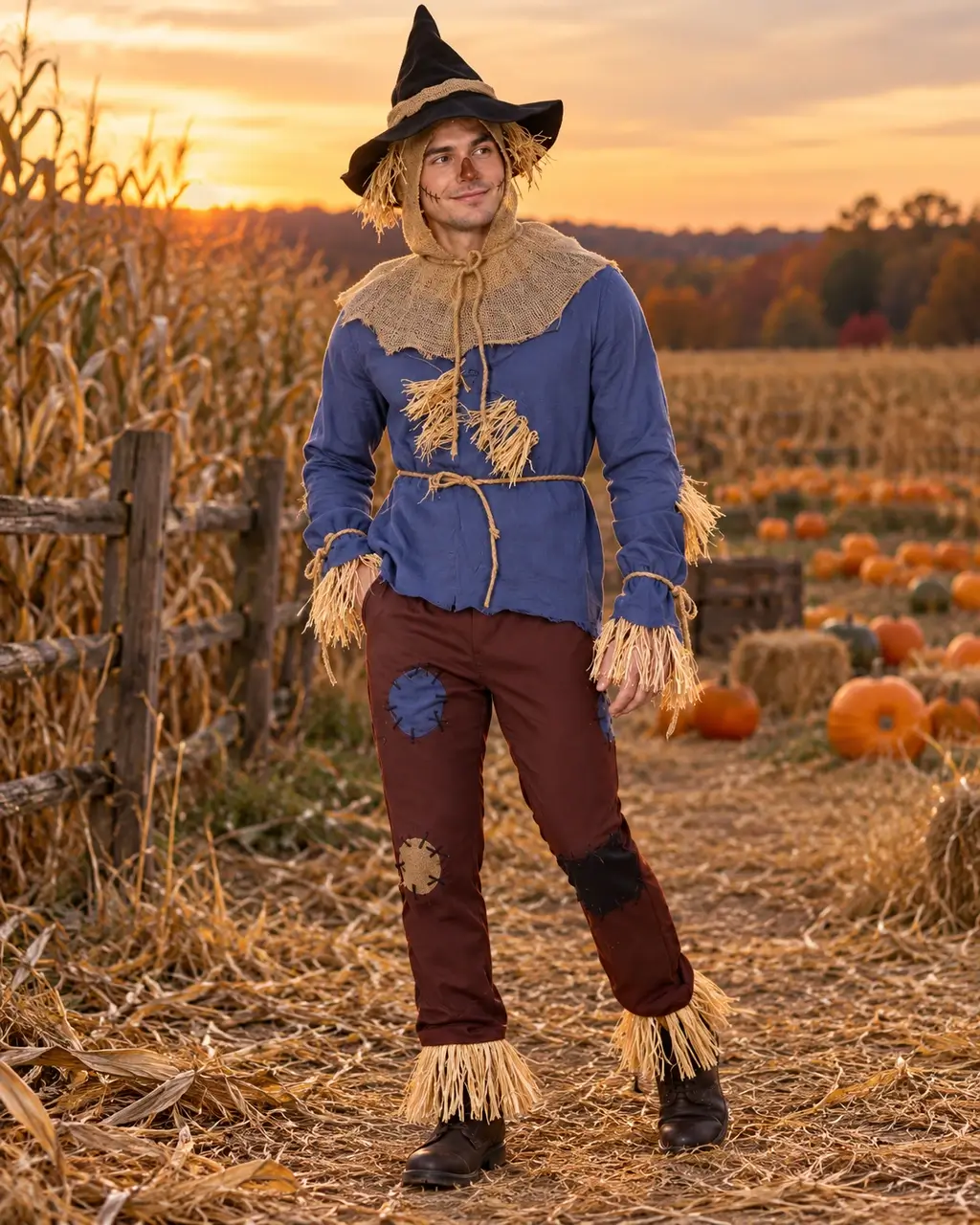
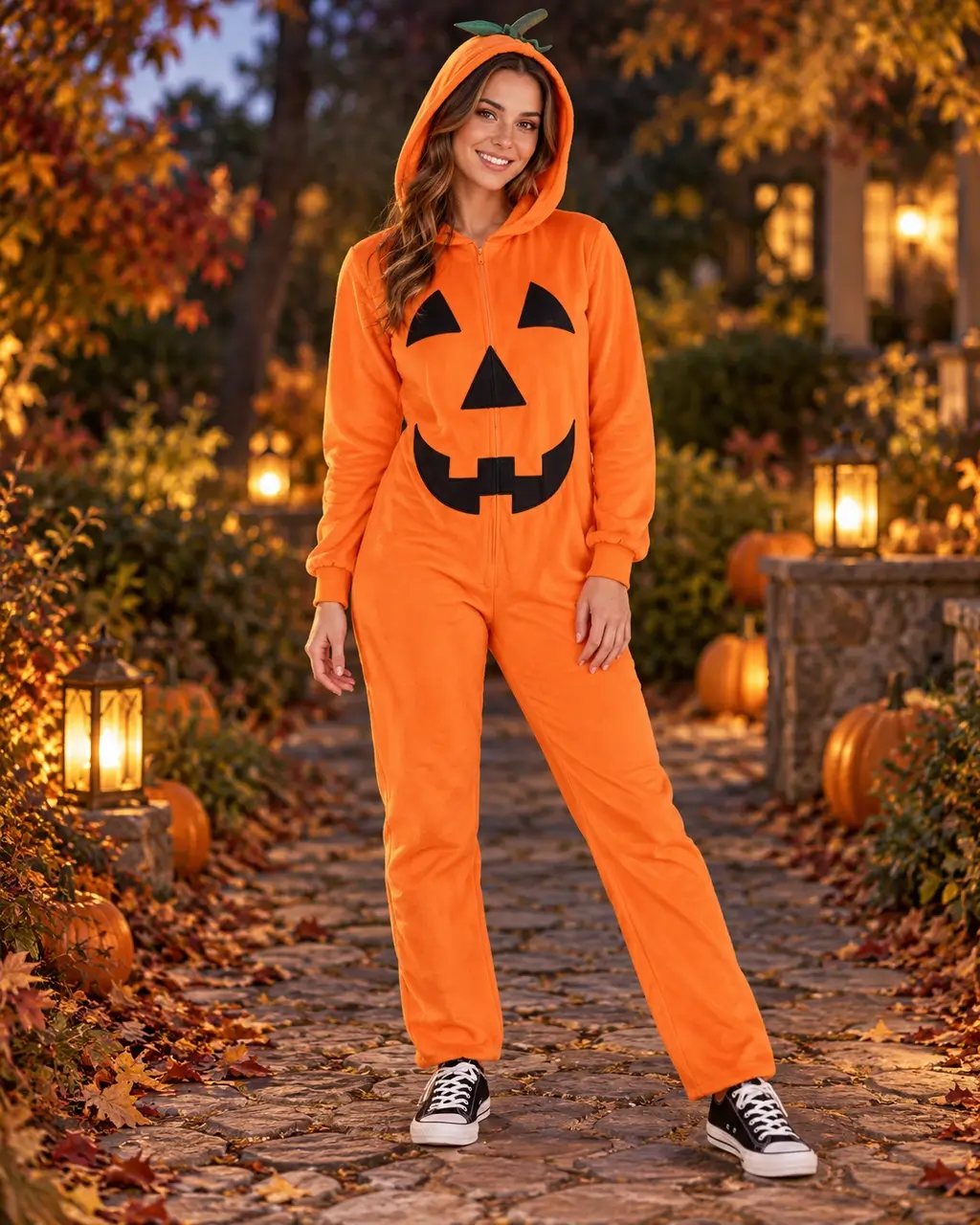
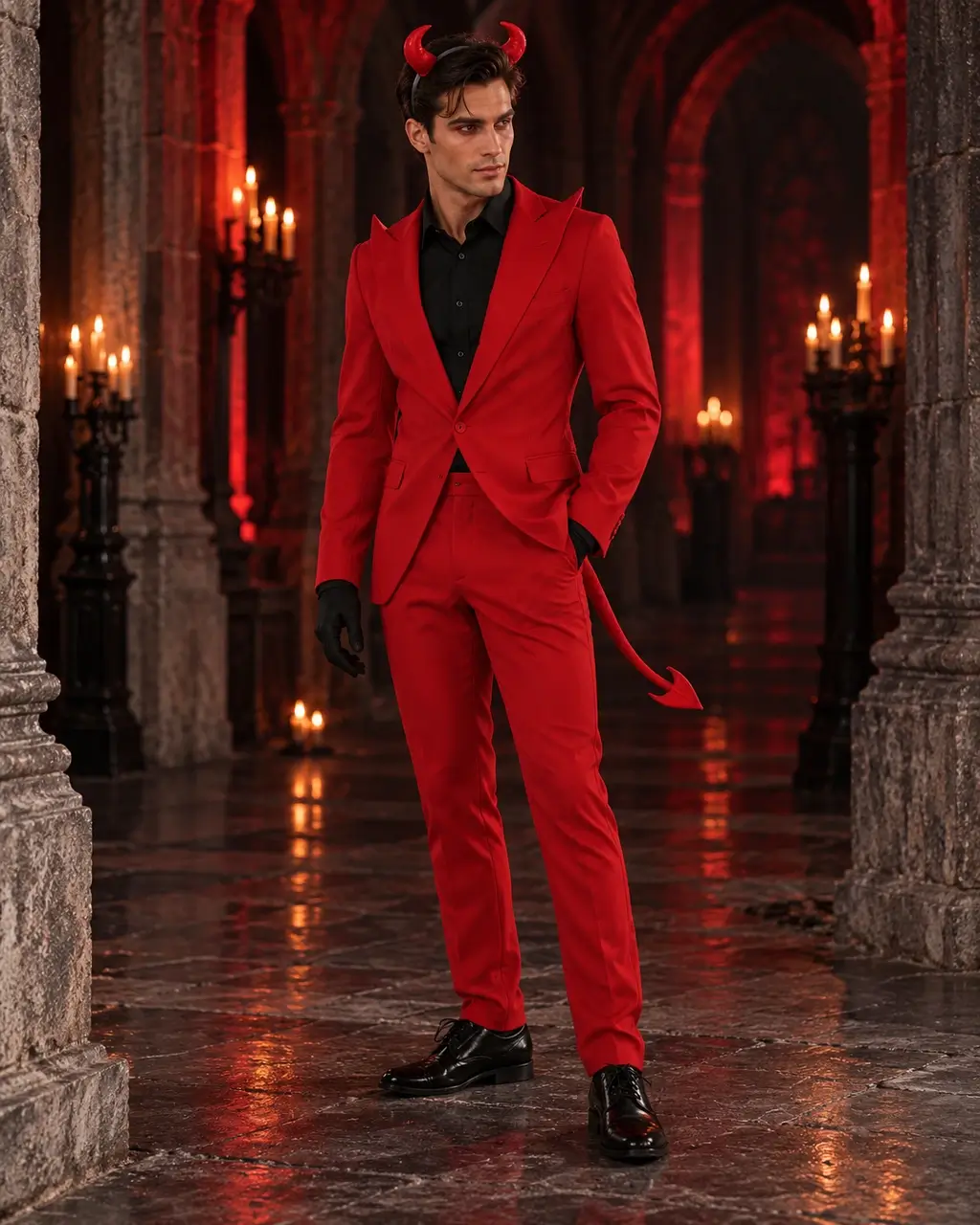
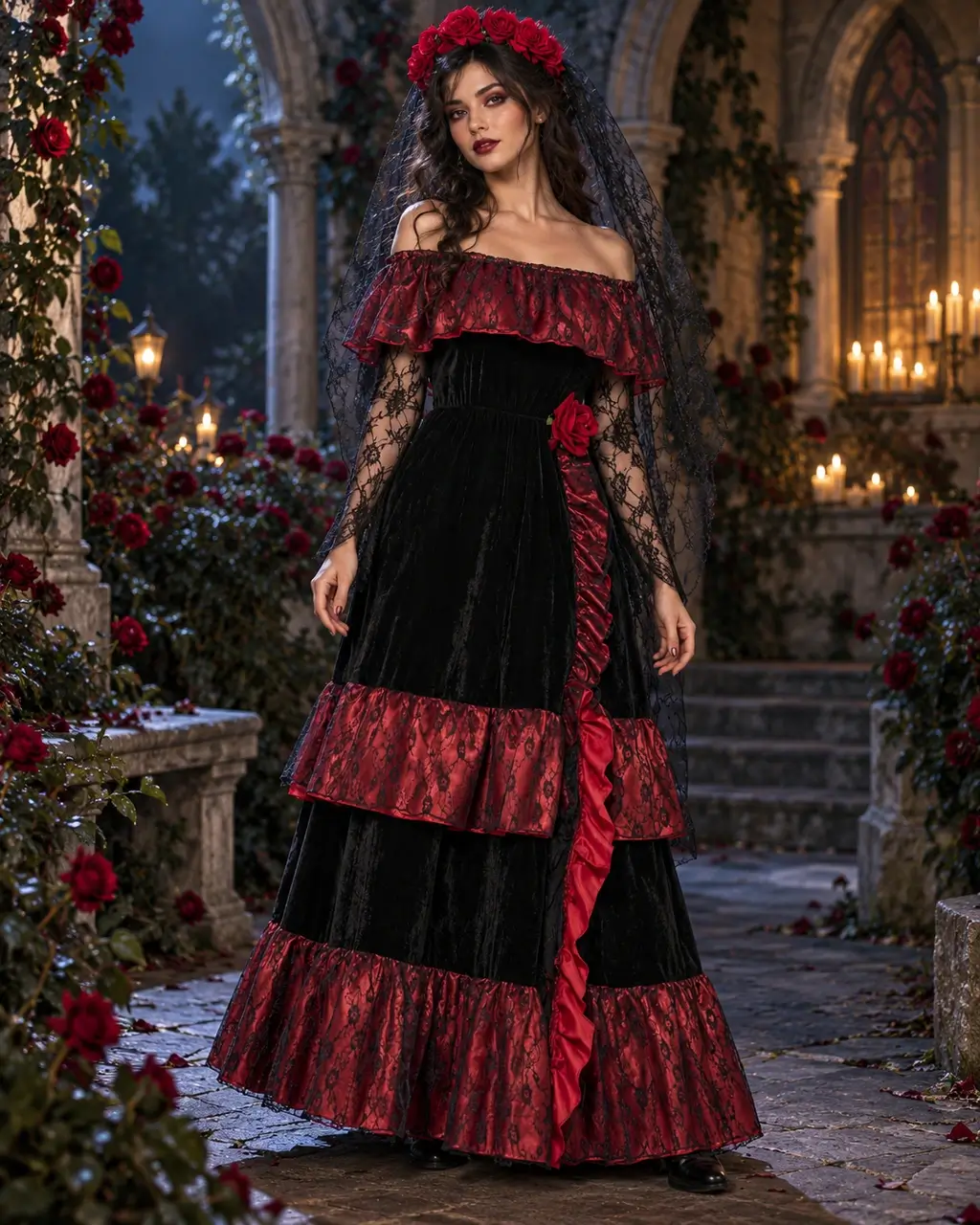
Explore AI Halloween costume ideas, from classic witches and vampires to couple and pet looks. Browse all 16 presets above; these photos show the outfits, hairstyles and accessories you can use as inspiration.
How to make an AI Halloween costume photo

Use the AI Halloween costume generator to preview a complete character look from your photo. Choose a preset and background, then review the result before sharing.

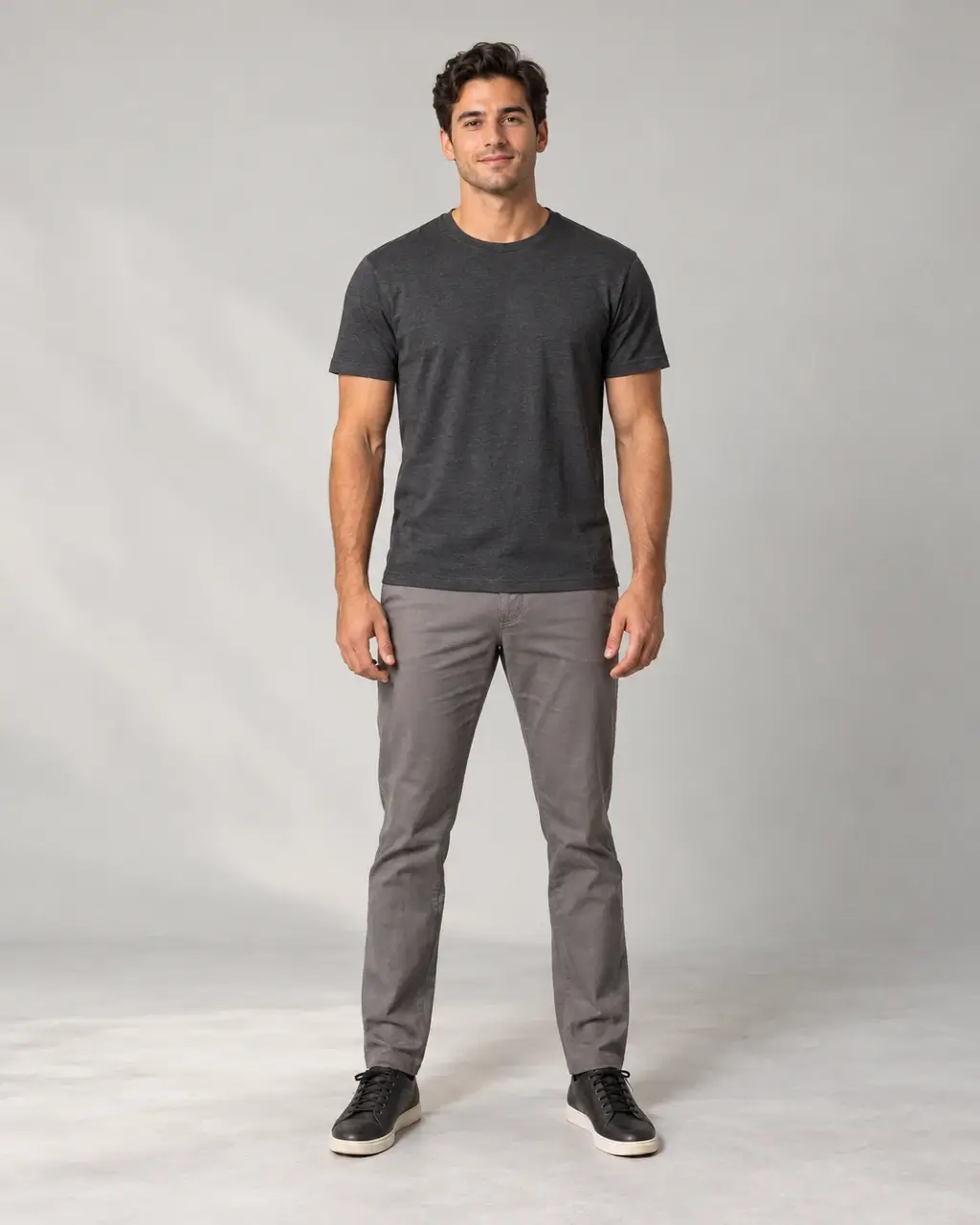
  1. Original full-body studio photo in a grey T-shirt and trousers
    Original photo

    Upload your photo

    Start with a clear face and a relaxed pose. A half-body or full-body photo shows more of the outfit.

  2. 16 complete costume looks

    Thriller red jacket costume option
    Thriller
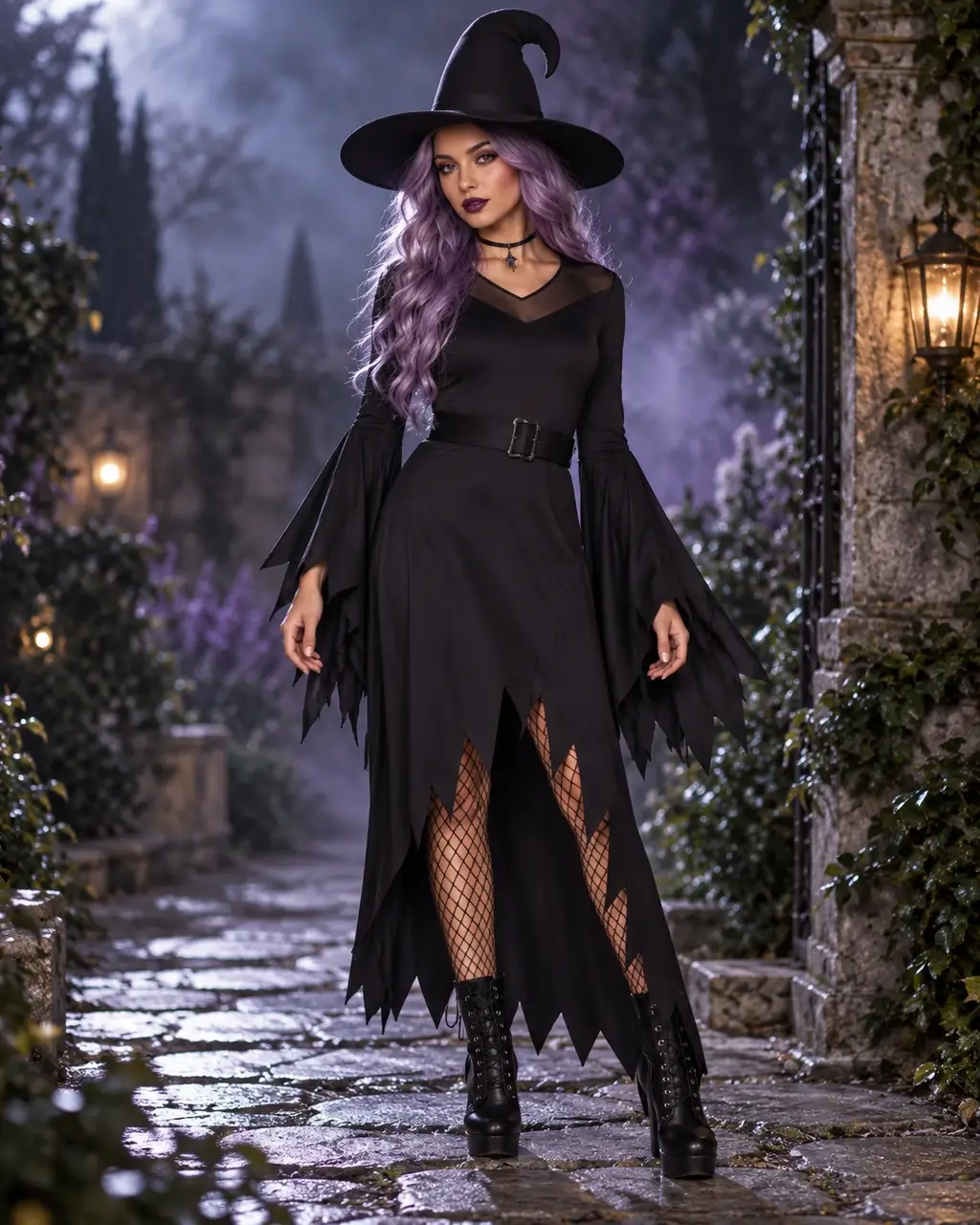
    Witch styling option with purple hair and a pointed hat
    Witch
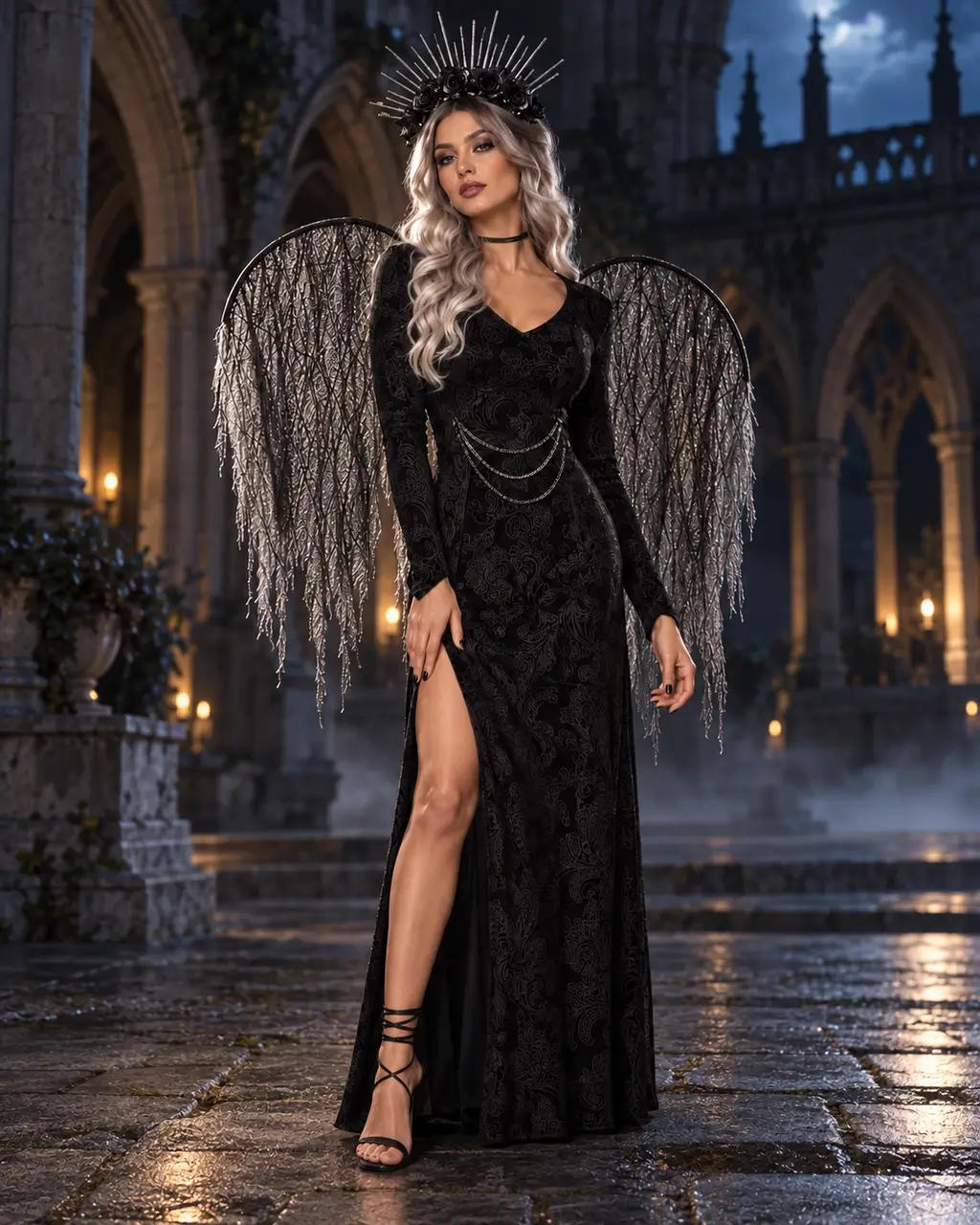
    Dark angel styling option with wings and a metal crown
    Dark angel

    Choose your background

    Keep originalCharacter scene

    Choose your complete look

    This AI costume generator offers 16 looks with clothing, hair, makeup and accessories. Keep your background or choose a character scene, then adjust the styling details.

  3. The same studio model wearing the generated red jacket and matching red trousers
    Actual photo try-on

    Review and download

    Check the credit quote, generate, and review your face and outfit. Save the result from My creations.

Couple, kids and pet Halloween costumes

Create an AI Halloween costume photo for a party, a couple or a pet. Choose a preset that matches the people or animal in your uploaded image.

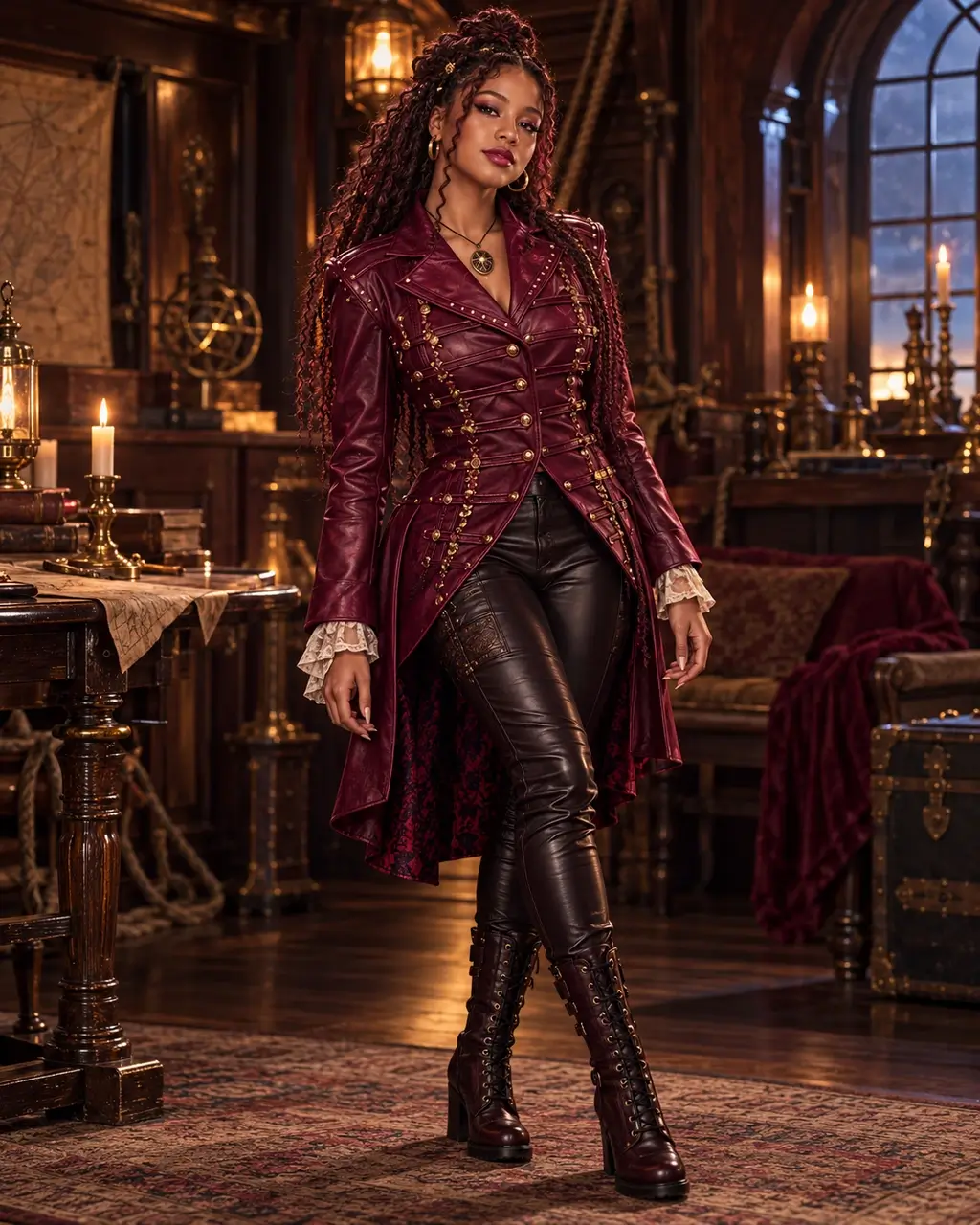
Dark angel model in a patterned black dress, silver crown and mesh wings in a moonlit courtyard

Make an entrance

Go beyond the outfit with a complete look: hair, makeup, accessories and an optional character scene.

Try this look
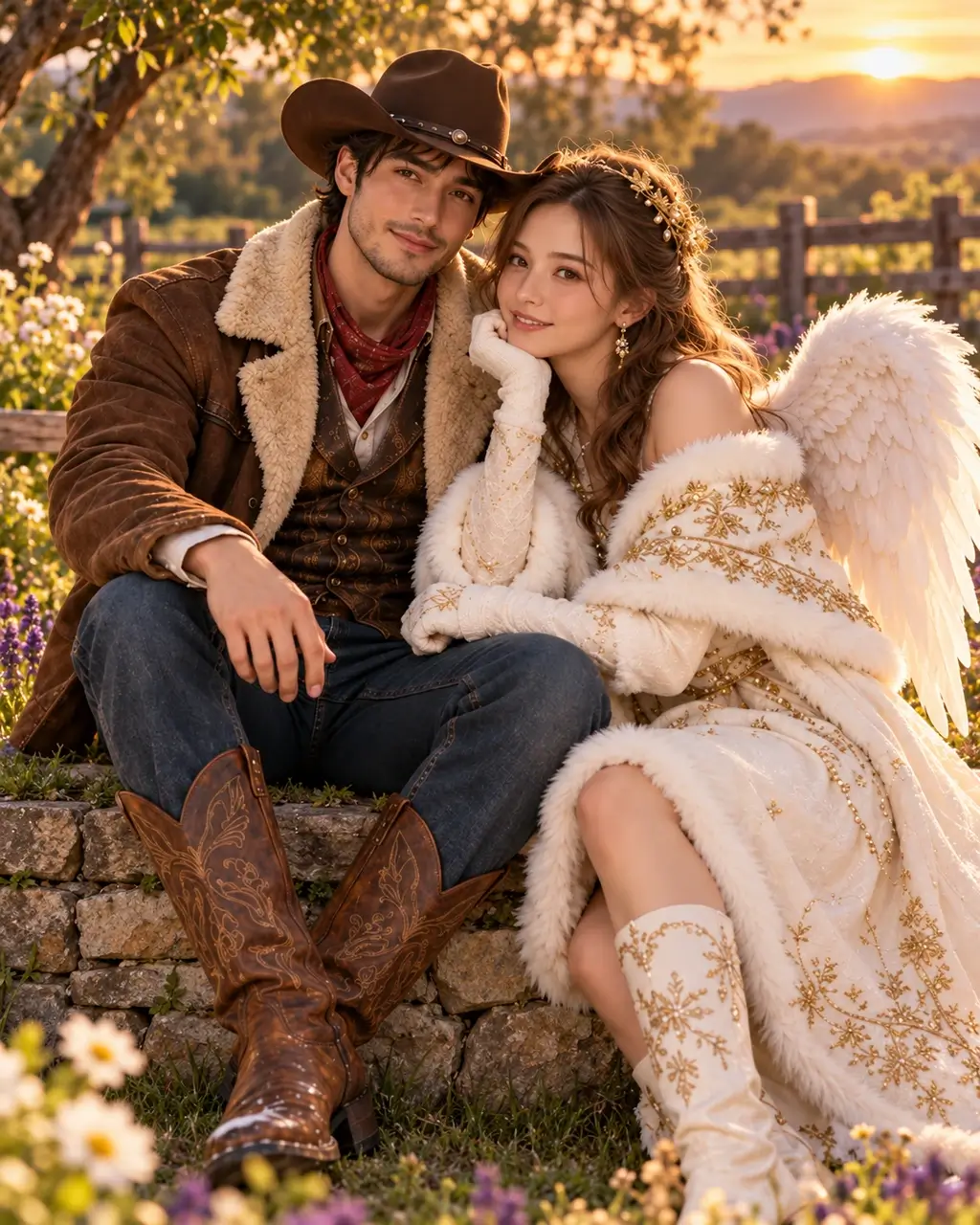
Cowboy and angel costume styling for two adults in a sunset country garden

Dress up together

Try couple Halloween costumes from one photo of you both: cowboy styling on the left, angel styling on the right.

Try the couple look
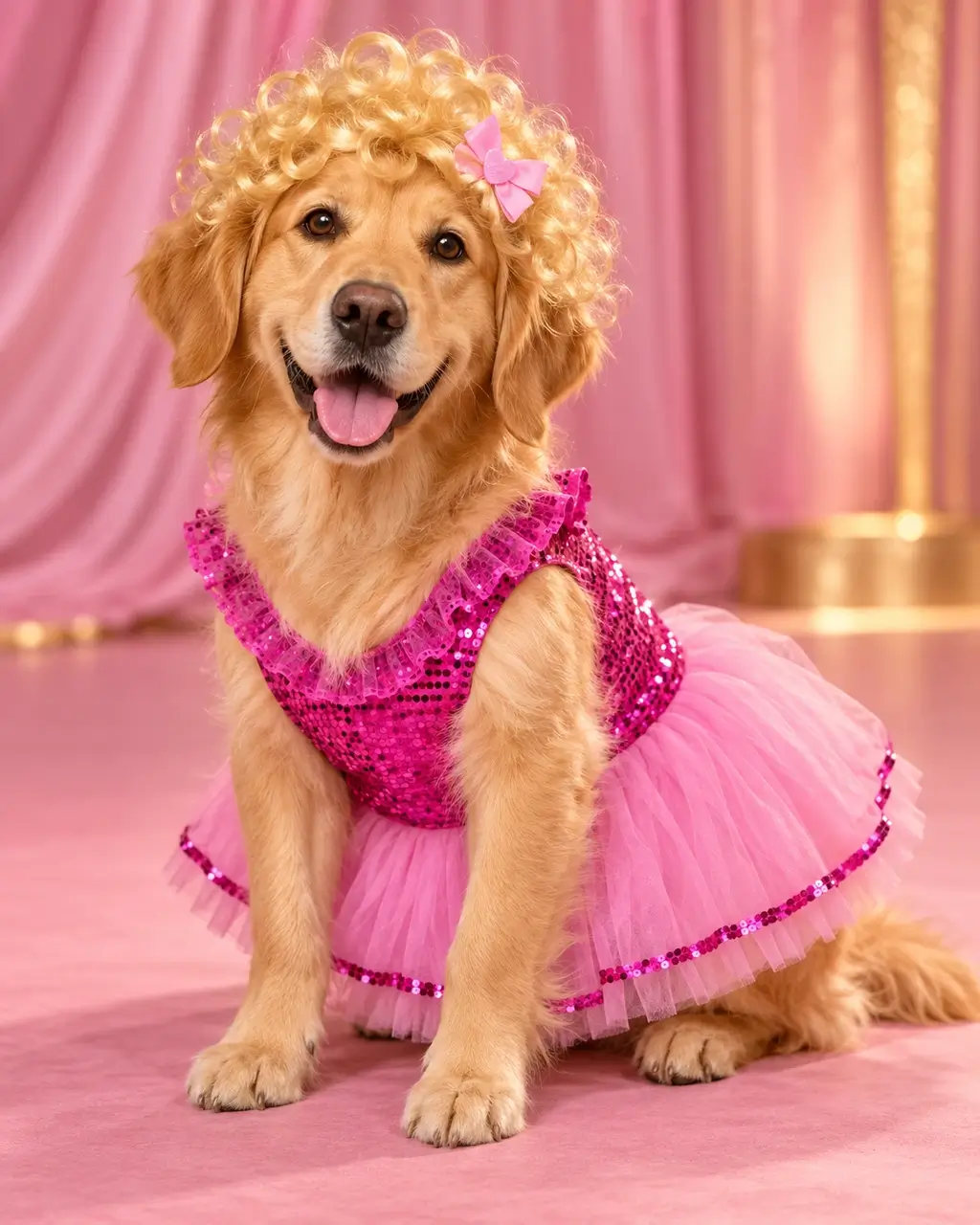
Golden retriever wearing a pink sequined Dolly costume with visible ears on a pink stage

Let your pet steal the show

Preview a pet Halloween costume with pink sequins and a blonde wig. Start with a photo showing both ears and paws.

Try the pet look

For kids’ costumes, choose a suitable look and use a photo you have permission to upload.

Tips for better AI costume photos

For a clearer AI Halloween costume result, keep faces visible and describe the outfit details you want to change.

  • Choose clear lighting

    A clear, evenly lit photo helps the Halloween costume generator read your face and outfit. Avoid crossed arms or bags that cover the clothing you want to replace.

  • Show the outfit area

    A close-up can show a hat or collar, while a half-body or full-body photo is better for coats, dresses and coordinated outfits.

  • Describe one change at a time

    Name a specific color or accessory in the prompt and review the result. Complex poses, tiny lettering and very crowded photos are harder to keep consistent.

AI Halloween Costume Generator FAQ

Upload a clear photo, pick a complete costume look, then choose Keep original or Character scene for the background. Your pose, hands and framing are intended to stay the same. Check the credit quote, generate, review the result and download.

New users get free sign-up credits under the current account offer, so you can try a costume before paying. Each generation uses the credits shown beside the button; when your balance runs out, see Pricing for more credits.

It uses your photo as the identity reference, but it cannot guarantee identical facial features. A clear, well-lit face gives better results. Check the result before sharing.

For Cowboy & Angel, upload a photo with both of you in it. This page uses one photo and does not combine separate portraits. Choose Dolly Pet Costume with a clear photo of your pet. For children, use a suitable costume and a photo you have permission to use.

Clear, well-lit photos with a visible face or a recognizable pet work best. Half-body or full-body shots show more of the costume. Only upload photos you own or have permission to use.

Commercial use is included on Pro and higher subscriptions and on credit packs of 600 credits or more. Free credits, Basic and smaller packs are for personal use. You are responsible for having permission to use the photos you upload.

Create your Halloween costume photo

Try the AI Halloween costume generator with your photo. Choose a complete look and check the credit quote before generating.