

Skip to content

Qwen Image 2.1 AI Image Generator

Create with Qwen Image 2.1. Use a text prompt or up to ten reference images in FastMoro.

2 credits

Qwen Image 2.1 Examples

Explore transparent artwork, reference-based editing, and detailed layouts made with Qwen Image 2.1.

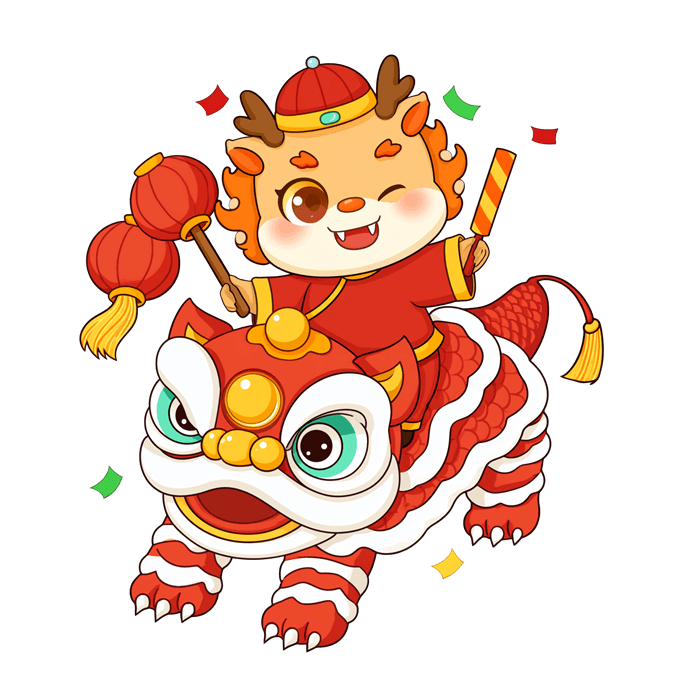
Qwen Image 2.1 transparent cartoon character on a lion dance costume
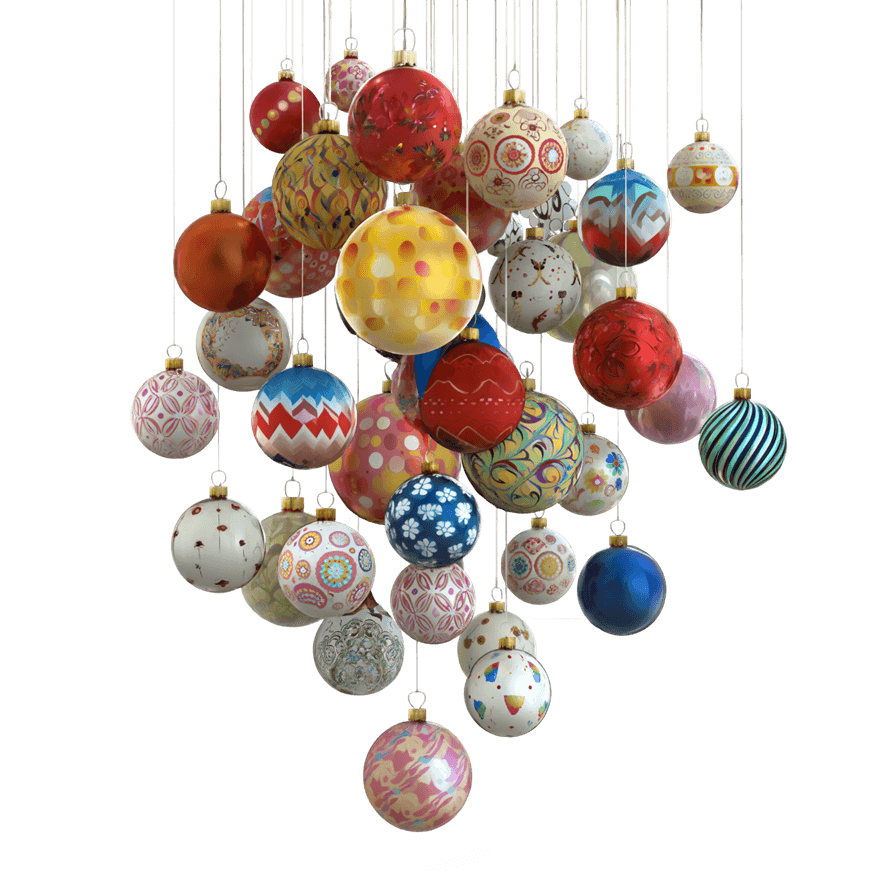
Qwen Image 2.1 colorful floating ornaments on transparency
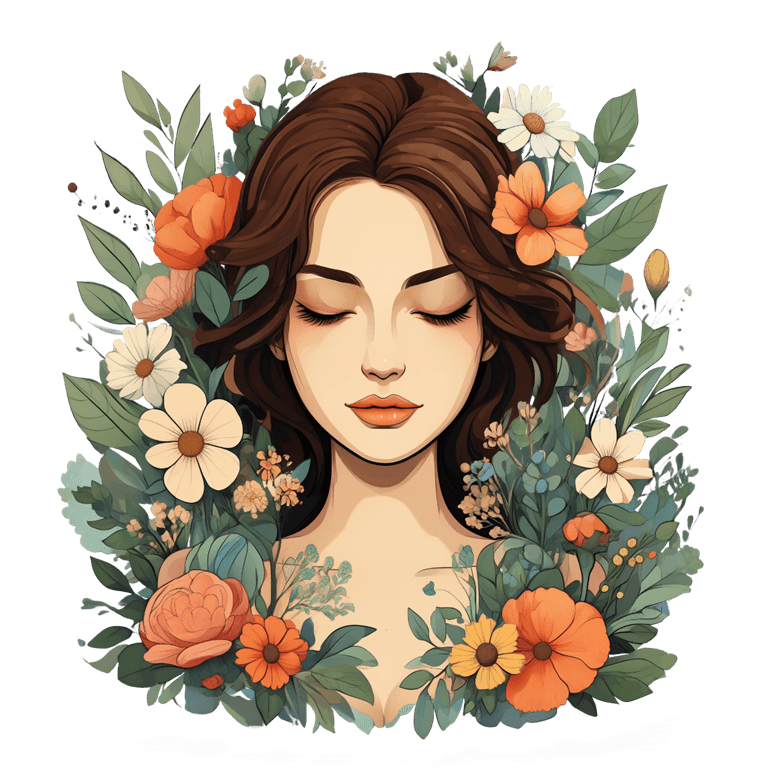
Qwen Image 2.1 illustrated portrait framed by flowers with transparency
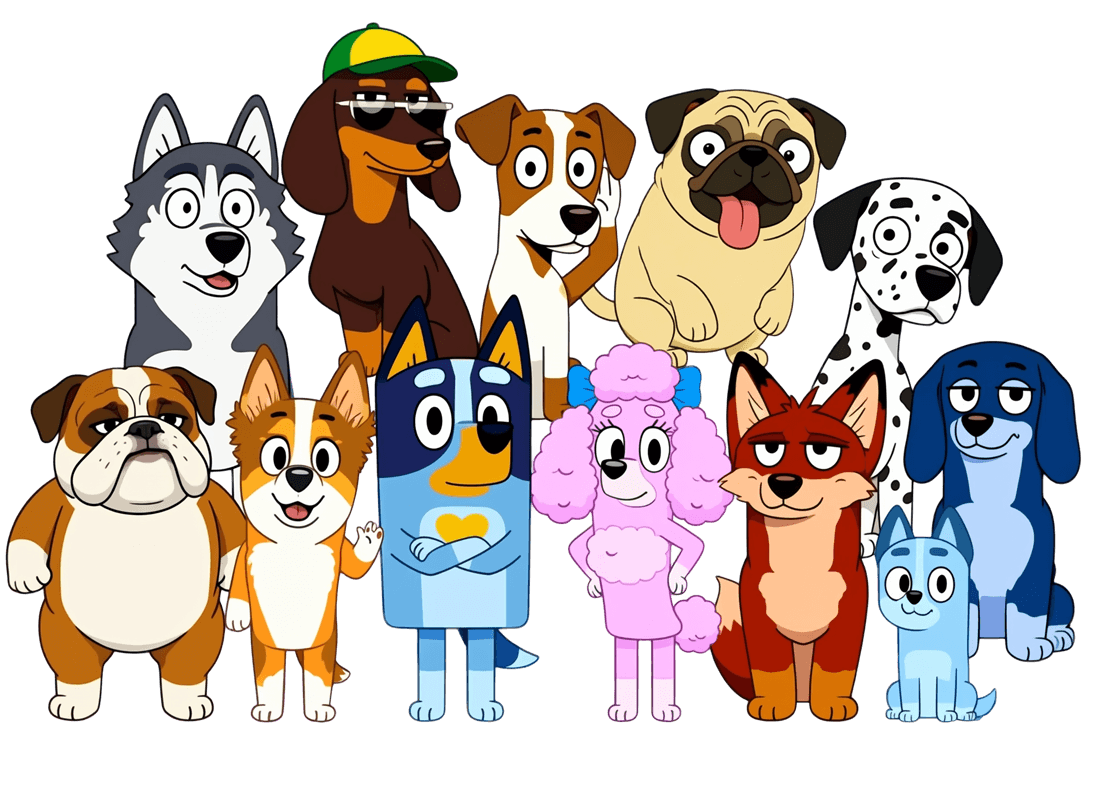
Qwen Image 2.1 illustrated dog characters in one composition
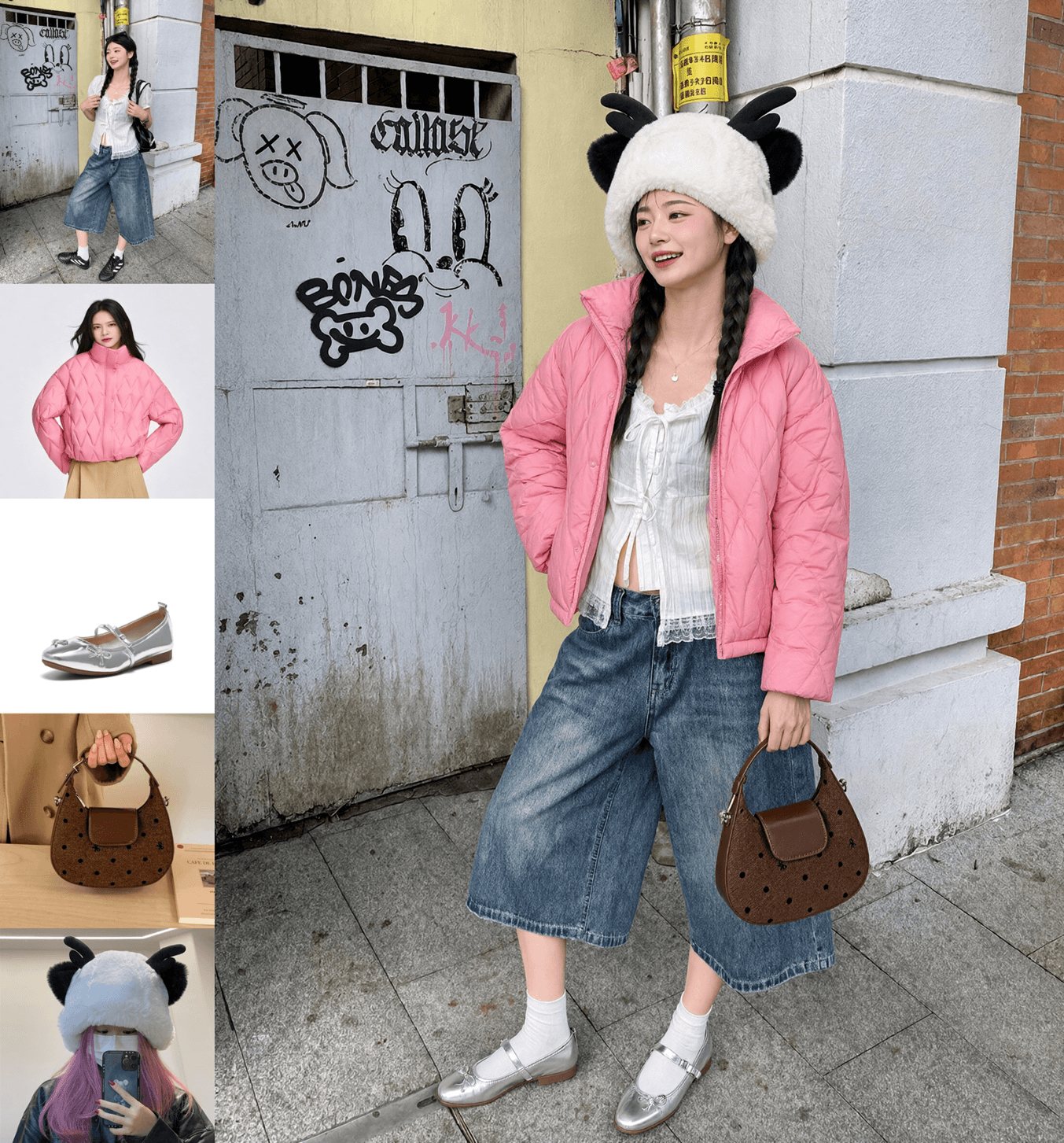
Qwen Image 2.1 outfit composed from several reference images
Qwen Image 2.1 office character after an expression edit
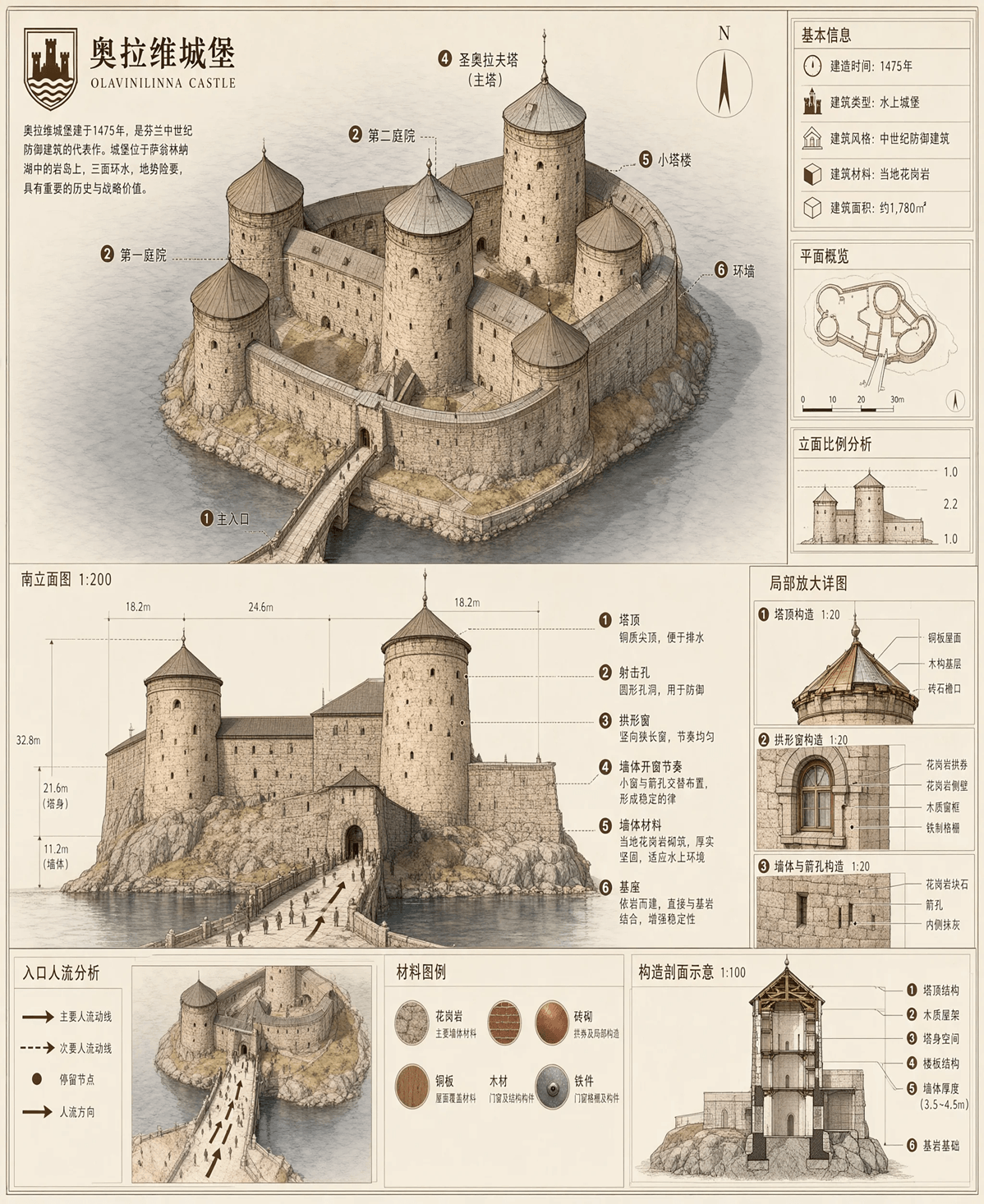
Qwen Image 2.1 illustrated castle infographic with Chinese annotations
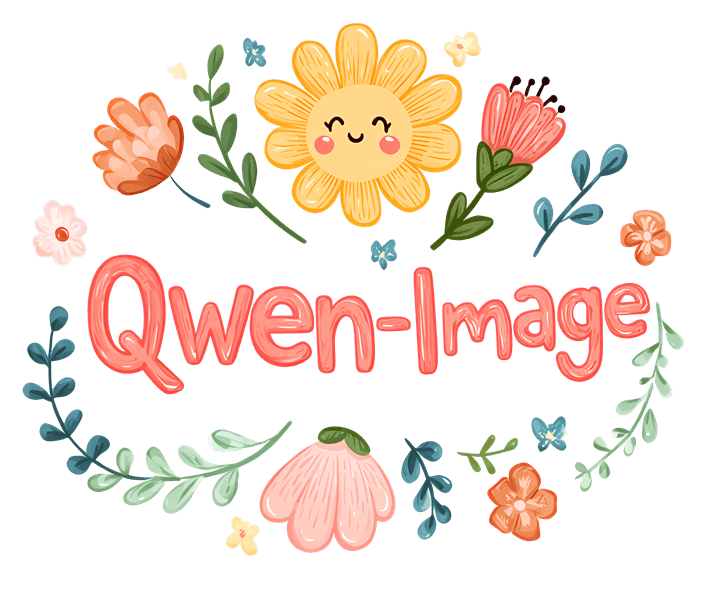
Qwen Image 2.1 floral Qwen-Image lettering on transparency
Qwen Image 2.1 transparent cartoon character working at a laptop
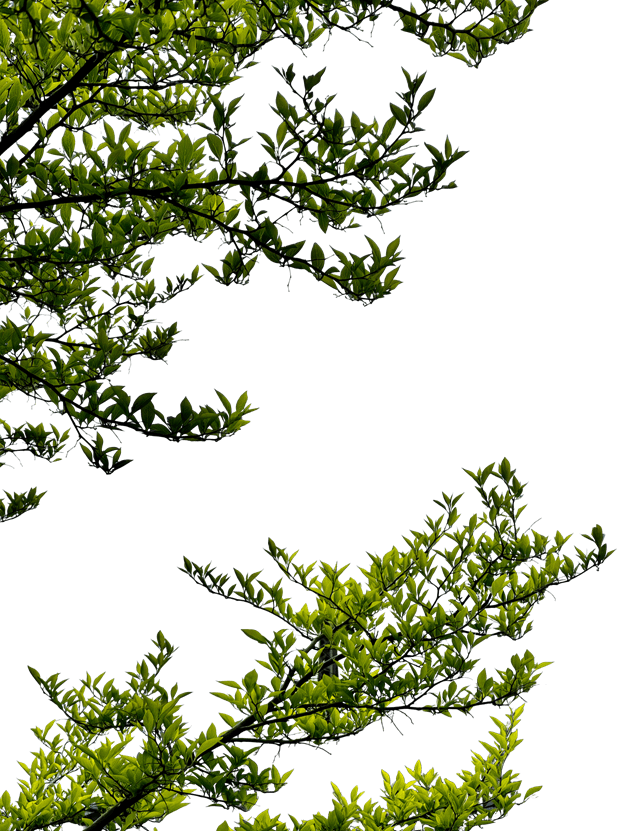
Qwen Image 2.1 trees isolated on a transparent background
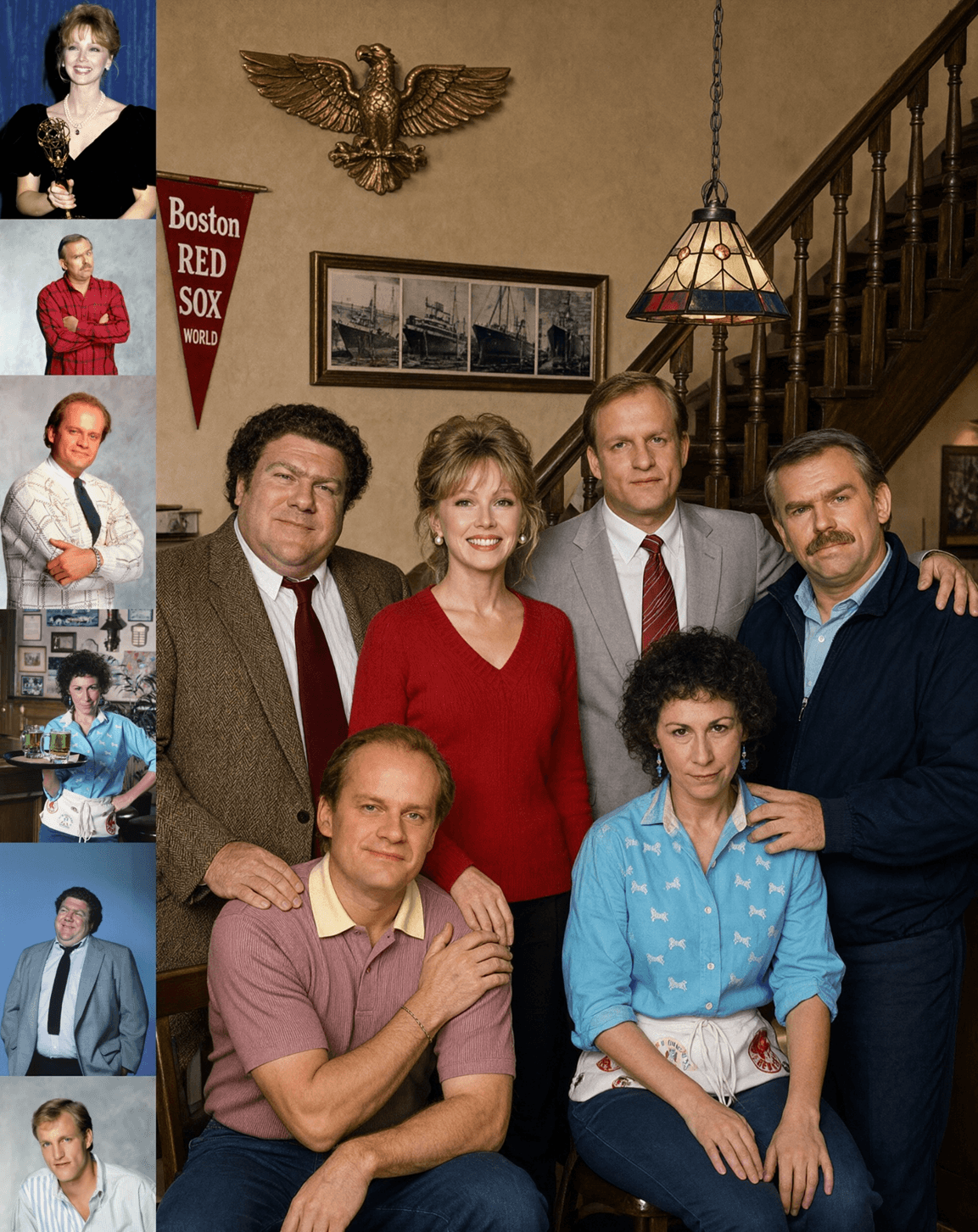
Qwen Image 2.1 group portrait assembled from multiple reference photos
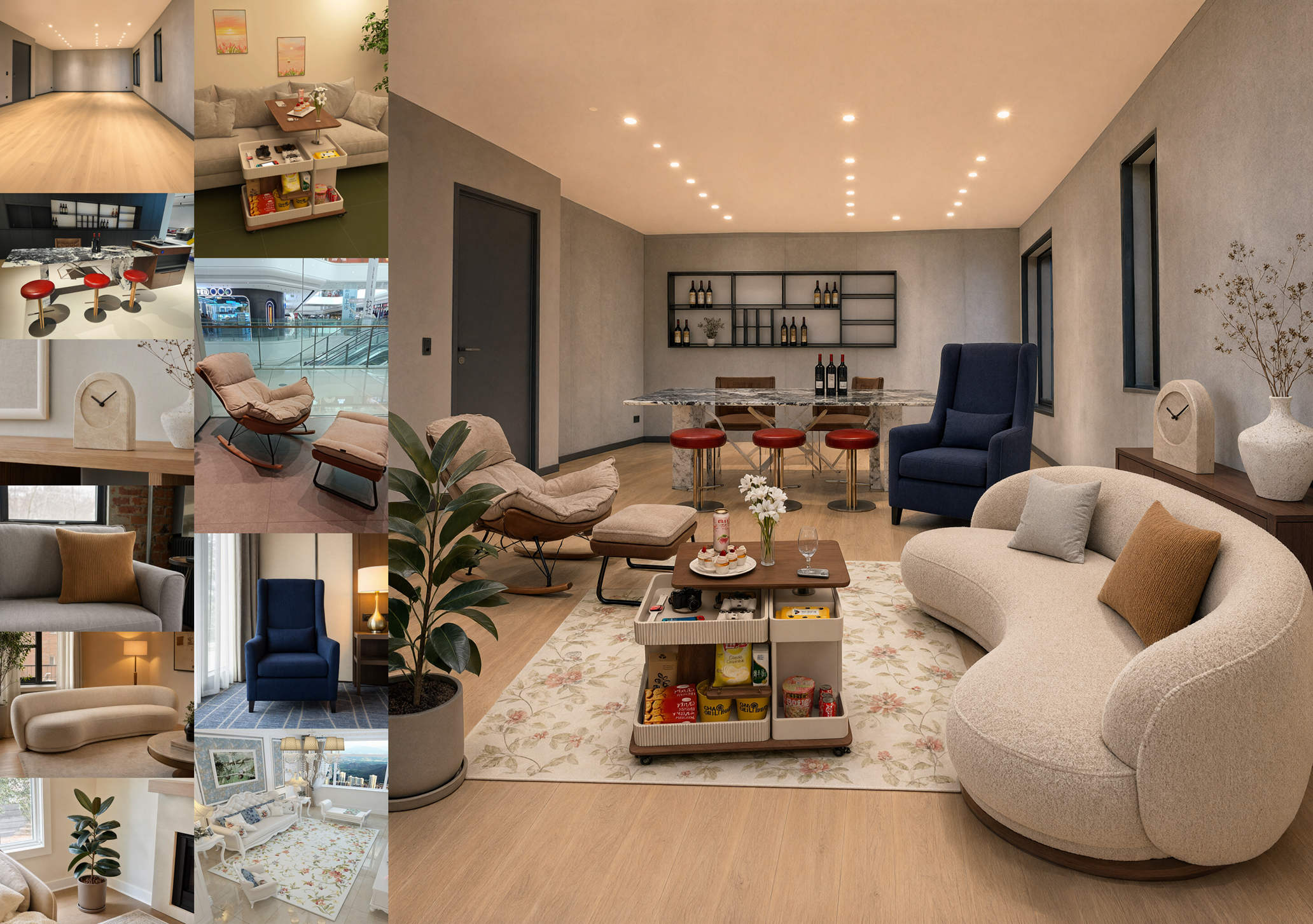
Qwen Image 2.1 interior design assembled from ten references
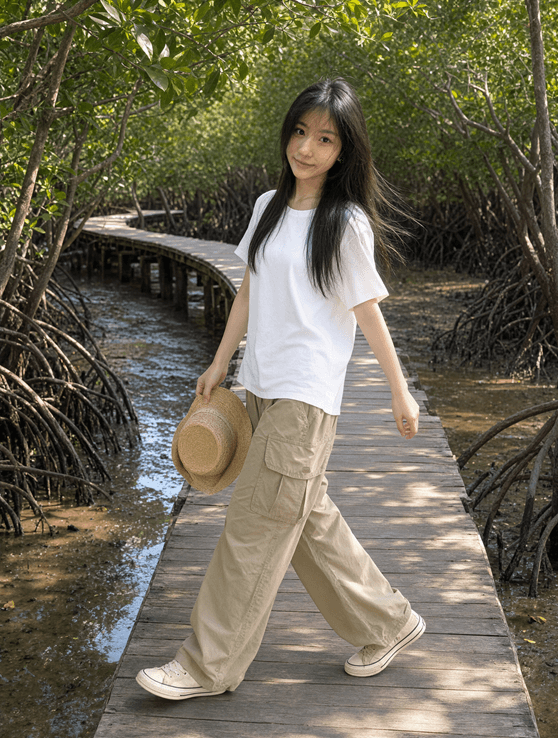
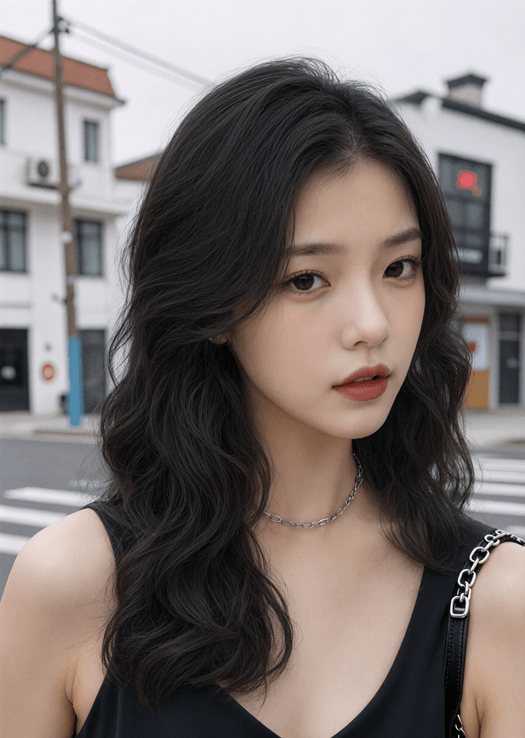
Qwen Image 2.1 outdoor portrait of a woman on a wooden path
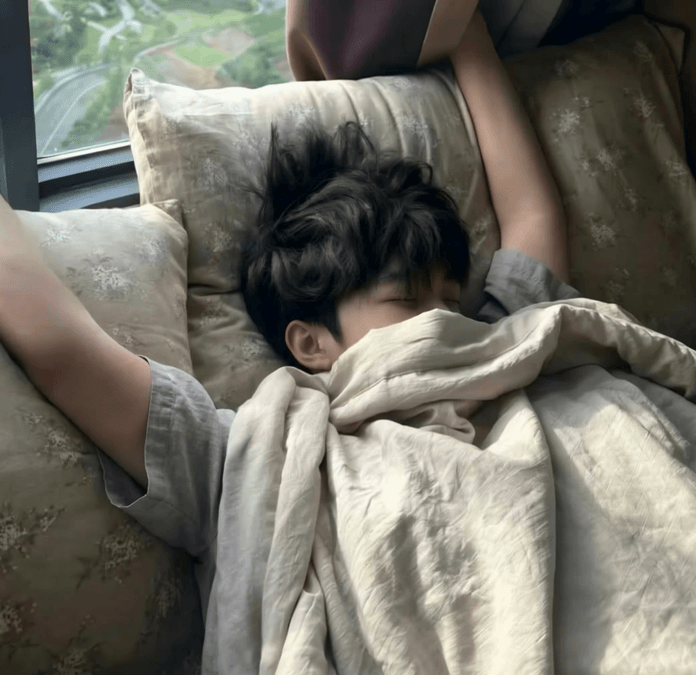
Qwen Image 2.1 targeted edit of a person sleeping on a couch
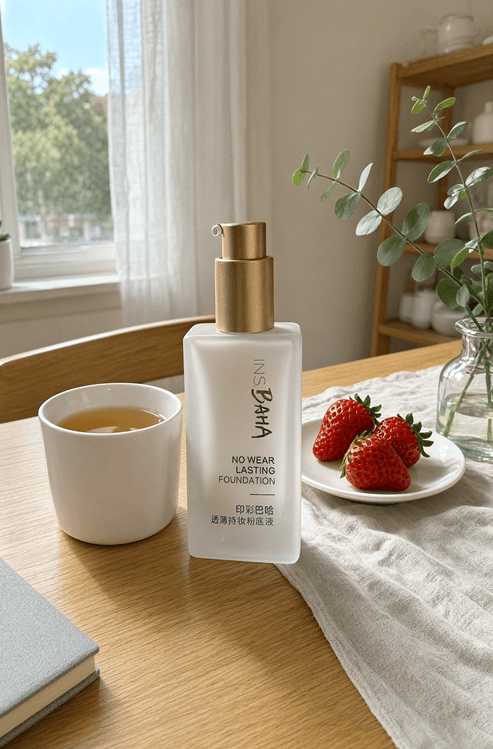
Qwen Image 2.1 skincare bottle in a lifestyle product scene
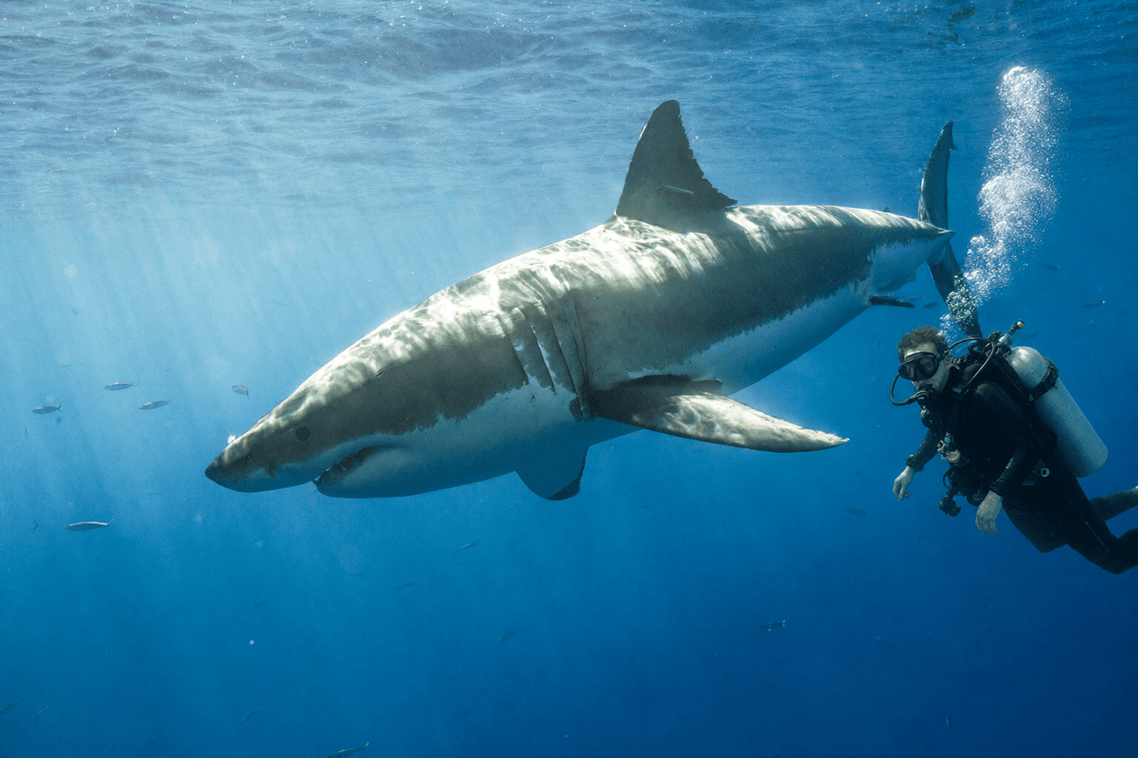
Qwen Image 2.1 diver added beside a shark underwater
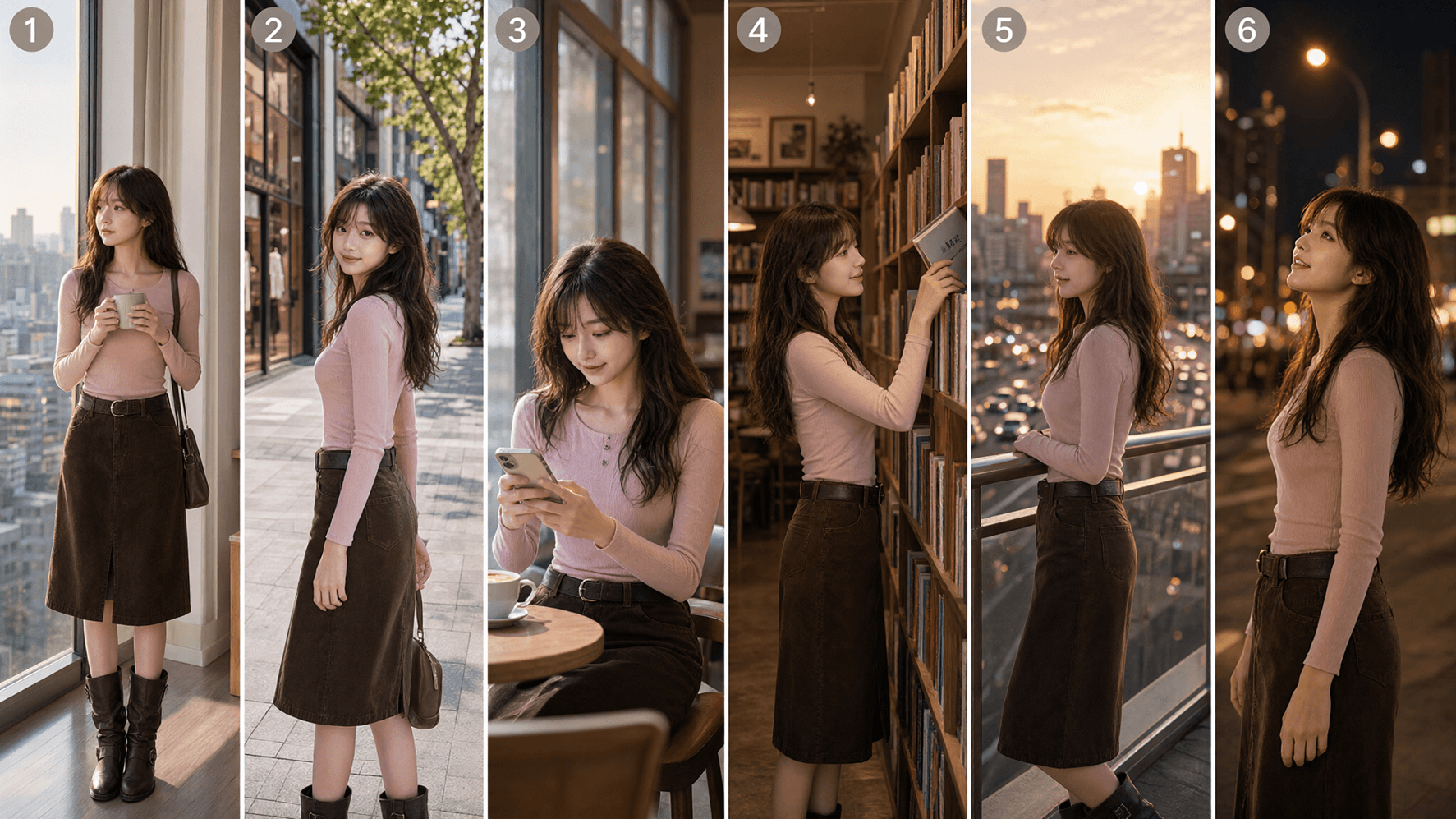
Qwen Image 2.1 multi-panel character storyboard
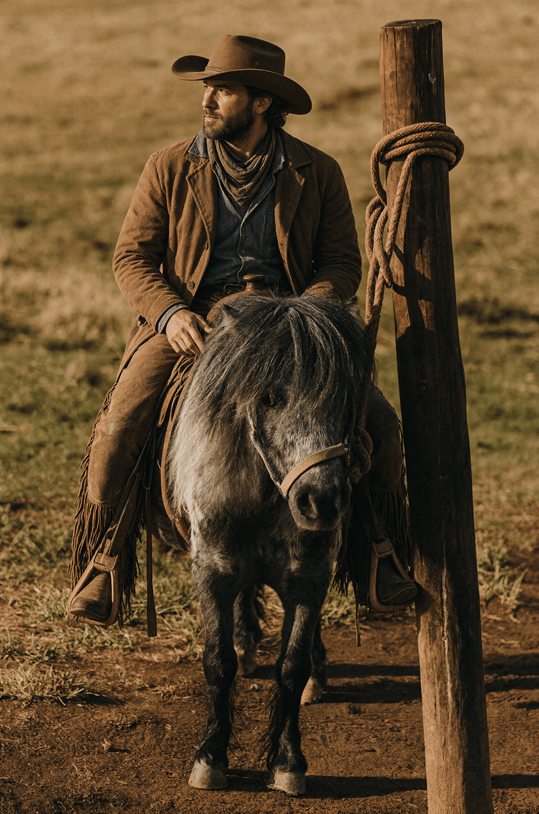
Qwen Image 2.1 cowboy added to a horse scene with a mask
Qwen Image 2.1 portrait with a revised hairstyle
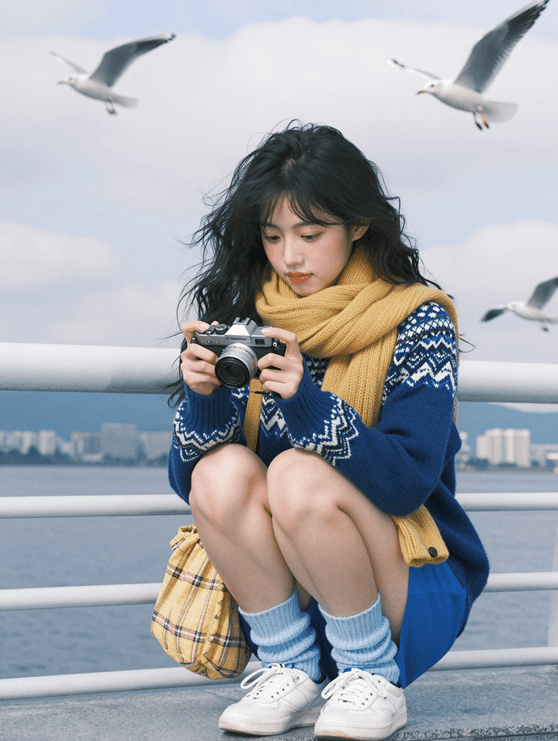
Qwen Image 2.1 person in an outdoor scene with birds
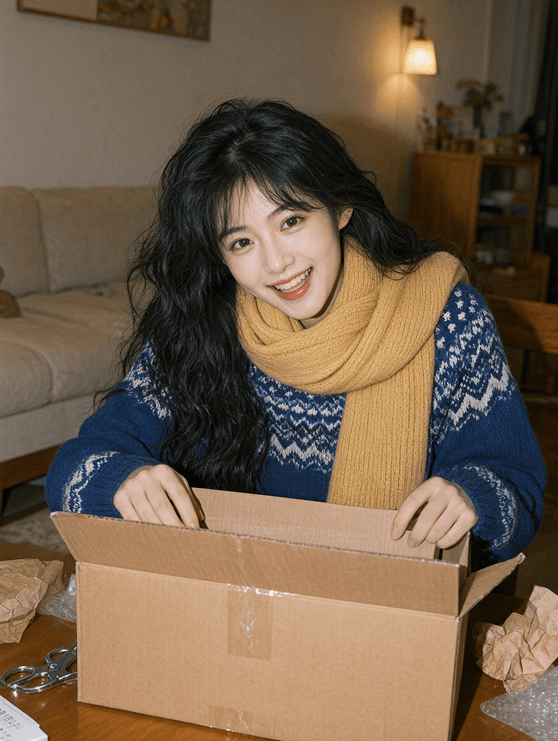
Qwen Image 2.1 woman opening a box indoors
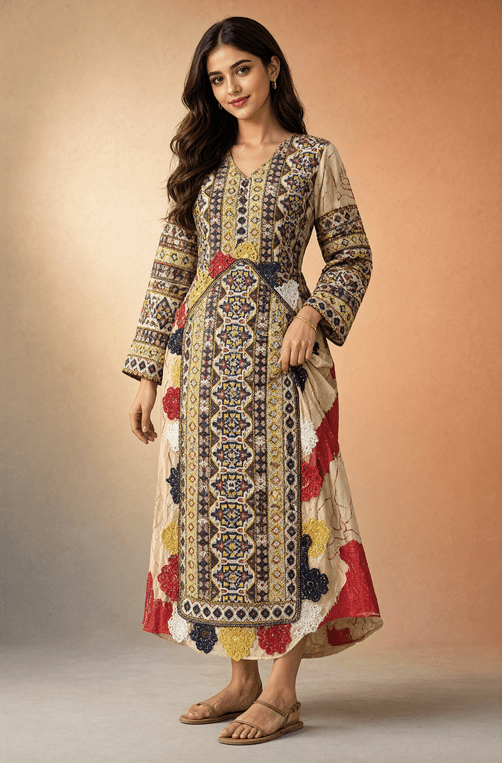
Qwen Image 2.1 patterned dress styled on a model
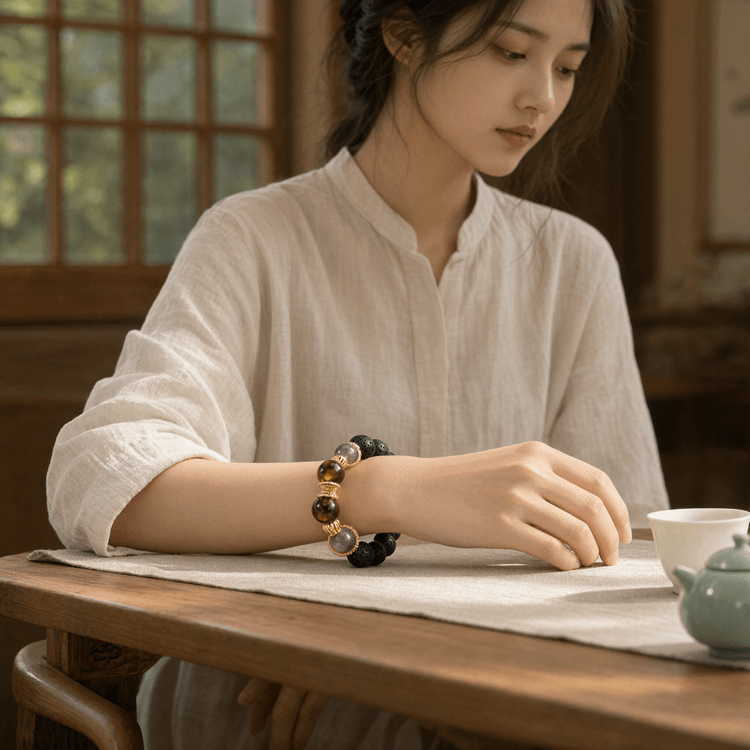
Qwen Image 2.1 bracelet worn by a woman at a table
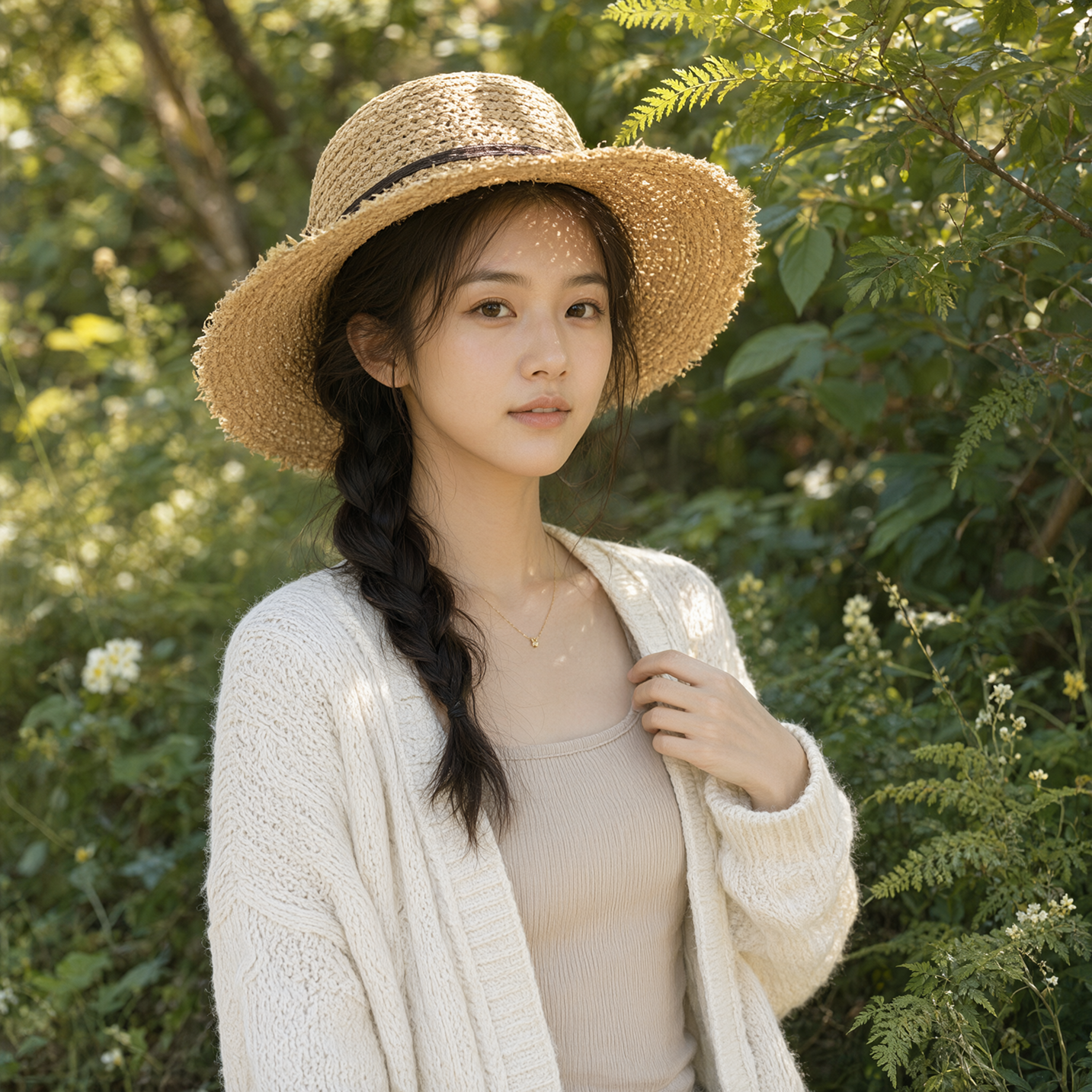
Qwen Image 2.1 woman in a straw hat under natural light
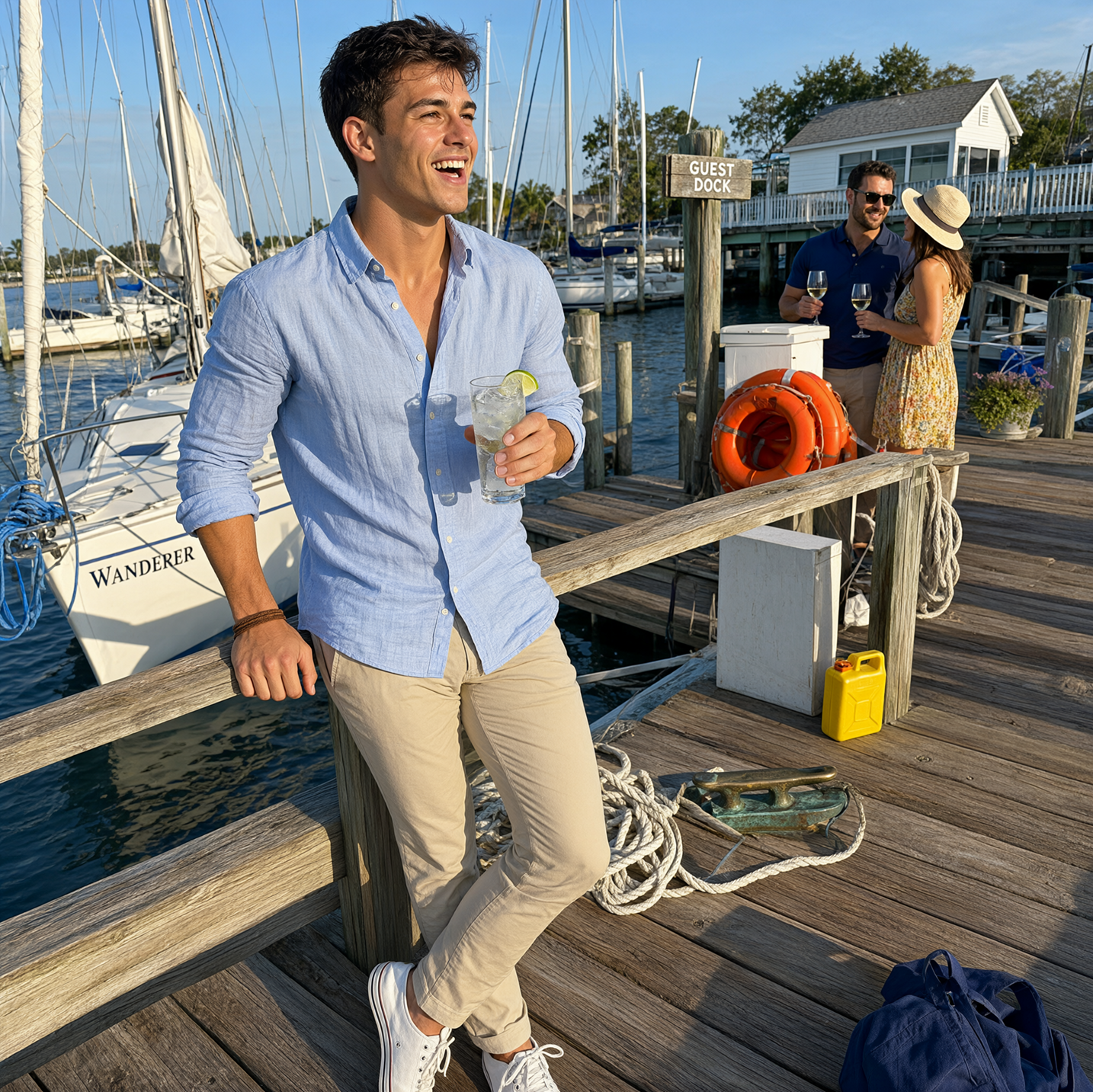
Qwen Image 2.1 man standing beside a boat at a marina
Qwen Image 2.1 transparent cartoon character on a lion dance costume
Qwen Image 2.1 colorful floating ornaments on transparency
Qwen Image 2.1 illustrated portrait framed by flowers with transparency
Qwen Image 2.1 illustrated dog characters in one composition
Qwen Image 2.1 outfit composed from several reference images
Qwen Image 2.1 office character after an expression edit
Qwen Image 2.1 illustrated castle infographic with Chinese annotations
Qwen Image 2.1 floral Qwen-Image lettering on transparency
Qwen Image 2.1 transparent cartoon character working at a laptop
Qwen Image 2.1 trees isolated on a transparent background
Qwen Image 2.1 group portrait assembled from multiple reference photos
Qwen Image 2.1 interior design assembled from ten references
Qwen Image 2.1 outdoor portrait of a woman on a wooden path
Qwen Image 2.1 targeted edit of a person sleeping on a couch
Qwen Image 2.1 skincare bottle in a lifestyle product scene
Qwen Image 2.1 diver added beside a shark underwater
Qwen Image 2.1 multi-panel character storyboard
Qwen Image 2.1 cowboy added to a horse scene with a mask
Qwen Image 2.1 portrait with a revised hairstyle
Qwen Image 2.1 person in an outdoor scene with birds
Qwen Image 2.1 woman opening a box indoors
Qwen Image 2.1 patterned dress styled on a model
Qwen Image 2.1 bracelet worn by a woman at a table
Qwen Image 2.1 woman in a straw hat under natural light
Qwen Image 2.1 man standing beside a boat at a marina
Qwen Image 2.1 transparent cartoon character on a lion dance costume
Qwen Image 2.1 colorful floating ornaments on transparency
Qwen Image 2.1 illustrated portrait framed by flowers with transparency
Qwen Image 2.1 illustrated dog characters in one composition
Qwen Image 2.1 outfit composed from several reference images
Qwen Image 2.1 office character after an expression edit
Qwen Image 2.1 illustrated castle infographic with Chinese annotations
Qwen Image 2.1 floral Qwen-Image lettering on transparency
Qwen Image 2.1 transparent cartoon character working at a laptop
Qwen Image 2.1 trees isolated on a transparent background
Qwen Image 2.1 group portrait assembled from multiple reference photos
Qwen Image 2.1 interior design assembled from ten references
Qwen Image 2.1 outdoor portrait of a woman on a wooden path
Qwen Image 2.1 targeted edit of a person sleeping on a couch
Qwen Image 2.1 skincare bottle in a lifestyle product scene
Qwen Image 2.1 diver added beside a shark underwater
Qwen Image 2.1 multi-panel character storyboard
Qwen Image 2.1 cowboy added to a horse scene with a mask
Qwen Image 2.1 portrait with a revised hairstyle
Qwen Image 2.1 person in an outdoor scene with birds
Qwen Image 2.1 woman opening a box indoors
Qwen Image 2.1 patterned dress styled on a model
Qwen Image 2.1 bracelet worn by a woman at a table
Qwen Image 2.1 woman in a straw hat under natural light
Qwen Image 2.1 man standing beside a boat at a marina
Qwen Image 2.1 transparent cartoon character on a lion dance costume
Qwen Image 2.1 colorful floating ornaments on transparency
Qwen Image 2.1 illustrated portrait framed by flowers with transparency
Qwen Image 2.1 illustrated dog characters in one composition
Qwen Image 2.1 outfit composed from several reference images
Qwen Image 2.1 office character after an expression edit
Qwen Image 2.1 illustrated castle infographic with Chinese annotations
Qwen Image 2.1 floral Qwen-Image lettering on transparency
Qwen Image 2.1 transparent cartoon character working at a laptop
Qwen Image 2.1 trees isolated on a transparent background
Qwen Image 2.1 group portrait assembled from multiple reference photos
Qwen Image 2.1 interior design assembled from ten references
Qwen Image 2.1 outdoor portrait of a woman on a wooden path
Qwen Image 2.1 targeted edit of a person sleeping on a couch
Qwen Image 2.1 skincare bottle in a lifestyle product scene
Qwen Image 2.1 diver added beside a shark underwater
Qwen Image 2.1 multi-panel character storyboard
Qwen Image 2.1 cowboy added to a horse scene with a mask
Qwen Image 2.1 portrait with a revised hairstyle
Qwen Image 2.1 person in an outdoor scene with birds
Qwen Image 2.1 woman opening a box indoors
Qwen Image 2.1 patterned dress styled on a model
Qwen Image 2.1 bracelet worn by a woman at a table
Qwen Image 2.1 woman in a straw hat under natural light
Qwen Image 2.1 man standing beside a boat at a marina

What Qwen Image 2.1 Can Create

Qwen-Image-2.1 combines image generation and editing in one model. The options below distinguish model capabilities from the controls currently available in FastMoro.

Text-to-image creation

Describe a subject, composition, lighting, and any exact words you need in the image. Choose a supported aspect ratio and generate at 1K or 2K in FastMoro.

Up to ten references

In Image to Image, upload one to ten reference images and describe how their subjects should be combined or changed. Reference order matters when your prompt names the first or second image.

Transparent image capability

The Qwen model and Kie API support real alpha transparency for PNG or WebP outputs. FastMoro's current Studio uses opaque PNG by default and does not yet expose a transparency switch.

Local editing capability

The model supports targeted edits and Kie accepts a separate black-and-white mask. FastMoro currently offers prompt-based reference editing without an in-browser mask editor.

People and product fidelity

Qwen examples show compositions built from several portraits or product references. Describe the details that must stay recognizable in your editing prompt.

Text and layout

Qwen highlights improved typography and detailed layouts, including posters and infographics. Review any generated copy before publishing a visual.

How to Use Qwen Image 2.1 in FastMoro

Start with a prompt, or take an existing image into the reference editor.

01

Choose the Qwen model

The generator above starts with Qwen Image 2.1. For editing, open Image to Image and choose the same model in the selector.

02

Write or upload

Write a specific prompt. In Image to Image, add one to ten JPEG, PNG, or WebP references and say what should change and what should remain.

03

Select output and review

Choose 1K for drafts or 2K for more pixels. Review text, faces, and product details in the completed result before downloading.

Model guide

Qwen Image 2.1: Modes, Limits, and Practical Prompts

The model supports more options than are shown in the current FastMoro Studio. These details help you choose the right workflow.

01

Text-to-image for posters and concepts

Begin with the subject, scene, camera angle, and exact text. For a poster, specify the wording in quotation marks and explain whether letters should be printed, painted, or formed from objects. The Kie text endpoint accepts prompts up to 5,000 characters and supports nine aspect ratios. FastMoro exposes 1K and 2K output choices.

02

Image editing with ordered references

Upload one to ten images, then refer to them by position in the prompt: for example, use the person from image one and the jacket from image two. FastMoro currently accepts JPEG, PNG, and WebP uploads up to 10 MB each; Kie's API limit is 30 MB and 25 megapixels. Fewer references generally retain more detail per source.

03

Transparent and local edits

Qwen's model can create RGBA artwork, and Kie's transparent option requires PNG or WebP. Kie also accepts a white-change, black-preserve mask with exactly one reference for local edits. These API capabilities are not yet separate controls in FastMoro's Studio; use the available prompt-based editing flow for now.

04

Resolution, ratios, and cost

FastMoro offers 1K at 2 FastMoro credits or 2K at 4 FastMoro credits per image in either mode. Kie's listed 4/8 credits are its separate provider billing units. Available ratios include square, portrait, landscape, and ultrawide formats; 2K may take longer than 1K.

Qwen Image 2.1 FAQ

Answers about the Qwen model and the options available through FastMoro.

Qwen-Image-2.1 is Alibaba's Qwen team's unified image generation and editing model, released on September 20, 2026. Its official release highlights transparent image generation, reference-based editing, and improved visual detail.

Yes. Open Image to Image, select Qwen Image 2.1, upload one to ten references, and describe the desired result. FastMoro sends the request through Kie's image-to-image endpoint.

In FastMoro, a 1K Qwen Image 2.1 image costs 2 credits and a 2K image costs 4 credits in either mode. Kie's 4/8-credit figure uses different provider billing units.

The Qwen model and Kie API support transparent PNG or WebP output. FastMoro's current Studio does not yet expose the transparent-background setting, so ordinary Studio requests use opaque output.

The Kie API accepts a separate black-and-white mask with exactly one reference image, but FastMoro does not yet provide a mask painting interface. You can still make prompt-based edits with a reference image.

FastMoro offers 1K and 2K output and accepts JPEG, PNG, and WebP uploads up to 10 MB each. Kie's API permits up to 30 MB and 25 megapixels per reference. Choose a supported aspect ratio in the generator.

Free to Start

Create with Qwen Image 2.1

Try a text prompt above or open the reference editor to transform an existing image.

No credit card required · Free credits on sign-up · Cancel anytime