Skip to content

Picture to SVG Converter

Convert a picture to SVG online. Trace JPG, PNG or WebP for free, or use Ideogram AI to follow the original design or redraw it with your instructions.

Trace the shapes and colors already in your picture.

Source picture

Free · no sign-in

Free trace processes your picture in your browser without uploading it.

Picture to SVG: Compare Free and AI Results

Compare the same image to SVG conversion with free tracing and Ideogram AI. Explore the logo, illustration and photo examples to choose how closely to follow your original.

Original pictureSame starting picture
Original richly detailed koi fish and peony illustration
Free traceFree · no sign-in
Actual 32-color balanced free trace of the koi and peony picture
AI vectorizeUses credits
Actual Ideogram SVG vectorization of the same koi picture

Illustration to SVG: Keep Decorative Detail

The 32-color free trace simplifies the original palette. This Ideogram vectorization retains layered petals, individual scales and long fins while keeping the composition. Check small scales and petal edges in your picture to SVG result before placing it in a layout.

Image to SVG Conversion with More Control

Use this picture to SVG converter to trace existing shapes, convert an image with AI or guide a redraw, then download editable vector paths.

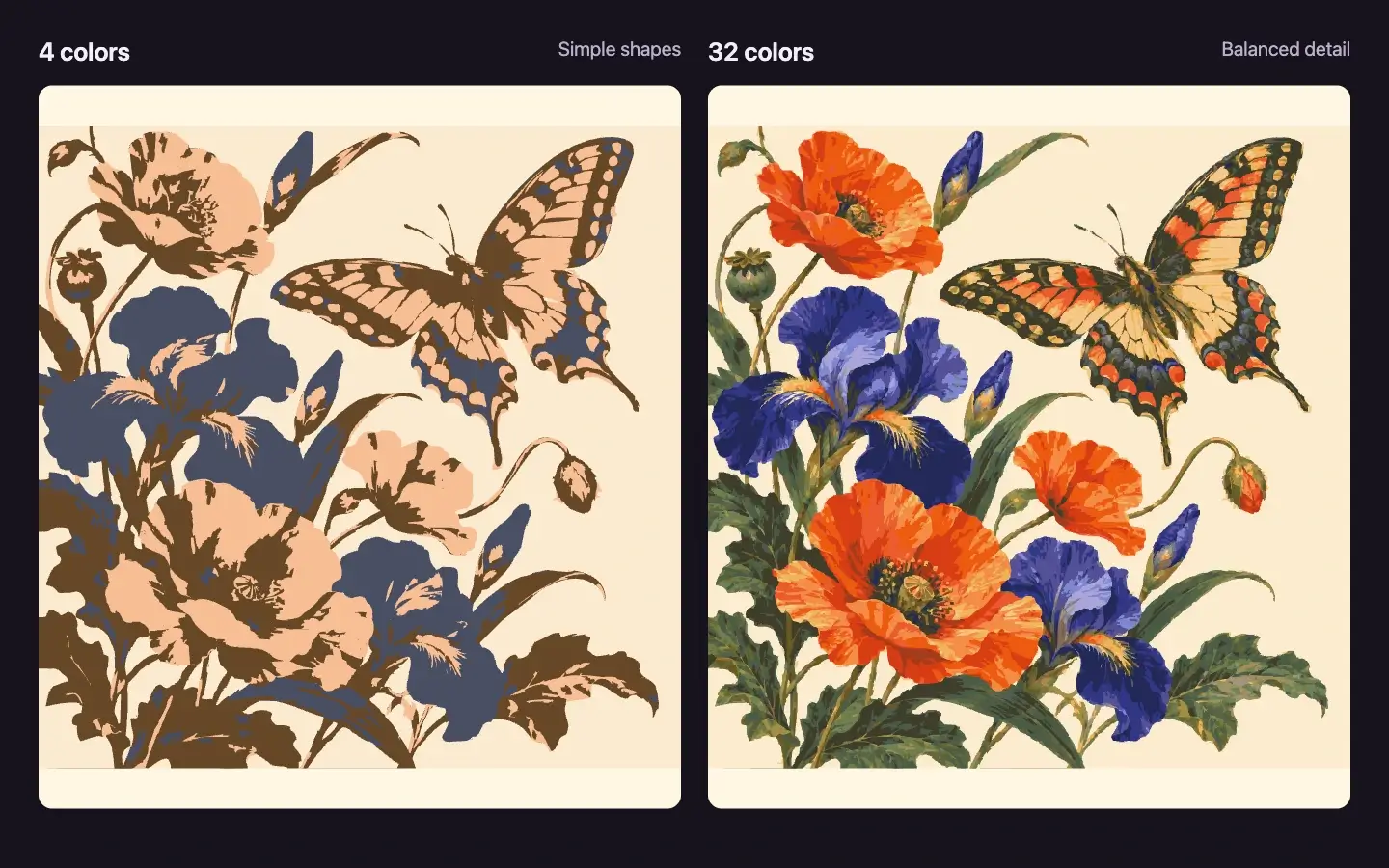
Actual four-color and thirty-two-color traces of the same botanical butterfly picture01 / 04

JPG to SVG and PNG to SVG, for Free

Convert a JPG to SVG or trace a PNG with the colors and shape detail you choose. Free tracing follows the existing outline and palette. The botanical example compares a 4-color simple trace with a 32-color balanced trace. Free tracing runs in your browser without uploading your picture, signing in or spending credits.

How to Convert a Picture to SVG

Upload a JPG, PNG or WebP, choose free tracing or AI, then preview and download a vector file.

Actual tool after uploading the new botanical butterfly picture
01 / 03

Upload your picture

Choose one JPG, PNG or WebP under 4 MB. Free tracing keeps your picture in your browser.

SVG Workflows for Logos, Prints and Editorial Art

Explore picture to SVG workflows for brand marks, illustrated prints and editorial artwork. These application mockups place actual exported SVGs into new design settings.

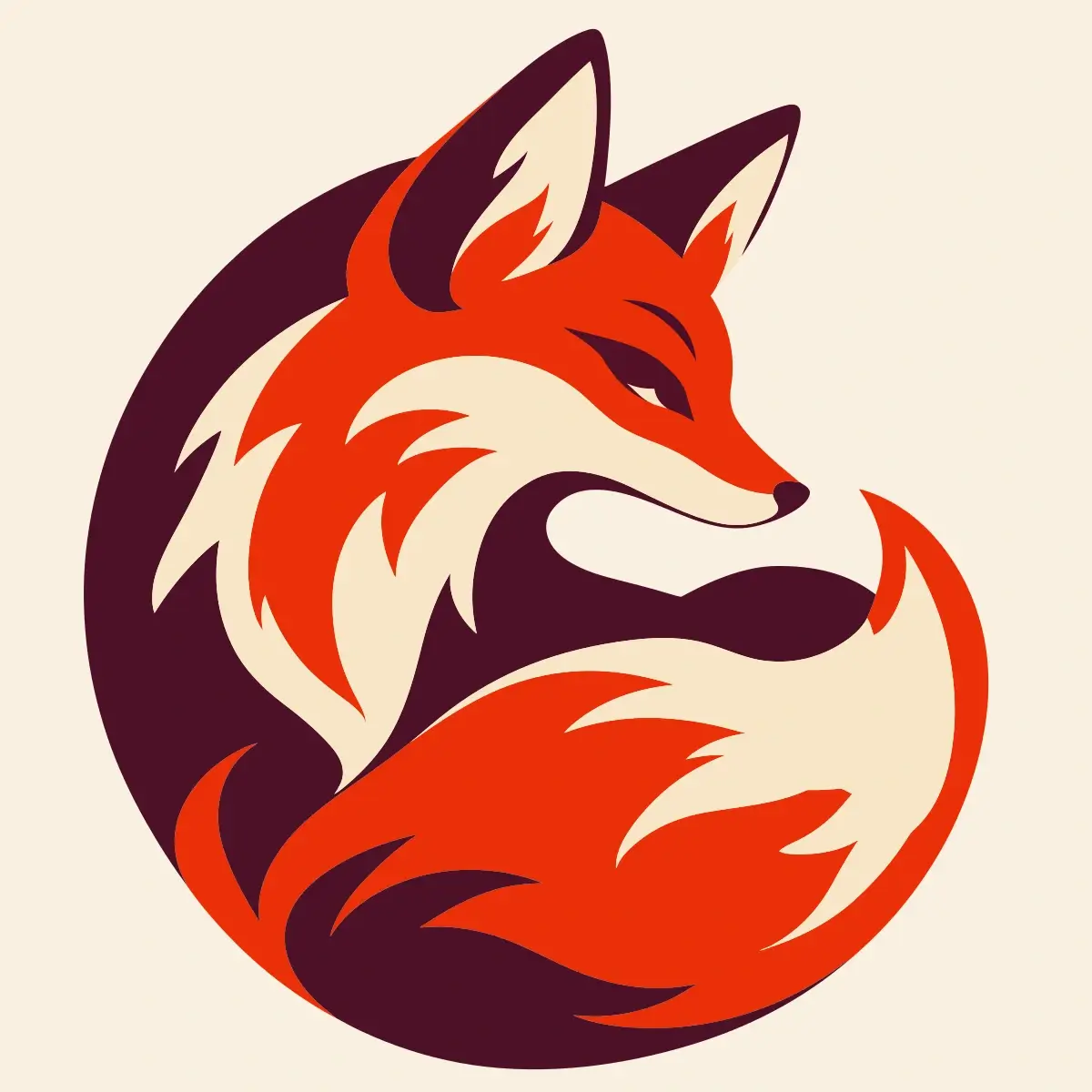
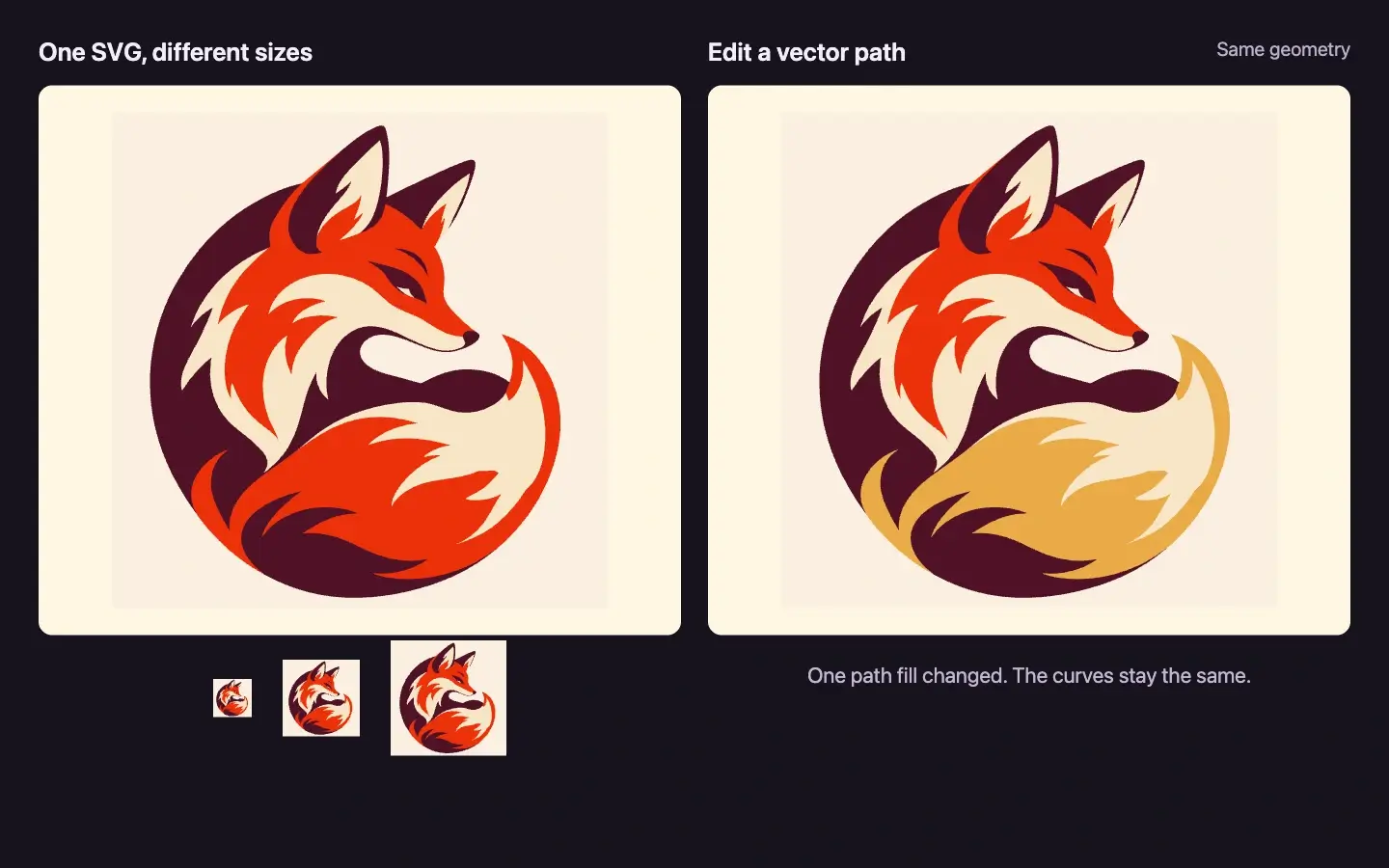
Actual fox SVG applied to a paper identity card in a generated cosmetic-brand scene01 / 03

Brand marks and icons

For logo to SVG conversion, start from an existing mark with clear edges. Use the picture to SVG output in a brand card or icon layout, then review its curves and proportions. Choose Redraw to SVG for a new interpretation.

Picture to SVG FAQ

Choose a workflow with clear expectations about formats, credits, privacy and your SVG.

The picture to SVG converter is free in Free trace mode, with no account or credits required. AI conversion uses Ideogram and requires sign-in and credits. Choosing a mode or changing settings does not start a paid task.

Free trace converts existing colors and outlines in your browser. With AI, Convert original follows the source picture’s shapes and colors. Redraw to SVG creates a new vector interpretation from your instructions. Choose whether to keep the existing design or change it.

Converting one picture with either AI operation currently costs 12 credits. Check the quote beside the action before submitting. Each new AI conversion is a separate paid task; free tracing never deducts credits.

Yes. This picture to SVG converter accepts one JPG, PNG or WebP up to 4 MB and no more than 20 million pixels. For JPG to SVG and PNG to SVG, use a clear source; soft edges or compression noise can become extra vector regions. WebP to SVG uses the same Free trace and AI modes. The tool starts from a raster picture; it does not open Illustrator .ai files or edit an existing SVG.

Both modes provide SVG files containing vector paths rather than an embedded bitmap. You can scale the artwork and edit its shapes in a compatible vector editor. Text from a picture becomes shapes, not editable text, and the original design layers are not reconstructed.

Photo to SVG conversion turns textures, gradients and fine detail into vector shapes; it is not a lossless copy. Free tracing and AI vectorization can simplify contours. AI Redraw may also change lettering and proportions. Review brand marks and words carefully when their exact appearance matters.

Free trace processes your picture in your browser without uploading it. AI conversion uploads your picture to our servers and sends it to the model provider for processing. See the Privacy Policy for how uploaded pictures are handled.

Credits used for a failed AI conversion are returned. Check the task status in Creations for confirmation. Closing the page does not cancel a running task. If the submission response is interrupted, check Creations before starting another paid task.

Convert Your Picture to SVG Online

Upload a JPG, PNG or WebP, choose Free trace or an AI conversion mode, and download your SVG.

Free trace needs no account. AI Redraw uses credits.