



9s · 16:9
Example video · Blue sports car
9s · Original sound
Example preview

Your character. Your car. The same card reveal. Two photos, nine seconds, original sound.
Failed generations are refunded.
01 / Example and reference
Play the blue-car example, then switch to the motion reference to compare the card gestures, vehicle entrance and ending.
Character photo

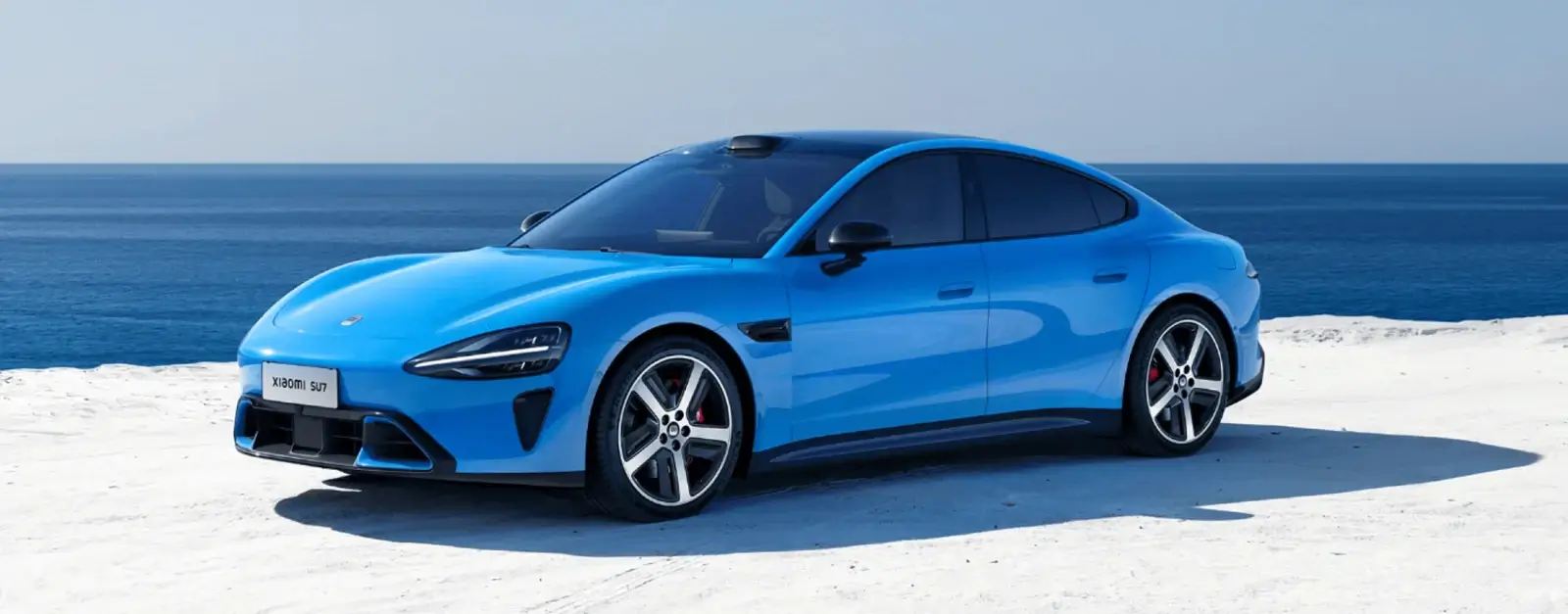
Car photo
Generated video
The character photo guides the face, hair and grey sweater; the car photo guides the blue vehicle. Compare both inputs with the card gestures, car entrance and final turn.
02 / Two photos. Two roles.
You choose who appears and which car arrives. The built-in reference guides the action, road scene and camera.
The character photo guides the face, hair and clothing. Choose one clearly visible person in good light so the intended lead is easy to identify.
The car photo guides the body, paint and wheels. Keep the vehicle complete and avoid overlapping cars or a tightly cropped front end.
Card gestures, the car entrance and the final turn follow the nine-second reference. There is no video upload, model choice or prompt to write.
03 / Make your version
Choose the person and car, check the credit cost, then generate. The movement and soundtrack are already prepared.
Choose one clearly visible person. A clear face, outfit and hands give the effect a stronger identity reference.
Show the vehicle you want in the scene, with its complete body, paint and wheels visible.
Check the 70-credit quote beside the button, then generate. Play the complete reveal with sound before downloading.
04 / Start with clearer photos
The lead occupies the foreground while the car arrives behind them. A clear character and a complete vehicle photo make those two reference roles easier to distinguish.
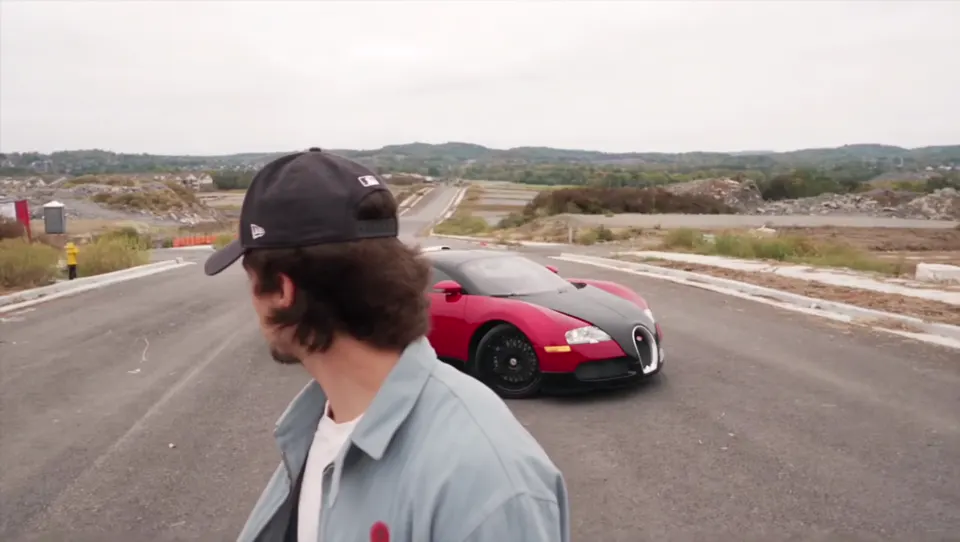
Use one person with the face, hair and upper body visible. Avoid heavy face obstruction from hands, reflections or objects.
Use a car photo that clearly shows its shape and paint. Include the front, rear and wheels instead of starting with a detail shot.
Put the character in the first upload and the car in the second. Replace either one independently. Each accepts JPG, PNG, WebP or HEIC up to 4 MB.
05 / Choose your take
Watch all nine seconds and compare the result with both photos and the motion reference before deciding what to change.
Check the face, outfit and paint first, then the wheels, vehicle structure and the lead’s turn. AI interprets the references, so details can vary.
Look at card markings and fingers, the complete car entrance and the final turn and gesture. Judge the full sequence rather than only its first frame.
The reference soundtrack stays at normal speed. Each generation costs 70 credits. A confirmed failed task refunds that charge; a completed take with imperfect details is different from a generation failure.
06 / Make it yours
These three frames from the selected reference show the opening, entrance and ending.
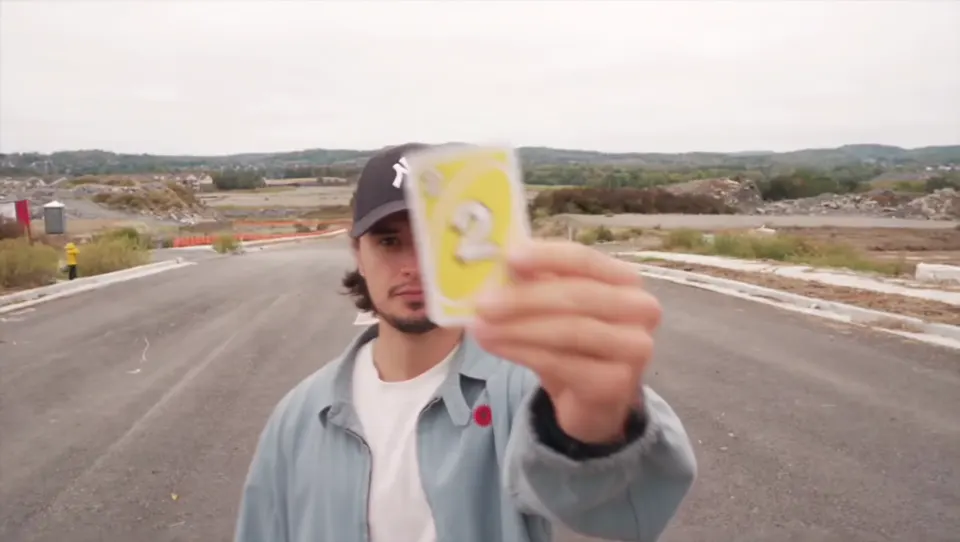
The card gesture gives a short reply an immediately recognizable opening. Start with a clear character photo when the lead is the focus.
Bring your chosen car into the scene behind the lead. A complete silhouette, clear paint and visible wheels give you concrete details to compare.
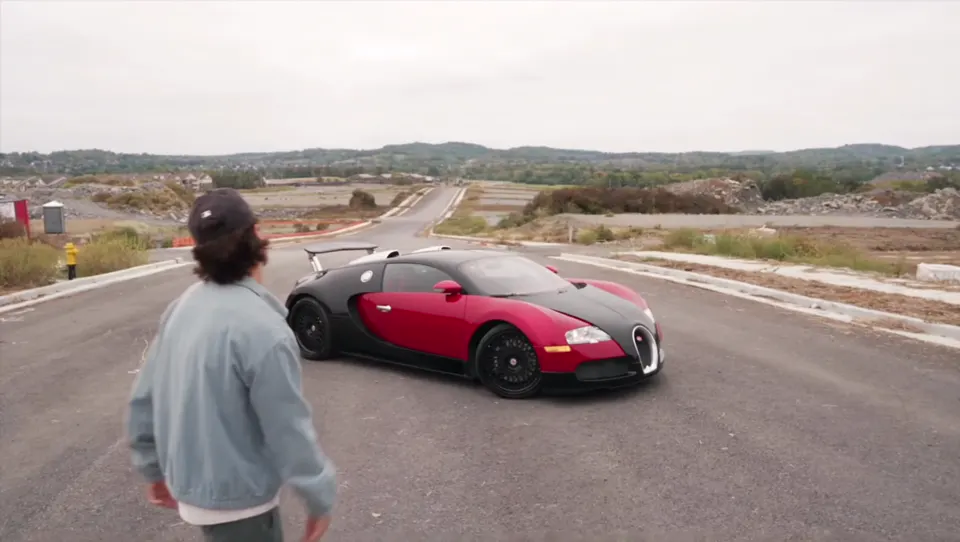
Pair yourself or a friend with a car for one complete short clip. Play through the ending and check the turn, vehicle and sound before saving.
Add two photos and make your nine-second Man’s Not Hot video with the original soundtrack.