
 01 / 06
Generate the shots automatically
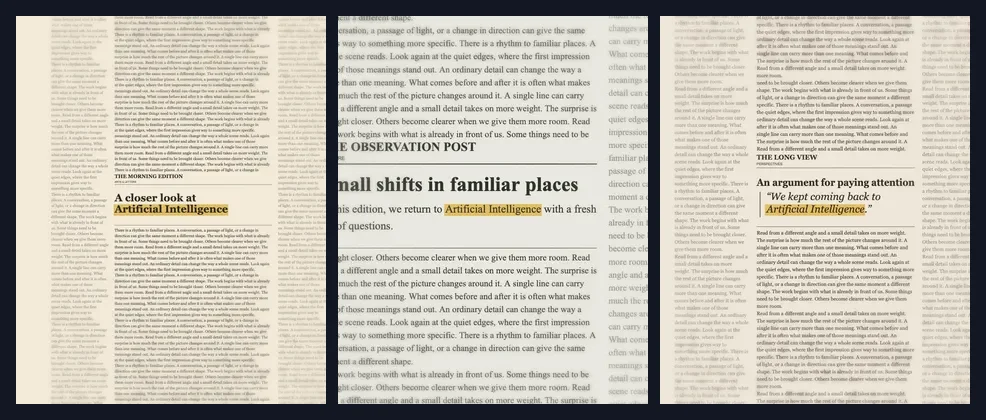
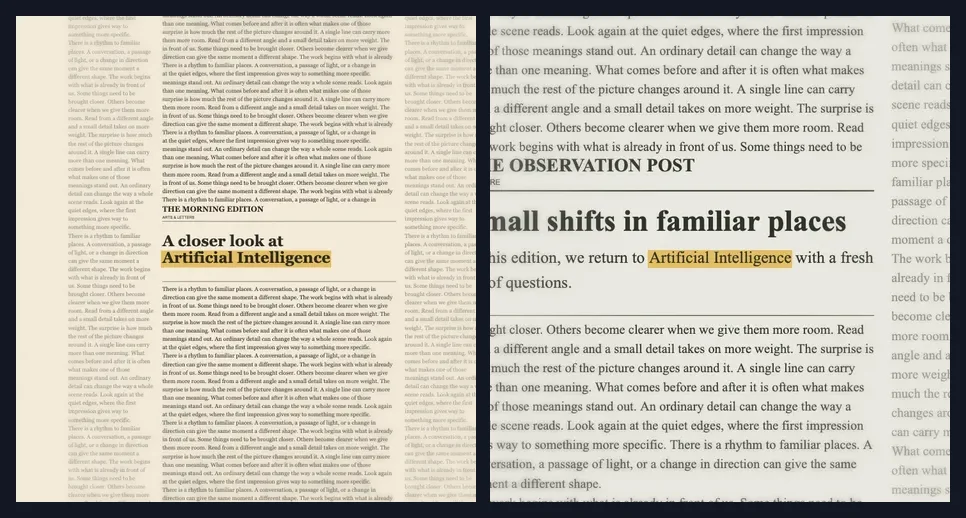
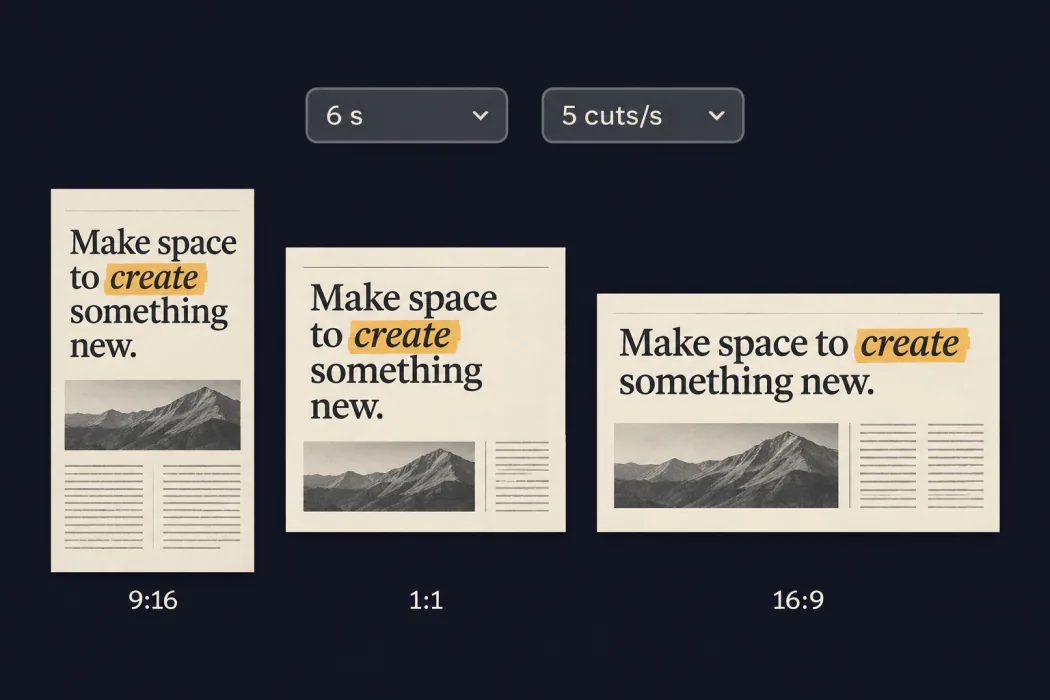
Enter a keyword and the template builds a sequence of shots around it. In Newspaper, it can appear in different headlines, columns, and pull quotes.
Enter a word or phrase. The Text Match Cut Generator keeps it highlighted at the center of every cut.
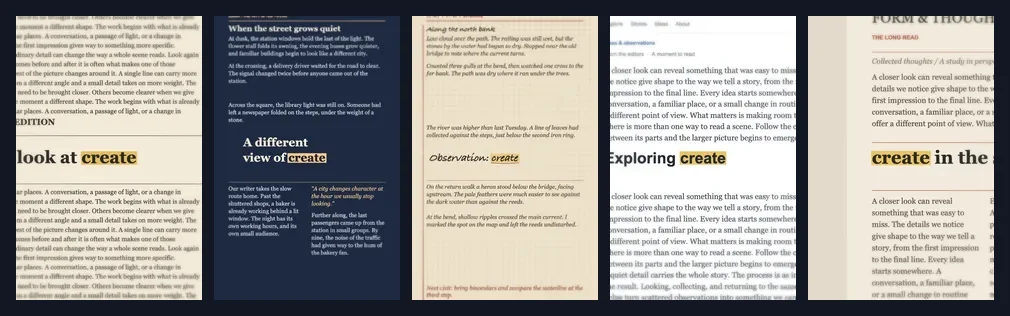
Compare five original templates. Each keeps the keyword in place while the text around it changes.
Headlines, article columns, and pull quotes
Full editorial stories with article text and pull quotes
Dated journal entries with observations and margin notes
Web article layouts with navigation, headlines, and readable body text
Magazine features, columns, and pull quotes
01 / 06Enter a keyword and the template builds a sequence of shots around it. In Newspaper, it can appear in different headlines, columns, and pull quotes.
Enter the word or short phrase you want to highlight in the Text Match Cut Generator.

Pick a style, then set the length and cut speed.

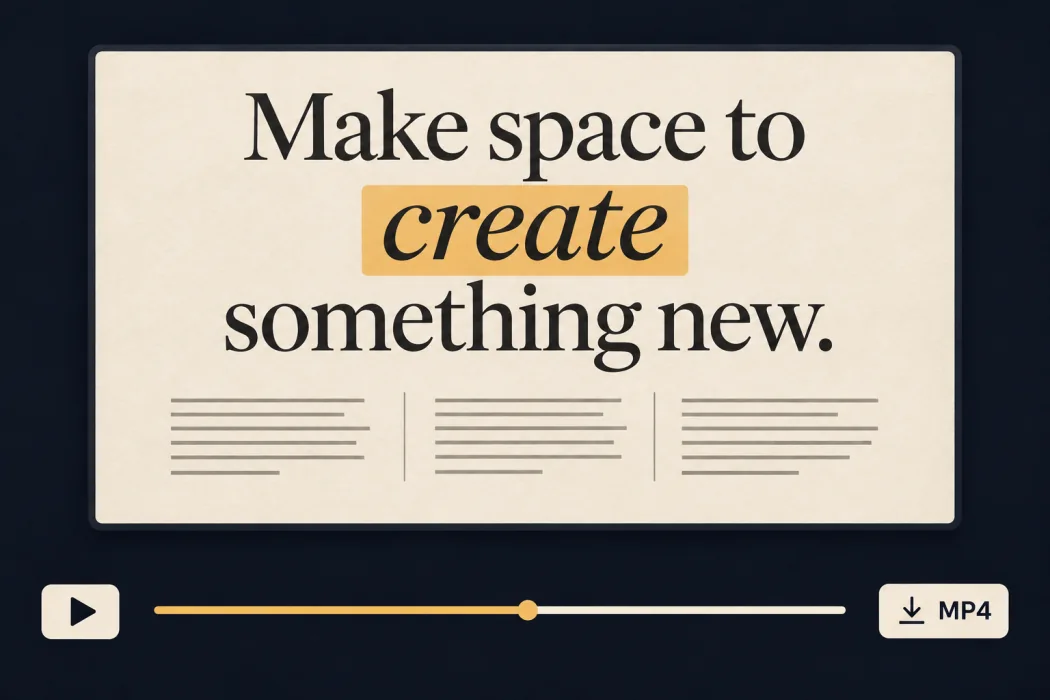
Play or scrub through the clip, then export an MP4.

Use the clip to introduce a topic, highlight a quote, or reveal an event name.
 01 / 03
Enter the topic of a tutorial or announcement as the highlight. Use the Newspaper clip as an opener for a Reel, TikTok, or Short.
Use the clip to introduce a topic, highlight a quote, or reveal an event name.
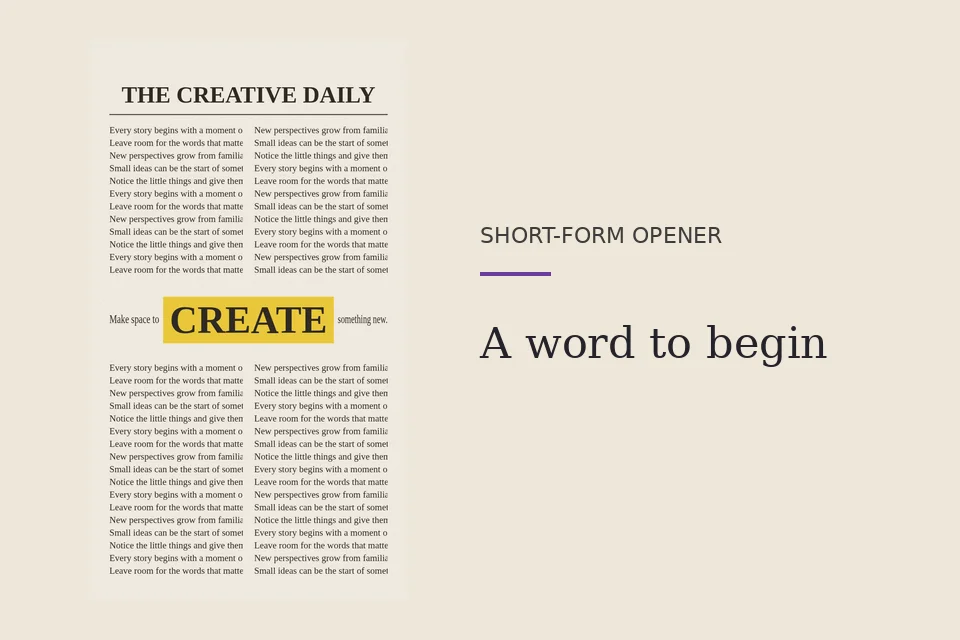
Enter the topic of a tutorial or announcement as the highlight. Use the Newspaper clip as an opener for a Reel, TikTok, or Short.
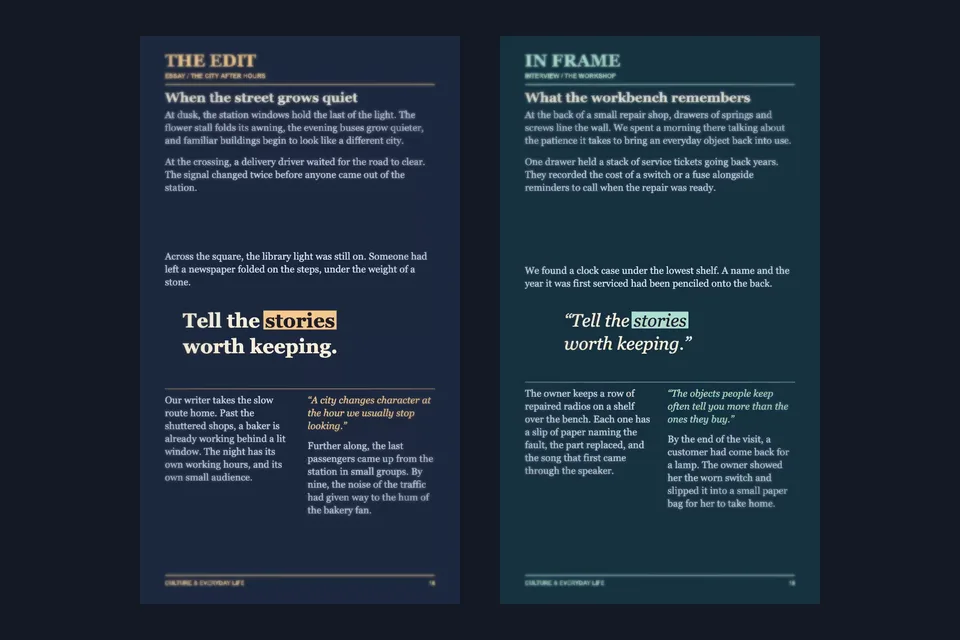
Enter a word or phrase from the interview in the Editorial template. Use the clip as a title or transition, then cut to the speaker.
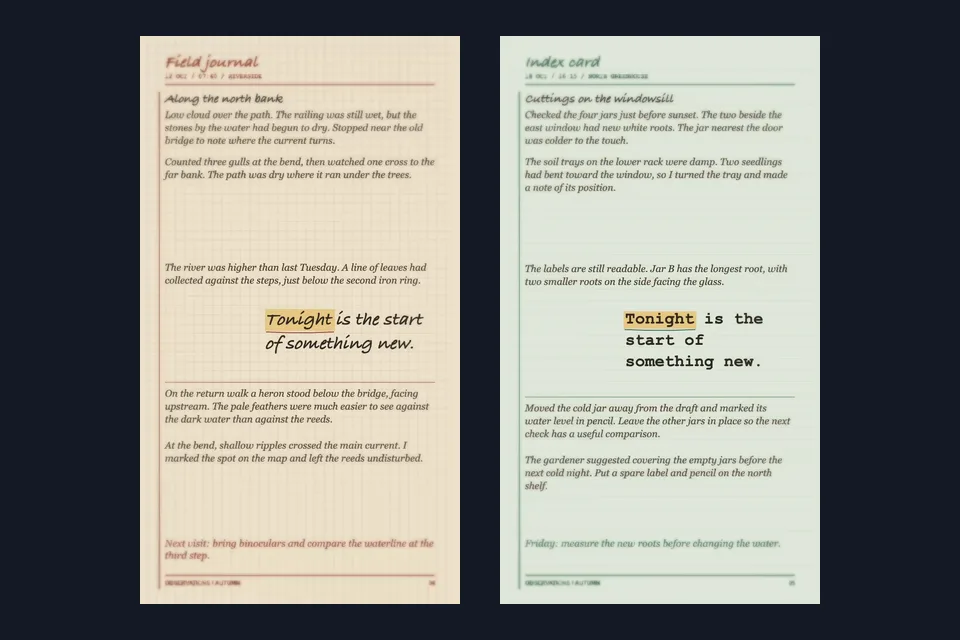
Enter the day, event name, or reveal word in Field Notes, then follow the clip with the invitation details or event footage.
Build the video that follows your text match cut opener.
Describe the scene you want to follow your opening text.
Add motion to a still image and cut it together with your typography clip.
Make a two-person performance clip to pair with a short introduction.