

One portrait, one lead performer
Use one clear portrait to guide the lead’s face and hair. Likeness, expressions and fine details can vary; an exact face match is not guaranteed.
Confirmed failed generations are refunded.
01 / The original setting
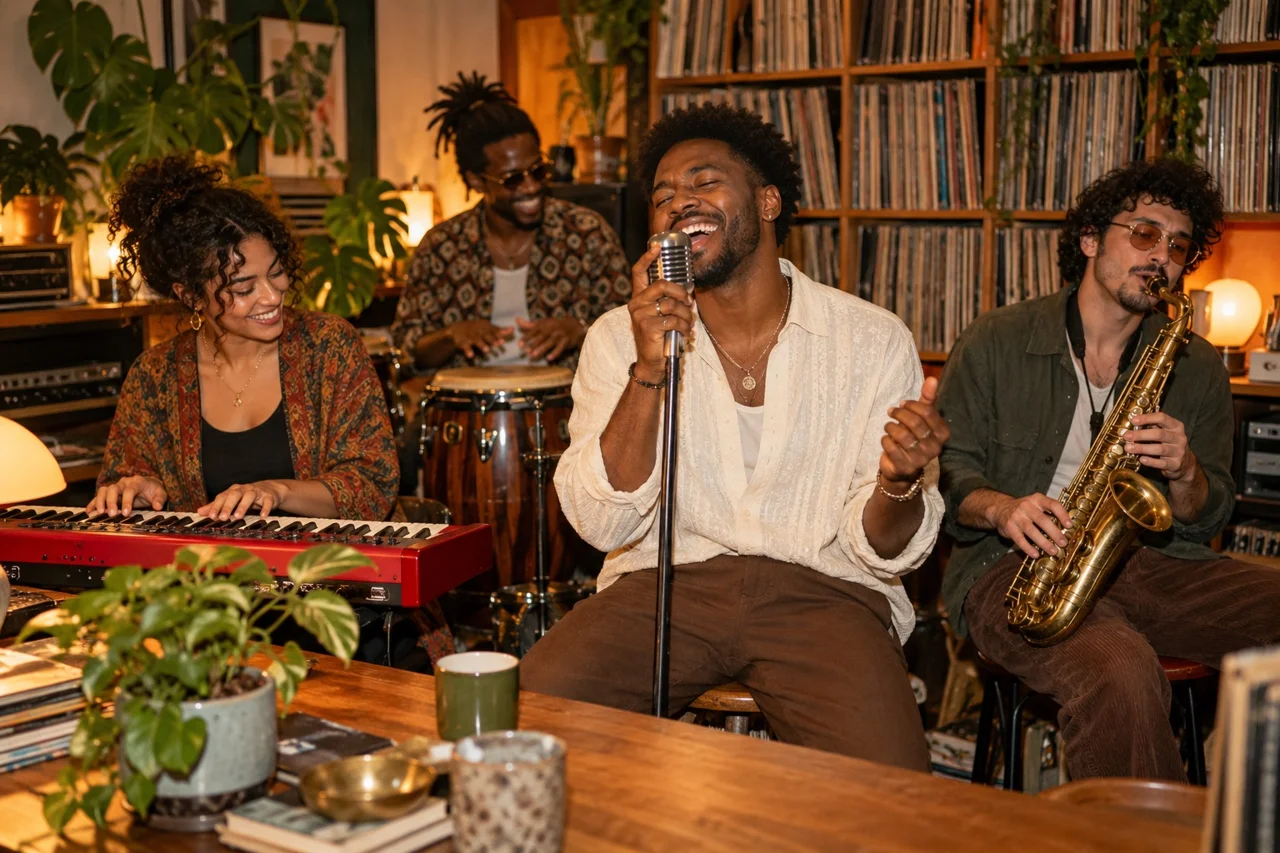
Upload one portrait to replace the lead at the red keyboard. The original video guides the room, shots and performance; AI likeness and movements can vary. This still illustration is band inspiration, not a generated result.
02 / One focused preset
Make an Outstanding Tiny Desk AI video with your portrait in the lead role. MiniMax H3 uses the original clip to guide the 15-second sequence. Face likeness and shot matching can vary.
Use one clear portrait to guide the lead’s face and hair. Likeness, expressions and fine details can vary; an exact face match is not guaranteed.
The original vertical reference guides the room, backing band, camera shots and timing. Group casting and a background selector are not available in this version.
The original video soundtrack’s full 15 seconds are restored after generation, at the original speed. Each generation costs 110 credits; check your credit balance or trial offer before generating.
03 / Make your version
Prepare a photo, check the fixed settings and create your take.
Choose a sharp head-and-shoulders photo with an unobstructed face. Use a photo you have permission to upload.
Sign in and check the 110-credit cost. The preset uses MiniMax H3, 15 seconds, 768P and vertical 9:16. The original video soundtrack is restored after generation.
Follow the saved task in My creations while it renders. Watch the full clip and inspect the face, hands and instruments before sharing. Downloads follow your account plan.
04 / A clearer starting photo
A well-lit portrait gives the model a clearer identity reference.
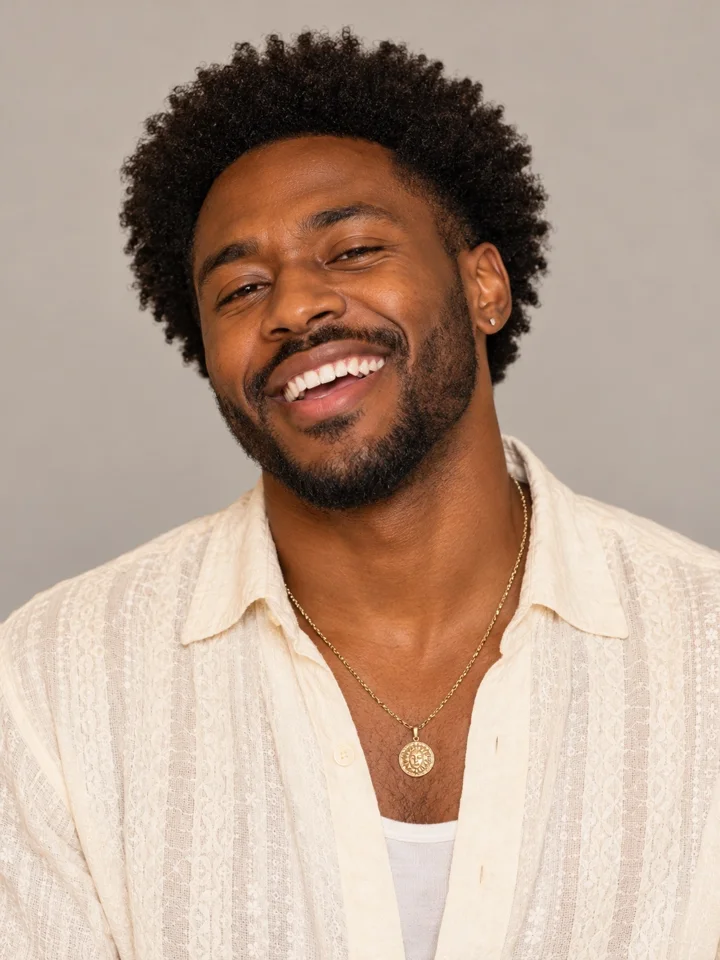
Keep eyes and hair visible. Avoid sunglasses, masks, heavy filters, tiny faces and overlapping people.
Use JPG, PNG or WebP up to 4 MB. A group photo does not enable multiple casting in this version.
Choose a head-and-shoulders portrait with space around the hair and chin. A tight crop or a face partly outside the image leaves more detail for the model to invent.
05 / Review your take
Check the complete fifteen seconds before sharing. AI identity and fine details can vary.
Compare the lead with your portrait at the beginning, middle and end. A clearer input helps, but exact likeness is not guaranteed.
Look for extra fingers, warped instruments or unwanted people. Review the whole performance rather than just its reference image.
Play the complete fifteen-second vertical clip and check its picture and original soundtrack. The model’s audio is discarded, then the full 15 seconds of the original video’s audio are restored at original speed. Downloads follow your existing FastMoro AI account plan.
06 / Put it to use
Use the same single-person preset for a different message or occasion.
Give the birthday person the lead role using a portrait you have permission to use. Add your greeting after downloading, and label the clip AI-generated.
Use your portrait for a playful desk-band clip in your group chat. Only the lead at the red keyboard is recast; the other band members stay in their original roles.
Introduce one consenting teammate in the desk-side band video. Preview faces, hands and instruments before sharing the finished take.
Good to know
Practical answers about your photo, the fixed preset and credits.
Choose one clear portrait, check the 110-credit cost and create your own desk-band clip with the original video soundtrack.