
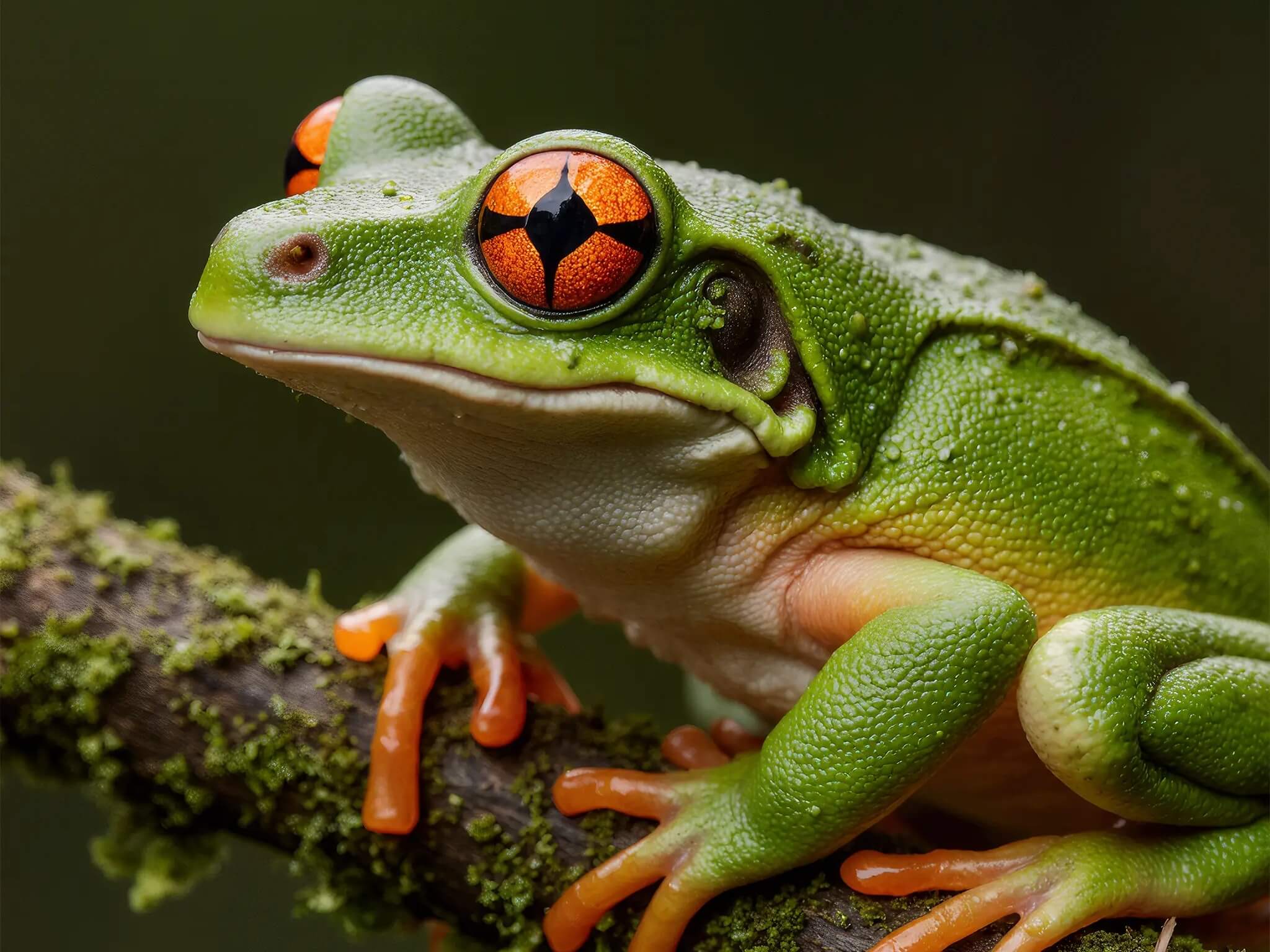
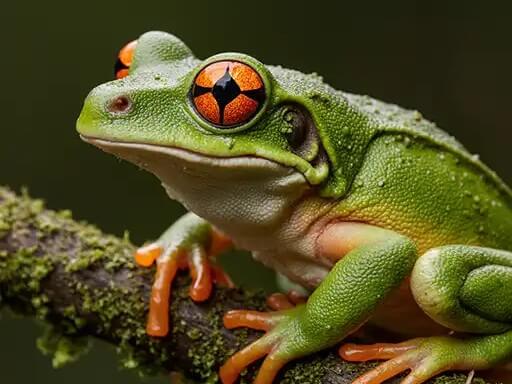
Before
After
AI Image
Frog Photo: Pixelated to Sharp HD
Drag your mouse across the image — the divider and magnifier follow, showing how the image quality enhancer rebuilt skin texture and eye detail.
Example previewPowered by Topaz upscaling models, this image quality enhancer rebuilds real detail instead of smearing pixels — so faces, text, and products stay faithful to the original photo.
Basic resizers stretch pixels and leave photos soft. This image quality enhancer uses Topaz AI models trained on millions of photos to reconstruct edges, hair, fabric weave, and fine texture.
Noise, JPEG artifacts, and motion blur are removed while the actual content of your photo stays untouched — no AI hallucination, no changed faces.

 BeforeAfter
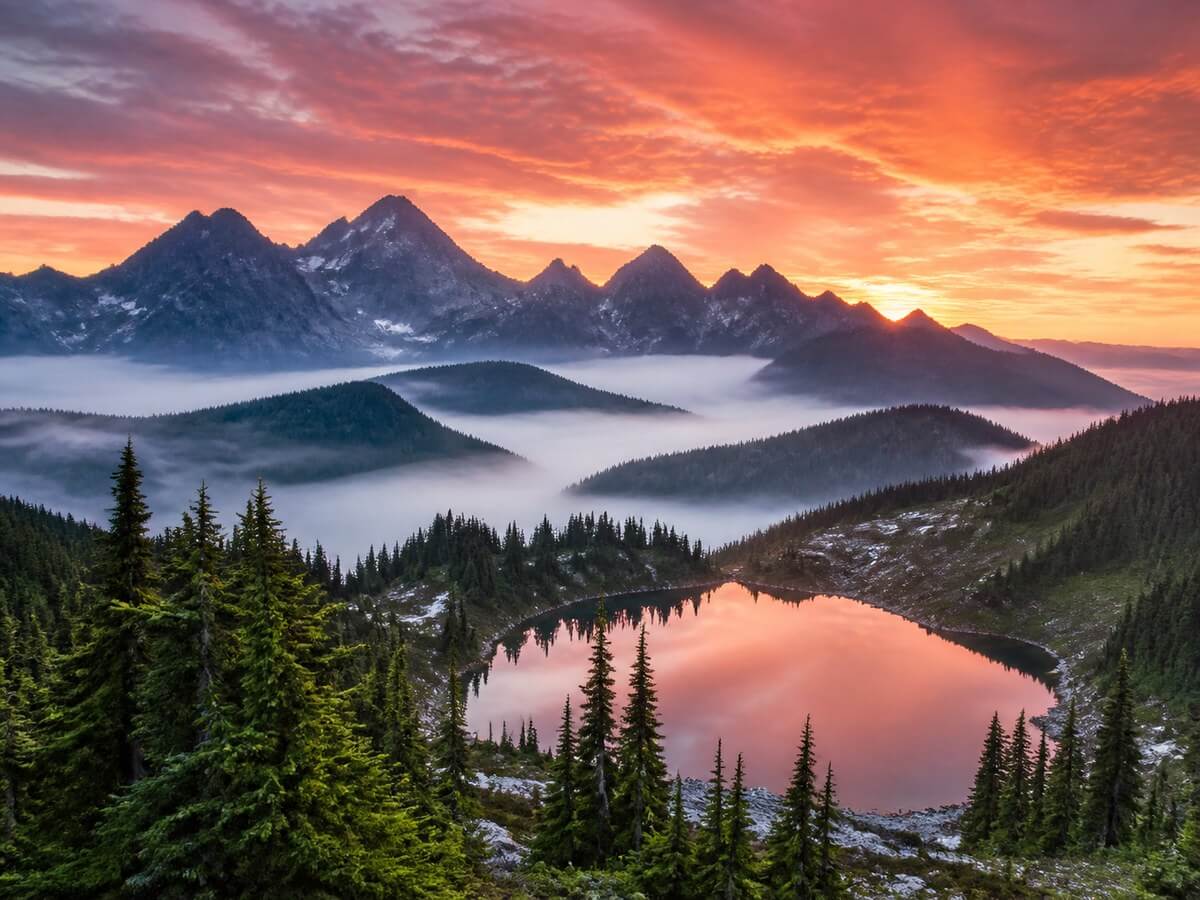
Let the photo upscaler enlarge your image 2x or 4x while cleaning up noise and blur — ready for printing, cropping, and large screens.
A 1000px photo becomes a crisp 2000px or 4000px file that holds up on retina displays, marketplace listings, and poster prints.
 BeforeAfter
Generative enhancers often invent details — changing a face, warping a logo, or rewriting small text. This image upscaling tool follows a fidelity-first approach: it sharpens what is really there.
That makes this AI photo enhancer safe for ID-style portraits, brand assets, screenshots with text, and product photography where accuracy matters more than artistic flair.
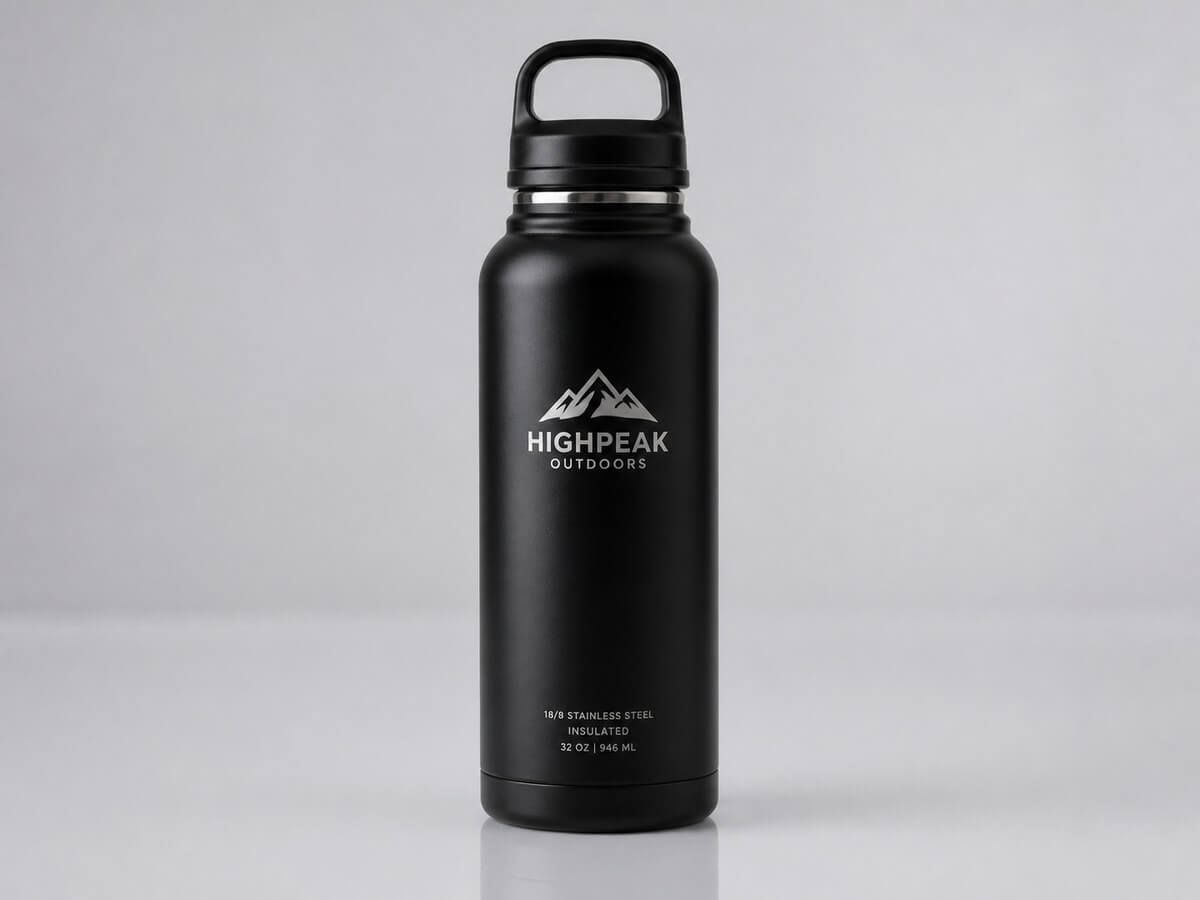 BeforeAfter
No editing skills and no software to install — the image quality enhancer runs entirely in your browser and finishes in seconds.
Drop in a JPG, PNG, or WebP up to 10MB. Blurry, noisy, pixelated, or old photos all work — the image quality enhancer accepts a single image per run for the best result.
Choose Upscale 2x for sharper screens or Upscale 4x for print-ready output. No prompts or settings to tweak — the tool handles the rest.
Preview the enhanced photo in your history panel, compare it with the original, and download the full-quality file. Every enhanced result is yours to keep.
Any photo that is too small, too soft, or too noisy is a candidate. Here is where the image quality enhancer earns its keep most often.
Family scans and early digital photos are usually small and grainy. Run them through the enhancer to restore faces and print them at modern sizes.
Marketplace zoom reveals every flaw. The image quality enhancer sharpens product shots so labels, materials, and edges look clean on Amazon, Etsy, or Shopify.
Screenshots, memes, and downloaded photos arrive heavily compressed. Enhance them before reposting so your feed looks crisp on any device.
Need a poster, canvas, or flyer from a small file? Upscale 4x with the photo enhancer to reach print resolution without visible pixelation.
Images from AI generators often cap out at 1K. This photo upscaler enlarges your AI art to 4K-ready files for wallpapers, thumbnails, and client work.
Real-estate, rental, and directory photos shot in bad light look unprofessional. Clean them up so listings load fast and still look sharp on retina screens.
Generative enhancers often invent details — warped labels, rewritten text, changed faces. This image quality enhancer sharpens what is actually in your photo: your logo, your words, your memories.
Common questions about enhancing, unblurring, and upscaling photos with FastMoro AI.
Upload a blurry, noisy, or low-resolution image and see the HD difference in seconds. New accounts get free credits — no editing skills required.
No credit card required · Free credits on sign-up · Cancel anytime