

Halloween photo collection
AI Halloween Photo Generator
Use the AI Halloween Photo Generator for scene-matched outfits, poses, expressions, makeup and lighting, with your photo as the identity reference.
Want more outfit ideas? Try the AI Halloween costume generator
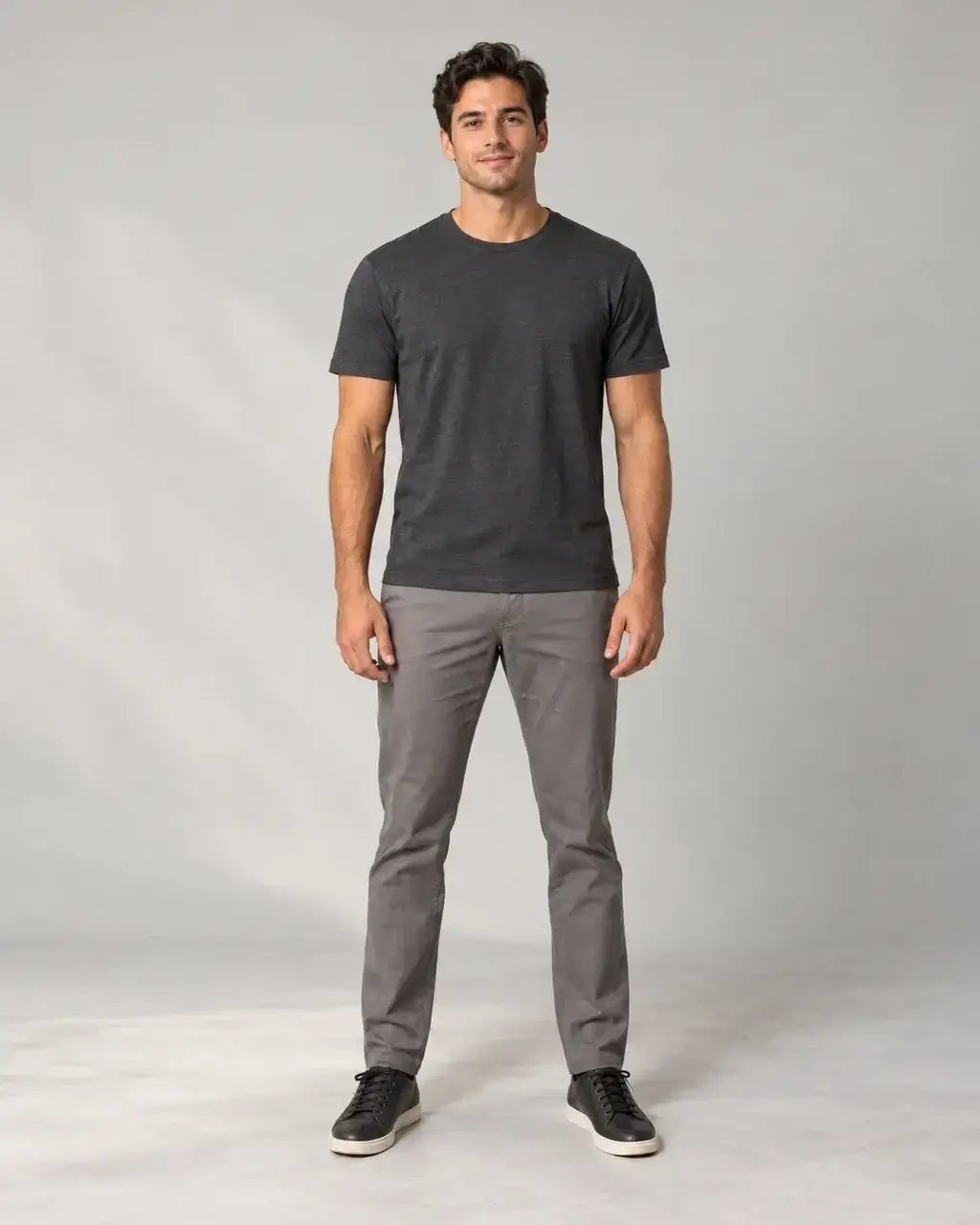
 OriginalAI result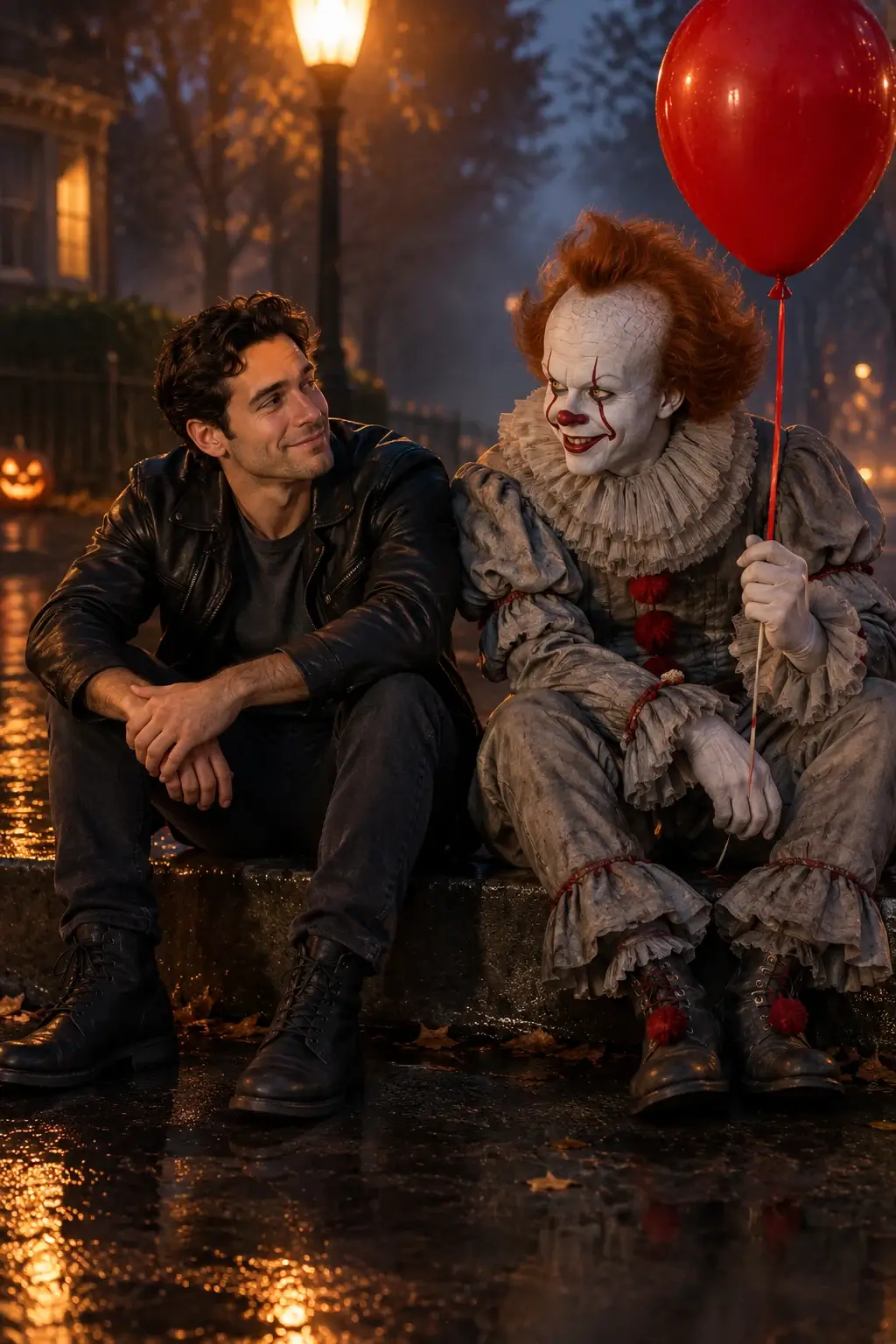
Real GPT Image 2 edits. Compare each original with its result: outfits, poses, expressions, makeup and lighting can change together.
Choose your atmosphere
Halloween photo filters and scenes
Explore 15 styles with the AI Halloween Photo Generator, from moonlight portraits and gothic makeup to couples and pets. Pick a look, then customize the outfit, pose and setting in the scene text.
OriginalHalloween filter
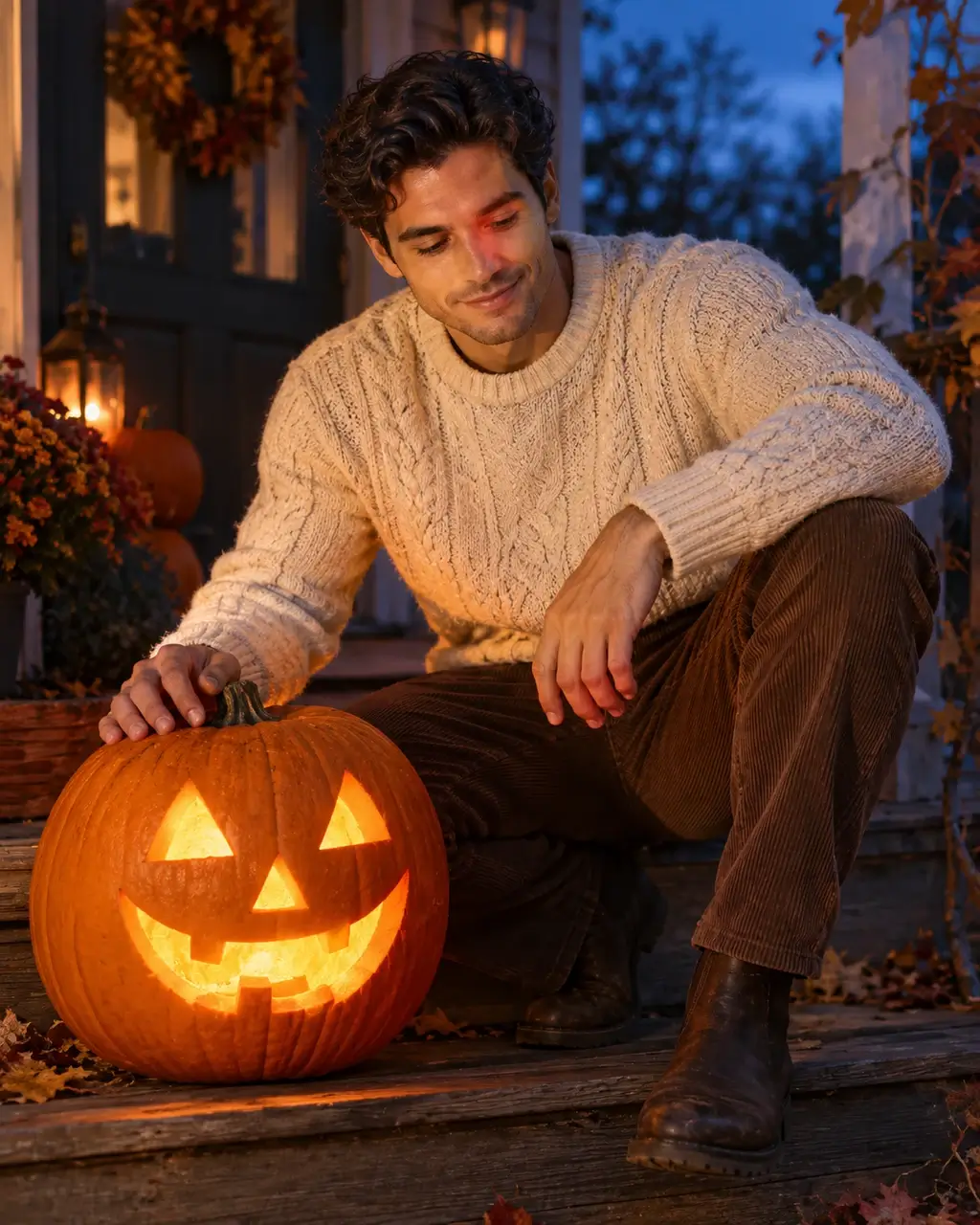
Try a cream knit and autumn boots while crouching beside a glowing pumpkin.
Use this sceneOriginalPhoto with Pennywise
Wear a leather jacket and share a rainy curb with Pennywise under warm streetlights.
Use this sceneOriginalHorror icons gathering
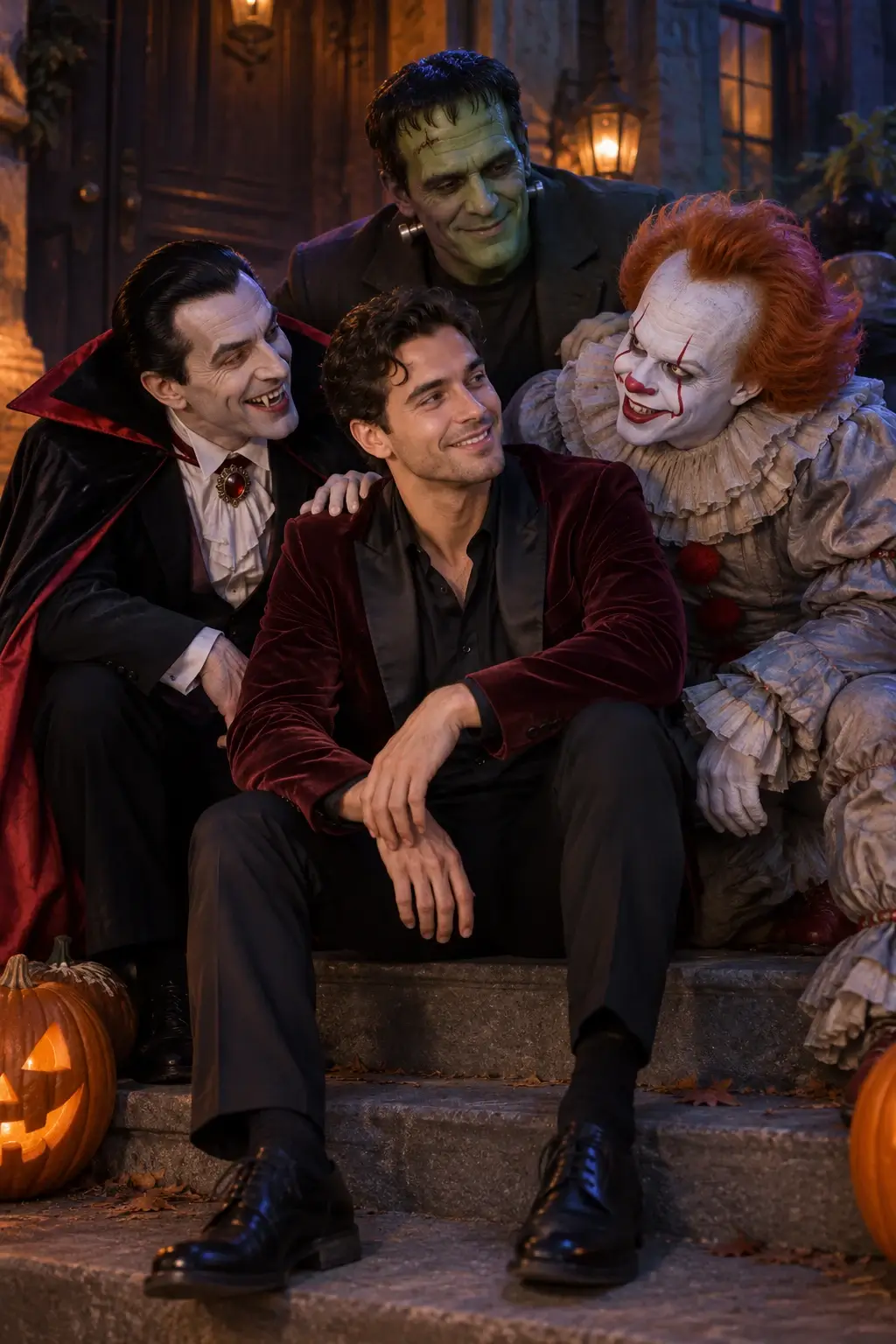
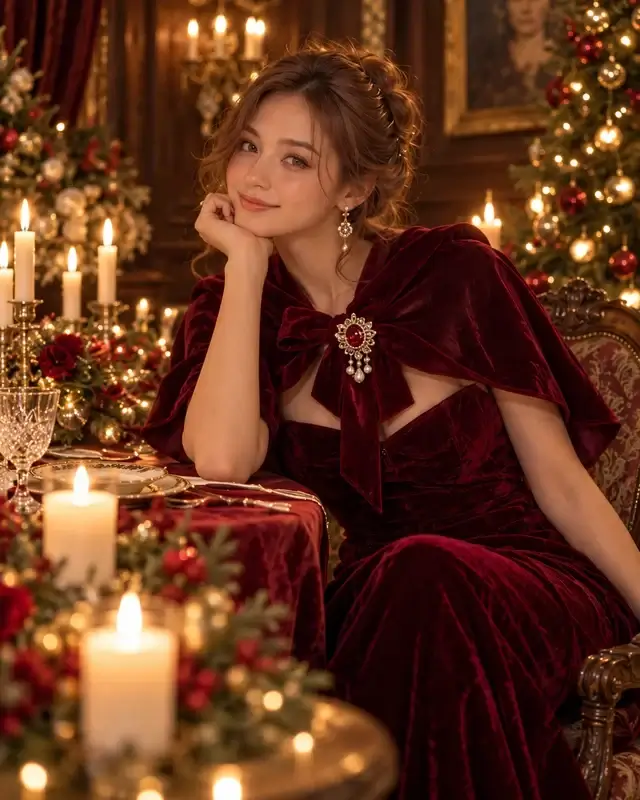
Join a relaxed horror cast photo in a burgundy velvet party look.
Use this scene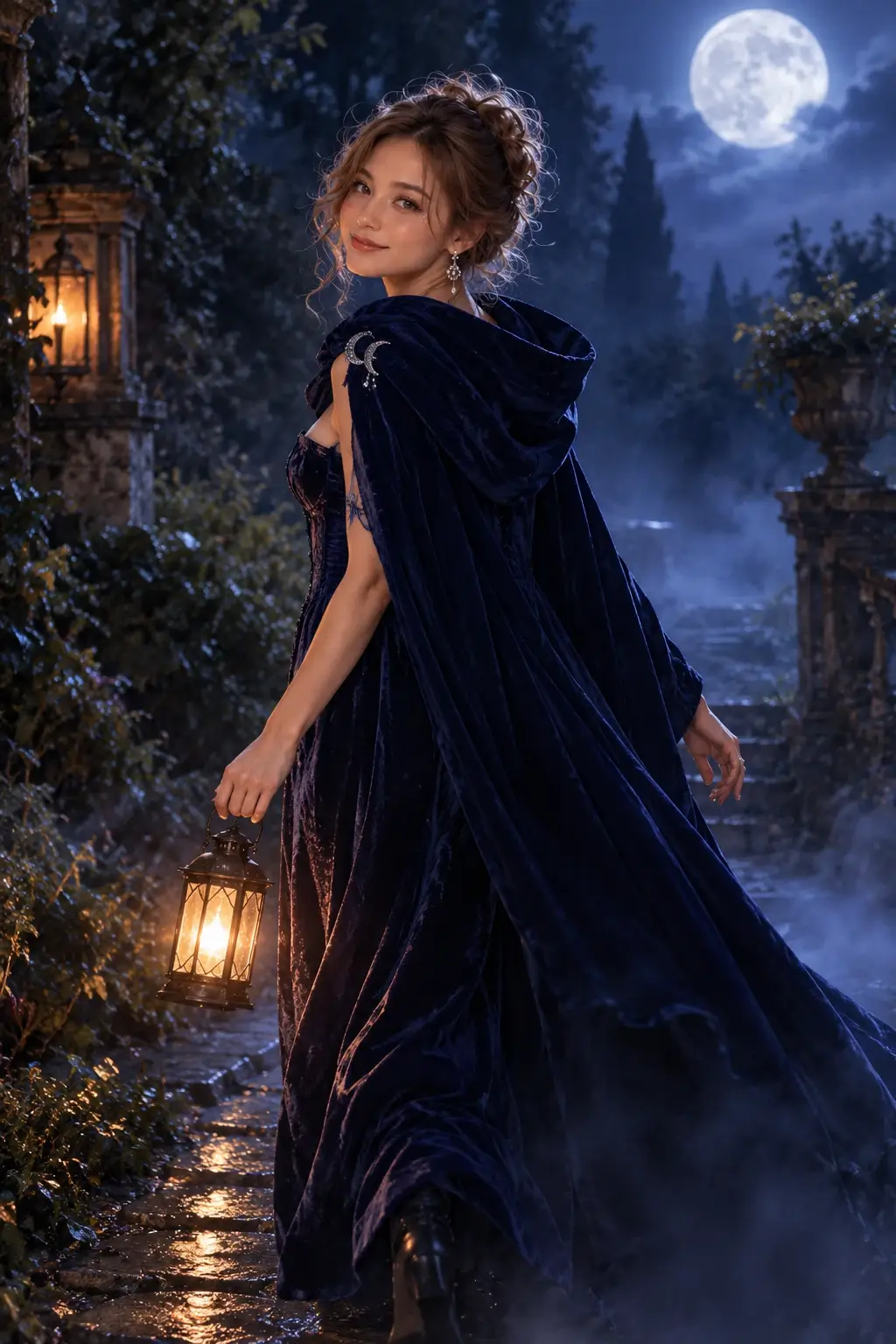
 Original
Foggy moonlight
Carry a lantern in a midnight-blue gown and cape, glancing back through moonlit mist.
Use this scene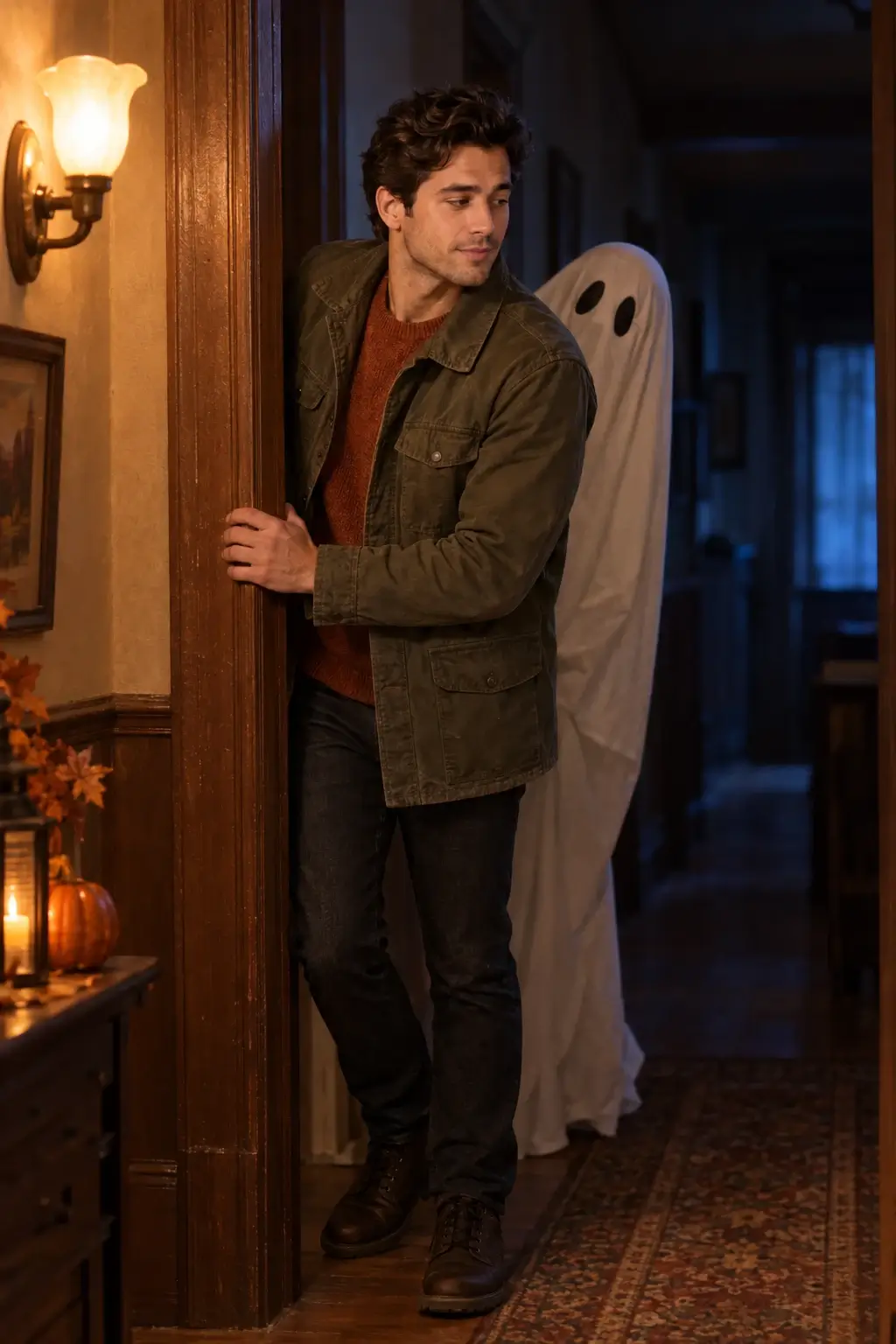
 Original
Ghost photobomb
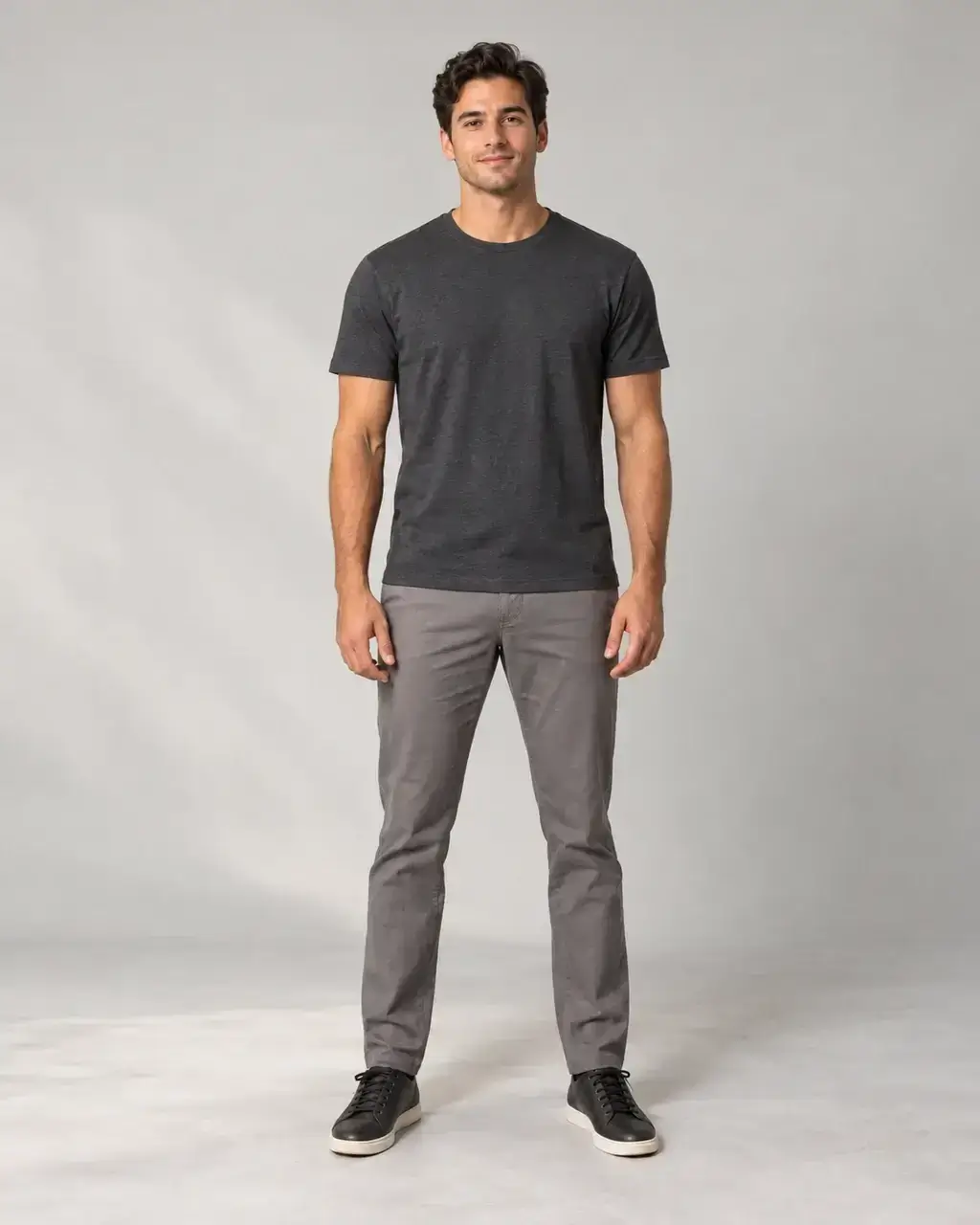
Glance quietly back in an autumn explorer look as a friendly ghost peeks into the hallway.
Use this scene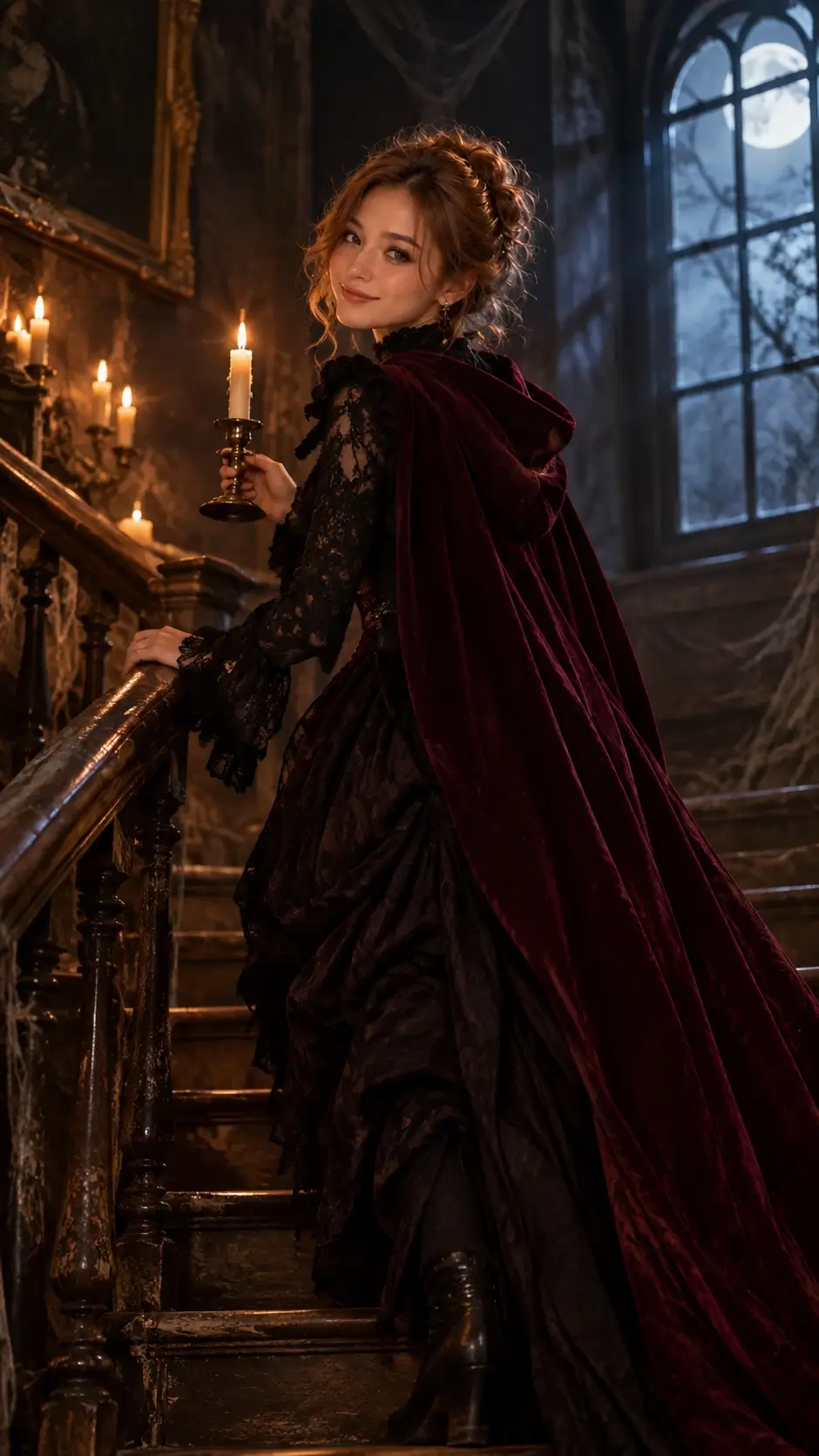 Original
Haunted mansion
Explore a candlelit staircase in a Victorian-inspired black lace look and burgundy cape.
Use this scene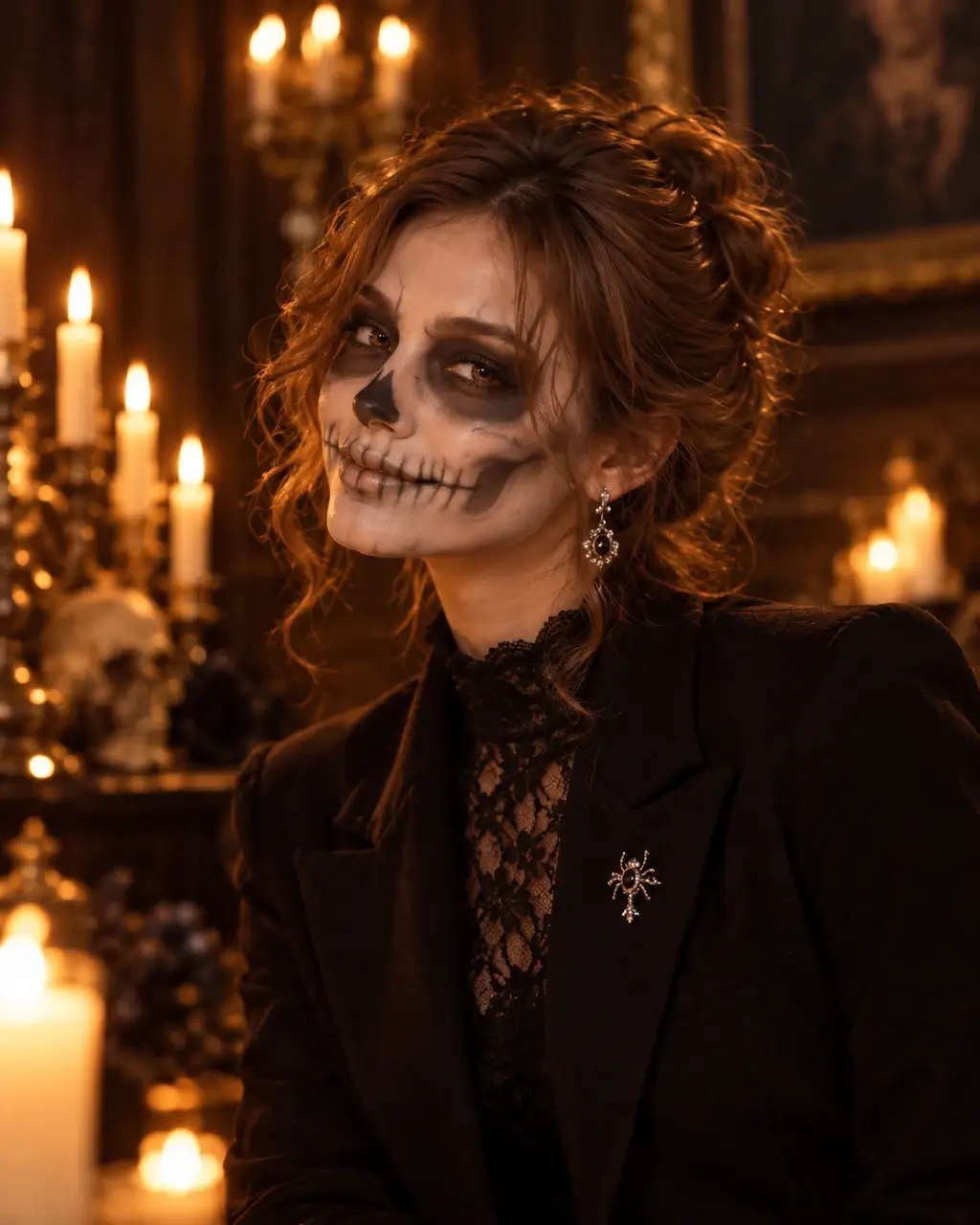 Original
Skeleton makeup
Pair theatrical skull makeup with a black blazer and lace for a candlelit portrait.
Use this scene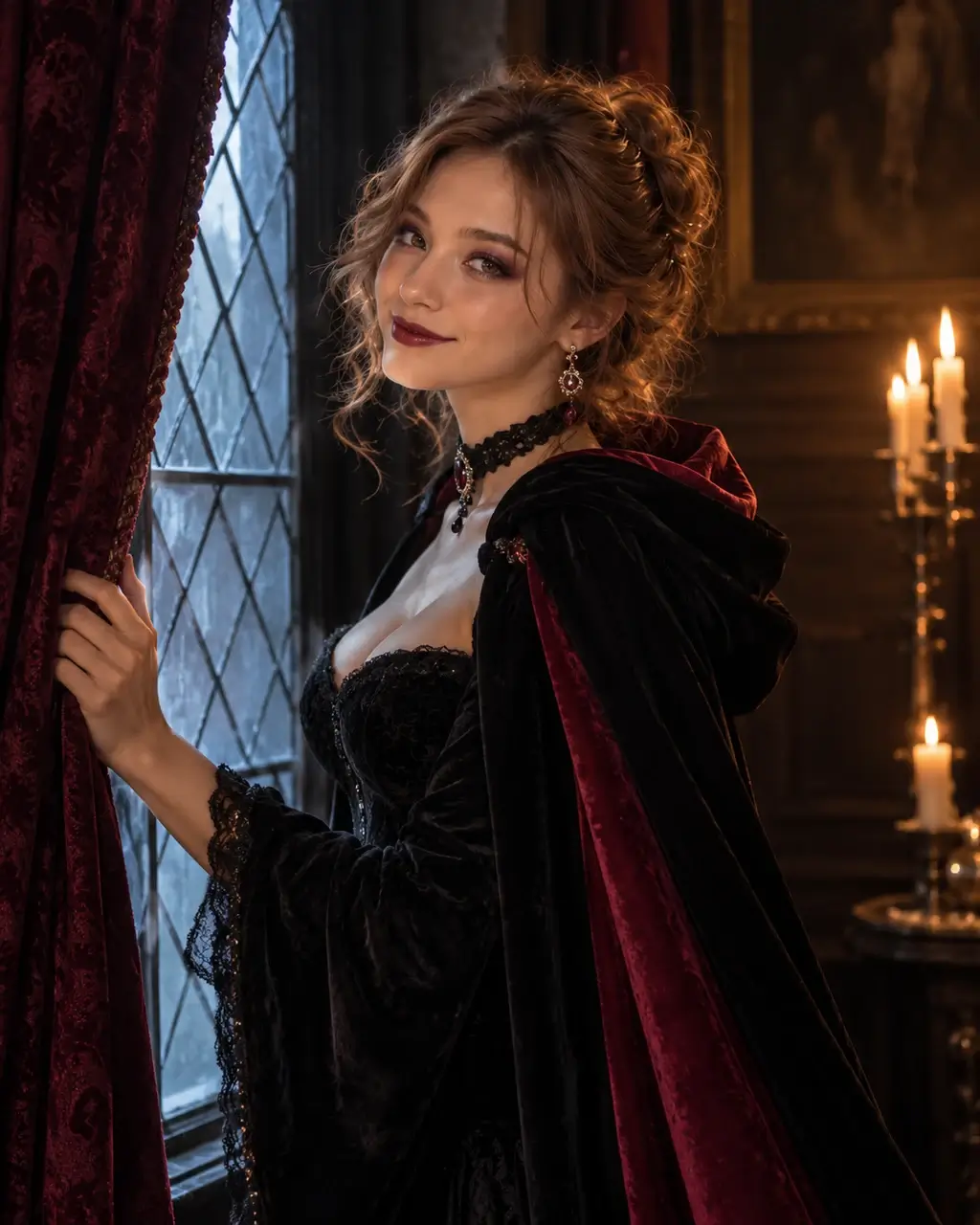 Original
Vampire makeup
Try black velvet, a crimson-lined cape and vampire makeup beside a gothic window.
Use this scene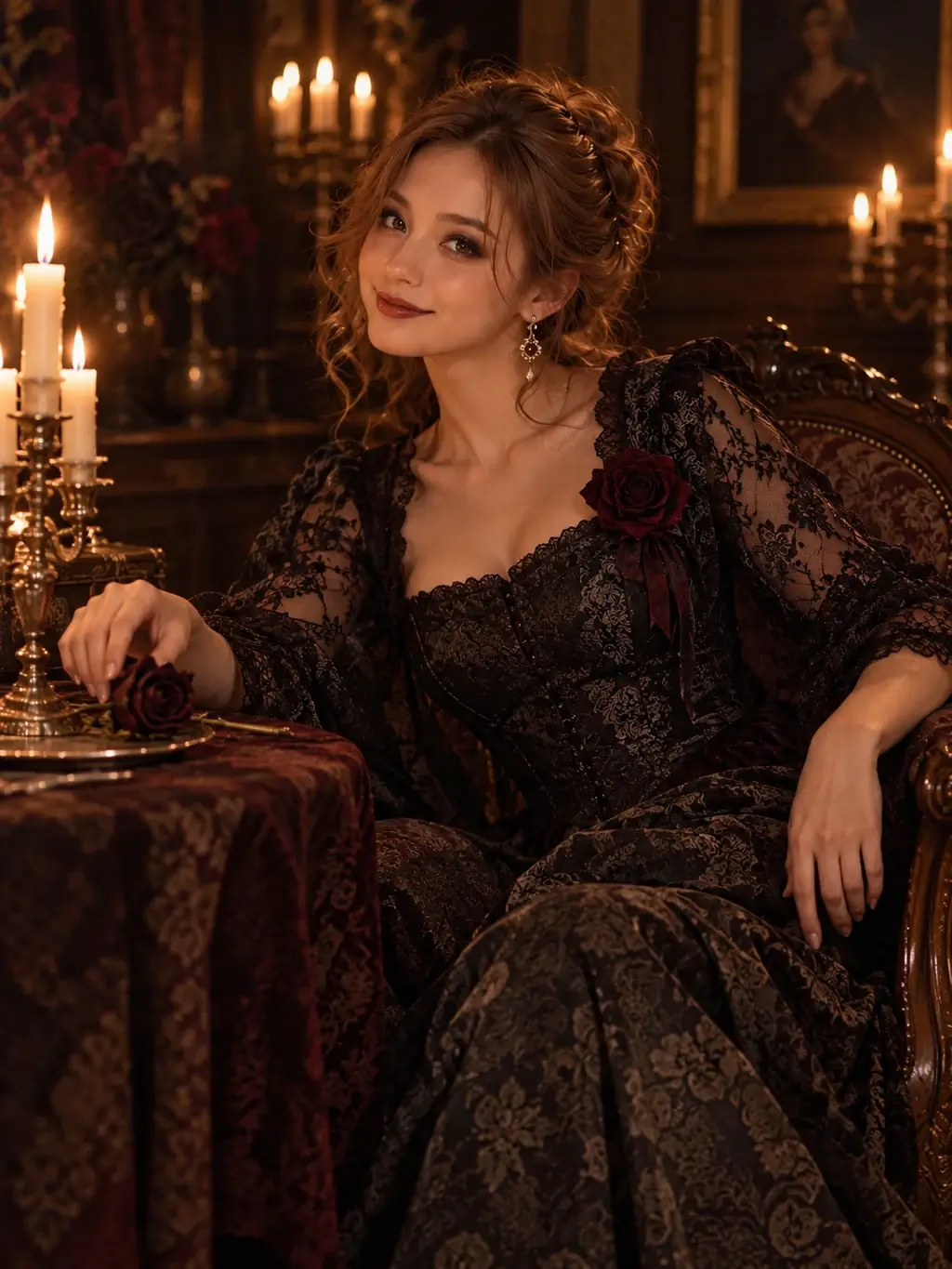 Original
Gothic candlelight
Relax in a brocade-and-lace look with dark florals and warm candlelight.
Use this scene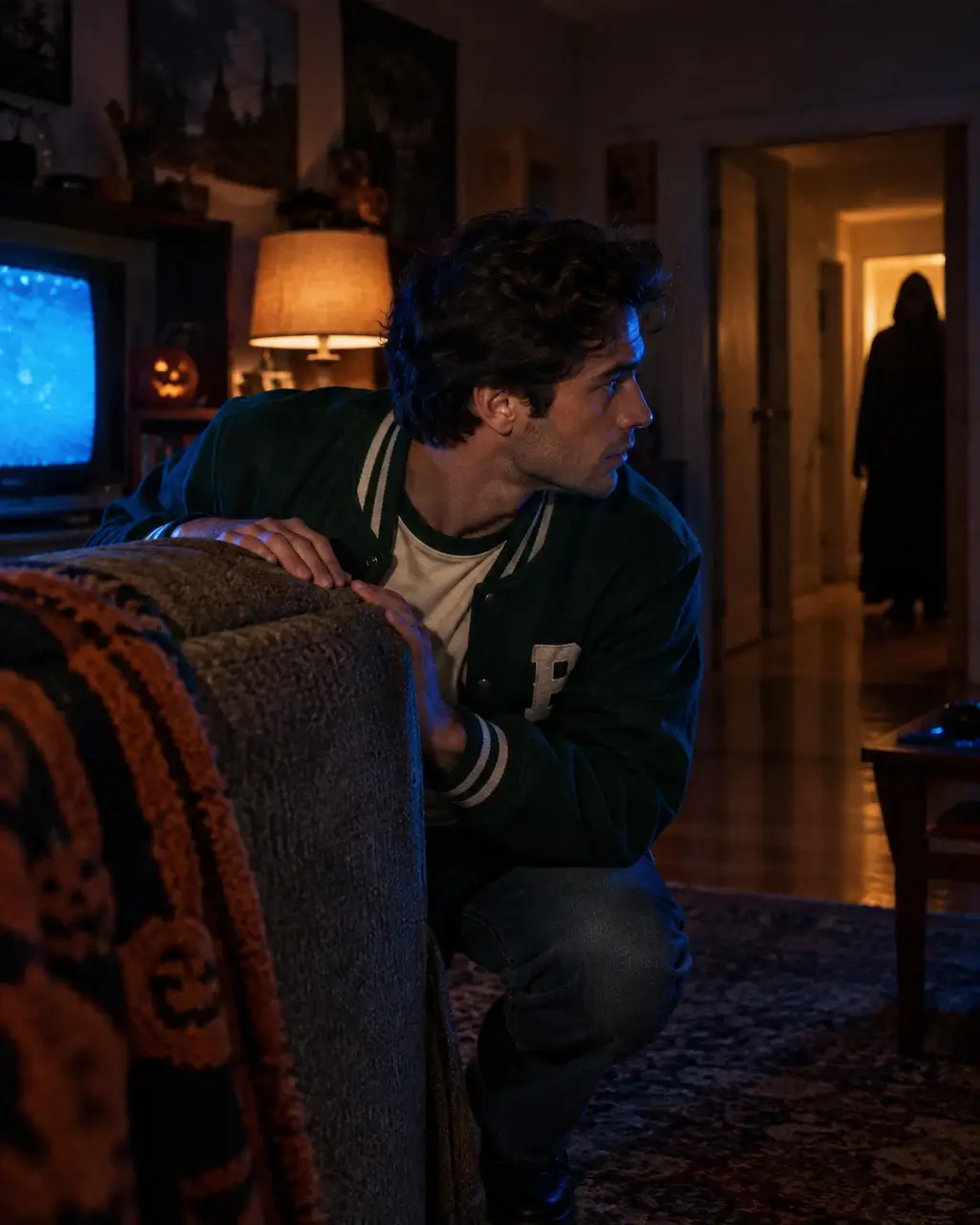 Original
Retro horror photo
Peek cautiously around a sofa in a retro varsity look, lit by a vintage television and lamp.
Use this scene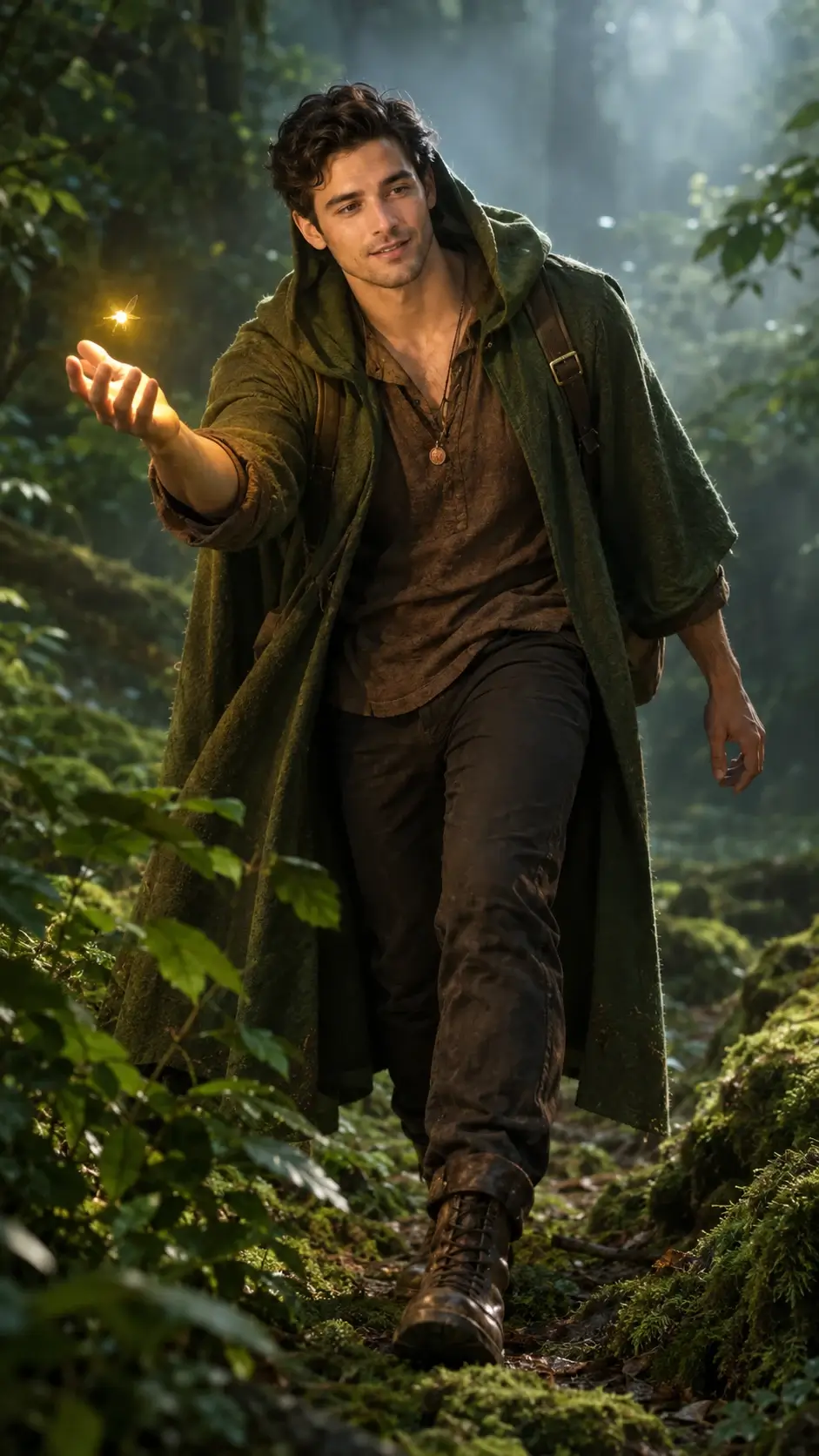 Original
Enchanted forest
Reach for a glowing firefly in a moss-green cloak and woodland travel outfit.
Use this scene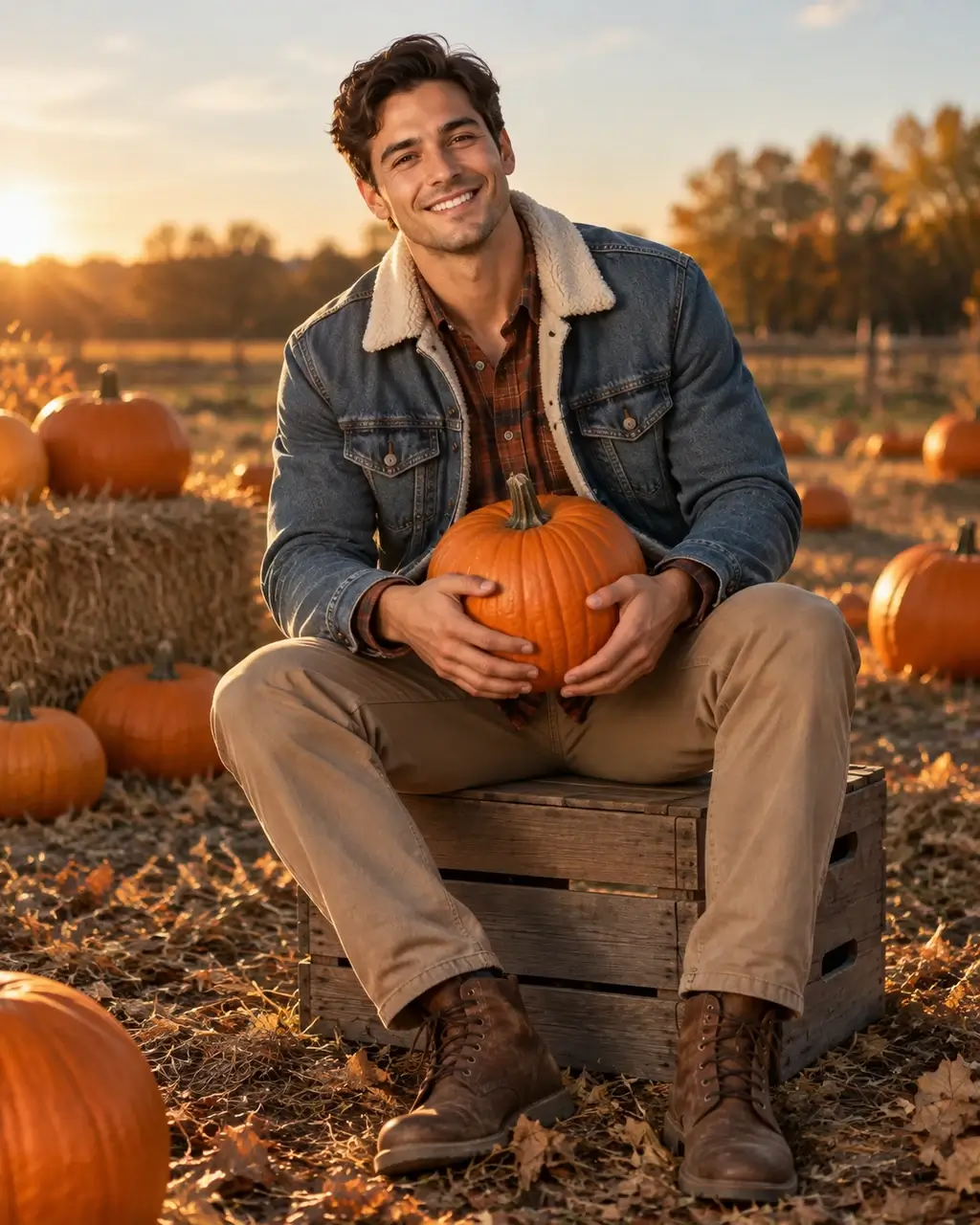 Original
Pumpkin patch
Sit with a pumpkin in a warm flannel-and-denim autumn look.
Use this scene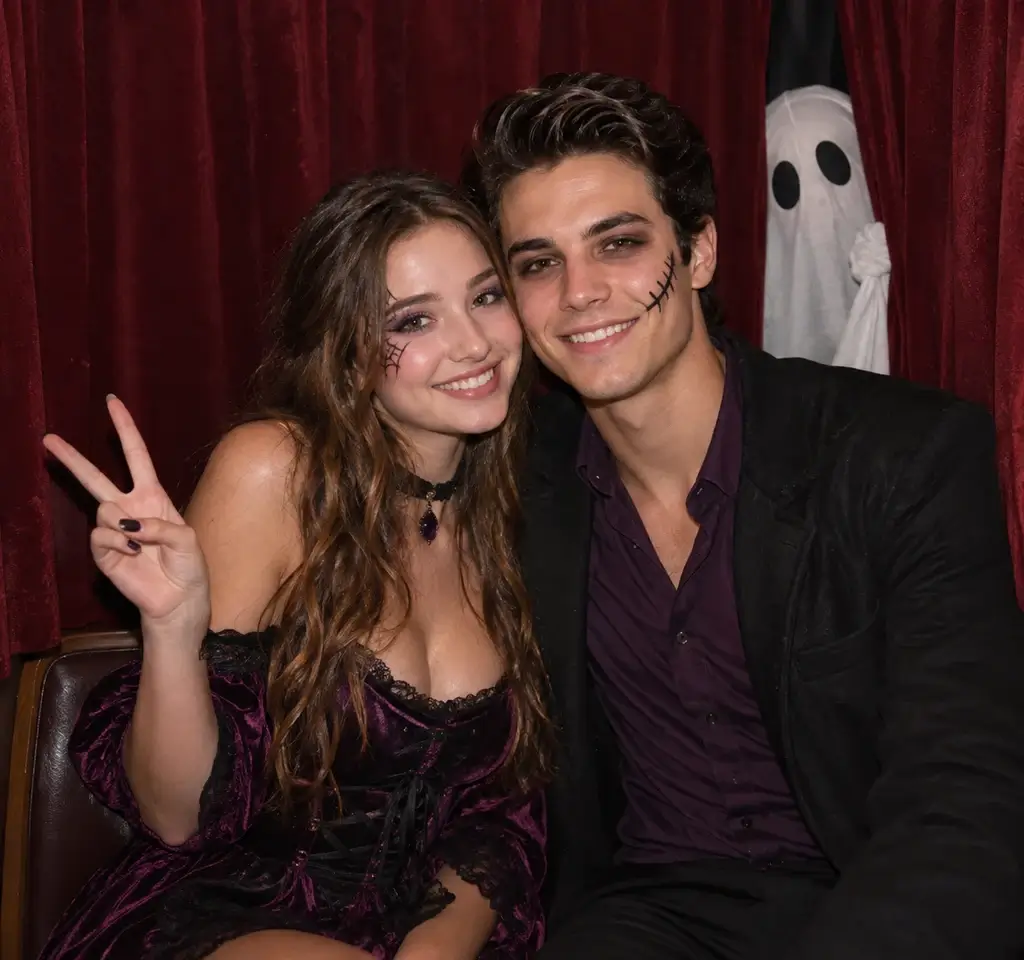
 Original
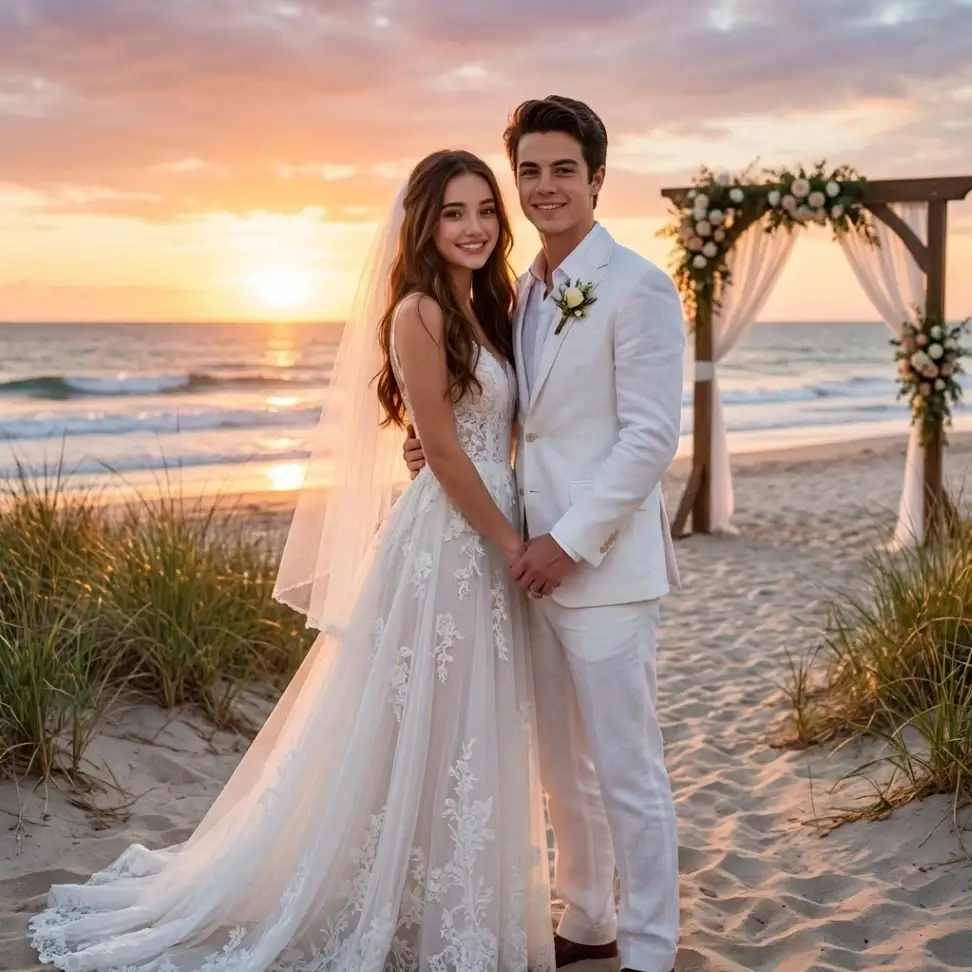
Ghost photo booth
Lean together in coordinated Halloween party outfits with playful expressions and face paint.
Use this scene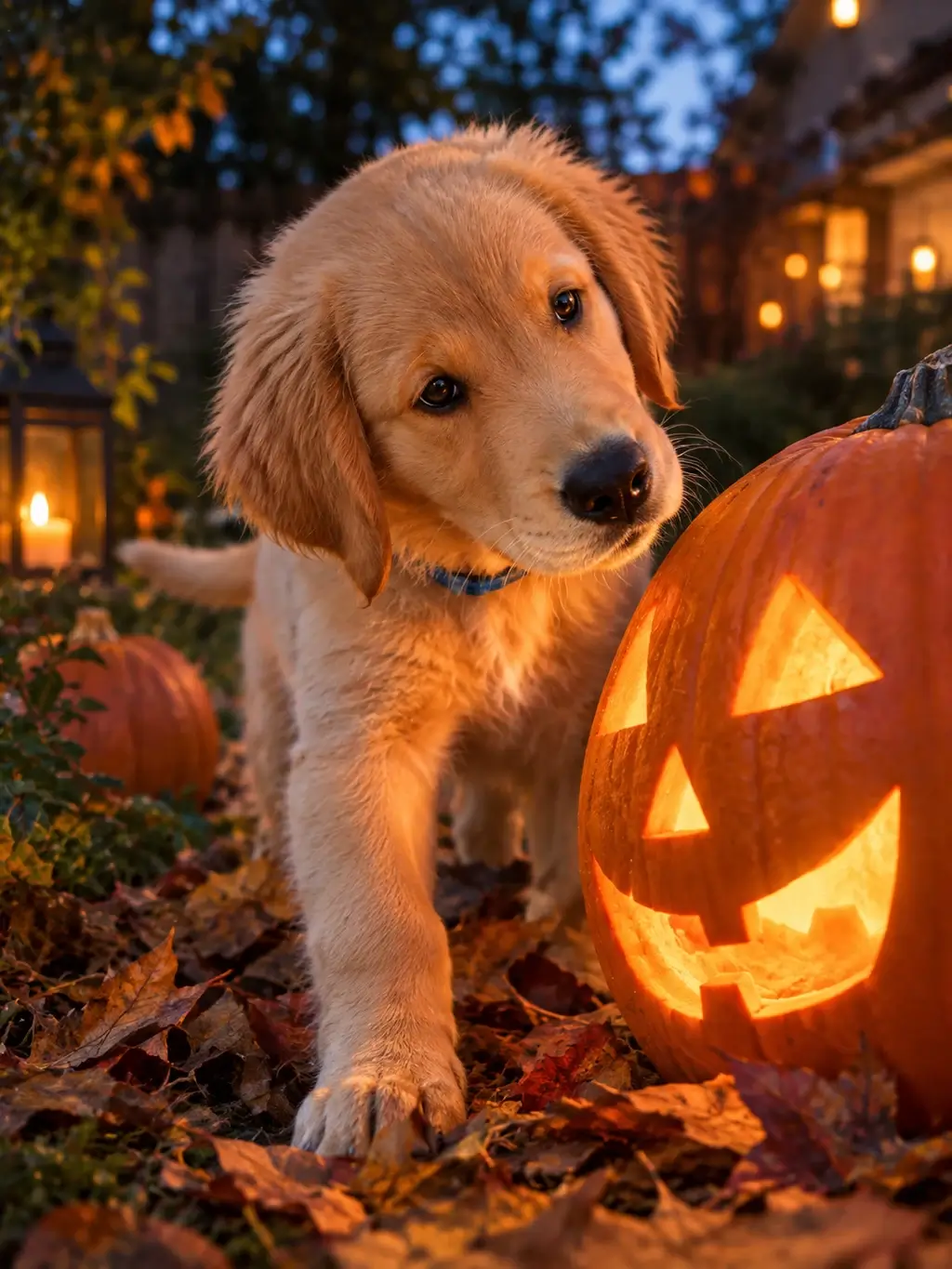
 Original
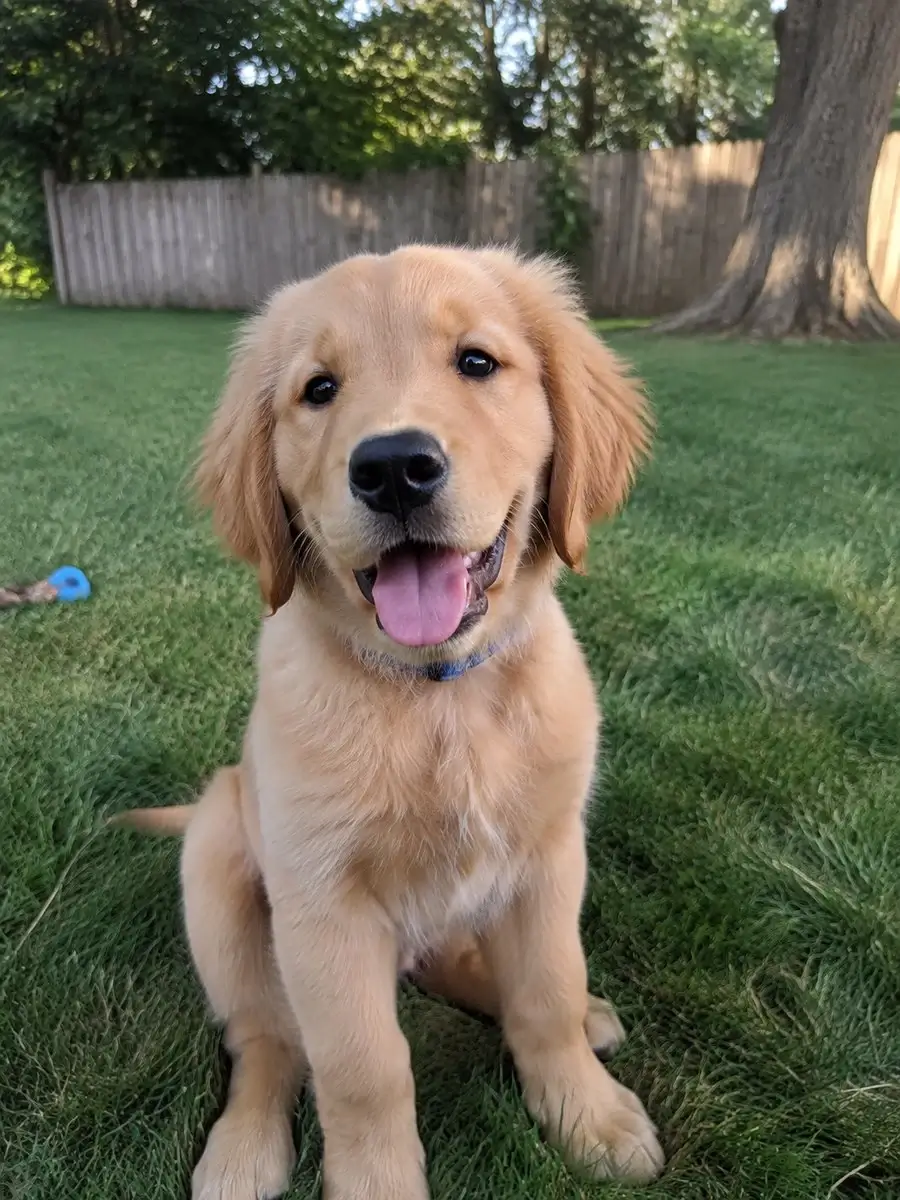
Pet pumpkin portrait
Let your pet sniff a glowing pumpkin, with curious eyes and natural paws on autumn leaves.
Use this scene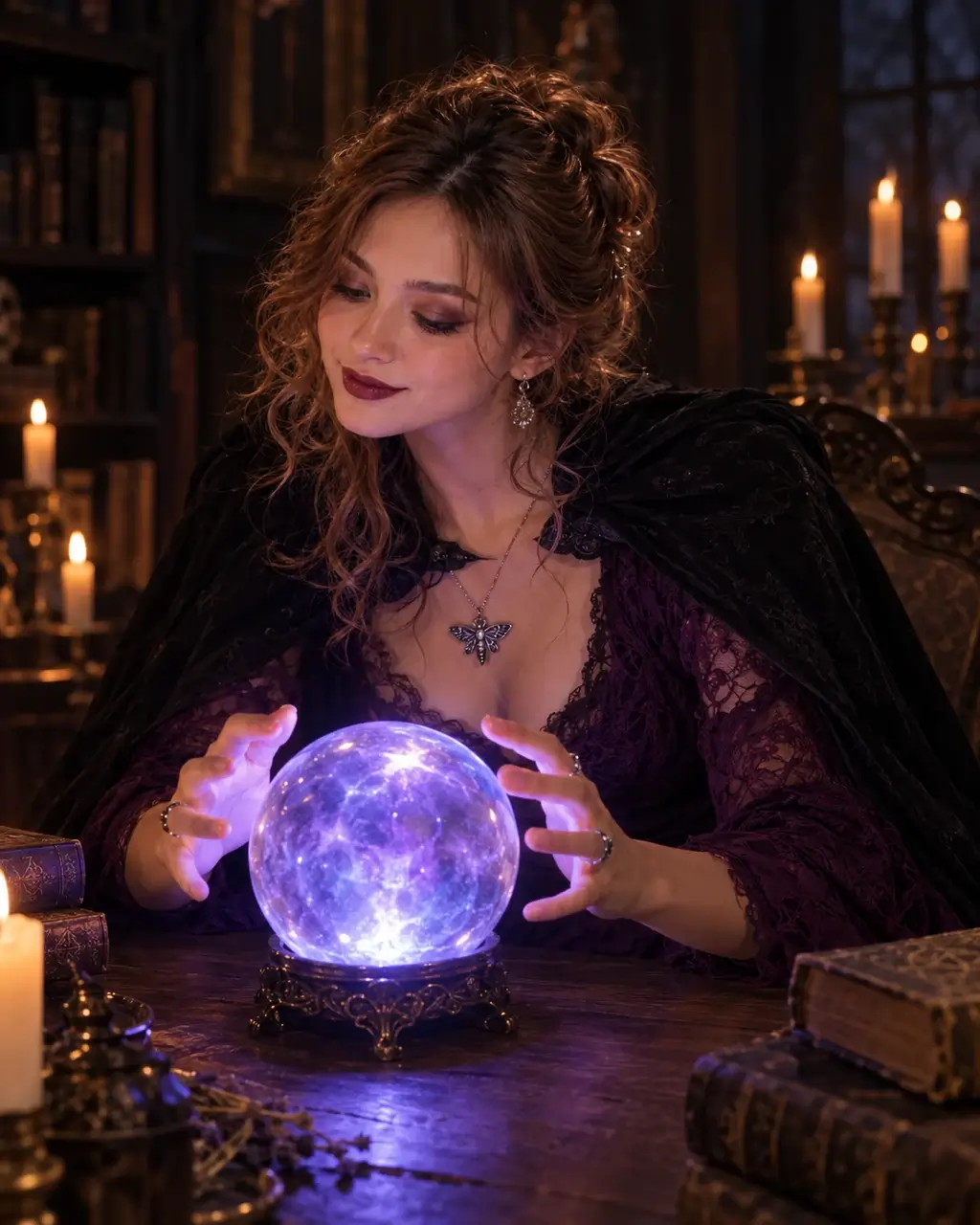 Original
Crystal ball glow
Try a plum lace gown and cape while a crystal ball lights your hands and face.
Use this sceneHow to use the AI Halloween Photo Generator
Start with a photo you upload rather than a live camera filter. Choose a ready-made scene or write your own Halloween photo prompt.
- 01
Upload a clear photo
Start with a well-lit face, a group photo or a pet portrait. One photo keeps a single reference; Combine photos brings 2–4 references into one scene. You can upload before signing in.
- 02
Choose a filter or scene
Choose one of 15 scenes, or describe your own action, expression and makeup. Let the pose, light and framing adapt naturally using your identity as the reference.
- 03
Generate, check and download
Review the live credit quote beside the button, then generate. Inspect faces, hands and the number of people before downloading. Adjust the scene text if a detail needs another attempt.
Halloween AI photo trends: Pennywise and horror icons
An AI Halloween photo trend works best when the scene has one clear idea. This halloween photo editor creates a new image from your reference; it does not record a video.
Photo with Pennywise
Try a Pennywise AI scene on a rainy street with a red balloon. The scene can seat you beside the separate character and adapt your pose and framing. Describe the outfit and mood you want in scene text.
Horror icons group shot
Create a staged group photo with classic horror movie characters such as Dracula and Frankenstein’s monster. Give the group space in the frame and choose calm portrait lighting. Keep it playful and non-graphic; a crowded scene may need another attempt.
Halloween portraits for friends, kids and pets
Use the AI Halloween Photo Generator for a profile portrait, a group keepsake or a seasonal greeting. One photo accepts a single image of a person, group or pet; Combine photos brings separate references into one scene. Only upload photos you have permission to use.
Bring friends into one scene
Use Combine photos with one clear reference per person. Include everyone once and check the generated group for missing or repeated people. A single group photo also works in One photo mode.
Keep children’s photos gentle
Choose pumpkin lighting and a friendly autumn background for children’s portraits. Remove frightening characters from the scene text and review the result before sharing.
Give pets a seasonal setting
Start with a sharp pet portrait. Describe pumpkins, fog or a moonlit garden and let the pet sit, stand or tilt its head naturally. Keep its face and markings recognisable and avoid accessories that cover them.
Tips for a better Halloween picture
Give the AI Halloween Photo Generator a clear reference and one focused scene idea. Describe what the subject wears, how they move and where the light comes from, then check faces and hands in the result.
Use a clear face
Avoid heavy blur, tiny faces and strong shadows across the eyes. Review facial details after generation; exact identity is not guaranteed.
Keep the lighting even
A softly lit photo adapts more naturally to pumpkin glow than a face already hidden in darkness.
Leave room for the scene
Leave room for hands, feet and background characters. Ask for a natural seated, standing or walking pose; the camera framing can adapt while your identity remains the reference and clothing can change.
Describe color and atmosphere
Write specific scene text such as warm orange lantern light or blue-purple fog. Change one detail at a time when refining a result.
AI Halloween Photo Generator FAQ
Create your Halloween photo
Try the AI Halloween Photo Generator with your own photo. Choose a scene or edit the prompt, then review the credit quote before generating.