Skip to content

Nano Banana 2.1 AI Image Generator

Create detailed images and readable text with Nano Banana 2.1. Use references to refine people and products, choose your format, and generate up to 4K.

3 credits

Explore Nano Banana 2.1 image examples

Portraits, visual design, illustrations, and imaginative compositions. Select any image to see it in full.

24 images

Nano Banana 2.1 features for detail and control

From your first idea to the final composition: shape the look, preserve the subject, and refine the result.

Natural images, down to the fine detail

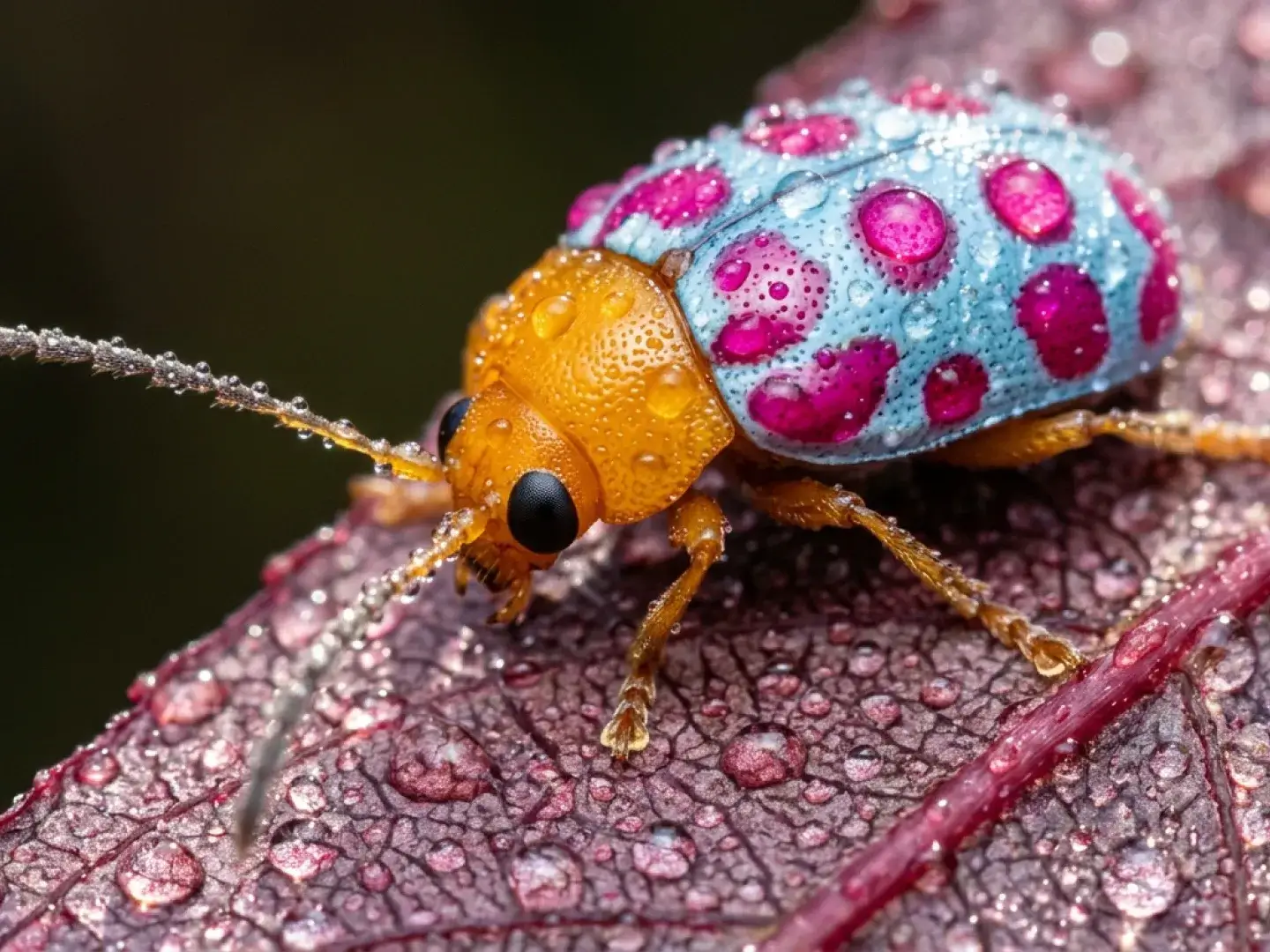
Nano Banana 2.1 creates images with lifelike textures, balanced lighting, and clear visual depth. Shape the mood through your prompt—from a close-up product shot to a cinematic landscape—and choose up to 4K for your final image.
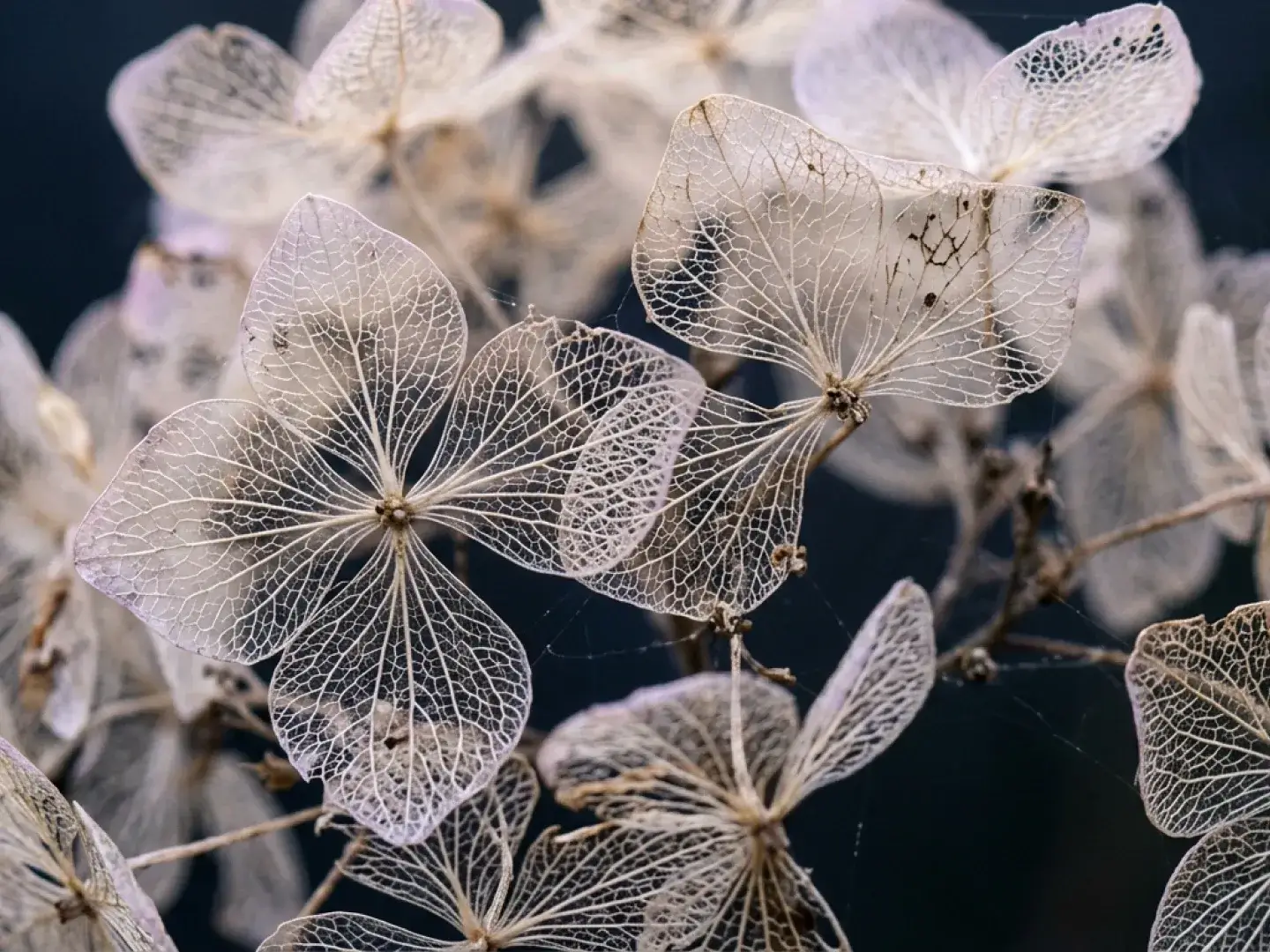
Delicate, skeletonized dried hydrangea flowers with intricate lace-like vein patterns against a dark background.

Turn a creative brief into a cohesive design

Bring composition, color, and style together with Nano Banana 2.1. Describe the layout and art direction to create campaign posters, editorial graphics, or a consistent visual concept.

Three vertical graphic design layouts displayed side-by-side in [file 1]: a red-and-black Swiss-style grid layout titled "ZURICH MODERN" on the left, a colorful retro poster featuring a bucket hat in the middle, and a blue-monochrome winter-themed website design titled "TUNDRA" on the right.

Put your words inside the image

Create posters, packaging concepts, and title graphics with text inside the image using Nano Banana 2.1. Specify the exact words, font style, and placement to shape a readable visual hierarchy.
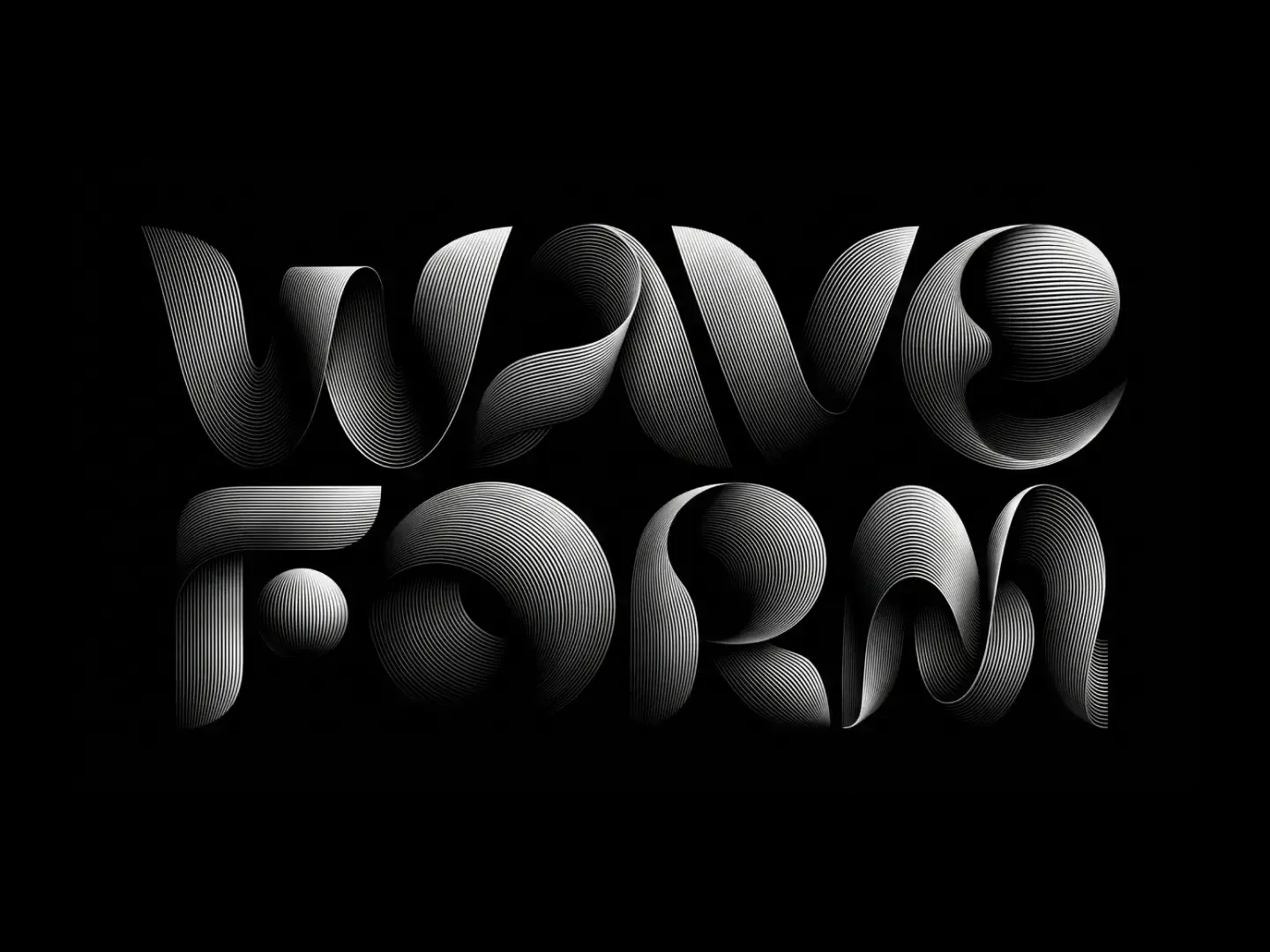
High-contrast graphic featuring the words "WAVE FORM" in stylized, 3D-effect typography composed of fine, parallel white lines on a black background.

Keep people and products recognizable

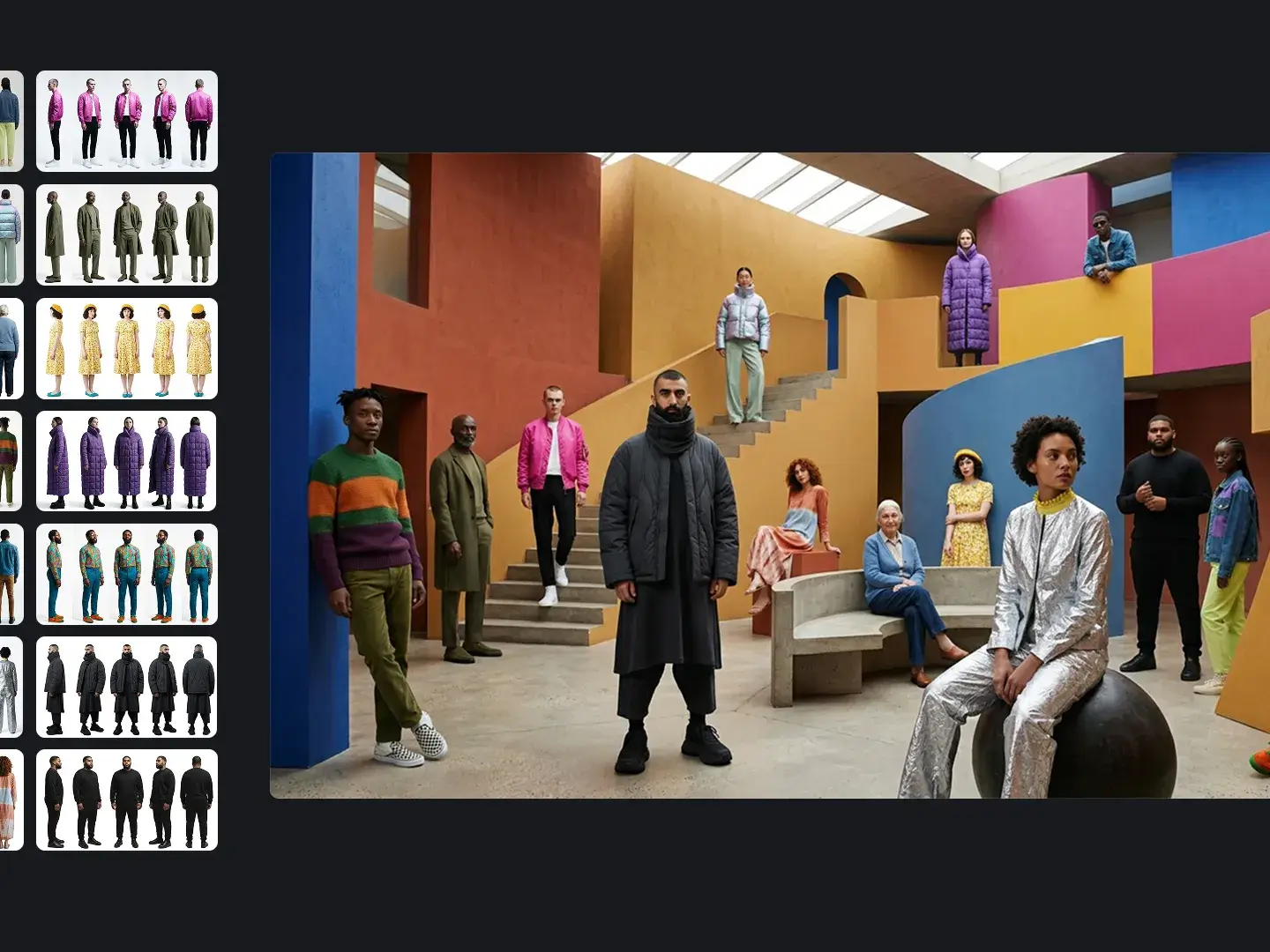
Use Nano Banana 2.1 with references to carry a person’s appearance, an outfit, or a product’s details into a new scene. Combine up to 14 reference images, with support for up to 4 characters and 10 objects.
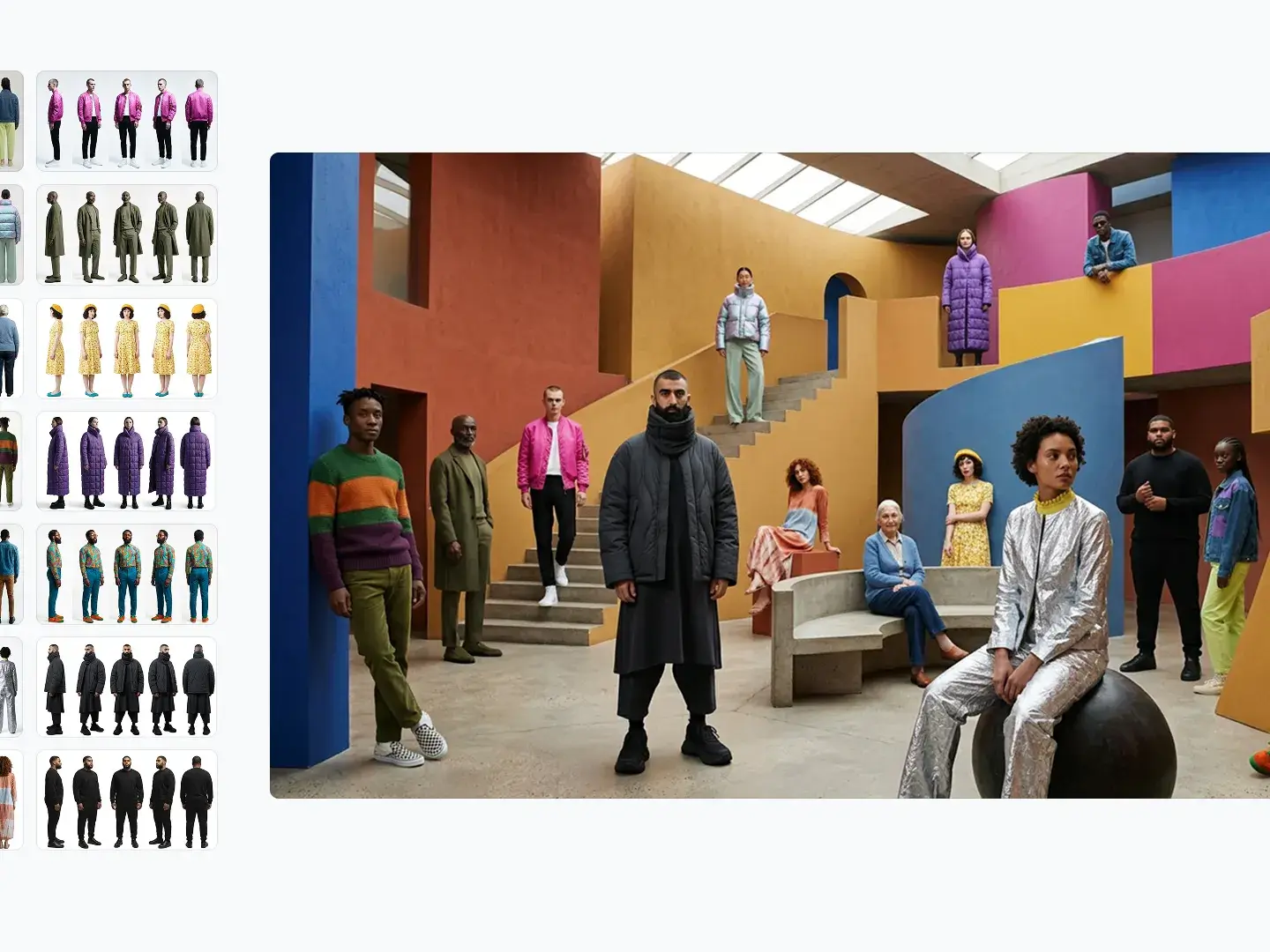
A group of diverse fashion models posing within a colorful, geometric architectural space, accompanied by a left-hand grid of individual input images showing their outfits from different angles.

Refine an image with a new direction

Give Nano Banana 2.1 an existing image and describe the change: a different background, a new setting, or another visual style. Reuse the result as a reference to explore variations while keeping the subject in focus.
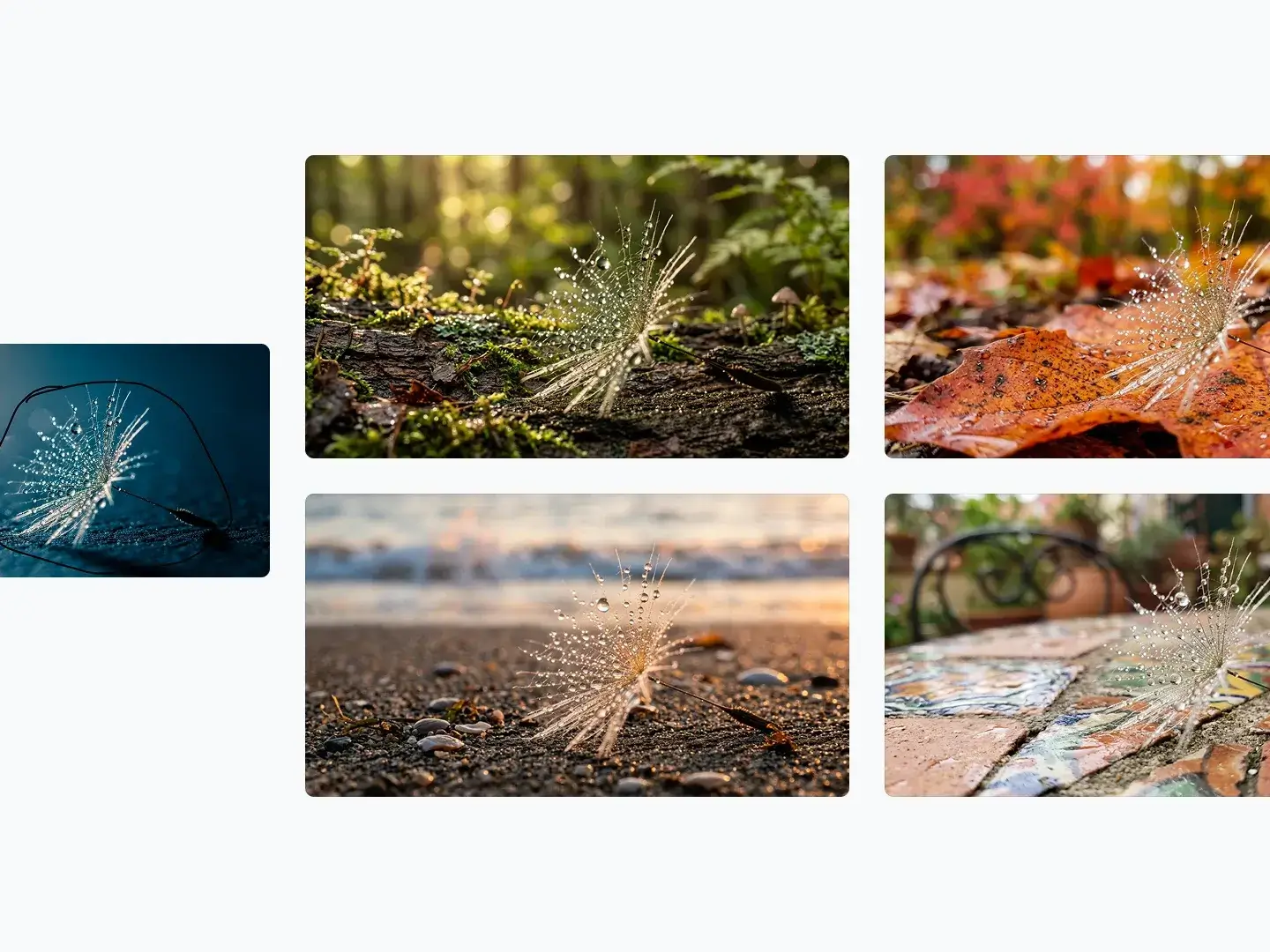
An image showcasing an "Input image" of a water-droplet-covered dandelion seed on the left, and four variations placing the same seed in different settings: a mossy log, an autumn leaf, a sandy beach, and a tiled outdoor table.

Create for the format you need

Compose square images, vertical posters, widescreen scenes, and panoramic banners in Nano Banana 2.1. Choose the aspect ratio before generating, then select 1K, 2K, or 4K to suit your draft or final asset.
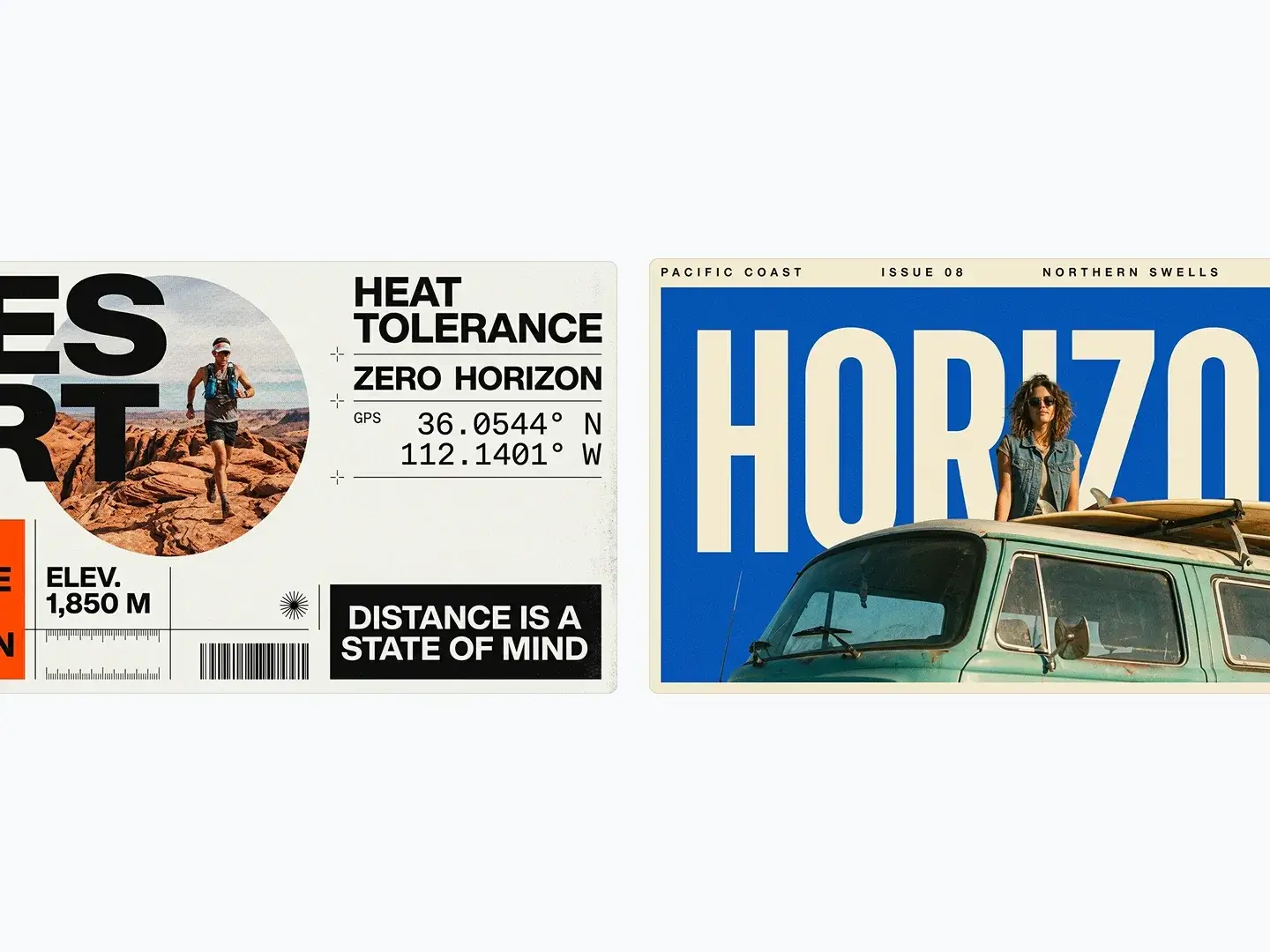
Two adventure-themed graphic designs side-by-side: the left features a desert running layout with the text "DESERT" and a circular image of a trail runner, while the right showcases a coastal road trip theme with the word "HORIZON" and a woman on a teal van.
How to

How to use Nano Banana 2.1

The generator on this page takes one prompt and optional reference images.

01

Write the brief

Include the subject, setting, style, and the exact words that need to appear in the image.

02

Add references when identity matters

Upload the people, products, or visual details you want to use as references. Choose images that clearly show what needs to stay consistent.

03

Choose the frame and size

Start at 1K for drafts. Move to 2K or 4K for wide frames and smaller text.

04

Edit from the result

Upload the result as a reference and describe what you want to change. Explore a new background, style, or composition until the image fits your idea.

Use cases for Nano Banana 2.1

Start with a task, then shape the prompt around the visual you need.

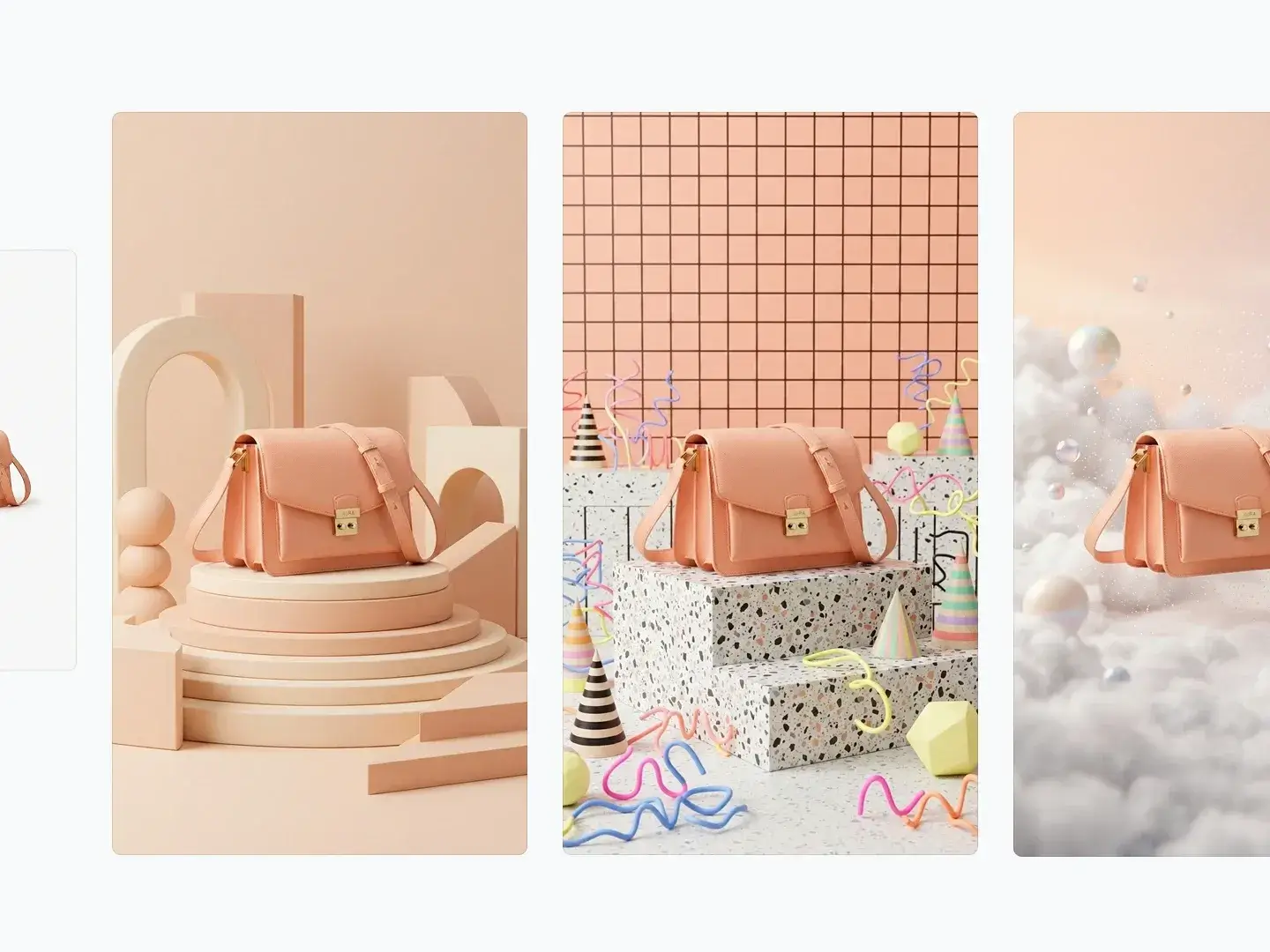
Four panels showcasing a pink shoulder bag in different creative backdrops, including geometric pedestals, a playful terrazzo setup, and a dreamy cloud setting.

Product campaign concepts

Explore different backdrops for the same product. Provide a clean reference and describe the scene, materials, and lighting.

Try this workflow
Two adventure-themed graphic designs side-by-side: the left features a desert running layout with the text "DESERT" and a circular image of a trail runner, while the right showcases a coastal road trip theme with the word "HORIZON" and a woman on a teal van.

Social and brand graphics

Draft a campaign poster or social graphic with a clear hierarchy. Put short headlines in quotes and check every word before publishing.

Try this workflow
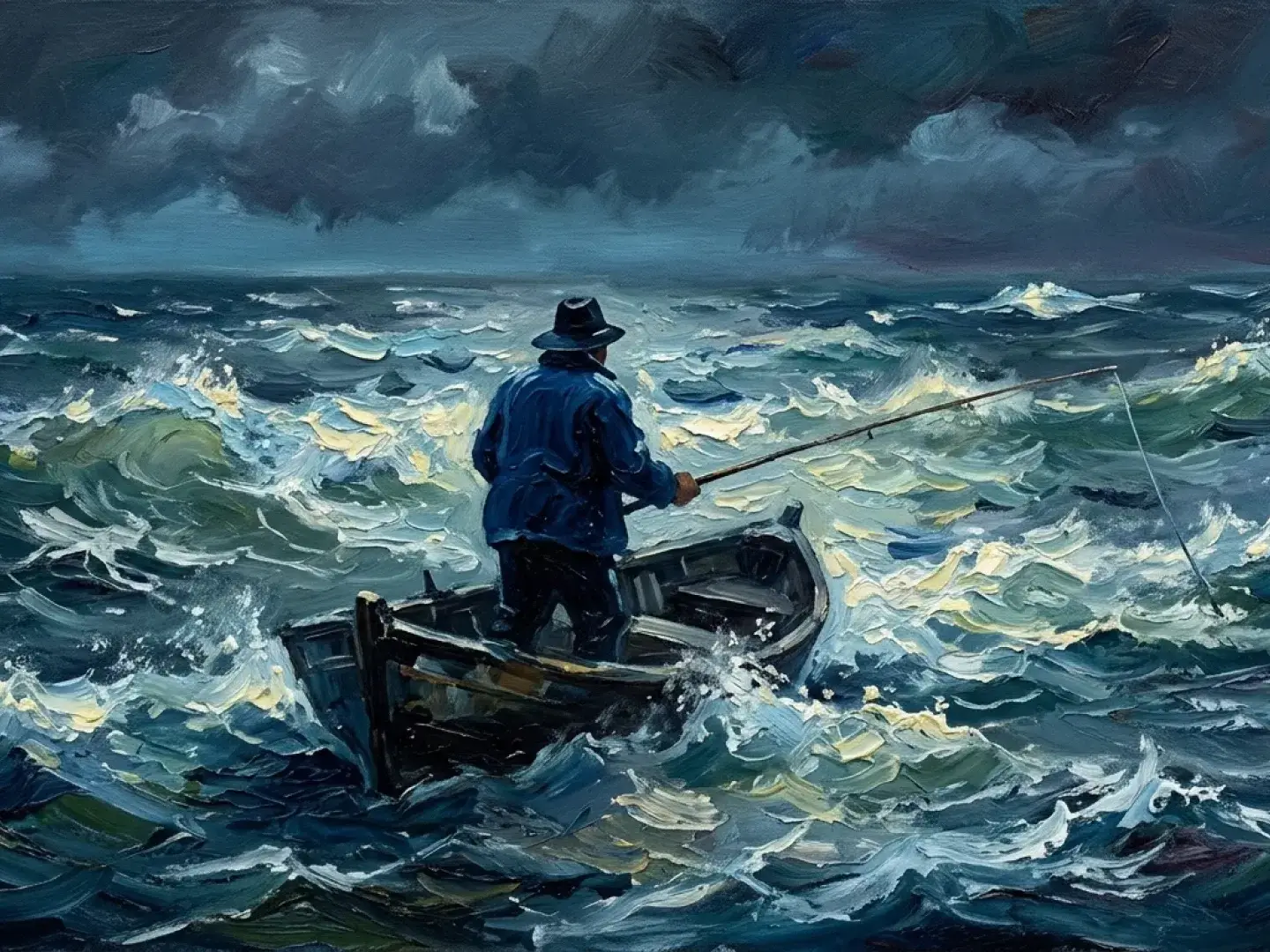
An oil painting of a lone fisherman in a small wooden boat, casting his line into a rough, stormy sea under dark clouds.

Illustration and visual storytelling

Explore a mood, setting, or illustration style before building a larger story. Specify composition and the details that should stay consistent.

Try this workflow

Nano Banana 2.1 questions

Find answers about image creation, references, output sizes, and credit costs.

Nano Banana 2.1 is Google’s image generation and editing model, released on October 6, 2026. It brings improved visual design, subject consistency, and natural-looking images to the Nano Banana family. Its Gemini API model ID is gemini-nano-banana-2.1.

Yes. Choose Text to Image to start from a prompt, or Image to Image to upload references and describe your changes. To continue an edit, upload the last result as a new reference.

You can upload up to 14 reference images. Keep character references within 4 people and object references within 10 objects. Clear, relevant references make it easier to preserve the details you care about.

Choose 1K, 2K, or 4K. Aspect ratios include square, portrait, landscape, and panoramic formats such as 1:1, 4:5, 9:16, 16:9, 21:9, 1:8, and 8:1. Start at 1K for drafts and increase the size when you need more detail.

Text to Image and Image to Image both cost 3 credits at 1K, 4 credits at 2K, and 6 credits at 4K. The selected resolution determines the credit cost shown before generation. Direct Gemini API image-output prices are $0.0336 at 1K, $0.0504 at 2K, and $0.113 at 4K as of October 7, 2026; input and thinking tokens are billed separately.

Nano Banana images include an embedded SynthID watermark. SynthID identifies AI-generated content; it is separate from any visible logo or text in the image.

Check exact wording, small text, faces, product details, and any factual information. Long paragraphs, precise positioning, and identity across different scenes can still need another iteration. Search grounding is available in the Gemini API, but this page has no search or mask-editing control.

Start creating

Create your next image with Nano Banana 2.1

Describe your idea, add reference images if needed, and choose your aspect ratio and resolution.

1K: 3 credits · 2K: 4 credits · 4K: 6 credits