

Kling 4.0 AI Video Generator
Create lifelike scenes with cinematic motion, expressive characters, and stereo sound. Kling 4.0 brings Omni Reference and multi-keyframe control to every story.
Your Vision. More Real. More in Control.
From a fleeting expression to a sweeping camera move, shape the details that make a scene feel alive. These official Kling 4.0 examples show how motion, sound, references, and story beats work together.
Cinematic Motion That Stays with the Action
Follow a character through a fast-moving scene, circle a performance, or hold a continuous tracking shot. Kling 4.0 brings smoother movement and steadier camera transitions to demanding sequences, helping the subject, setting, and action stay connected as the shot develops. Build a scene around the movement you want the audience to feel.
Sound and Performance, Together
Give dialogue, singing, and ambient sound a place in the scene. Two-channel stereo and improved lip-sync bring voices and visual performances closer together, while subtle expressions make the delivery more natural. Direct the mood through the sound of a room, an exchange between characters, or a performance that carries the story.
Omni Reference: Keep Your Creative Direction
Combine character, product, location, and movement references in one creative brief. Kling 4.0 accepts up to 15 reference assets across images, videos, voices, and elements, with limits for each input type. Use an image to define identity and a video to guide action or pacing, so the scene follows a more concrete visual direction.
Tell the Story Across Multiple Keyframes
Set the moments that matter, then connect them into a sequence. Up to 10 keyframe images guide changes in character state, setting, and composition. With 3–30 second generation, a reveal, reaction, or transition has time to develop beyond a short loop, giving you more control over the beginning, middle, and end.
Characters with More to Say
Make a glance, a pause, or a small shift in posture part of the performance. More natural facial detail, lighting, and texture bring characters closer to the camera without losing the emotion of the scene. Move between intimate portraits and wider action while keeping the performance at the center of your creative direction.
Words That Belong in the Frame
Build readable lettering, logos, and emoji into a visual concept. Kling 4.0 improves text generation across multiple languages and keeps important on-screen information more stable through camera movement. Pair a product name with its environment or make typography part of the composition, rather than treating it only as a final overlay.
See What Kling 4.0 Can Create
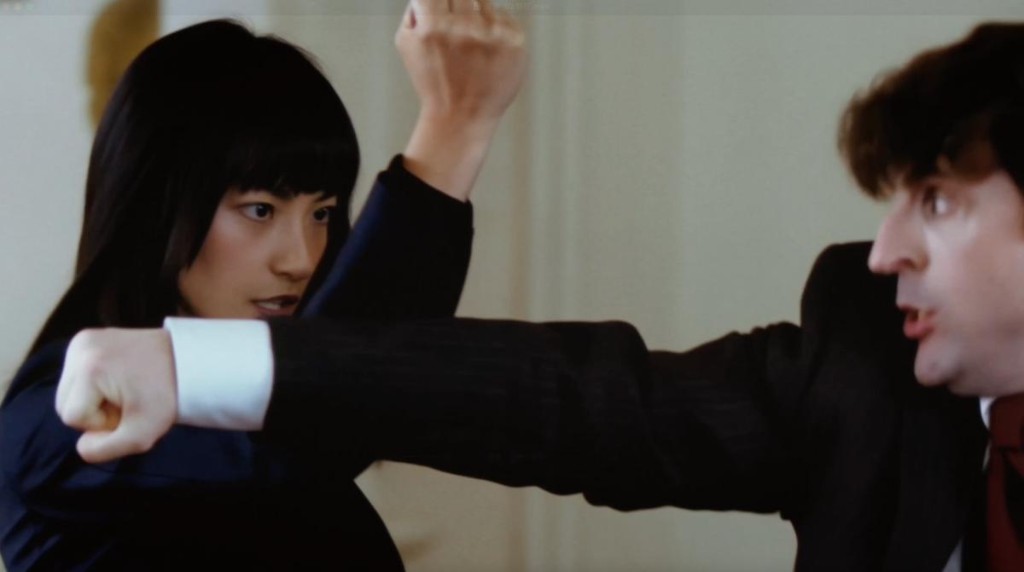
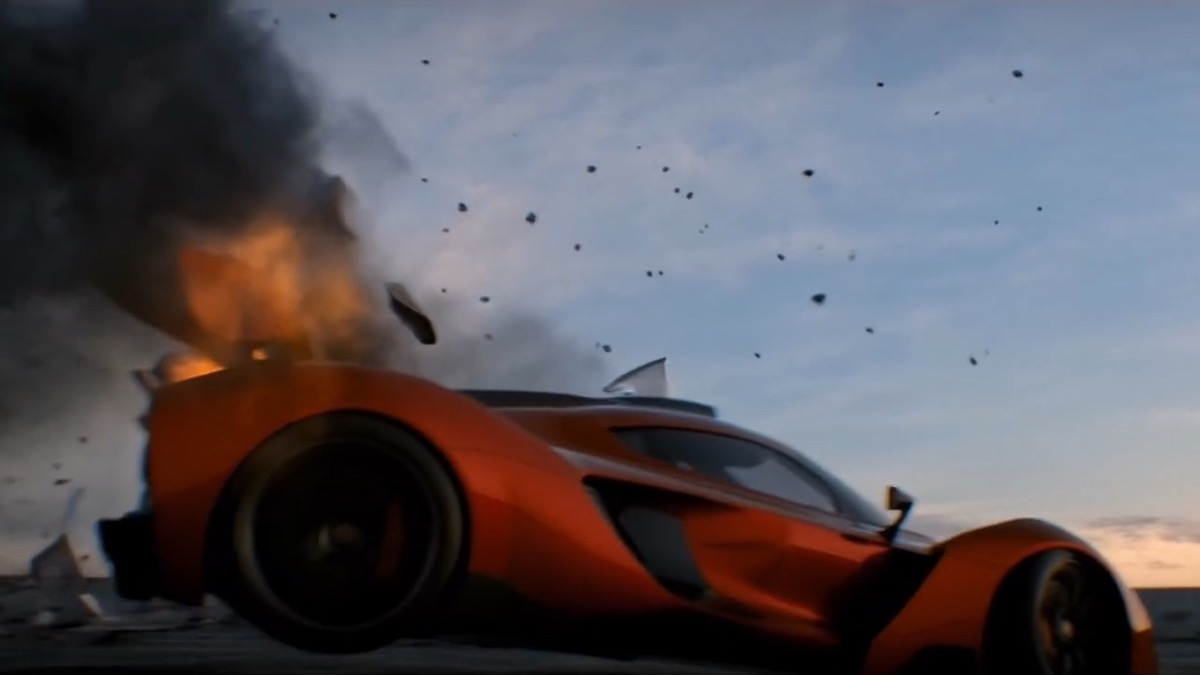
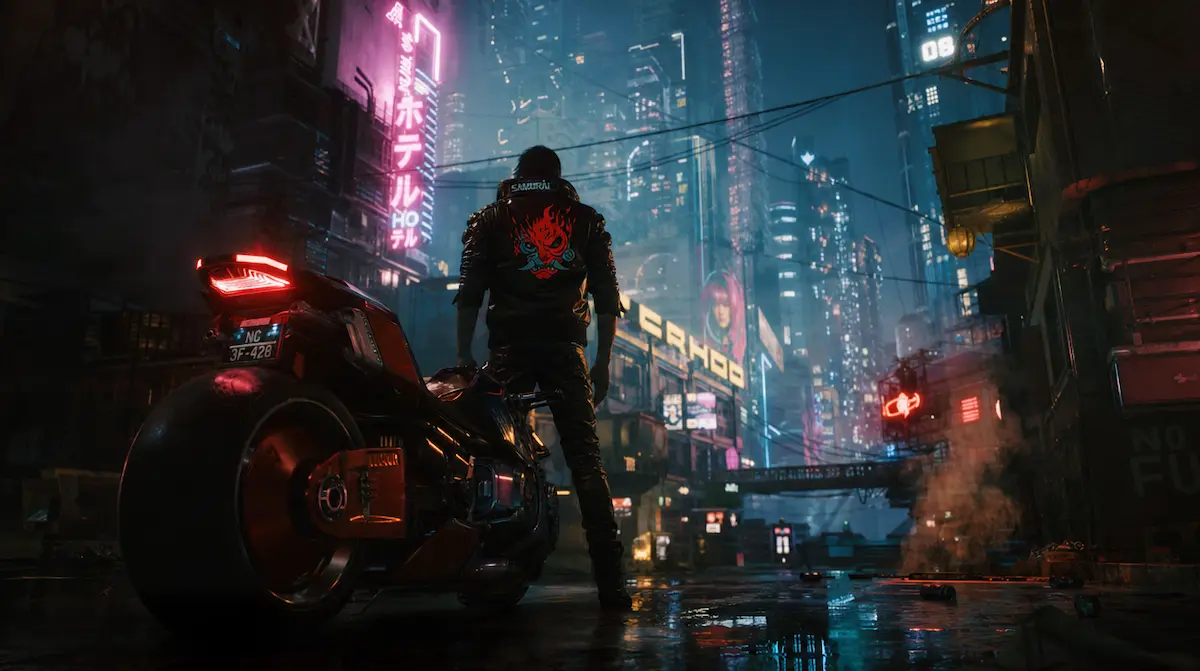
Official Kling 4.0 videos from Kling AI’s homepage: action, high-speed chases, fantasy scenes, and creative styles.

More Ways to Shape Every Scene
Start with the form of creative direction that fits your idea. Text, frames, references, and editing instructions each give you a different way to build a Kling 4.0 scene.
Text to Video
Describe the subject, action, camera, lighting, and sound in one prompt. Kling 4.0 supports up to 8,000 input tokens for detailed creative briefs, so a complex scene can include both visual direction and the timing of a performance.
Image to Video
Animate a still image, use first and last frames, or arrange keyframes to guide a sequence. Define what should move and what should stay consistent, so the original composition becomes the starting point for a purposeful shot.
Reference-Guided Creation
Use up to 10 images or up to 5 videos totaling 30 seconds, within the overall 15-asset limit. References can define characters, layouts, movement, and camera language; audio reference input is for voice guidance.
Targeted Video Editing
Refine an expression, replace a setting, or redirect a camera move while keeping the rest of the scene stable. The announced editing workflow accepts up to 5 video clips, including one primary video, within a combined 30-second limit.
Languages, Accents, and Dialects
Shape a character’s voice for the scene, with support spanning Chinese, English, Japanese, Korean, Spanish, and more. Dialect and accent options include Cantonese, Sichuanese, and American, British, and Indian English.
Frame the Story Your Way
Choose from the announced 720p, 1080p, and 4K output options and formats including 21:9, 16:9, 1:1, 9:16, and Auto. The 10-bit HDR upgrade for 1080p and 4K is marked as coming soon.
Kling 4.0 vs Seedance 2.5 vs Veo 3.1
Compare generation length, reference control, audio, and editing workflows using each model’s official specifications.
Duration
3–30 seconds
Up to 30 seconds
4, 6 or 8 seconds; 8 seconds for reference images, 1080p or 4K
References
Up to 15 assets overall: images, videos, voice references and subject elements
Multimodal references: up to 30 images, 10 videos and 10 audio clips
Up to 3 reference images; first and last frames
Audio
Two-channel stereo, improved lip-sync, languages and dialects
Joint audio-video generation with audio and visual reference guidance
Native audio generated together with video
Story control
Up to 10 keyframes to guide character states, composition and story beats
Longer narrative sequences with reference-driven camera and performance control
Frame-specific generation and extension of existing Veo videos
Editing
Targeted character, camera, background and style edits
Audio-visual editing, white-model control and green-screen editing
Image-to-video, frame interpolation and video extension
Made for the Scenes You Want to Create
Bring a visual brief to life across advertising, character-led stories, game worlds, and animation. Each scene below comes from Kling AI’s official model demonstrations.
Product Films with a Clear Identity
Turn product and styling references into a visual story. Keep the brief focused on recognizable details, an intentional camera move, and the moment that reveals what makes the product distinct. Build a fashion sequence, a launch concept, or a product-led social video.
Short Drama with Expressive Characters
Connect gestures, dialogue, and reactions into a scene with a clear emotional beat. References define the cast and setting, while keyframes and longer generation give an entrance, exchange, or change of mood enough time to land.
Game Trailers with Momentum
Use concept art and scene references to establish a world, then direct action and camera movement through the key moments. Move from an environmental reveal into character action, carrying a consistent visual idea across the sequence.
Animation beyond a Single Style
Explore stylized worlds, illustrated landscapes, clay-like characters, or felt textures. Define the visual language through references and guide the movement through the prompt, so the animation carries both a recognizable style and a deliberate story beat.
Kling 4.0 Questions, Answered
The details you need before planning your next video.
Jump to: Capabilities · Official examples · Creative controls · Model comparison · Use cases · FAQ
Bring Your Next Scene to Life
Start with a subject, a moment, and a camera move. Create a video in the Studio, or visit Kling AI to try the model through its official rollout.
No credit card required · Free credits on sign-up · Cancel anytime