Skip to content

ChatGPT Image 2.6 AI Image Generator

Create and edit images with GPT Image 2.6. Generate images and GIFs from text, or edit reference photos into product visuals and transparent-background assets.

Create and edit images with GPT Image 2.6.

Learn about this model
6 credits

About this model

Create and edit images with GPT Image 2.6. Generate images and GIFs from text, or edit reference photos into product visuals and transparent-background assets.

See what ChatGPT Image 2.6 brings to your ideas

From a precisely directed edit to a character in motion. Explore each capability through the images it makes possible.

Show exactly what you want to change

Direct an edit in ChatGPT Image 2.6 with visual markup: mark a new cushion color, cross out an unwanted object, or point to a new position for a lamp. Pair annotations with a clear brief to guide changes within the original scene.

Drag the divider to compare the marked-up input and edited result.
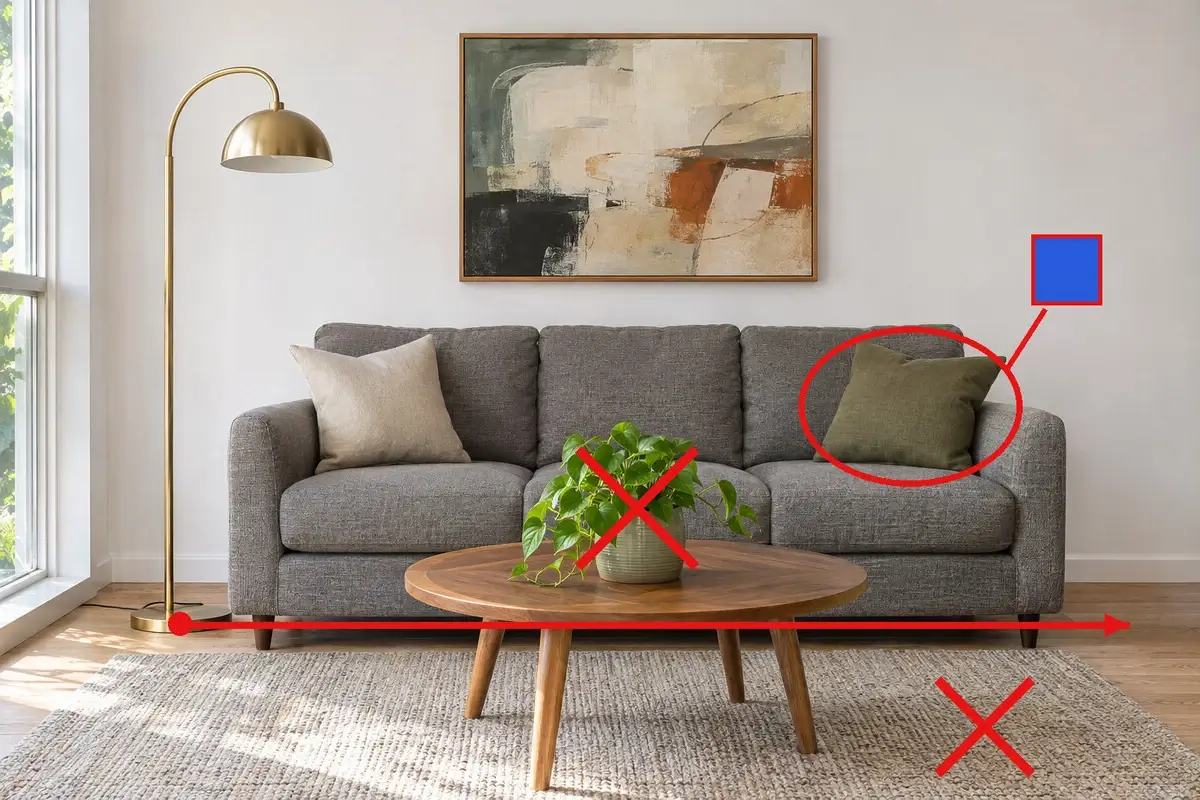
Living room with red markup indicating requested changesEdited living room with a blue cushion, no rug or plant, and a relocated lamp
Marked-up inputEdited result

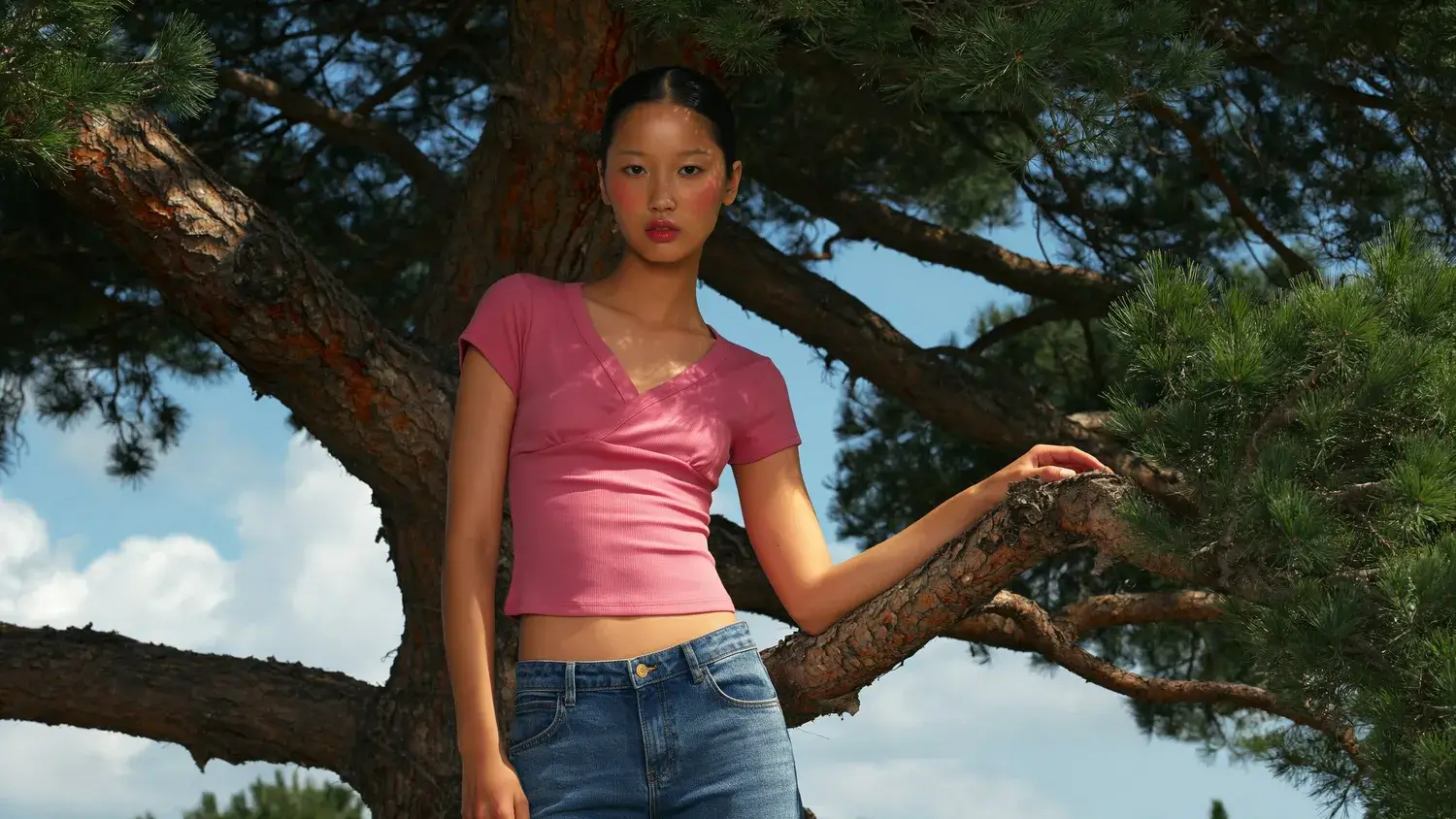
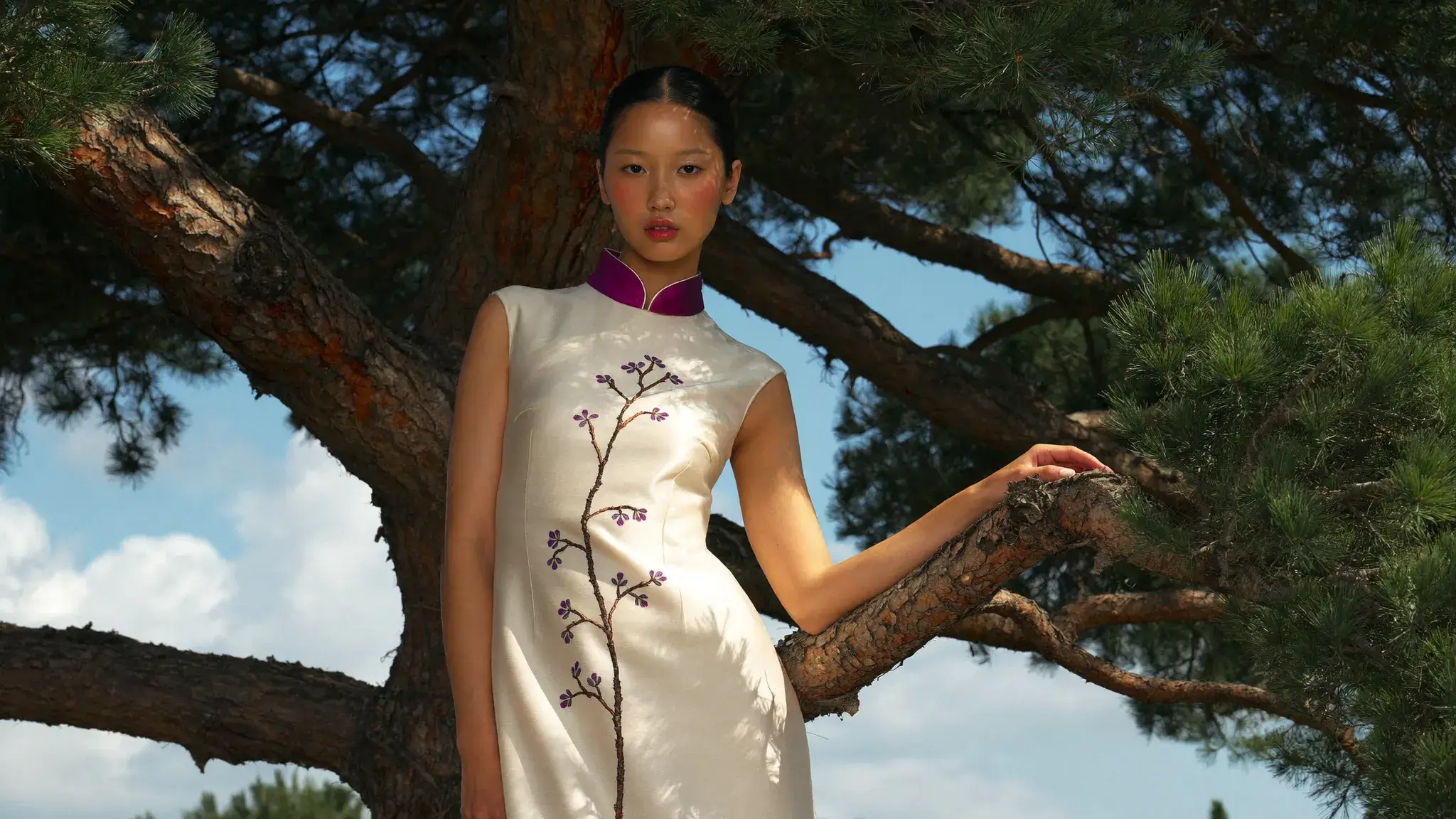
A different outfit, the same scene

Move from a pink top to an embroidered dress while the pose, branches, and lighting carry the scene forward. Start with an existing image and explore changes to clothing, materials, and visual direction.

Drag to compare the original and revised outfit.

Model in a pink top among pine branchesModel in an embroidered ivory dress in the same scene
Original lookEdited look

Explore different levels of visual planning

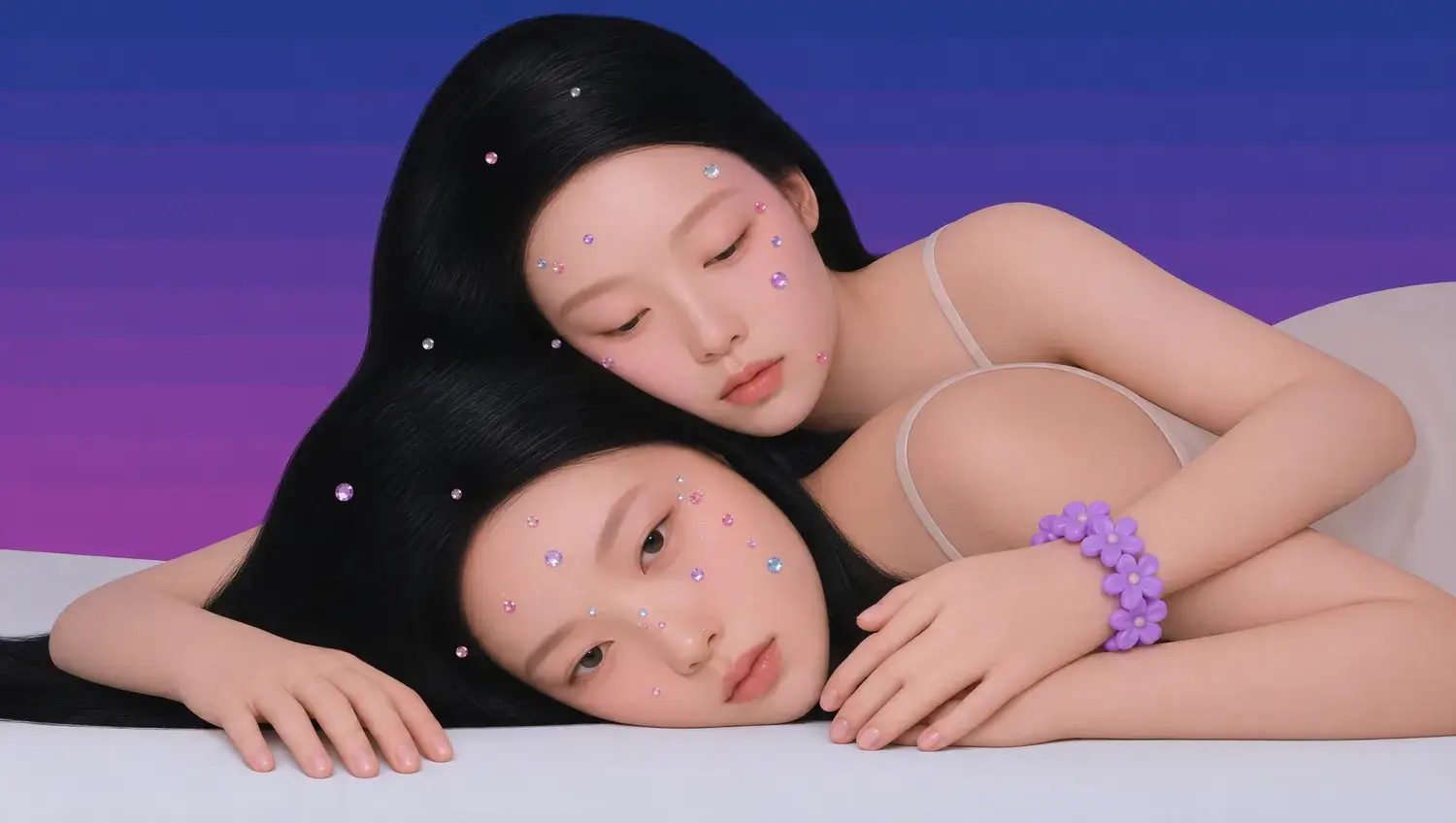
In this paired-portrait example, planning levels produce different arrangements of flowers, accessories, and visual details. Switch between the samples to explore how the composition develops.

These fixed samples show the results of this particular creative task.

Low planning example
Low

Generate GIF animations

Use GPT Image 2.6 to turn text ideas into short, looping GIFs. Create character movements, animated postcards, and paper-crafted scenes.

A miniature room and its visitor
Portraits beside sparklers
A miniature-car postcard
A paper-crafted city and bridge
Another sparkler portrait loop
A girl floating through clouds
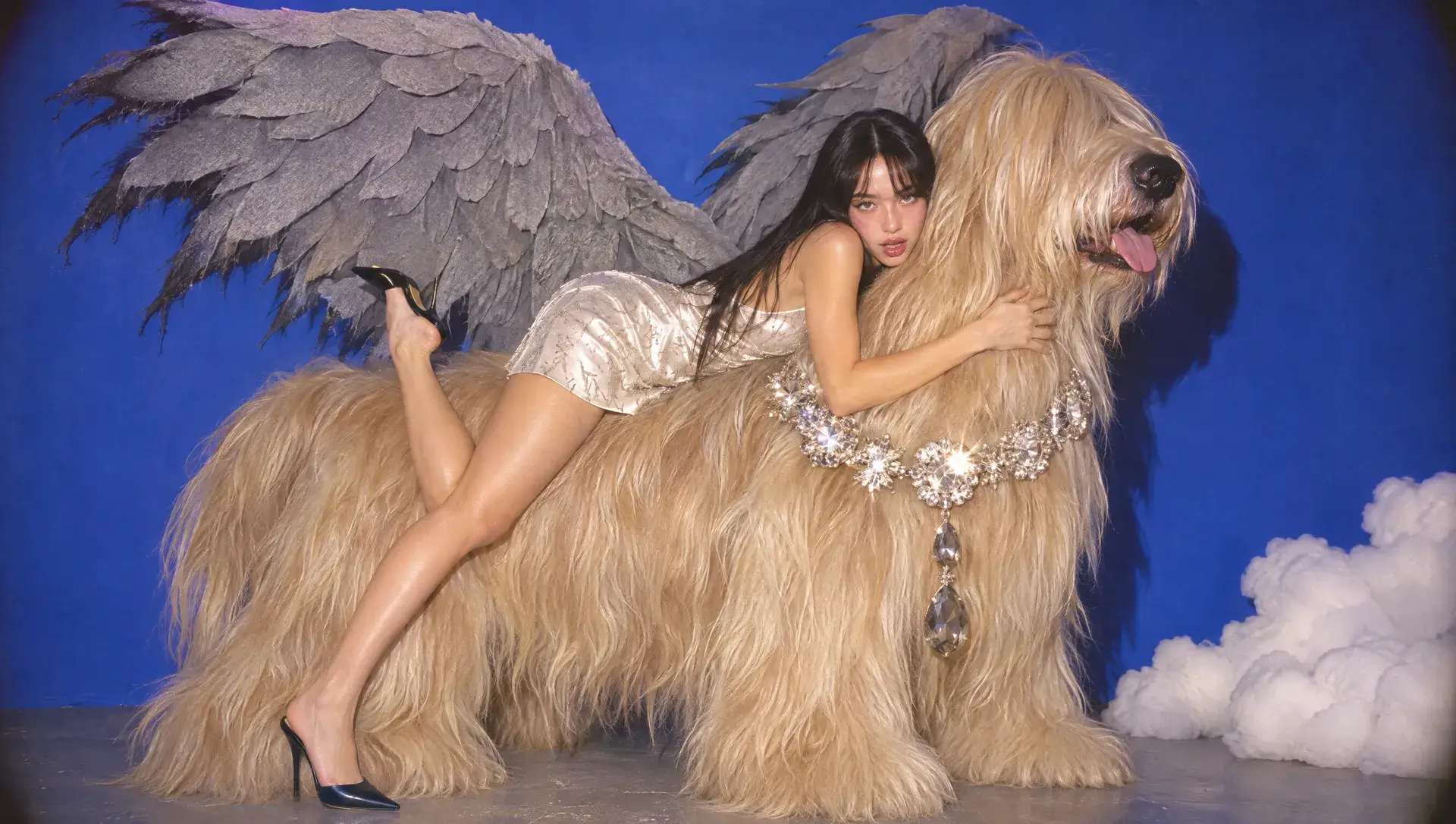
A girl and a winged dog

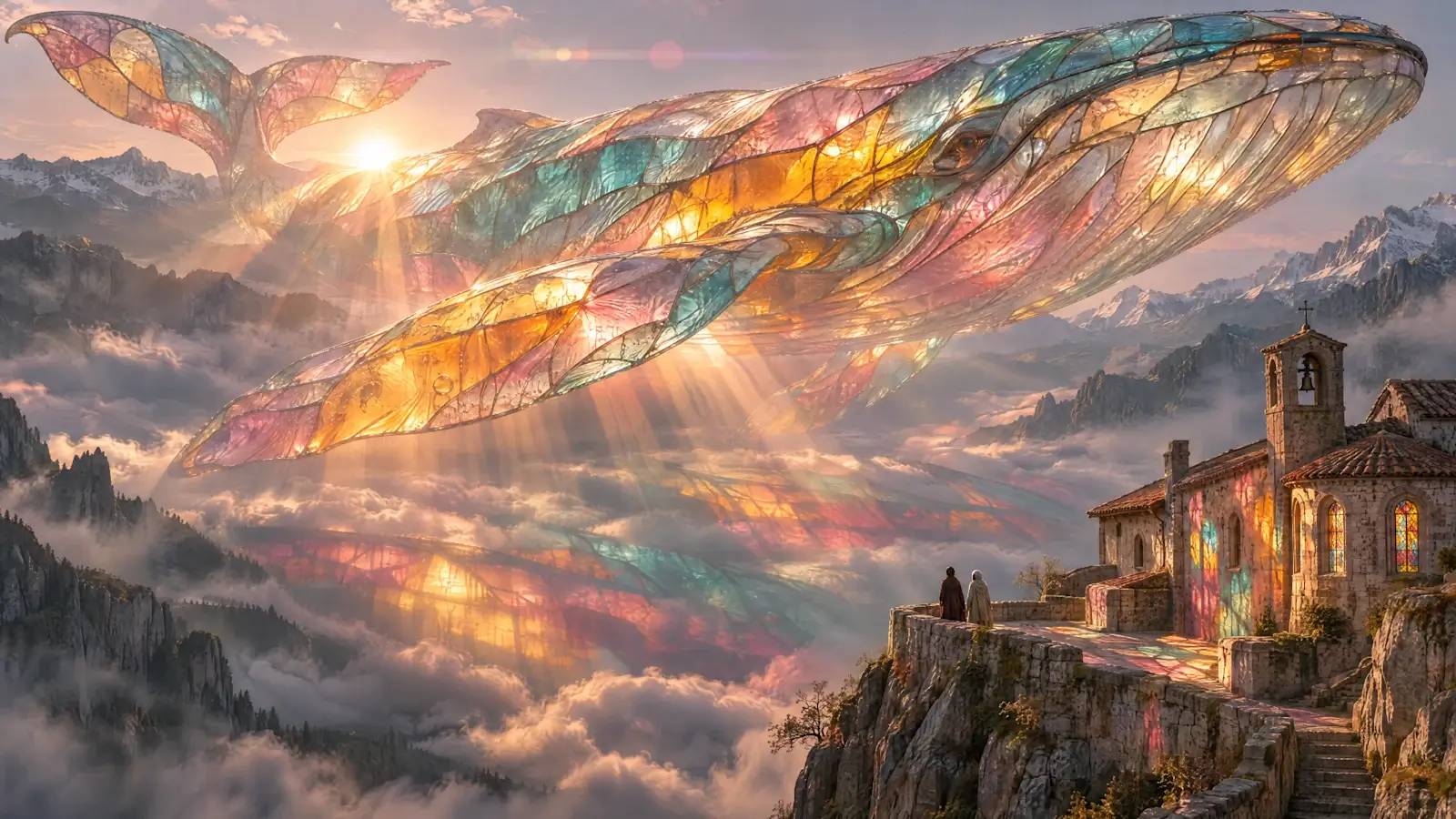
Bring an ambitious visual idea together

Glass textures, a sweeping valley, and sunset light come together in one composition. Define the subject, materials, and setting to turn an intricate idea into a coherent visual.

Open the full image in the gallery below to explore its materials and details.

Stained-glass whale above a mountain chapel at sunset

Generate images with transparent backgrounds

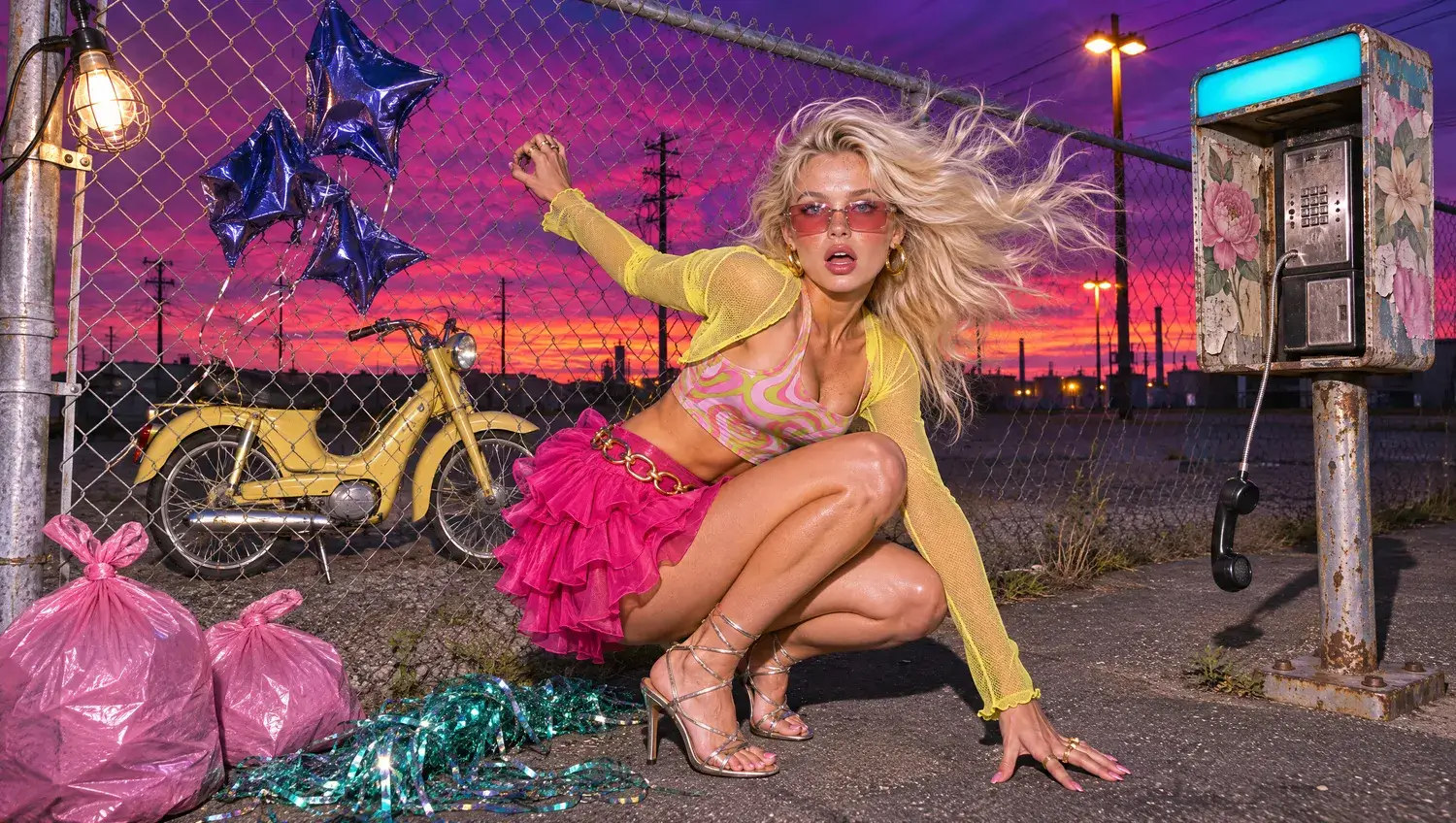
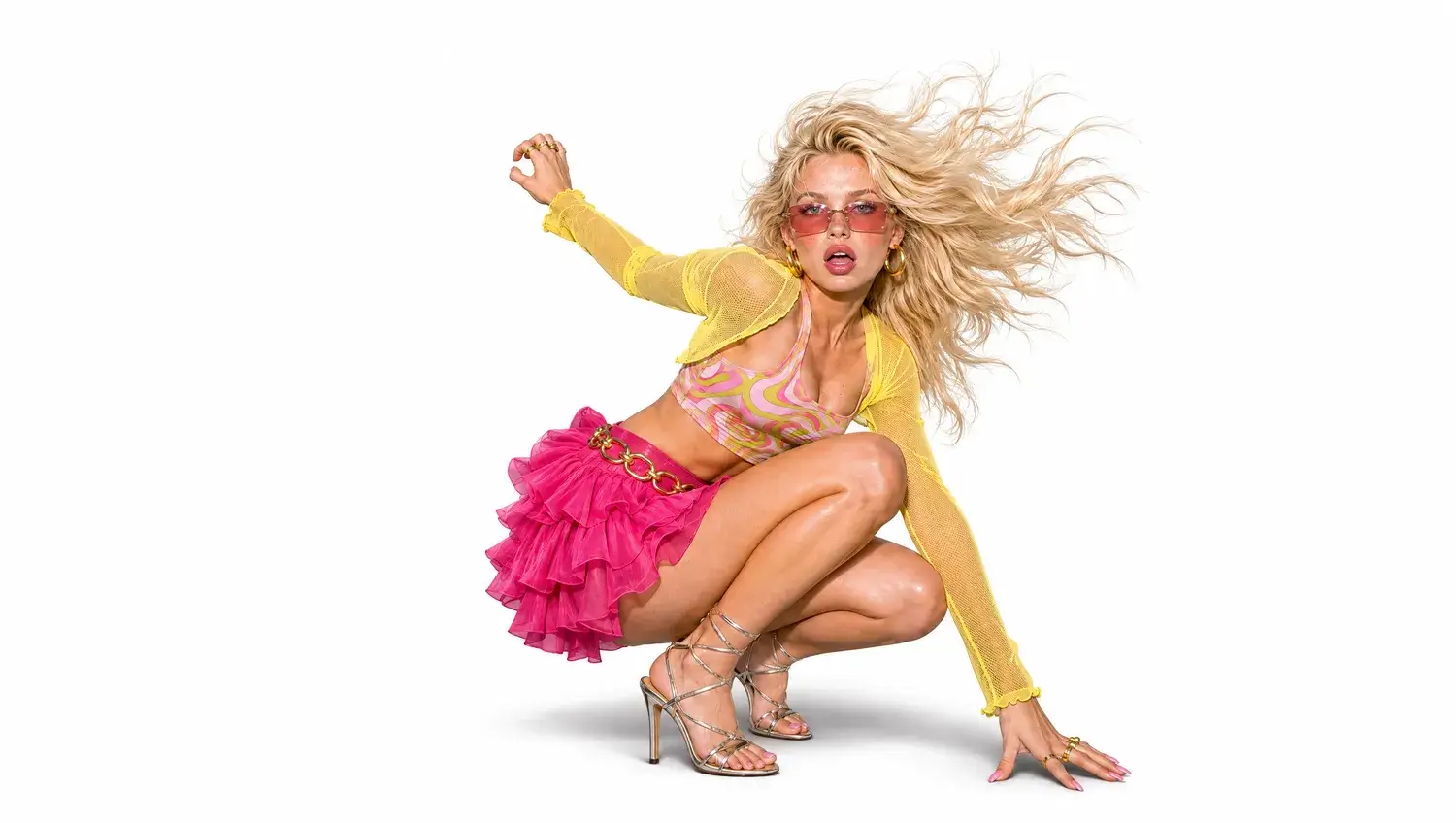
Generate products and characters with transparent backgrounds in ChatGPT Image 2.6 for store listings, presentations, and video compositions. Drag to preview the subject separated from its original scene.

Blonde model in a colorful street scene beside a motorcycle and star balloonsIsolated subject preview of the same model on white
Original sceneIsolated subject preview

Discover your next visual idea

A portrait above an alpine valley
Loading artwork

A portrait above an alpine valley

7 / 11

Put these capabilities to work

Explore fashion portraits, product visuals, and brand concepts with ChatGPT Image 2.6. Start with the creative task you have in mind.

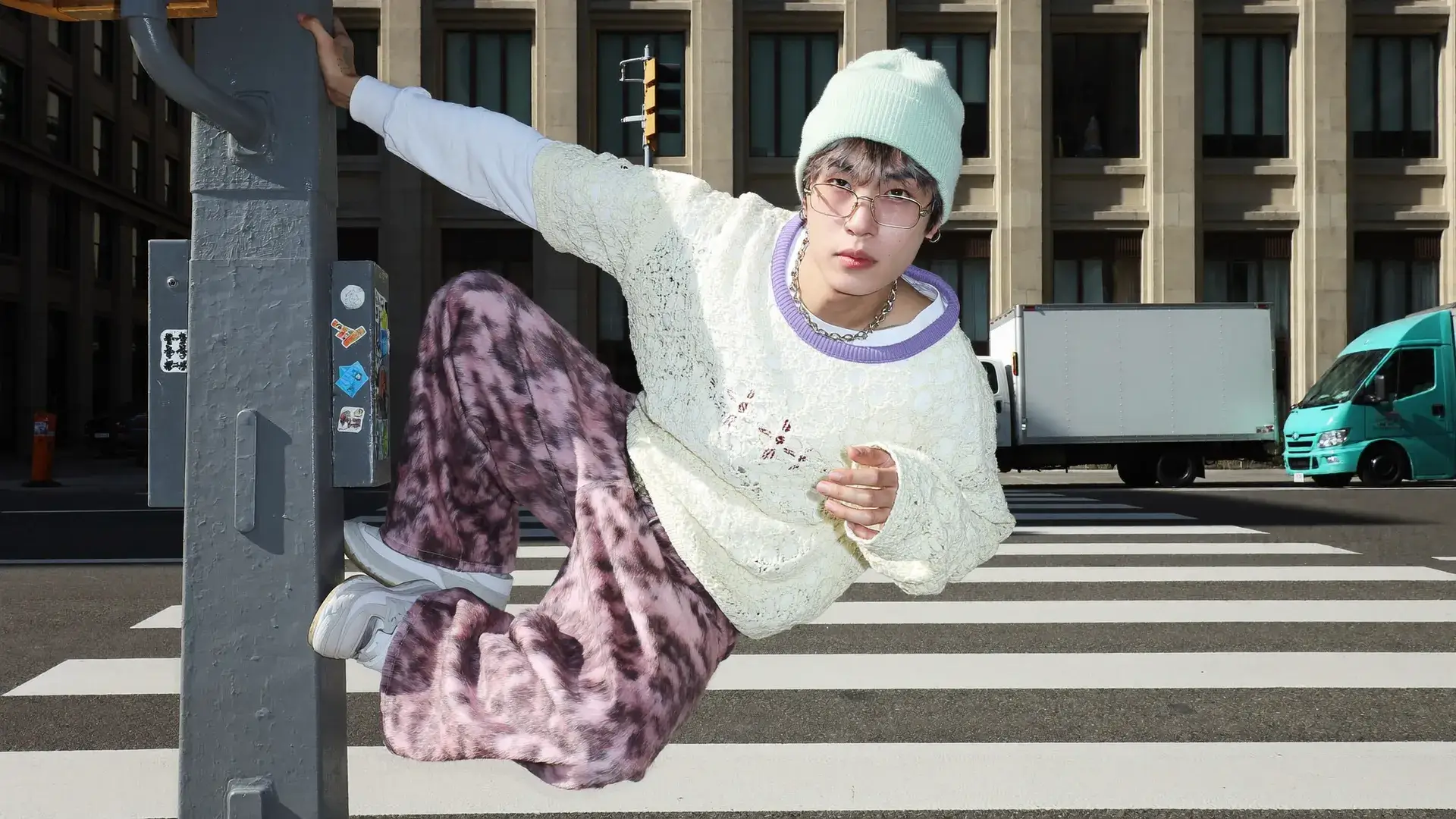
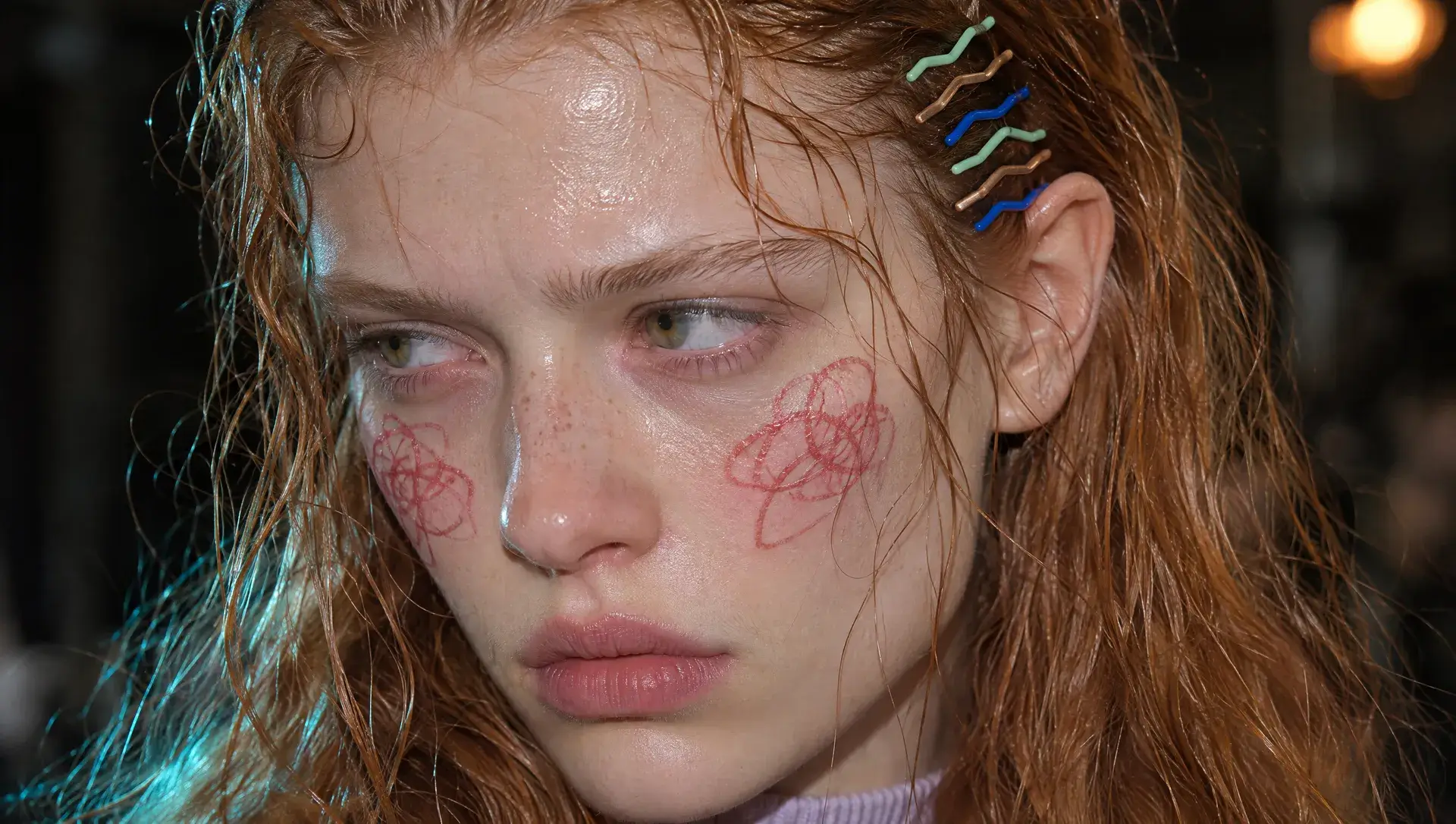
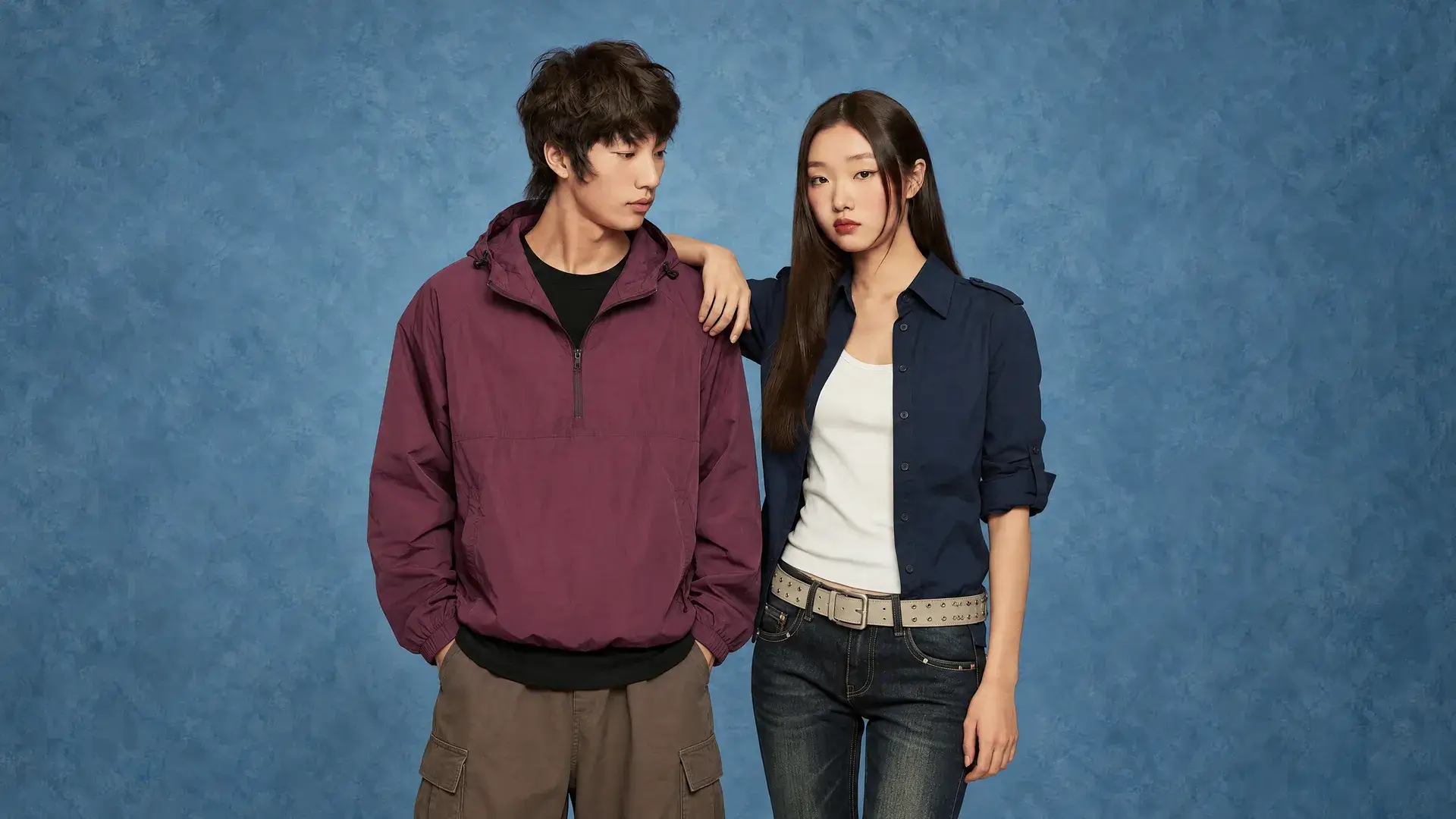
Two looks in a blue studio

Fashion and character visuals

Explore looks, textures, and expressions across different settings and creative directions.

Start creating
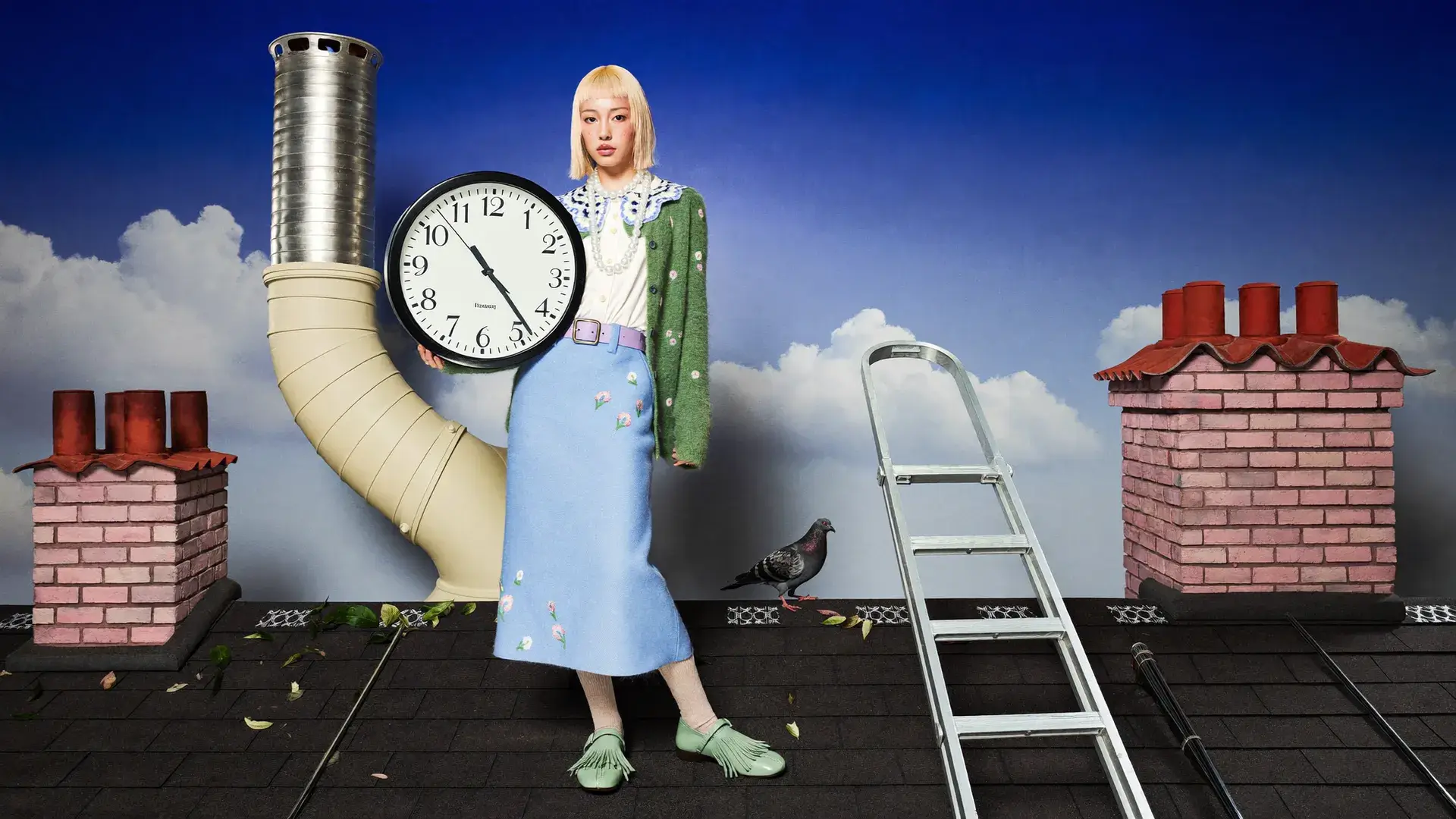
An oversized clock above the rooftops

Brand and campaign concepts

Place a bold visual idea inside a clear composition for campaigns, covers, and creative proposals.

Start creating
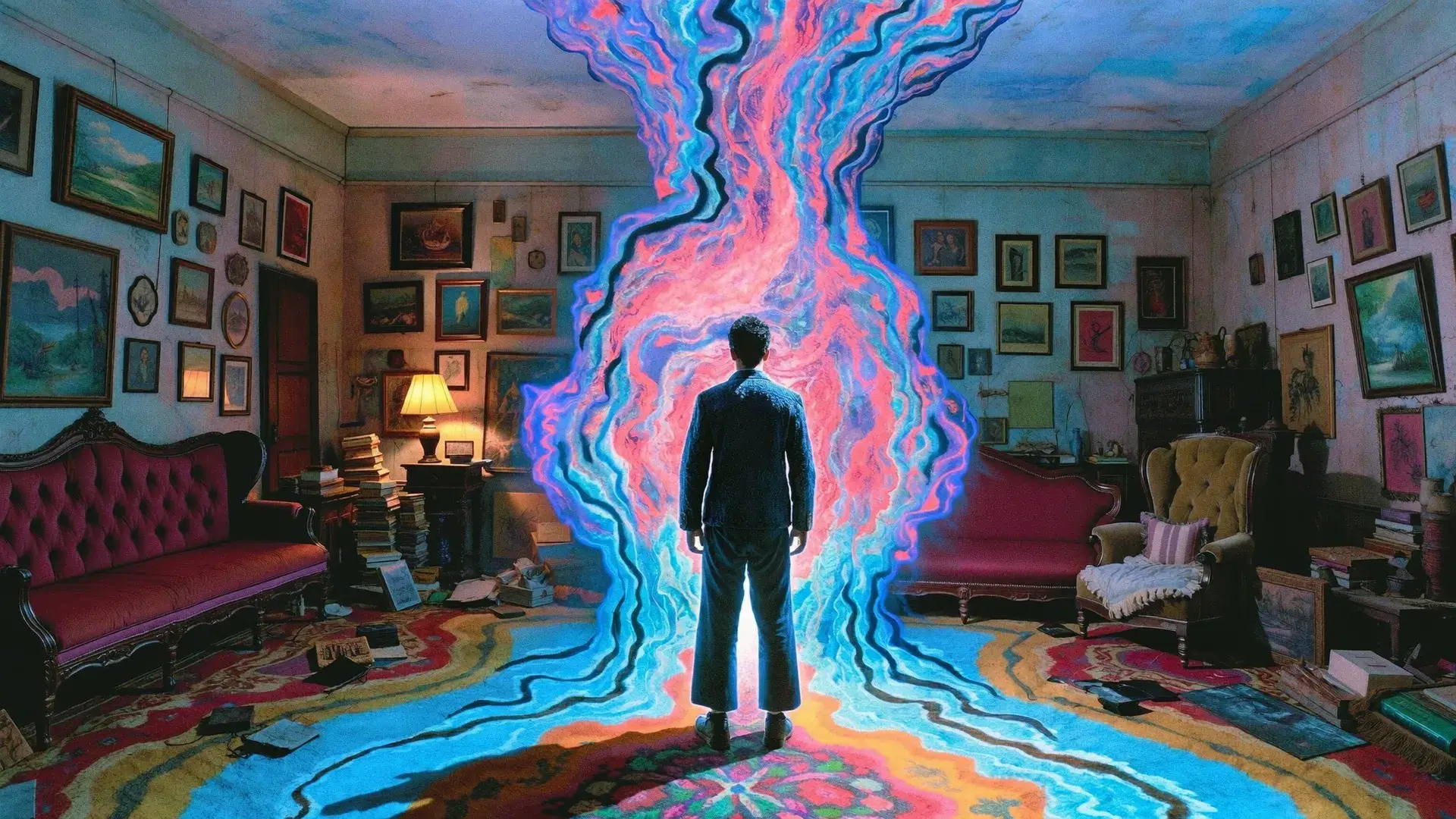
A colorful portal in a vintage room

Imaginative worlds and stories

Combine familiar places with unexpected elements to create a distinctive world for a story.

Start creating

Start with your first image

Describe the image, choose your settings, and refine your direction.

01 / 03

Choose a model for your task

Select Flare, Sunburst, or Economy in the generator and check the model name, aspect ratio, and resolution. Match your workflow to its iteration and editing-control needs.

ChatGPT Image 2.6 AI Image Generator FAQ

Explore Flare, Sunburst, Economy, GIF timing controls, and practical generation settings.

ChatGPT Images 2.6 is OpenAI’s image-generation and editing family, with Flare and Sunburst models for poster and product imagery, detailed control, and consistency across edits. It also supports short animated GIFs. OpenAI announcement

Flare focuses on fast iteration, poster layouts, and product imagery. Sunburst emphasizes detail and consistency across edits. Compare them against your requirements for iteration, visual detail, and editing control, then evaluate results with your own brief. Explore GPT Image 2

GIF suits character reactions, mascot movements, and short product loops. Markup-guided edits help identify the area to change; for complex scenes, define subject relationships, composition, and text hierarchy in your brief. OpenAI image-generation guide

The generator starts with GPT Image 2.6 Flare; you can also choose Sunburst or Economy. GIF creation is available in Text to Image, with frame-count and frame-duration controls. Image to Image offers the static formats supported by the selected model. Economy uses 1K. Check the model and credits before generating. Explore GPT Image 2.5

GPT Image 2.6 supports text-to-image and image-to-image at 1K, 2K, and 4K, with auto, 1:1, 3:2, 2:3, 16:9, 9:16 and more ratios. Add up to 16 JPEG, PNG, or WebP references; check the upload area for file limits. Background controls apply at 1K.

Credits depend on the creation type, resolution, and reference inputs. Check the amount beside Generate before submitting. USD cost depends on your credit plan. Each image or GIF is a separate generation task.

When a task is confirmed failed, the system returns the credits charged for that task. If it is still queued or processing, wait for its status to update.

Generated content can be used commercially subject to OpenAI and FastMoro terms. You must have permission to use reference material and review text, people, and third-party rights in your outputs. FastMoro Terms of Service

The examples come from OpenAI’s 2.6 launch and Higgsfield’s GPT Image 2.6 feature and showcase page. Each source is recorded in our asset inventory. They illustrate creative possibilities and are not FastMoro user generation records. View the additional example source

No. FastMoro AI is an independent platform and is not affiliated with OpenAI. ChatGPT and GPT Image are OpenAI’s products.

Yes. Flare and Sunburst Text to Image offer 2–16 frames; Economy offers Auto, 4, 9, 16, 25, 36 or 64. Set each frame to 20–2000 milliseconds, or choose Auto. Frames multiplied by frame duration gives the configured loop length. For example, 9 frames at 200 ms is 1.8 seconds per loop. More frames change the quoted credits; changing the playback delay alone does not add frames.

Explore more ideas with ChatGPT Image 2.6

Define your subject, composition, and the details to preserve. Start with one image and refine your creative direction.