Skip to content

Seedream 5.5 AI Image Generator

Create and edit images with Seedream 5.5. Generate portraits and posters from text, or upload photos to change the subject, colors, or background.

Create and edit images with Seedream 5.5.

Learn about this model
3 credits

About this model

Create and edit images with Seedream 5.5. Generate portraits and posters from text, or upload photos to change the subject, colors, or background.

Create photos, add text, and edit a reference

See Seedream 5.5 examples of photo editing, portraits, and page layouts.

Change the subject, colors, or background

Upload a photo and tell Seedream 5.5 what to change. Replace an object, change clothing, or give the subject a different look. Name the details you want to keep.

Drag the divider to compare two frames from the editing example.
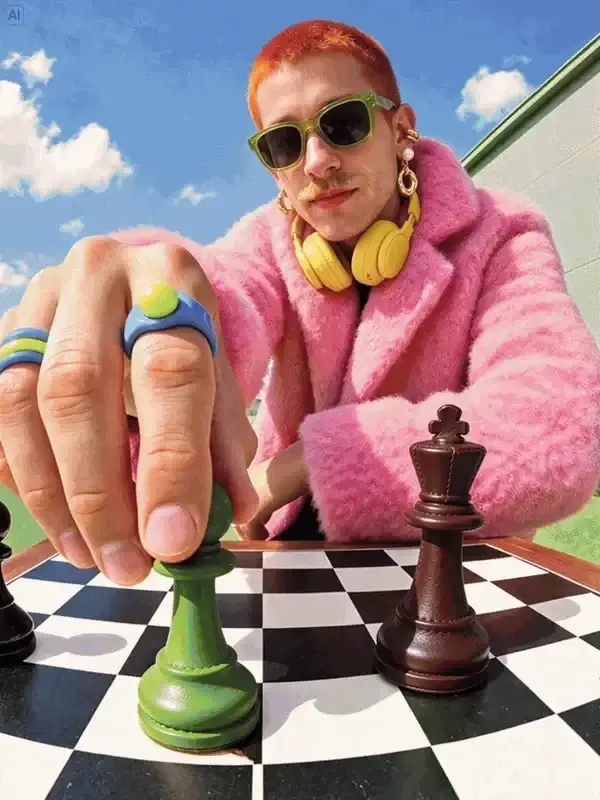
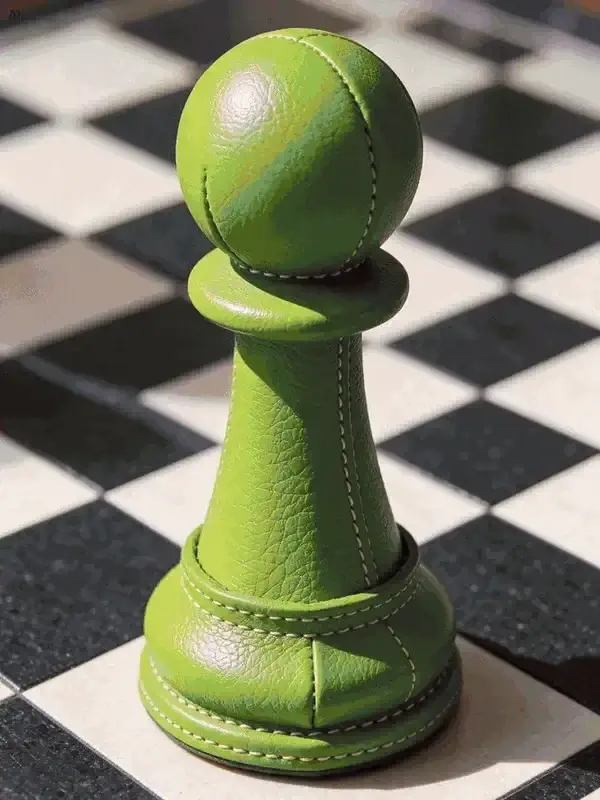
Starting frame: a person in pink beside a chessboardLater frame: a green chess piece in the foreground
Starting imageEdited version

Create portraits in natural light

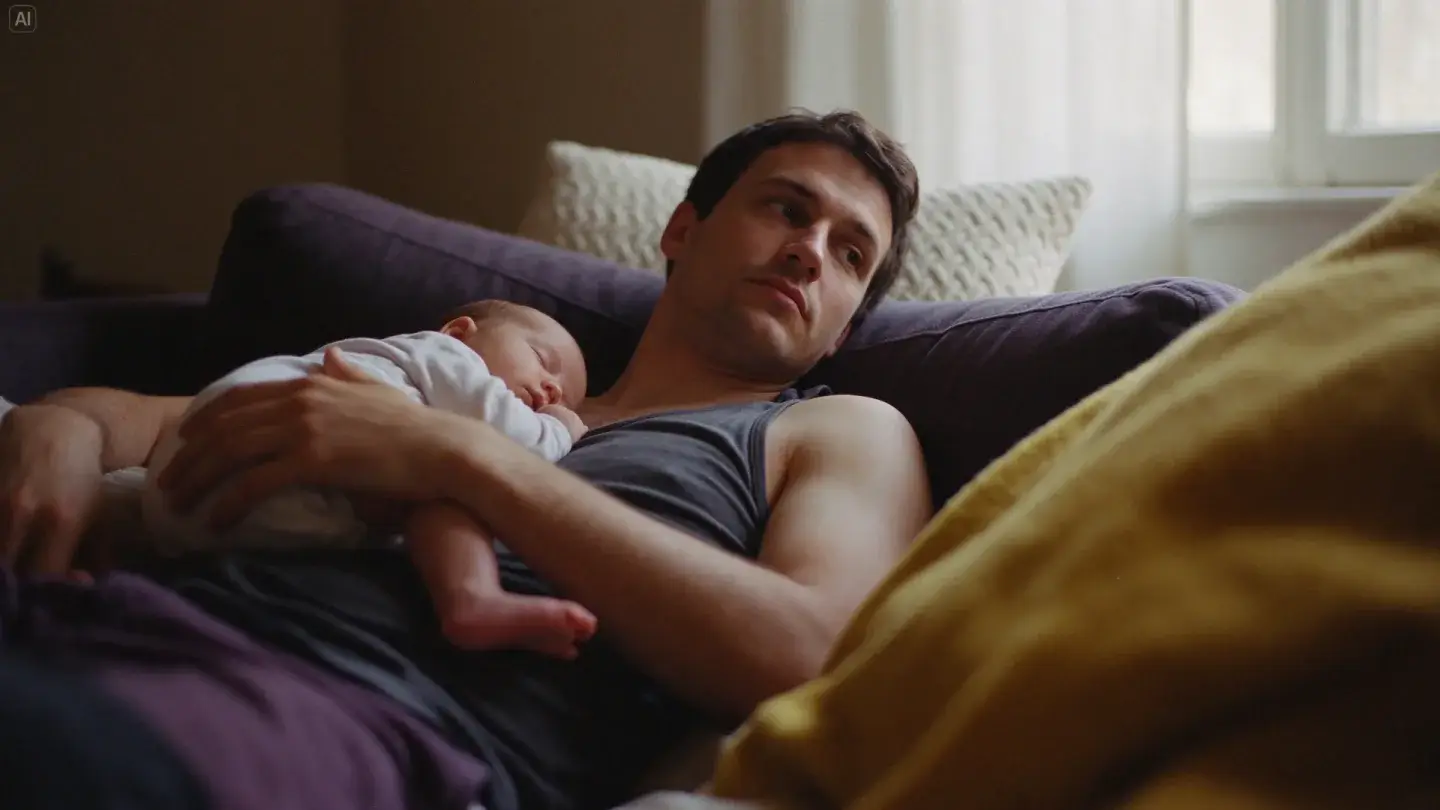
Generate a portrait by a window, a family photo on a sofa, or a street scene. Specify the people, clothing, and light—for example, a father holding his baby in warm afternoon sunlight.

A father holding a sleeping baby in warm window light

Put text and images on the same page

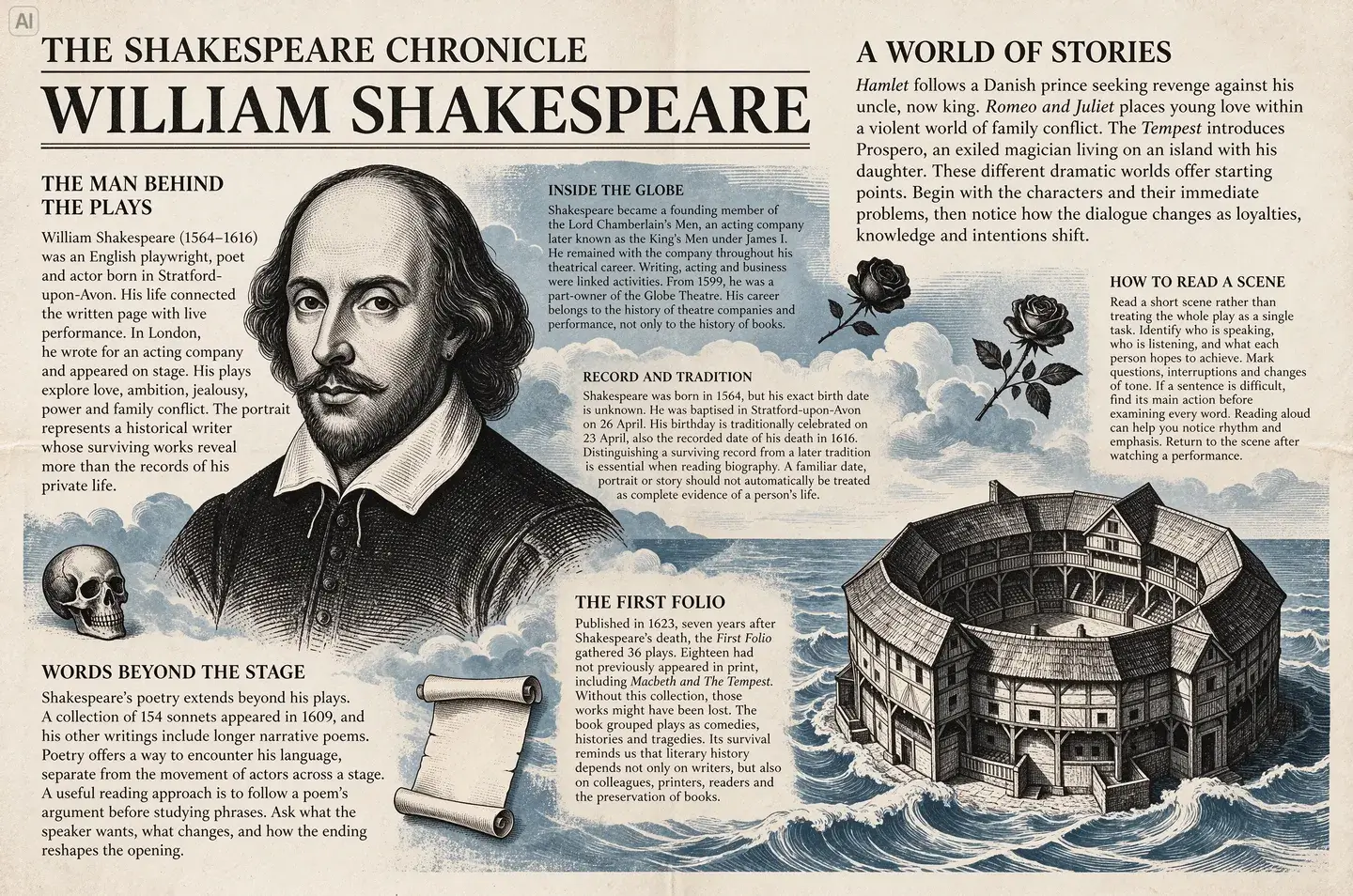
Create a poster or newspaper-style page with headlines, body copy, and illustrations. Give Seedream 5.5 the exact wording and its position, then check the text in the result.

An editorial page with Shakespeare portraits and small English text

See what Seedream 5.5 can create

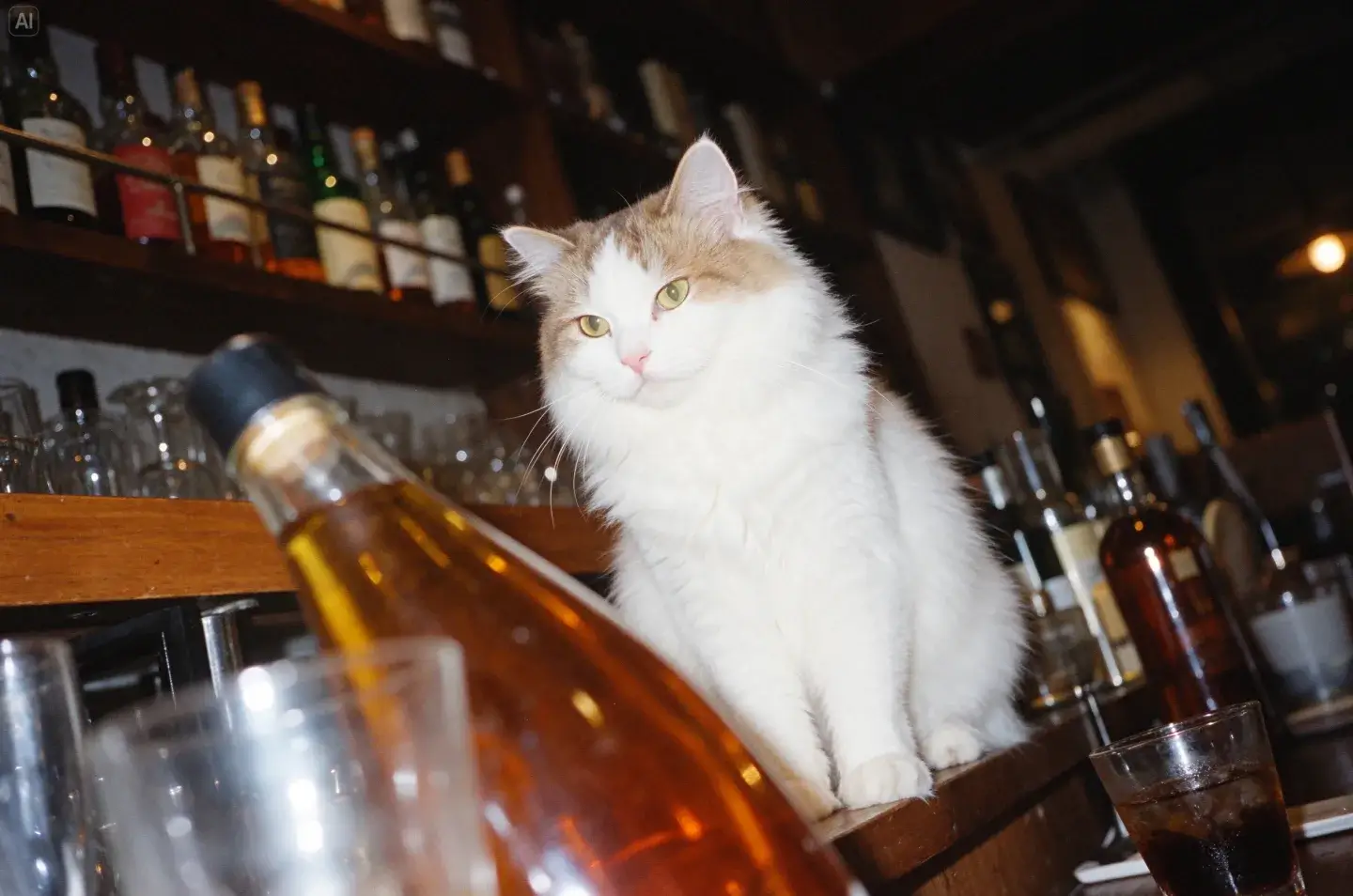
A white cat among bottles in a bar, with direct flash and film grain
Loading artwork

A white cat at a bar

1 / 21

What to make with Seedream 5.5

Make a portrait, a background image, or a page with text and illustrations.

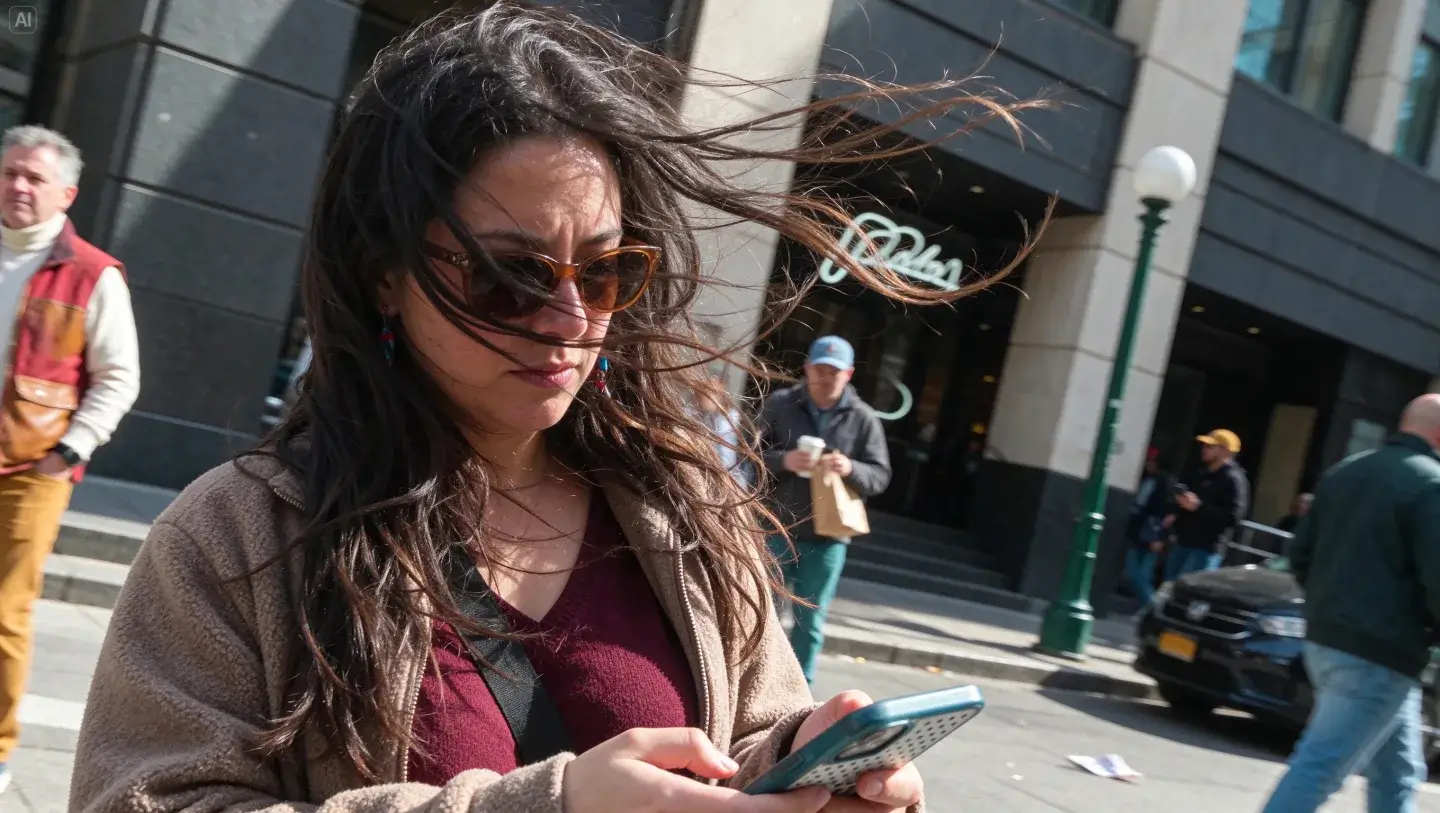
A candid street portrait with windswept hair

Portrait photos

Describe the outfit, pose, and location. For example, a woman in a brown jacket looking at her phone on a windy street.

Create a portrait
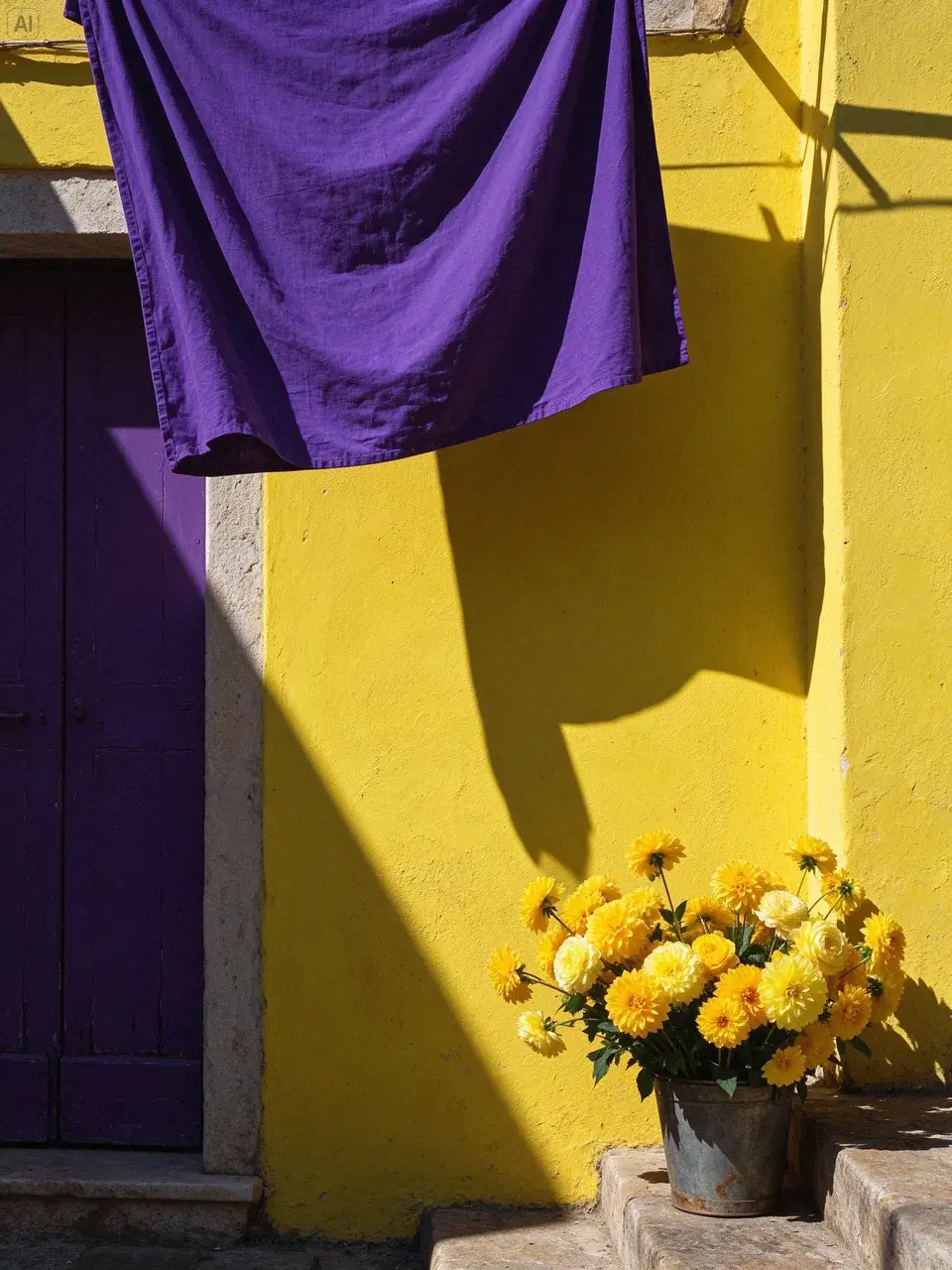
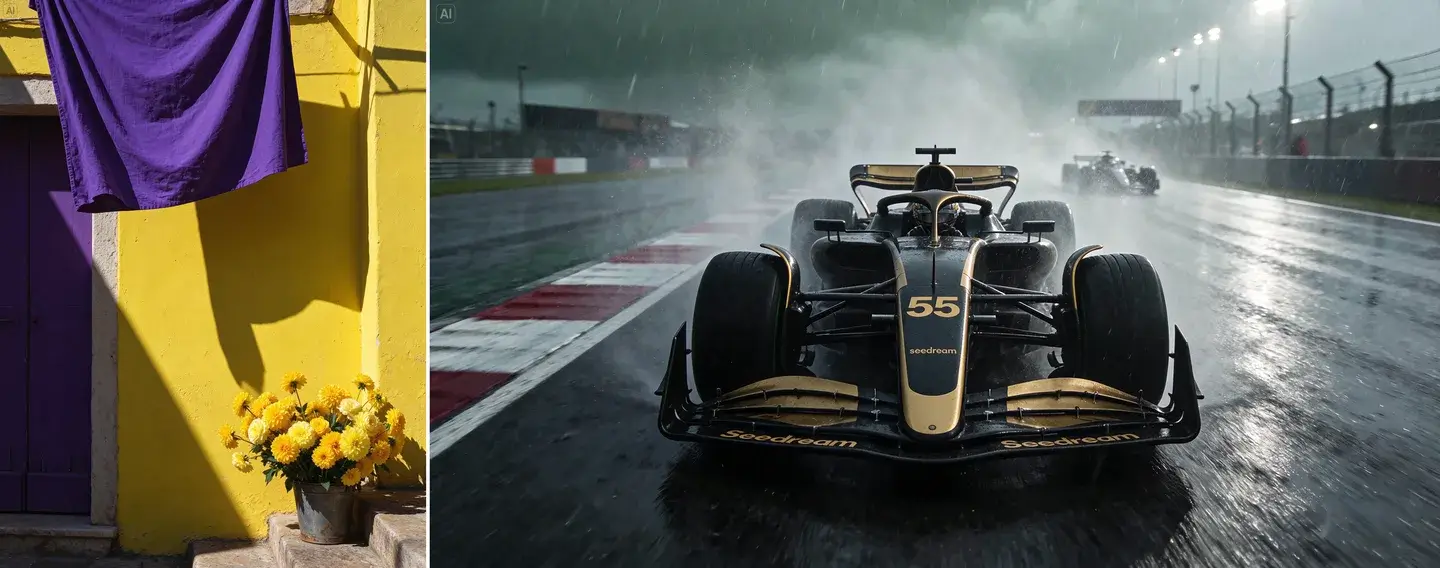
Purple linen and a yellow wall in bright afternoon light

Post and poster backgrounds

Generate a background in the colors you need, such as purple fabric against a yellow wall. Specify where to leave room for a headline or product.

Create a background
An editorial page with Shakespeare portraits and small English text

Posters and illustrated pages

Give Seedream 5.5 the headline, body copy, and images you want. Specify the layout, such as a portrait on the left and two text columns on the right.

Create a layout

How to use Seedream 5.5

Write a prompt or upload a photo, choose the output, then generate.

01 / 03

Choose text or a reference photo

Keep Text to Image to start from words. Switch to Image to Image when you want to edit an uploaded photo.

Seedream 5.5 AI Image Generator FAQ

Inputs, output sizes, pricing, and using your images.

Seedream 5.5 is ByteDance Seed’s image generation and editing model, released on November 9, 2026. It creates images from text and edits uploaded images.

Yes. Sign in to FastMoro AI and use the Seedream 5.5 generator on this page to create images or edit references. You need enough credits; no API key is required.

Upload up to 10 JPEG, PNG, or WebP images, each no larger than 10 MiB. To continue an edit, upload the last result again. Earlier images are not remembered automatically. Privacy policy

The generator has 1K, 1.5K, and 2K size options, plus square, portrait, landscape, and panoramic ratios. Pixel dimensions depend on the ratio. Files are PNG or JPEG. Transparent backgrounds and separate layers are not enabled here.

1K and 1.5K outputs cost 2 credits; 2K costs 3 credits. Each reference image adds 1 credit. The total appears before you generate. Failed or canceled charged tasks receive a single refund of their reserved credits. Pricing and credits

Check spelling, small text, faces, product details, and any facts shown in the image. Upload only photos you have permission to use. Reference images are sent to the generation provider. Read the privacy policy and terms before uploading personal or commercial photos. Terms of service

No. FastMoro AI does not sell a Seedream 5.5 API. This page is for generating and editing images on the website.

Images and editing sequences come from ByteDance Seed’s Seedream 5.5 model page and launch announcement. The videos step through separate image edits; these are not FastMoro user results. View Seed’s official examples

No. FastMoro AI is an independent platform and is not affiliated with ByteDance or the Seed team. Seedream is a ByteDance Seed product.

Create your next image with Seedream 5.5

Write what you want to see, add reference photos if needed, and choose the output size.