






01 / 04
Give the action a voice
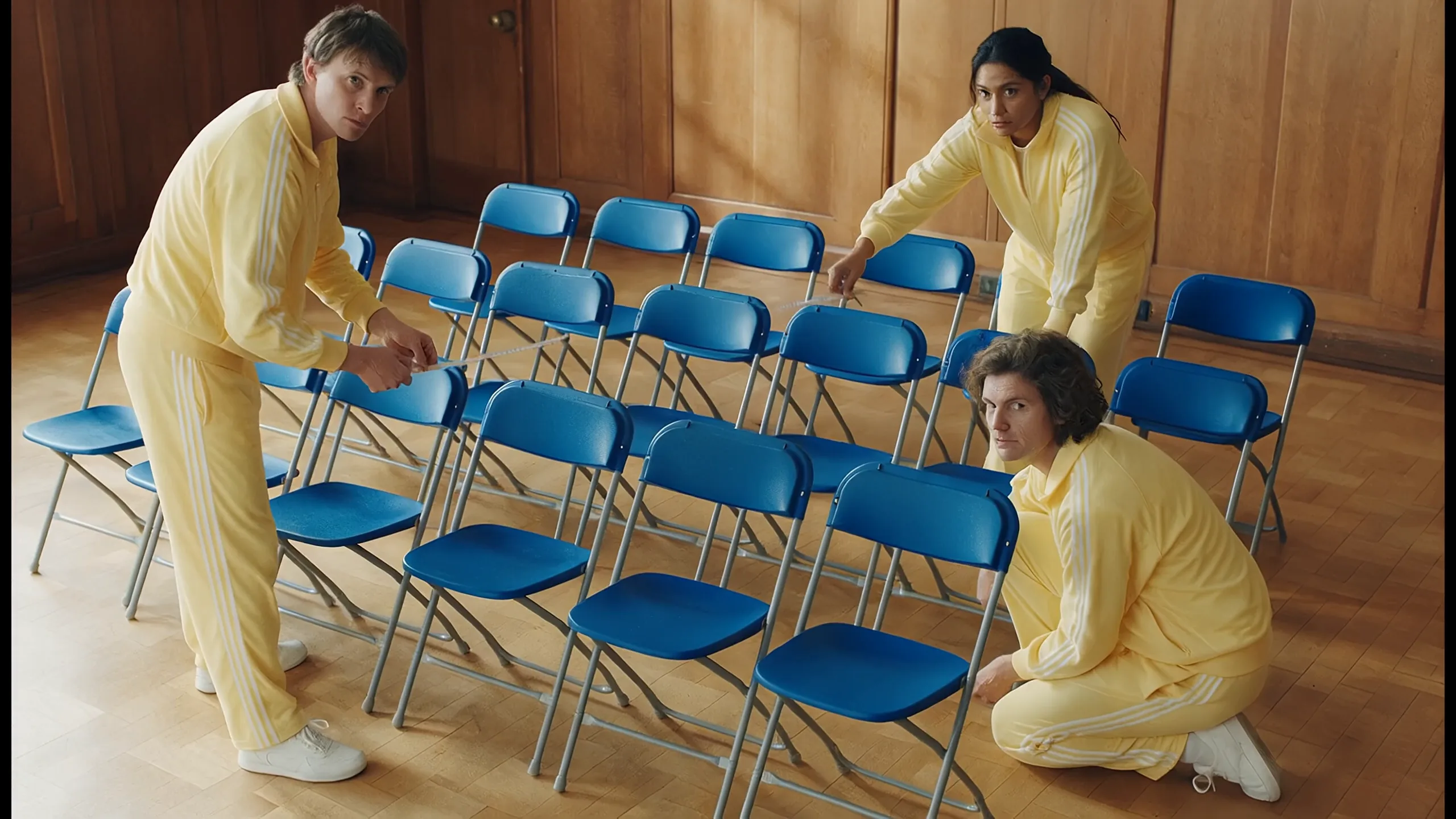
Blue folding chairs, a tape measure and deadpan dialogue turn a small disagreement into a scene. With Pika H3 Flex, describe the action, ambience, dialogue and music together to give sound a role in the story.
Direct a short film with picture and sound together. Start with a prompt, control the opening and ending frames, or bring your own reference images to Pika H3 Flex.
Direct a short film with picture and sound together.
Learn about this modelDirect a short film with picture and sound together. Start with a prompt, control the opening and ending frames, or bring your own reference images to Pika H3 Flex.
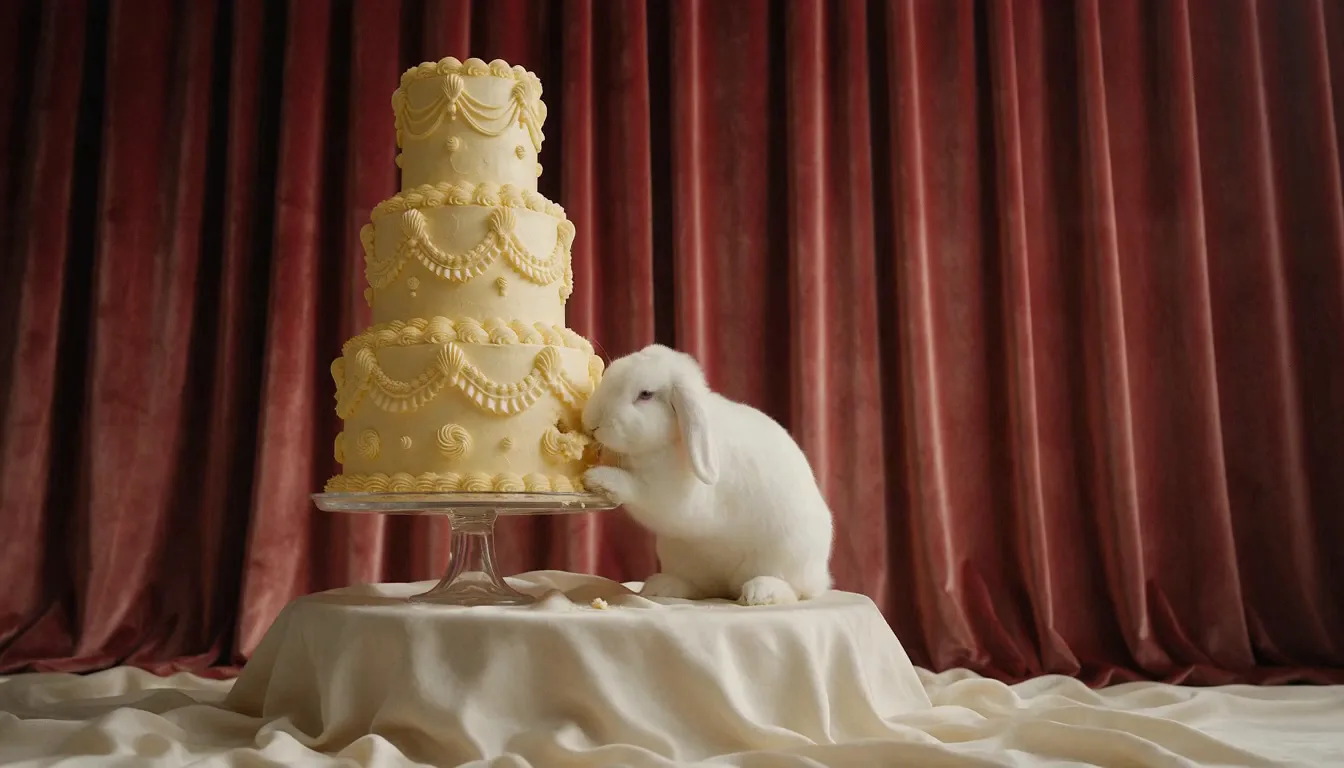
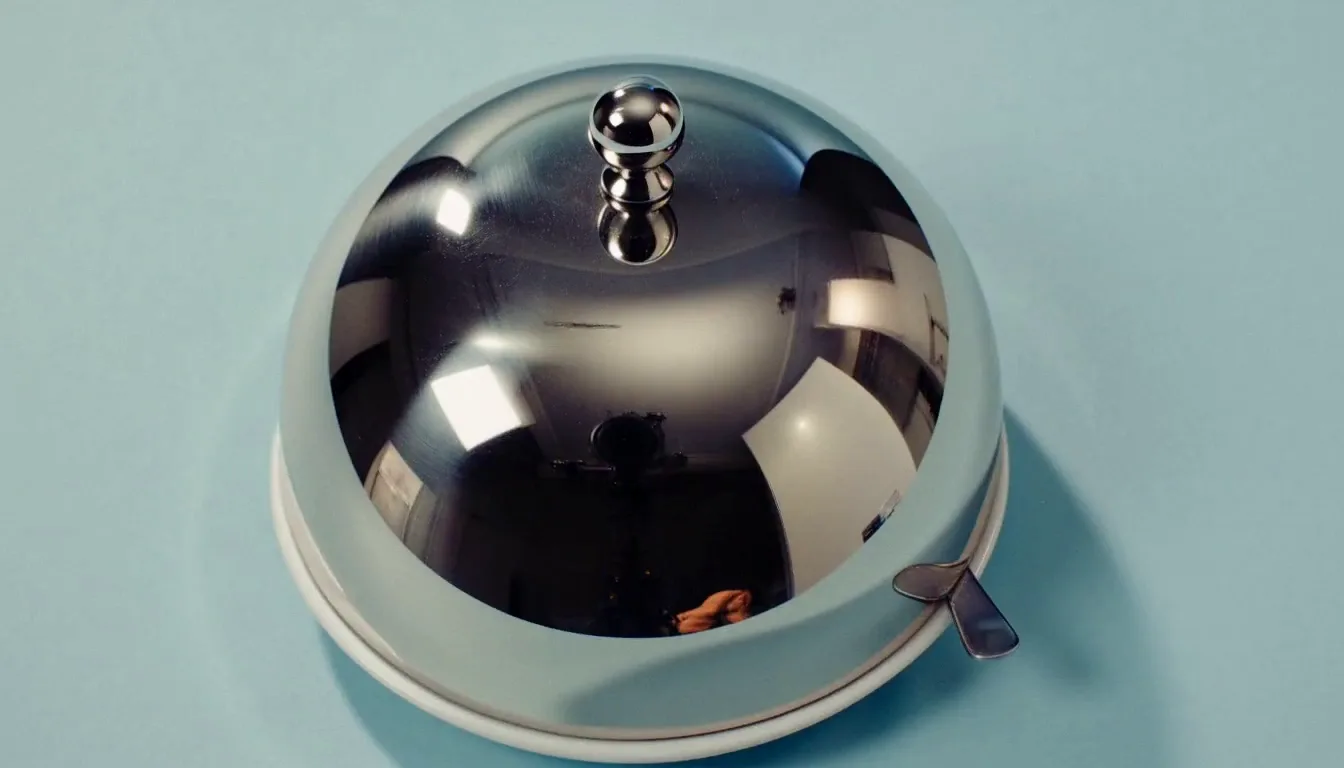
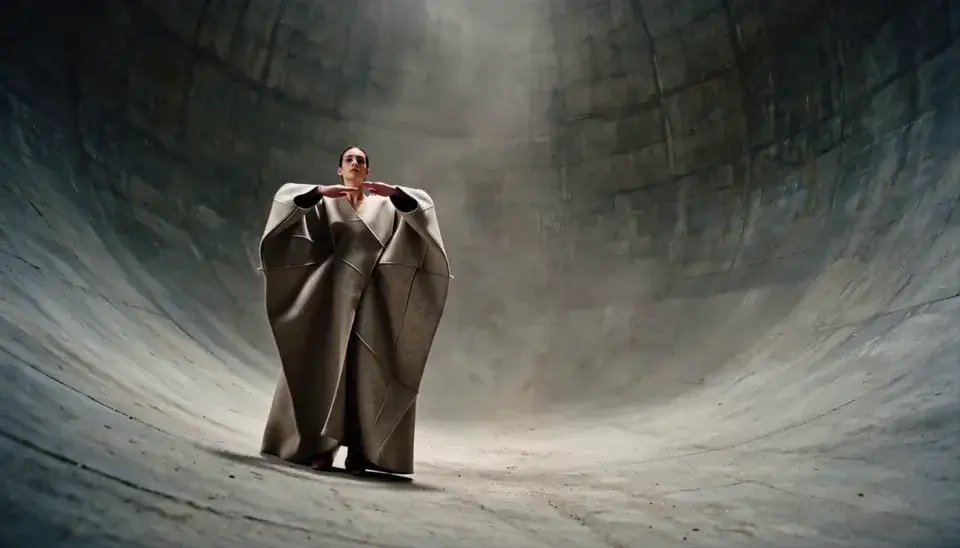
Four Pika H3 Flex examples bring dialogue, an opening frame, product references and camera movement into focus.
Blue folding chairs, a tape measure and deadpan dialogue turn a small disagreement into a scene. With Pika H3 Flex, describe the action, ambience, dialogue and music together to give sound a role in the story.
Choose how your scene begins, what guides its look and how it should sound.
Give Pika H3 Flex a prompt describing the subject, action, camera and sound.
Provide a first frame, a last frame or both to anchor your shot.
Guide the look with character, product or style images and explain their roles.
Include dialogue, music and ambience, then review their timing with the picture.
Choose the duration in whole seconds for a single action or a short sequence.
Pika H3 Flex generates at native 480p or 768p; choose 1080p for an upscaled finish.
Explore Pika H3 Flex example videos, from retro comedy to handmade worlds. Play any film here to enjoy the complete picture with sound.
A comic scene unfolds across a quiet office.
A live-action performer crosses a hand-drawn landscape.
A knitted hero, tiny sidekick and handmade adventure.
A familiar bowling alley turns into a surreal encounter.
Watch an everyday haircut become visual comedy.
An unusual runway scene, with movement taking the lead.
Warm studio lighting, character reactions and a playful setup.
Follow a dancer through a sunlit station concourse.
Explore Pika H3 Flex workflows for product films, short stories and visual concepts.
Use Pika H3 Flex to explore opening shots, macro detail and campaign storyboards around a product reference.
A prompt to start with
A frosted-glass perfume bottle. Pull slowly back from a macro view as soft side light passes through the glass. Sound: a gentle breeze.
Try a camera route, atmosphere or sound cue before planning the edit.
A prompt to start with
An empty train station at dawn. Track forward near the floor, then rise slowly toward the end of the platform. Sound: a distant arriving train.
Build a short setup, a recognisable action and a memorable payoff.
A prompt to start with
A dog solemnly guards a birthday cake. The candles suddenly light up and it tilts its head toward the camera. Sound: quiet laughter in the room.
Explore handmade textures, character looks and visual worlds with style images.
A prompt to start with
A tiny knitted robot walks through a garden of buttons. Track sideways with it. Each step makes a soft fabric squeak.
Compare expressions, poses and dialogue in a short Pika H3 Flex character scene.
A prompt to start with
A gardener looks up at the sky after the rain, smiles and says, Finally, some sunshine. Push in slowly. Sound: birds in the background.
Turn an abstract direction into a short visual idea the team can discuss.
A prompt to start with
A paper boat drifts through rainwater on a city street. Follow it through reflections of streetlights. Traffic noise gradually gives way to raindrops.
Choose a Pika H3 Flex input mode from the material you already have: a prompt, endpoint frames or image references.
A text prompt
First frame, last frame or both, plus text
One to nine images, plus text
An idea without an existing image
A composition or a clear ending frame
Character, product or style references
Subject, action, camera and sound
Motion and change between the frames
Each reference’s role and the intended action
5–15 seconds
5–15 seconds
5–15 seconds
480p / 768p / upscaled 1080p
480p / 768p / upscaled 1080p
480p / 768p / upscaled 1080p
Start with a clear direction, then use each result to decide what to keep and what to change.
Begin with the subject and action, then add the camera and sound. When using references, explain what each image should contribute.
Choose the Pika H3 Flex input mode, aspect ratio, duration and resolution. Check the credit total shown by the generator before submitting.
Review the result in Creations. Check motion, subject detail, dialogue and timing before downloading or refining the prompt. FastMoro AI is an independent platform, unaffiliated with Pika Labs.
Inputs, output quality, credits and sound.
Give Pika H3 Flex a clear action, a point of view and a sound to follow.