
Skip to content

MiniMax H3 Image Generator

Generate images from text or edit photos with MiniMax H3 Image. Combine up to 16 reference images, choose 1K, 2K, or 4K, and download PNG or JPEG.

Generate images from text or edit photos with MiniMax H3 Image.

Learn about this model
2 credits

MiniMax H3 Image Core Features

MiniMax H3 Image supports 4K generation, realistic detail, text layouts, reference composition, photo editing, and painting styles.

4K text-to-image generation

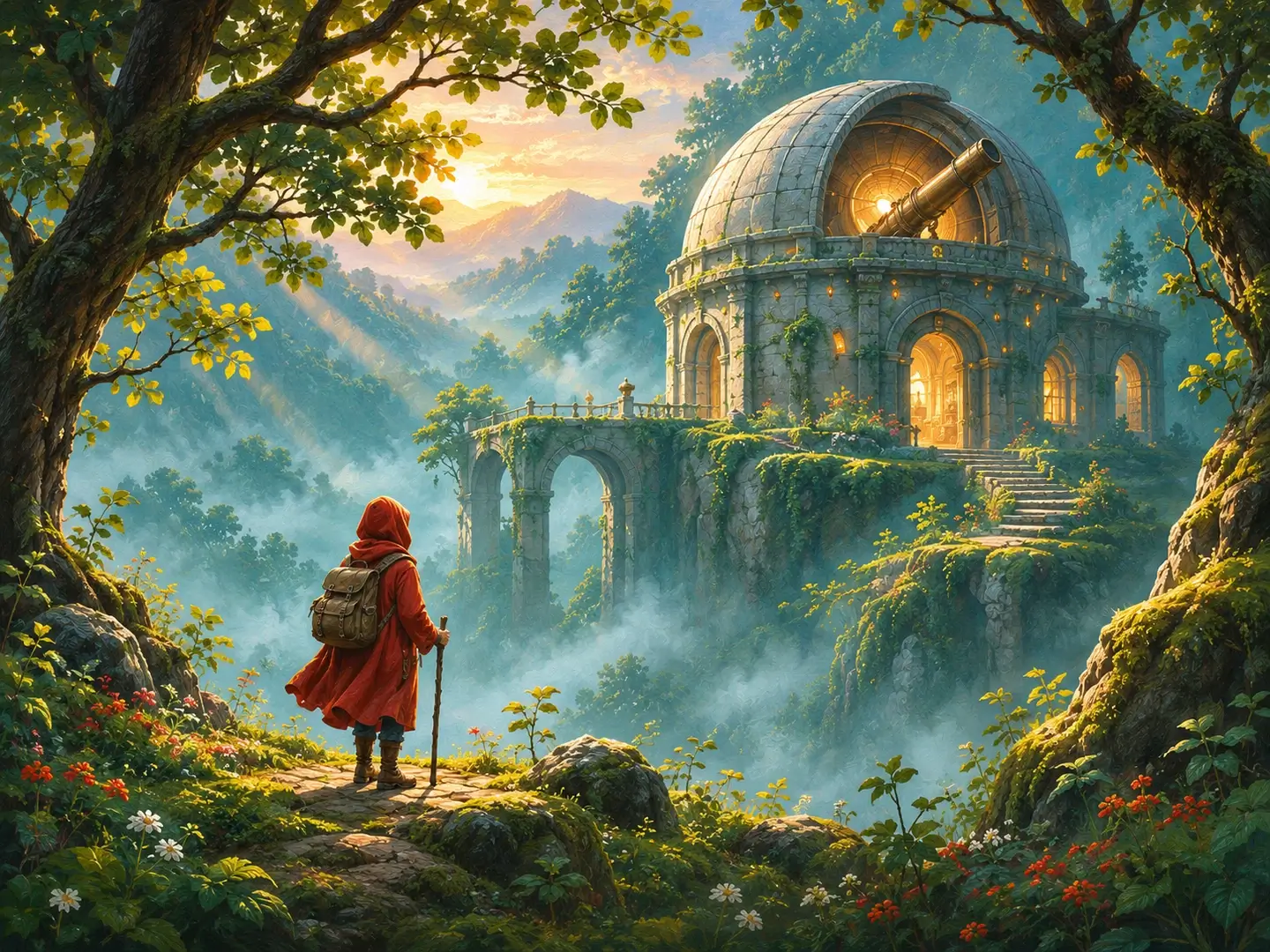
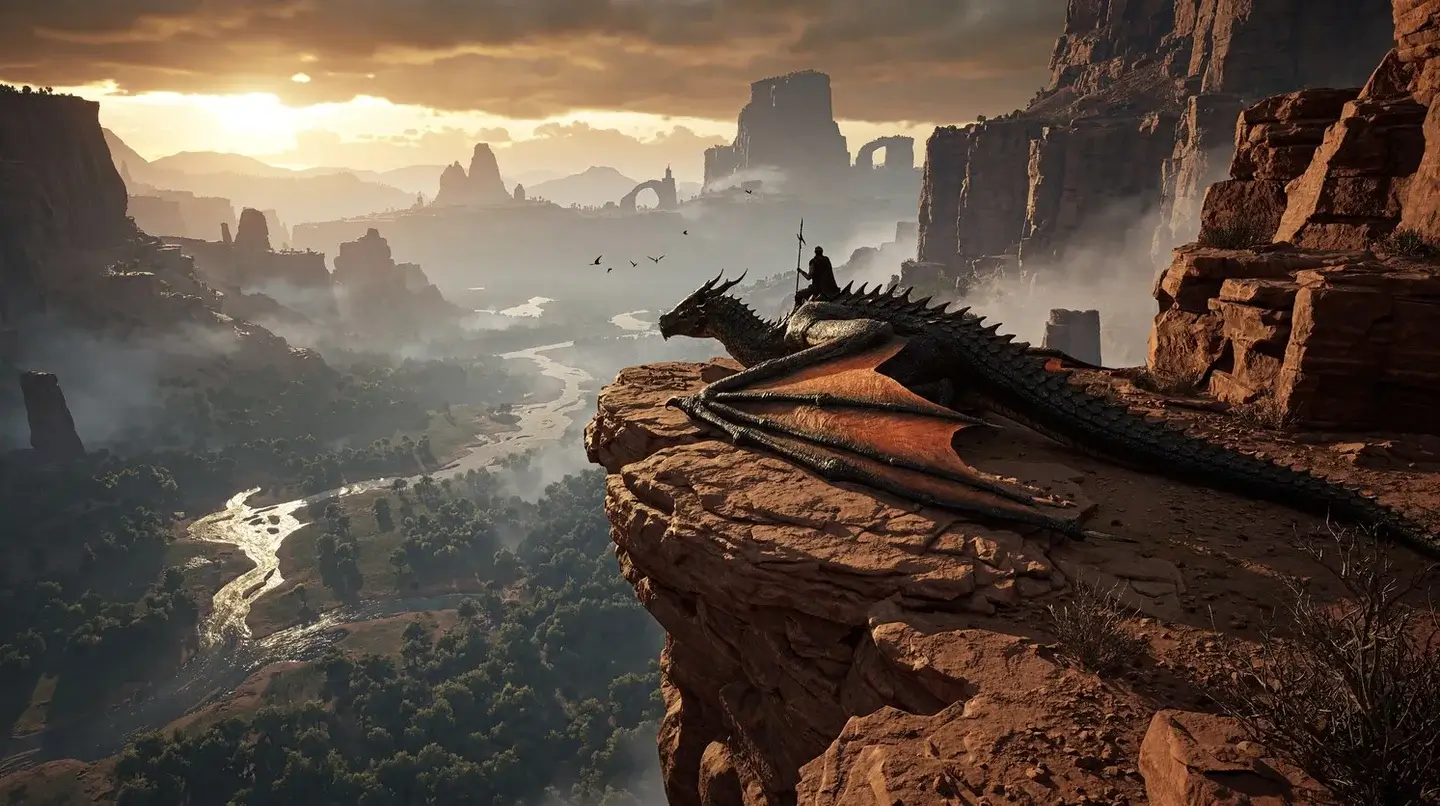
Generate images from a text description at up to 4K. MiniMax H3 Image supports photographic scenes and illustrations, with prompts controlling the subject, composition, lighting, and materials. Create detailed environment concepts, portraits, or product visuals in the aspect ratio you need.
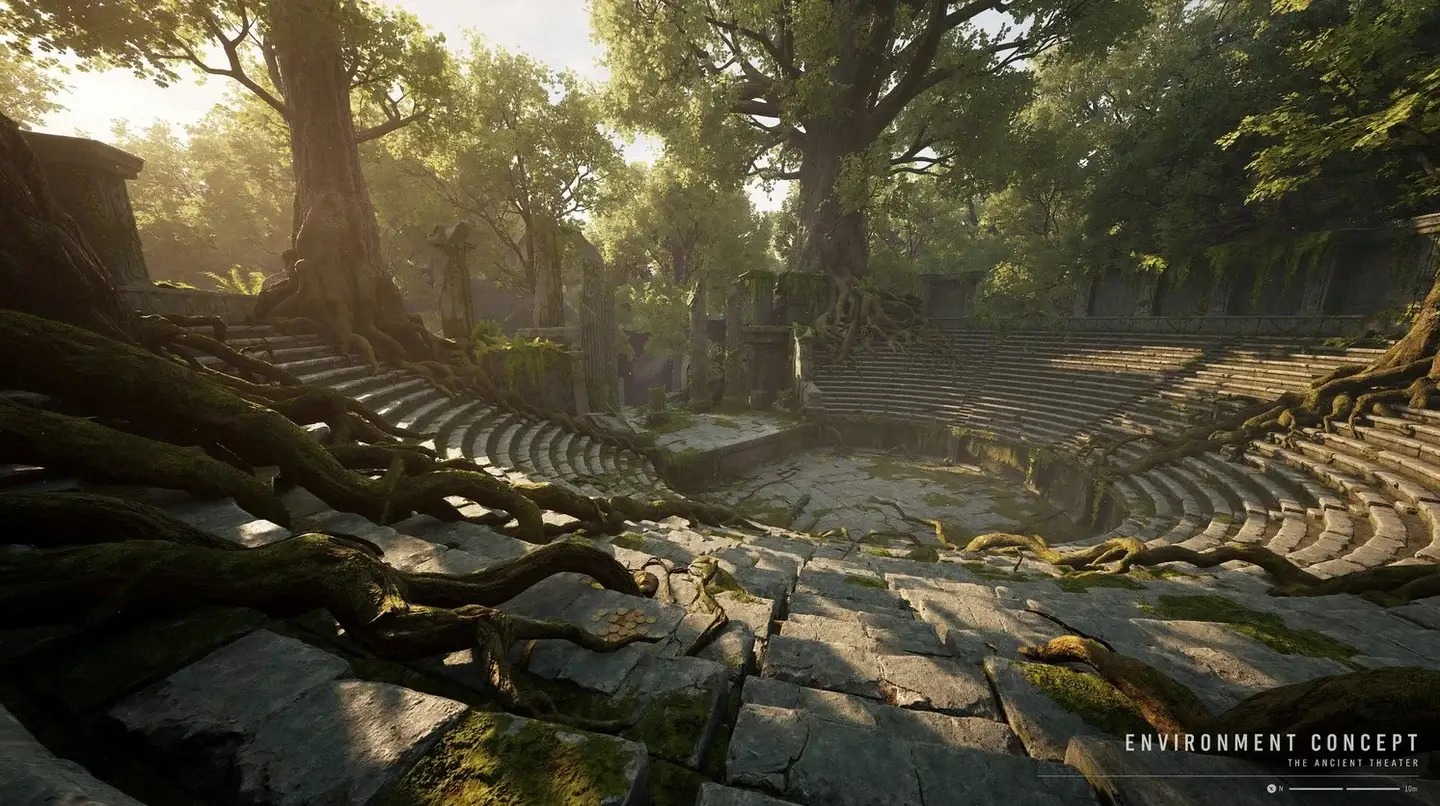
An ancient stone theater in a forest with sunlit trees and detailed moss-covered steps

Realistic lighting and textures

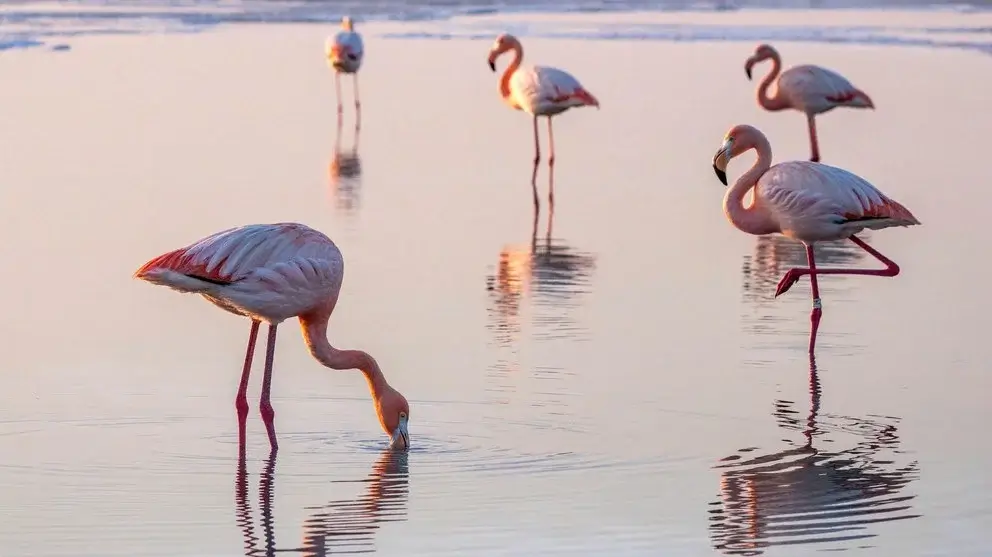
Generate photo-style images with facial details, fabric textures, reflections, and lighting described in your prompt. MiniMax H3 Image can create close-up portraits, product photos, and outdoor scenes. The portrait example shows skin, hair, and light across the subject’s face.

Close portrait of a curly-haired man holding a cup

Text and layout generation

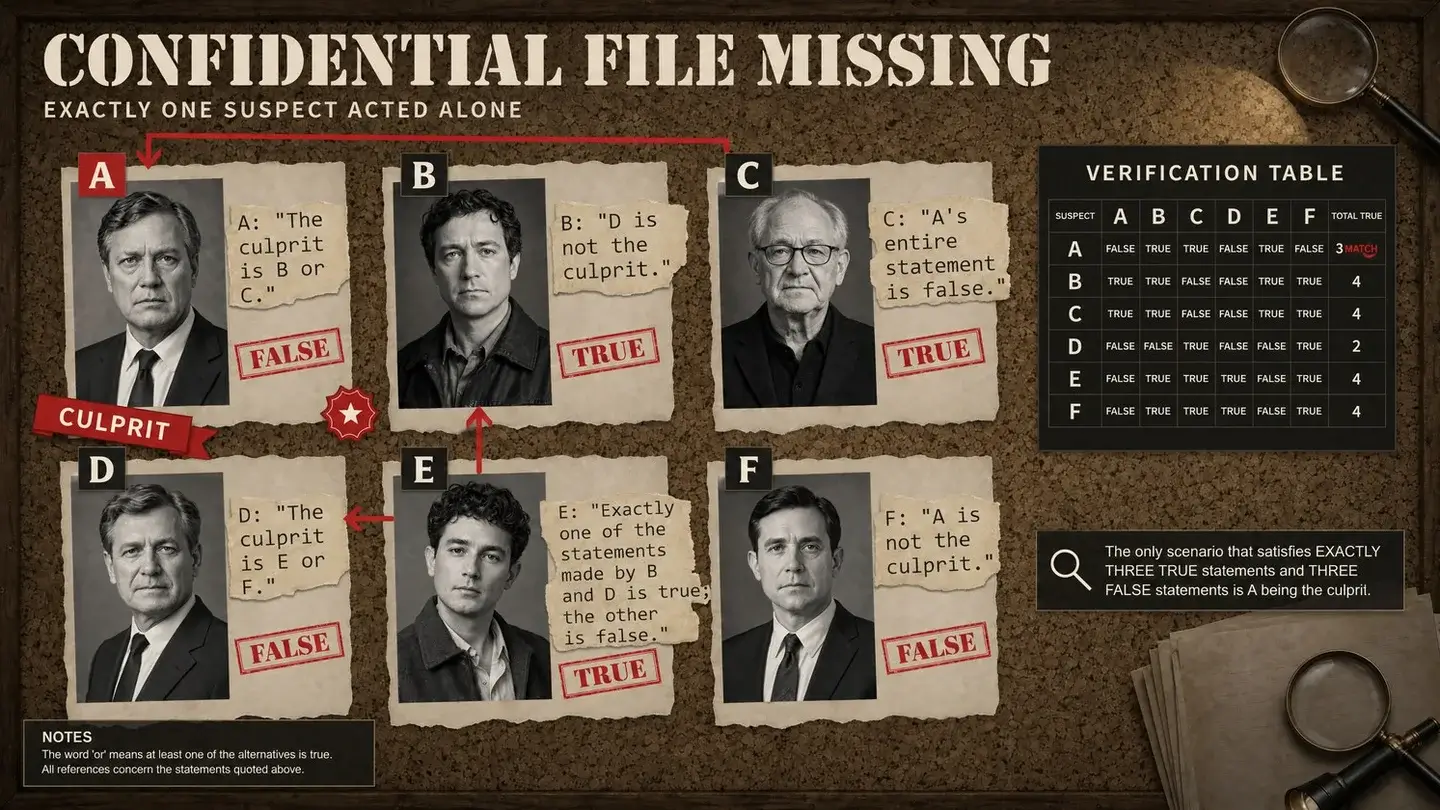
Create images that include headings, labels, diagrams, and arranged blocks of text. The examples show MiniMax H3 Image rendering Chinese and English text alongside illustrations and portraits. Include the exact wording and placement in your prompt, and check the generated text before using it.

An English mystery board with suspect portraits, statements and a verification table
English

Multi-reference image composition

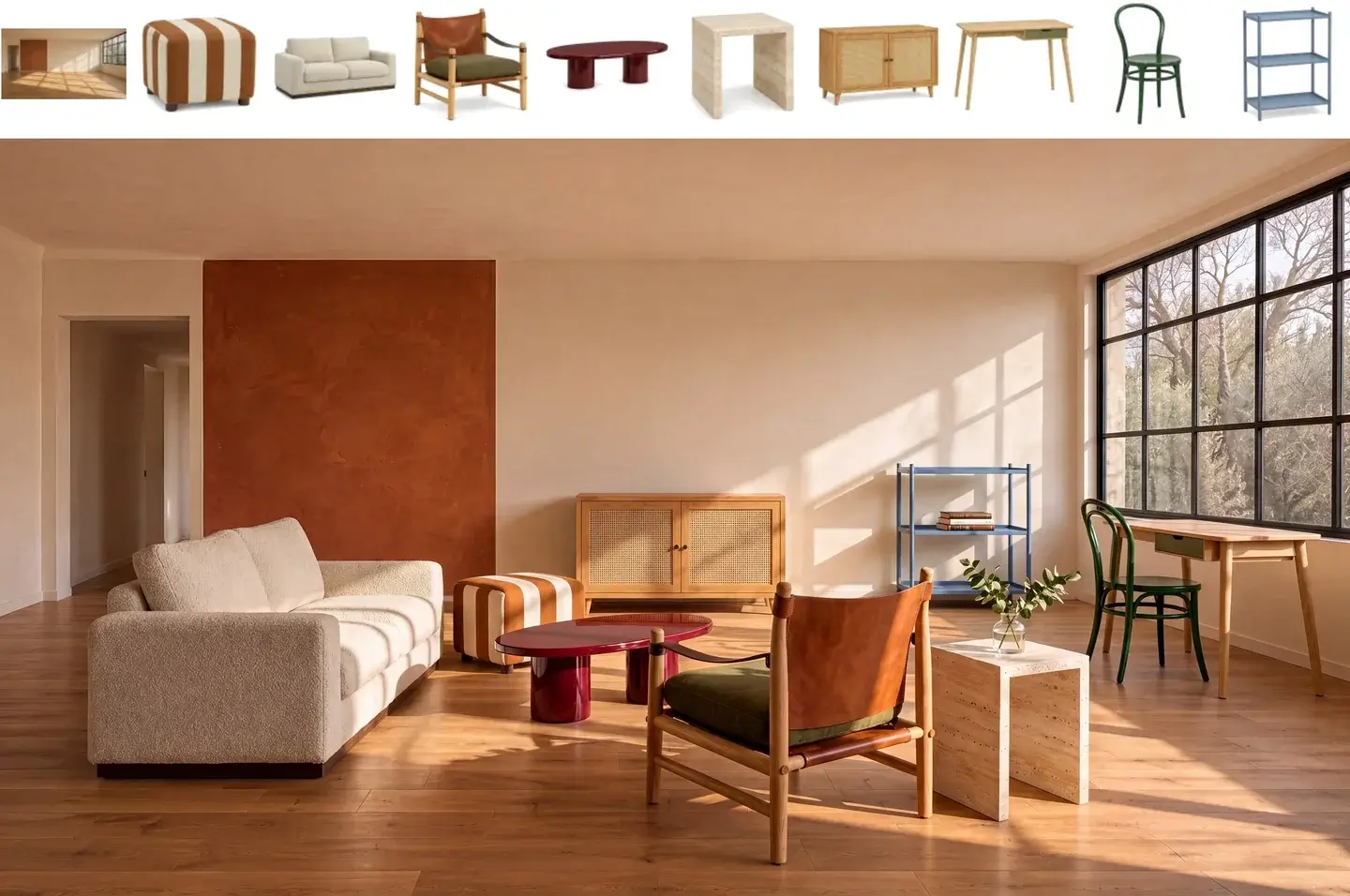
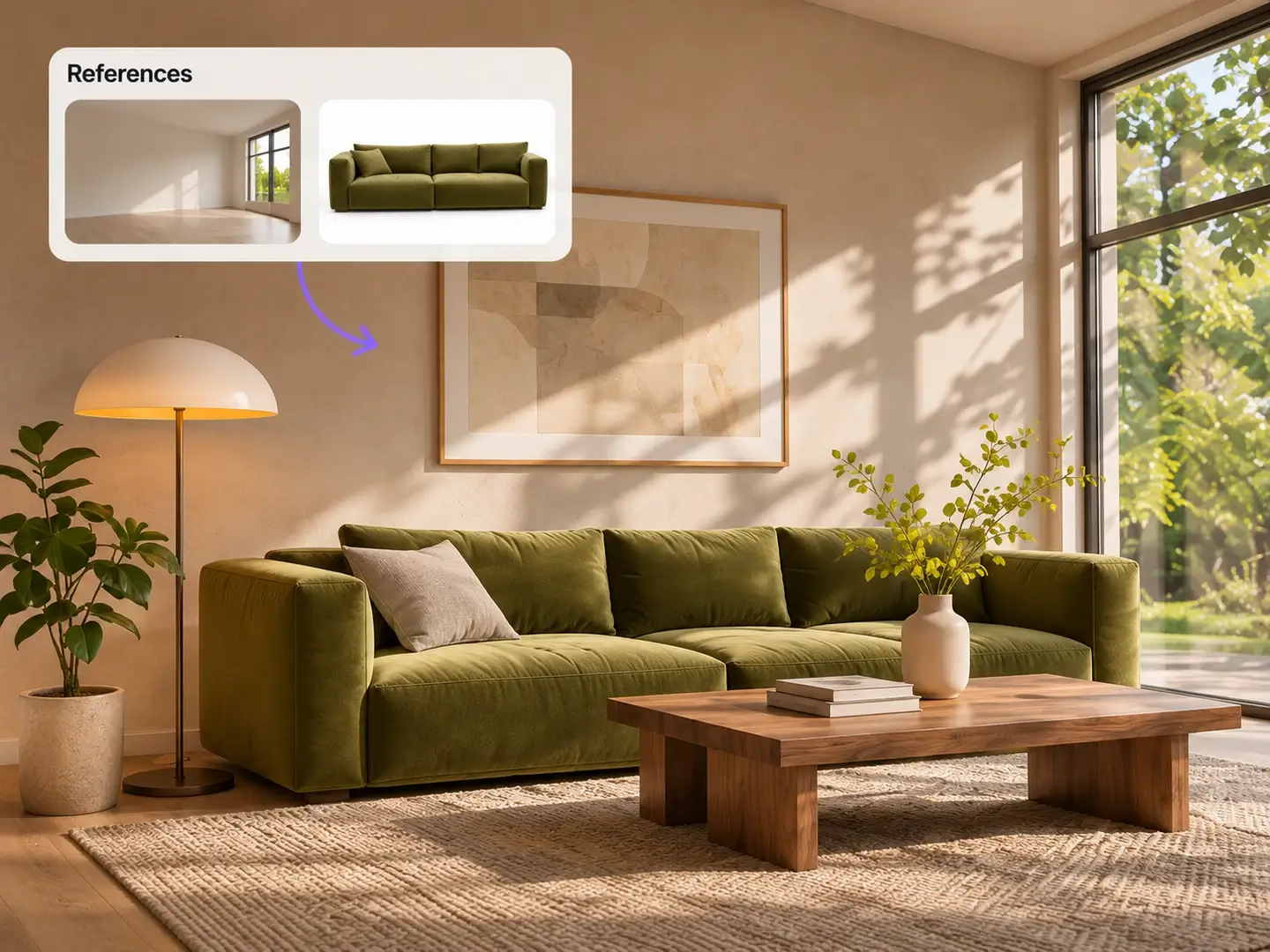
Combine up to 16 reference images in a single composition. Use photos to guide the subjects, objects, layout, and visual style. This MiniMax H3 Image example combines an empty room and nine furniture references into a furnished living room.

Ten input references above a furnished living room that combines the room and furniture

Prompt-based image editing

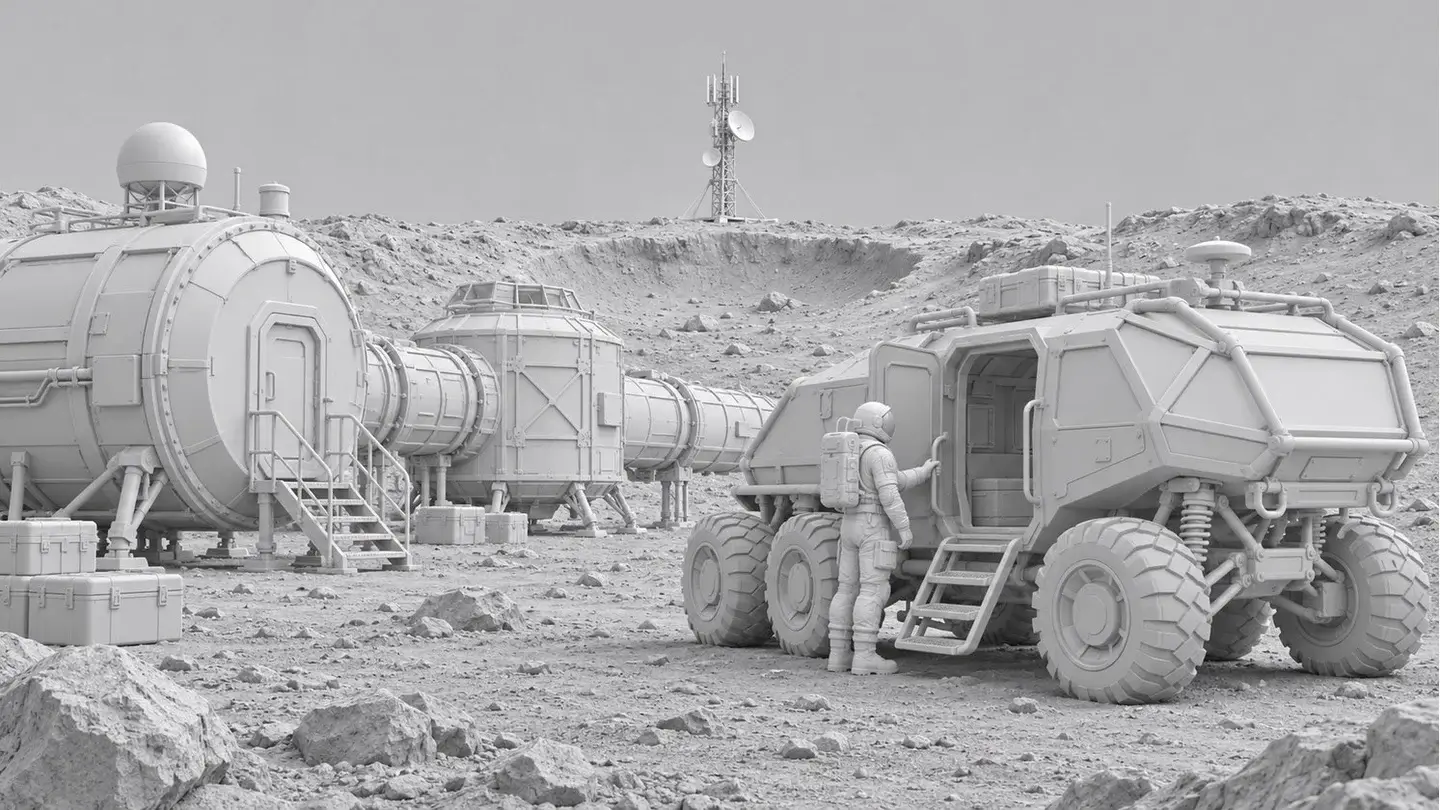
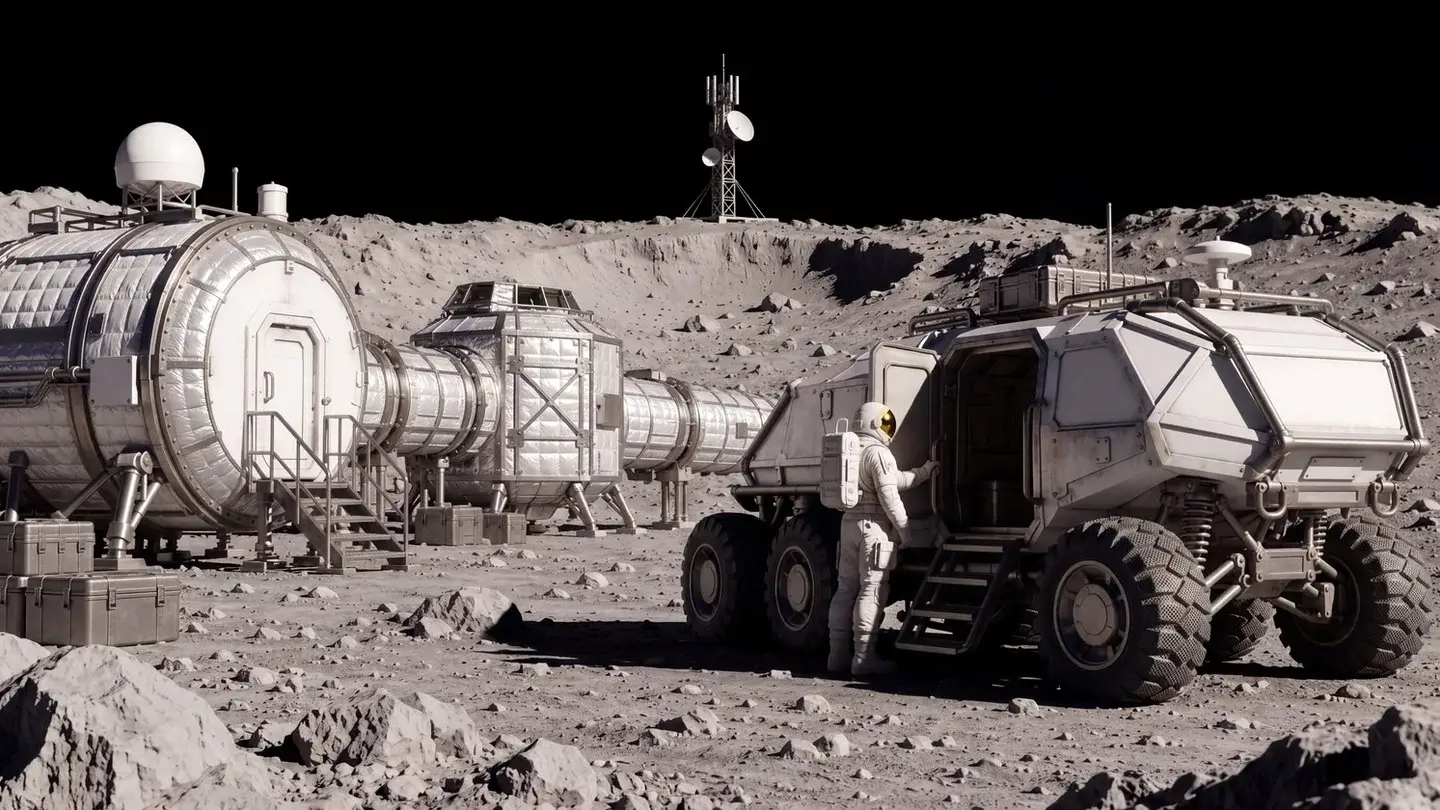
Edit an existing image with written instructions in MiniMax H3 Image. Change colors, materials, backgrounds, or the visual style, and specify which details to preserve. The comparison shows a gray lunar-base render turned into a textured scene while retaining the habitat modules, rover, and astronaut.

Drag the divider to compare the reference render and the edited image.

Gray 3D render of a lunar base, a rover and an astronautThe lunar base edited into a textured scene with dramatic light
Reference renderEdited scene

Illustration and painting styles

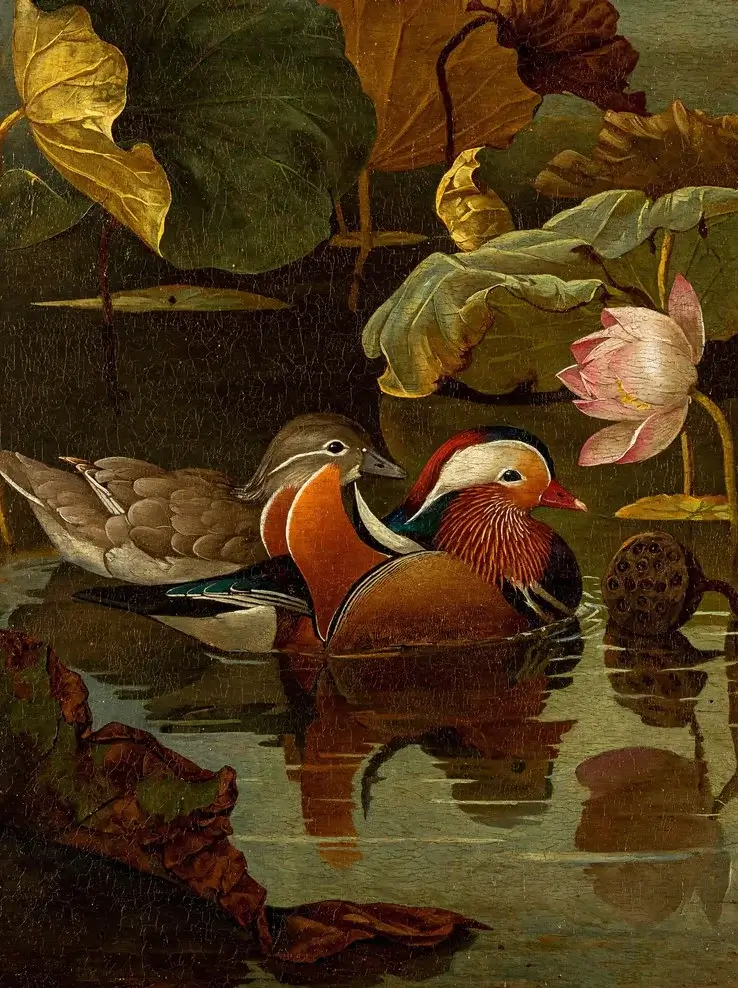
Generate oil paintings, watercolors, and other illustrations with MiniMax H3 Image. Describe the medium, colors, brushwork, and subjects in your prompt. These examples show painted ducks and lotus leaves, and a watercolor garden with a pavilion.

Mandarin ducks among lotus leaves in an oil-painting style
Oil painting

MiniMax H3 Image Examples

Browse 35 examples of photos, illustrations, character designs, and images with text generated with MiniMax H3 Image.

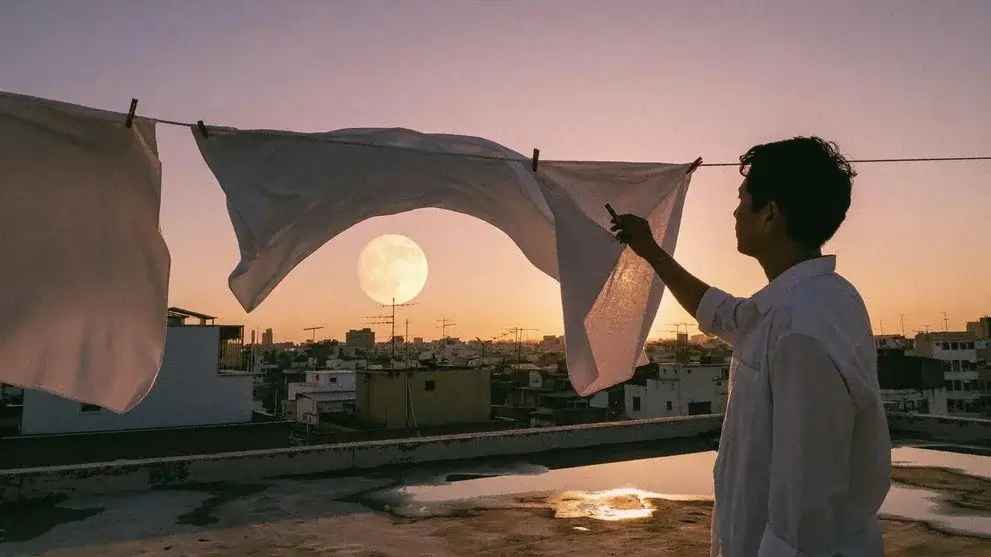
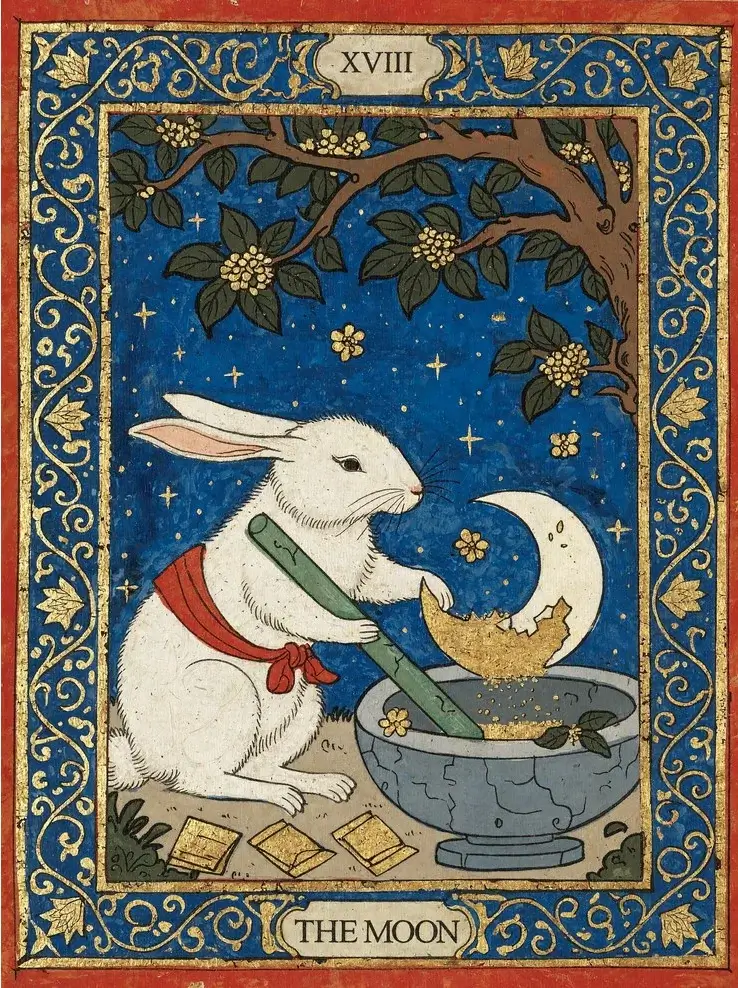
A person hanging white sheets on a rooftop at dusk beneath a full moon
Loading artwork

Rooftop laundry scene at dusk

1 / 35

How to use MiniMax H3 Image

Use the MiniMax H3 Image generator for text-to-image creation or photo editing. Enter a prompt, choose the output settings, and generate.

01 / 03

Choose Text to Image or Image to Image

Use Text to Image to generate from a description. Choose Image to Image to edit a photo or combine references, then upload your images.

MiniMax H3 Image Generator FAQ

Getting started, output settings, reference images, credits, and editing your results.

MiniMax H3 Image (H3-Image) is an open-weight image model from MiniMax, built on H3. It supports text-to-image generation, reference-based generation, and image editing, with output up to 4K (4096 × 4096 for square images). The model examples on this page come from MiniMax’s H3 Image showcase; they are not FastMoro user results. FastMoro AI is an independent platform and is not affiliated with MiniMax.

Sign in, select MiniMax H3 Image in the generator, and describe what you want to create. Choose an aspect ratio, 1K, 2K, or 4K, and PNG or JPEG, then check the displayed credits before generating. To work from photos, switch to Image to Image and upload your references. You do not need to install the model or supply your own API key.

A 1K or 2K image costs 2 credits; a 4K image costs 3 credits. Each reference image adds 1 credit, including the first. For example, a 4K edit with three references costs 6 credits. The total is shown before you generate. View pricing and credit plans

Choose 1K, 2K, or 4K and download PNG or JPEG. Square outputs are 1024 × 1024, 2048 × 2048, or 4096 × 4096; other aspect ratios have different pixel dimensions. The generator includes portrait, landscape, and panoramic ratios, plus Auto. Custom pixel dimensions, transparent backgrounds, and separate layers are not offered in this generator.

Upload up to 16 JPEG, PNG, or WebP images, each no larger than 10 MiB. The order you upload them determines Picture 1, Picture 2, and so on in your editing prompt. References are shared with the generation provider to process your request, so only upload images you have permission to use and share. Read the privacy policy

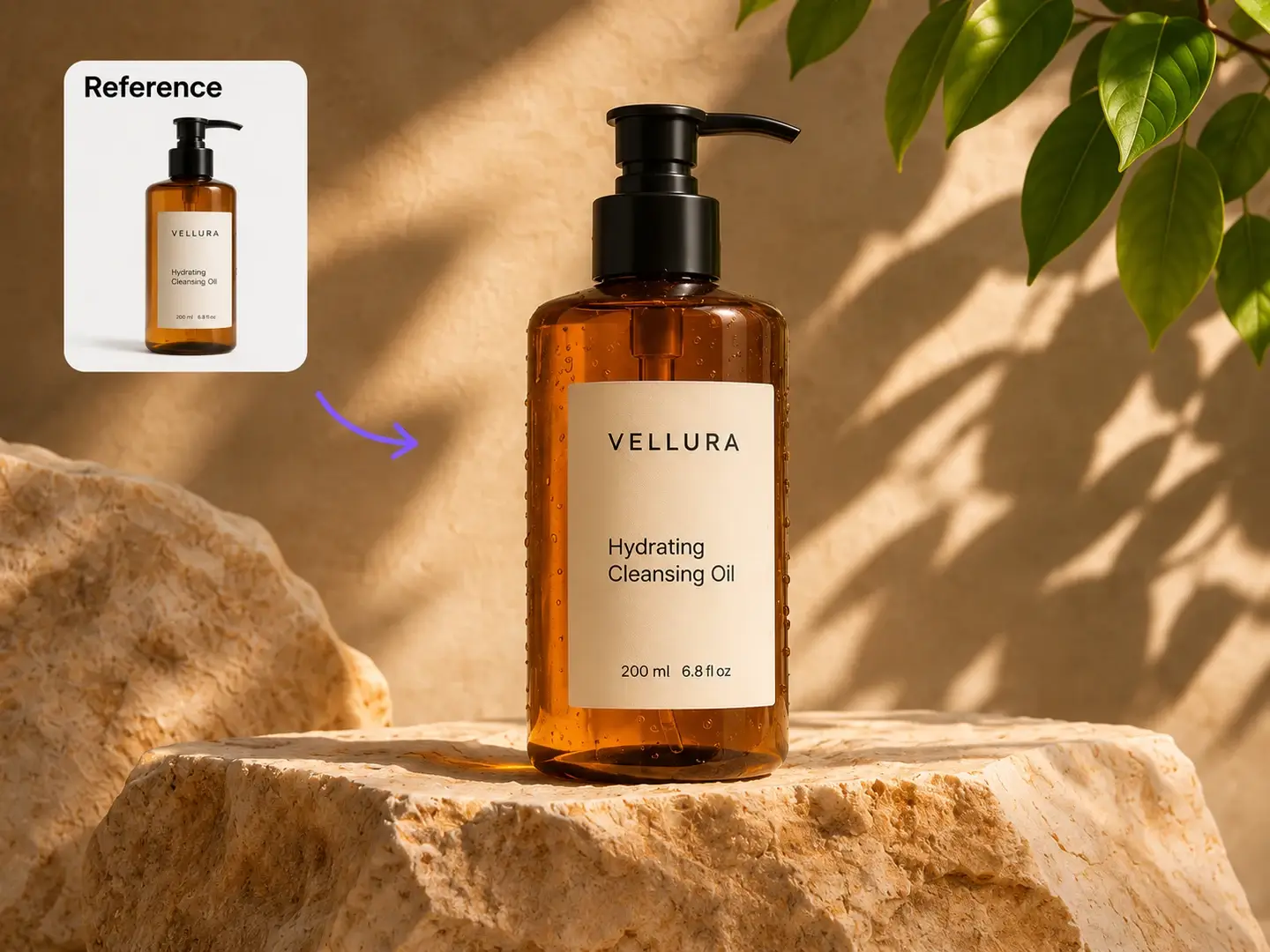
Yes. Switch to Image to Image, upload your photo, and describe the changes you want, such as a new background or a different product color. Also name the details you want to keep. To continue an edit, upload the previous result again with your next instruction; earlier images are not remembered automatically.

Describe the main subject, setting, composition, lighting, and visual style. If the image needs text, give the exact wording and explain where it should appear, then check the result for spelling. For edits with several references, refer to Picture 1, Picture 2, and so on in upload order. Prompts can contain up to 5,000 characters.

If a charged task fails, its reserved credits are returned once. A task that is still generating has not reached a failed state, so check its status in Creations before starting another request. Review the model, settings, and reference files before trying again after a failure.

MiniMax H3 Image creates and edits still images. MiniMax H3 video is a separate model for creating video clips. Use this page for pictures and photo edits; open the video model page when you want motion and sound. View MiniMax H3 video

Images you create on FastMoro AI follow our Terms of Service and applicable third-party rights. Use reference photos you have permission to upload and check the result before publishing or selling it. Running the open model weights yourself is subject to MiniMax’s separate license conditions. Terms of service

Generate an image with MiniMax H3 Image

Start with the MiniMax H3 Image generator: enter a prompt or upload references, choose your settings, and generate a PNG or JPEG.