Skip to content
effects
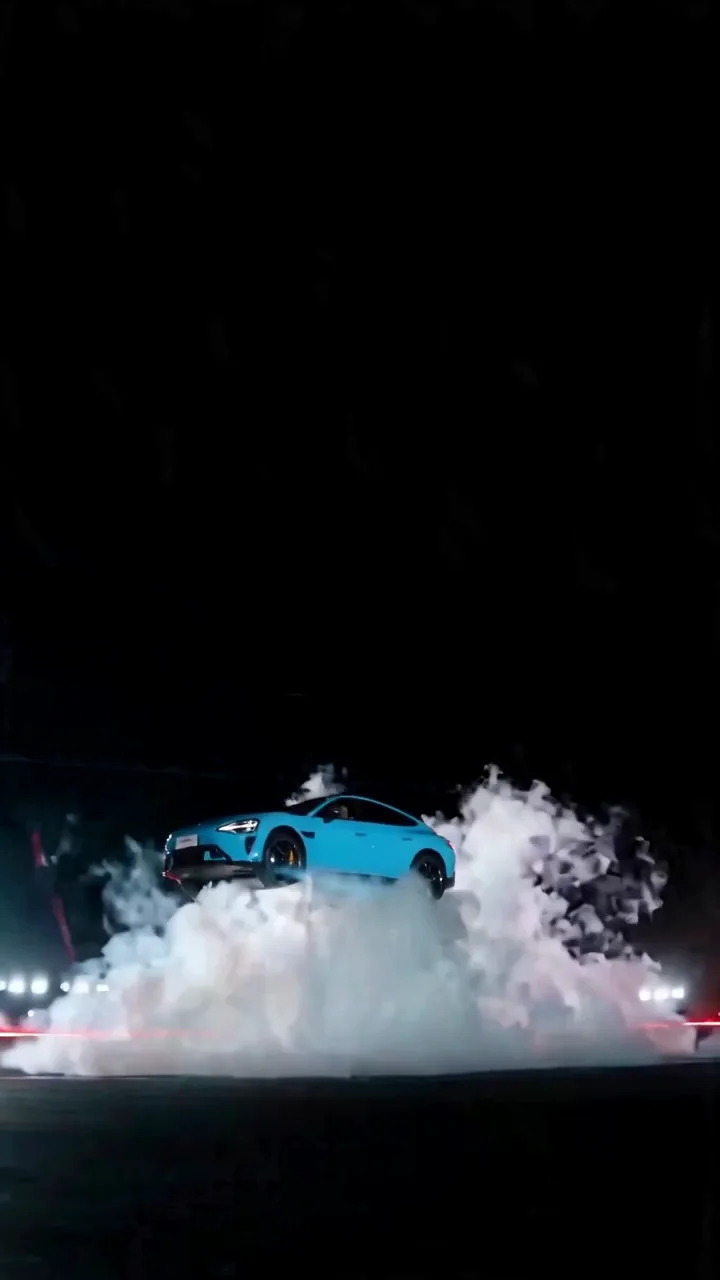
Blue sports car ramp, flip and landing
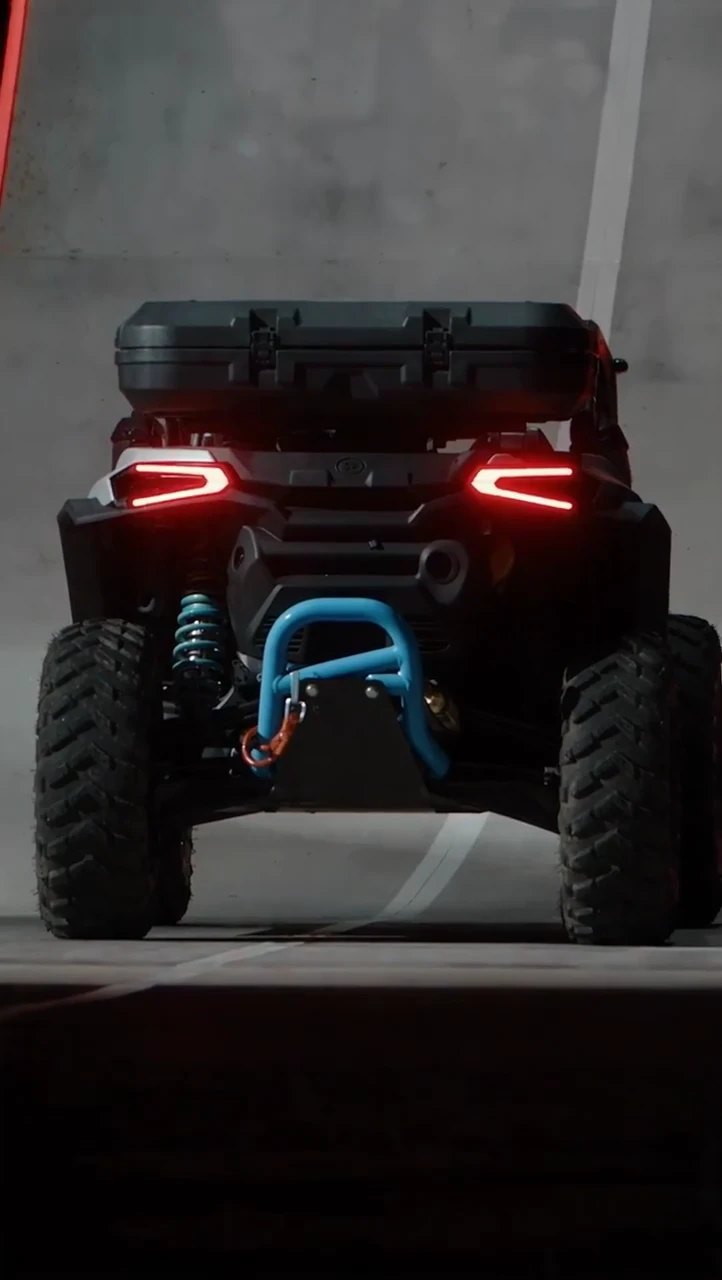
Off-road buggy ramp and flip
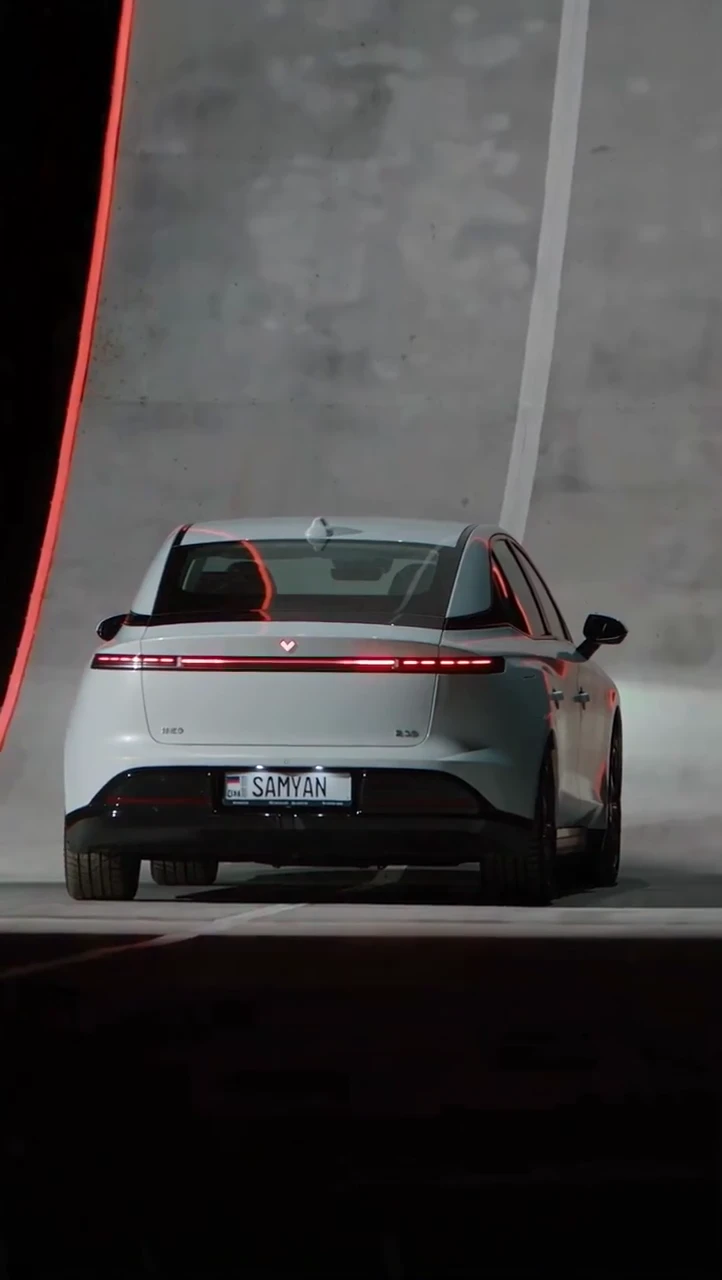
Silver sedan airborne turn and landing

Tesla Roadster AI Video: Make Your Car Kickflip

Create a Tesla Roadster AI video from one car photo.

JPG / PNG / WebP / HEIC · ≤4 MB

Keep the whole car and wheels visible.

10s · 9:16 · 720p · Original soundtrack

Cost:60 credits

Credits return if generation fails.

01 / The motion

Tesla Roadster AI Video Examples

Explore car kickflip examples, from the ramp to the airborne roll and landing.

Off-road buggy ramp and flip

17s · 722 × 1280 · 24 fps
1 / 3

02 / From photo to film

How to Make a Tesla Roadster AI Video

Want to customize the prompt, camera direction or output settings? Try image to video AI.

Choose one clear car photo

Keep the complete vehicle in frame, including the roof, front, rear and wheels. Avoid collages, heavy blur and obstructions. Select the file locally and preview it before signing in. HEIC photos are converted to JPEG when you generate.

Image to video AI

Choose a model and check the credits

Choose a model; the credit price and output settings update with your selection. Your photo provides the car appearance and a built-in motion video guides the ramp, airborne roll and landing. No video upload or prompt writing is needed. Sign in when you are ready to submit.

Review, download and share

Wait for the confirmed result, then watch the whole clip. Check body shape, wheels, the rotation and the landing before downloading. The finished video includes the original stunt soundtrack. Check sound timing at launch, gas jets and landing; you can adjust the soundtrack and captions in your editor. Identify it as AI-generated when sharing. A waiting task is not a failed task; check My creations before trying again.

03 / Behind the effect

Why Is Everyone Making Tesla Roadster Videos?

A Tesla Roadster AI video pairs a recognizable car with an impossible stunt: the viewer knows the subject, then the jump changes their expectations. Roadster-style edits borrow that contrast for short social clips. You can use a photo of another car rather than a manufacturer image. This car kickflip AI video tool focuses on the vehicle and its movement, without a presenter or a recreated announcement. It creates fictional entertainment; it does not document a vehicle test.
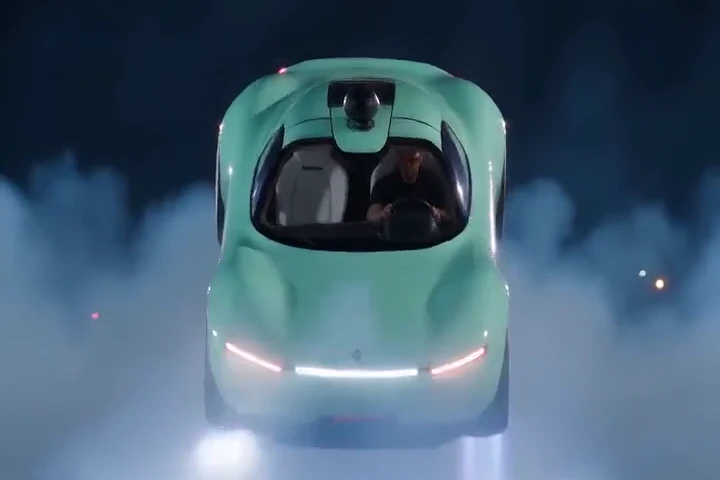
Mint-green concept car

A note on what you see

Is That Roadster Video Real or AI?

A convincing flip alone cannot establish whether a clip is real. Find the earliest source, read its description and look for an explicit AI disclosure. Reposts and visual artifacts are not reliable proof on their own. This tool generates fictional video; disclose that when sharing it. We do not authenticate or label any specific viral clip, and do not claim an embedded provenance label is present.

04 / A better starting frame

Choose the photo for the movement

A single photo supplies appearance, not a complete 3D vehicle. Reflections, wheels and hidden panels may change during rotation. Give the subject room to move and avoid close crops. This template is configured for cars; motorcycle and bicycle results have not been qualified. If the model returns a completed clip with an imperfect stunt, that is different from a failed generation task. Review the result before making another paid attempt.
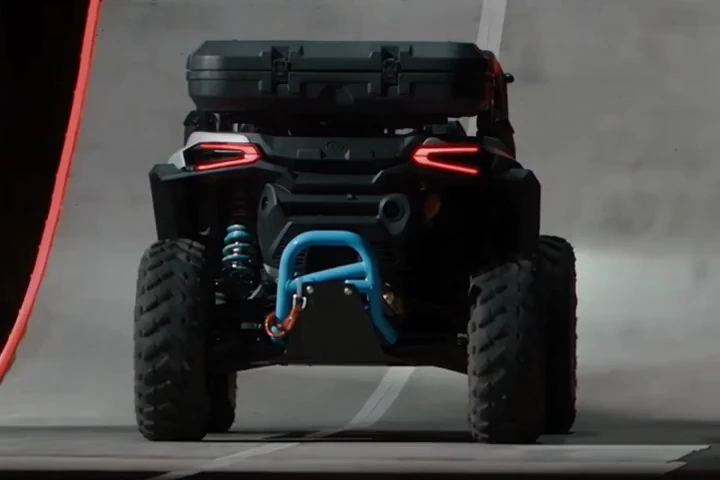
Off-road buggy climbing a ramp

Good to know

Roadster Kickflip AI Video FAQ

It is a fictional car video generated or edited with AI, often showing a Roadster-style stunt. This template uses your photo for the car appearance and a built-in motion video to guide the ramp, airborne roll and landing. It is not evidence that a real car performed that maneuver.

Choose one clear photo showing the whole car, select a model, check its credit price and settings, then generate and sign in when prompted. The template attaches its motion-reference video automatically; you do not upload a video or write a prompt. Review the completed clip before downloading.

Here it describes a stylized car-stunt sequence: acceleration, a ramp launch, one airborne roll and a controlled landing. It is a creative direction for an AI video, not a claim about real vehicle capabilities or a guaranteed physical simulation.

No. FastMoro AI is independent and is not affiliated with, sponsored by, or endorsed by Tesla, Inc. The vehicle photo comes from you; this page does not provide manufacturer promotional images.

This page does not determine whether a particular viral clip is real. Check the original publisher and any production disclosure. AI can produce fictional vehicle stunts, and a repost alone cannot establish how the original footage was made.

Use a car photo in JPG, PNG, WebP or HEIC format, up to 4 MB. HEIC input is converted to JPEG for generation. Keep the whole vehicle and wheels visible. Motorcycles and bicycles are not currently qualified for this template.

Choose Seedance 2 Mini, Fast, Standard or 2.5, WAN 3.0 or Prime, MiniMax H3, or Gemini Omni for 60–370 FastMoro credits. Mini is the default at 60 credits. Most presets request 10 seconds at 720p; H3 requests 768P and Gemini determines duration automatically. All request 9:16 portrait. Finished videos include the original stunt soundtrack, adjusted to the output duration. Mini and Fast generate silent footage before the soundtrack is added. Check the selected model settings and price beside Generate. Generation time varies with provider demand and your account queue. The dollar value of credits depends on your plan; see Pricing.

If the server confirms that a charged task failed, its consumed credits are automatically restored. A queued task, a lost connection or a completed video with imperfect motion is not the same as a confirmed failure. Check the task status in My creations before submitting again.

Make Your Tesla Roadster AI Video

Upload one car photo. The built-in template directs the ramp, airborne flip, landing and tire smoke.