


I2V
One photo, the bicep heart pose
Example preview
Make the bicep heart trend your own. Turn one photo into a bicep heart AI video.
Credits return when a task is confirmed failed.
01 / See the gesture
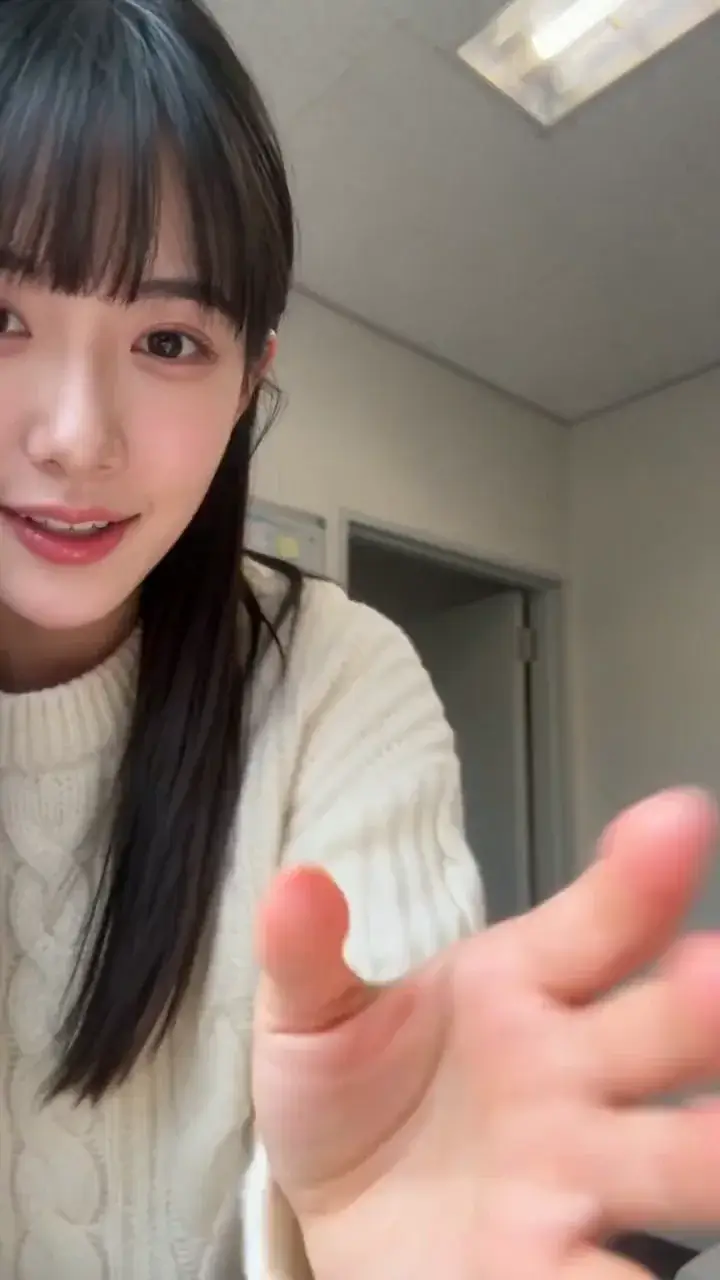
See how the smile becomes a flex, then a small heart beside the upper arm. Hands and likeness can vary between results.
Starting photo
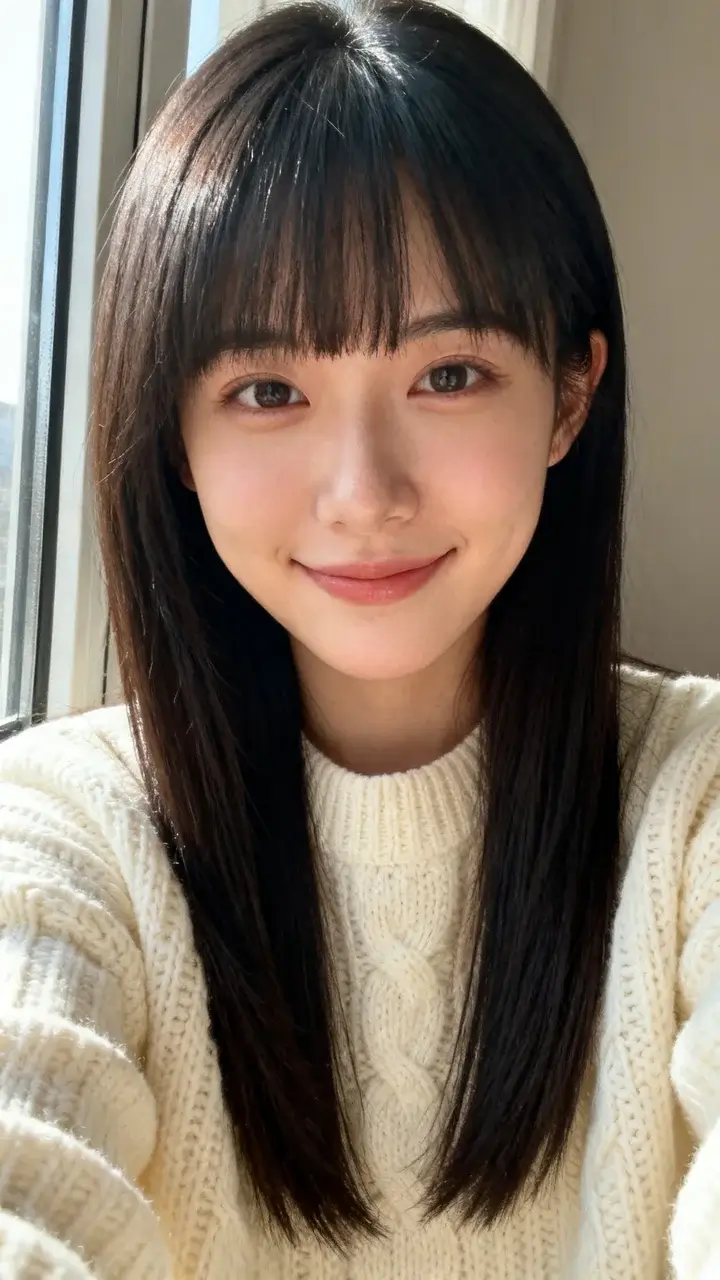
Bicep heart AI video
A clear portrait becomes a short bicep heart AI video. Keep both arms in frame so the gesture has room to unfold.
02 / The signature pose
The bicep heart trend starts with a flexed arm. Curve the opposite hand beside the upper arm to form a tiny heart, then hold the pose. The motion reference guides this sequence while your photo supplies the person.
03 / Make your version
Recreate the bicep heart trend from one photo with a guided motion preset. No prompt writing or timeline editing.
Upload a clear half-body photo of one person, with the face, both arms and hands visible. Use a photo you have permission to upload.
Sign in and check 40 credits for the fixed 5-second, 9:16, 768P preset. Leave the gesture to the built-in motion reference.
Start generation, then review the face, fingers and heart pose in the full clip. Download your result when it is ready.
04 / Give it a purpose
Use your bicep heart AI video as a playful reply or personal greeting, then add captions or music in your preferred editor.
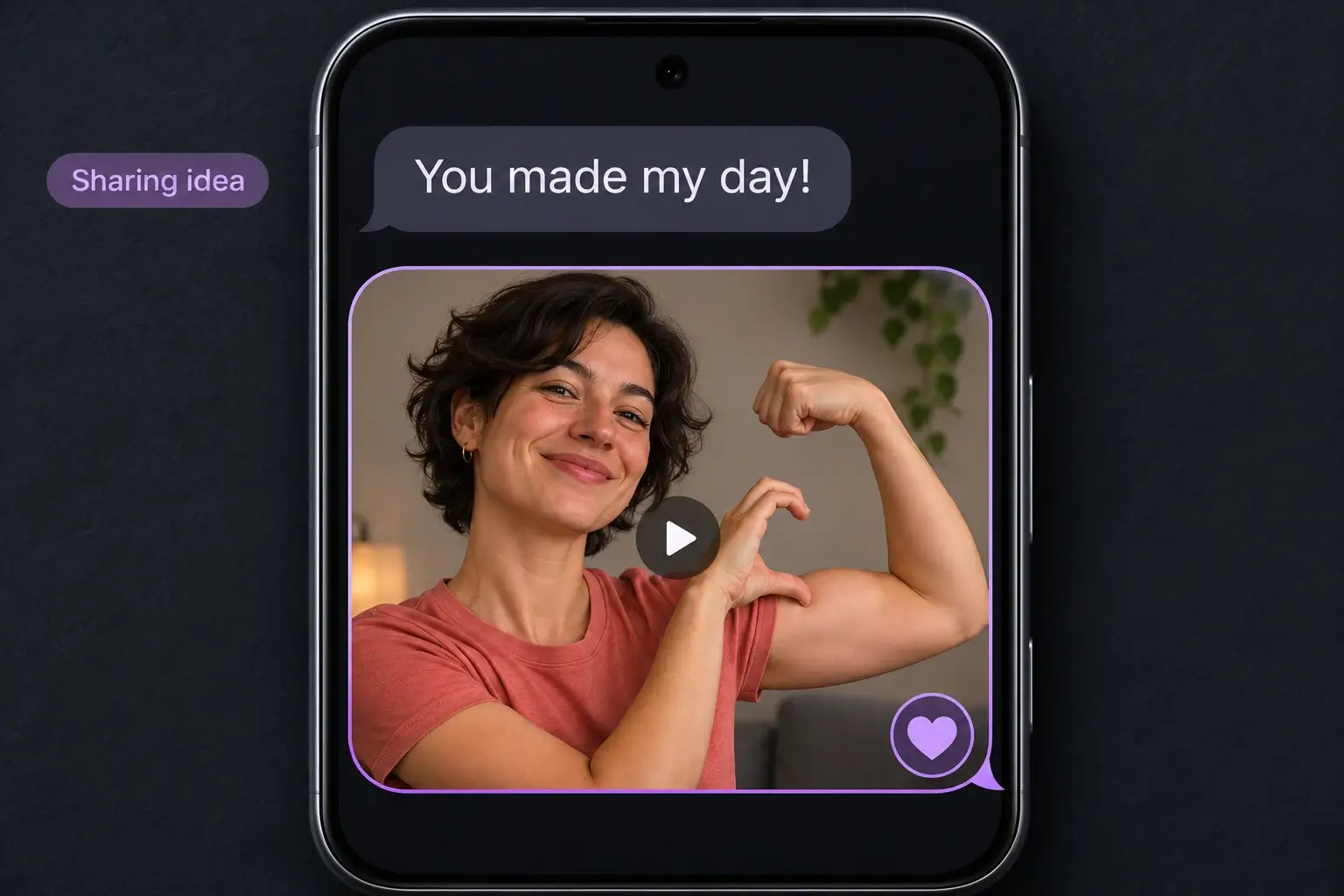
Reply to a friend with a smile and a small heart. The short vertical clip fits a message or reaction post.
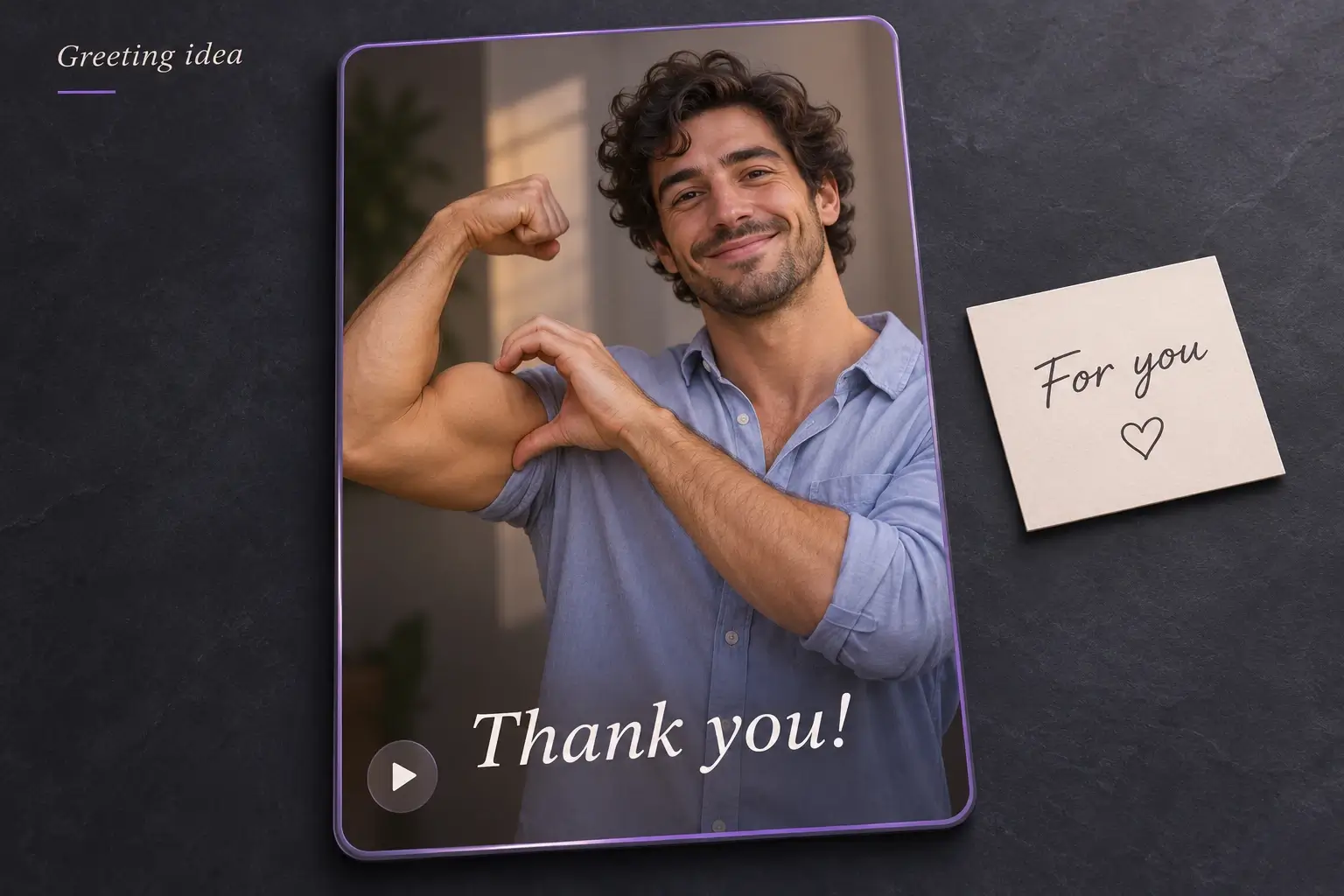
Turn your own photo into a little thank-you or hello. Use someone else’s likeness only with their permission.
Good to know
Photo tips, pricing and what to expect from your video.
One photo. A 5-second video. 40 credits per creation.