Skip to content

Text Match Cut Generator

Enter a word or phrase. The Text Match Cut Generator keeps it highlighted at the center of every cut.

Live preview9:16720 × 1280
9:16 · 6s
0.0 / 6.0s

Enter a word or short phrase. The template adds the surrounding text.

Template
Newspaper layout
Clip settings
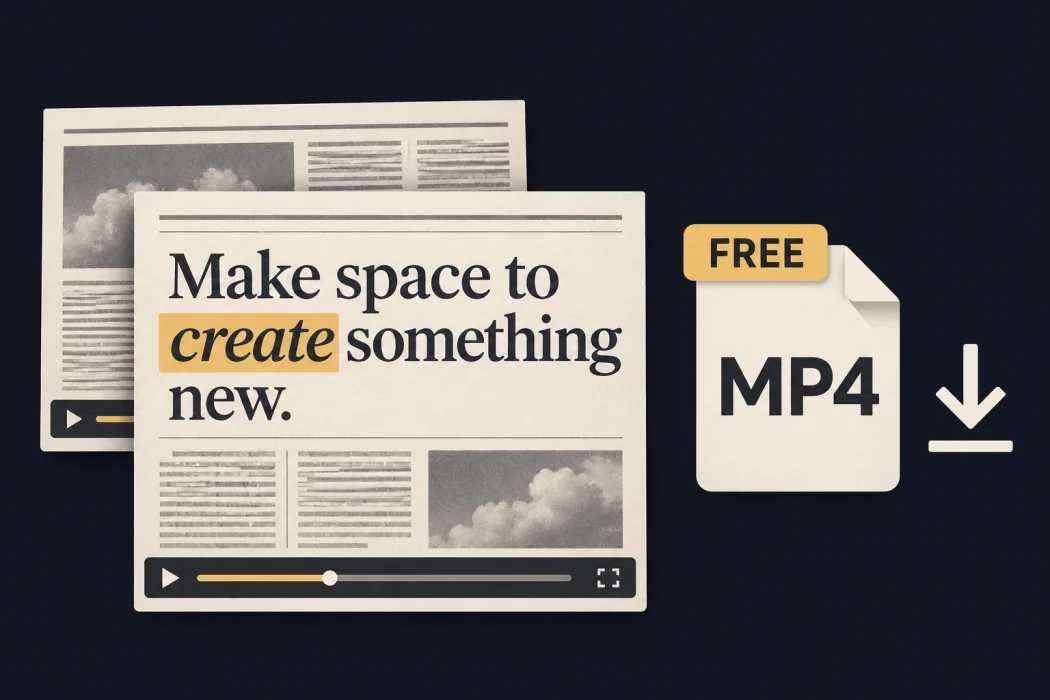
NewspaperFree export
MP4 · 30 fps
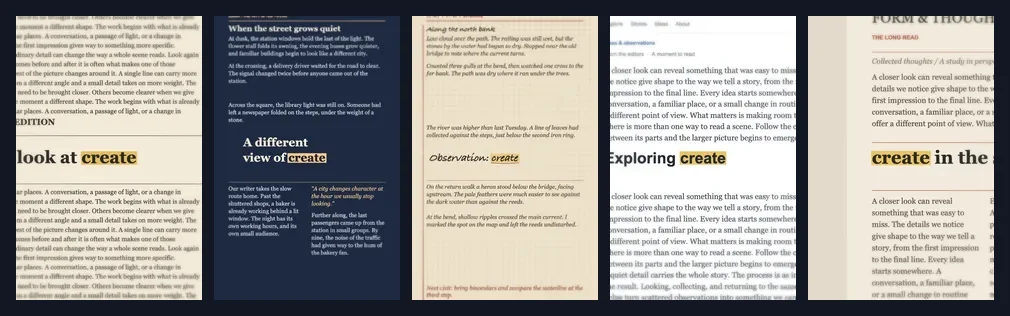
Compare the five templates

Text Match Cut Generator Templates

Compare five original templates. Each keeps the keyword in place while the text around it changes.

  1. Headlines, article columns, and pull quotes

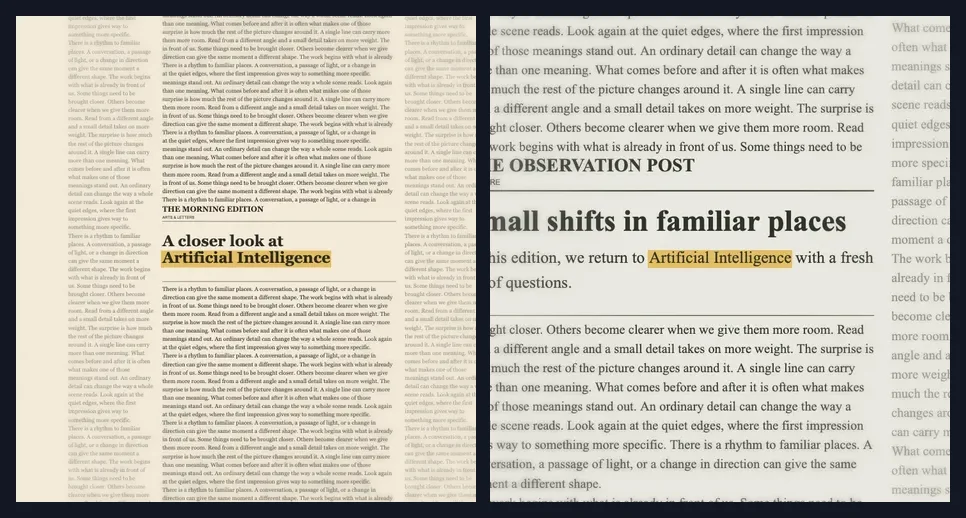
  2. Full editorial stories with article text and pull quotes

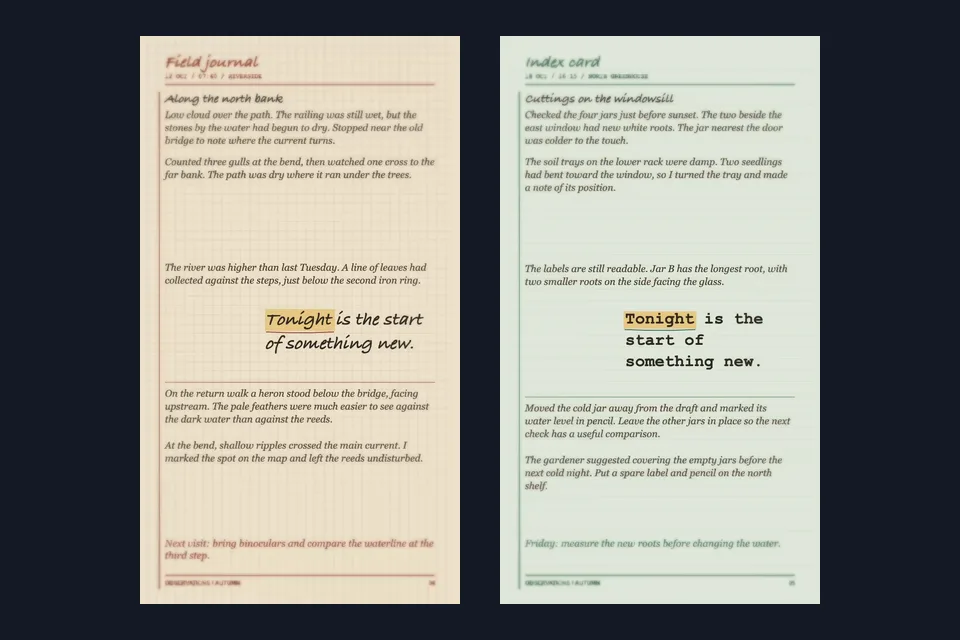
  3. Dated journal entries with observations and margin notes

  4. Web article layouts with navigation, headlines, and readable body text

  5. Magazine features, columns, and pull quotes

Text Match Cut Generator Features

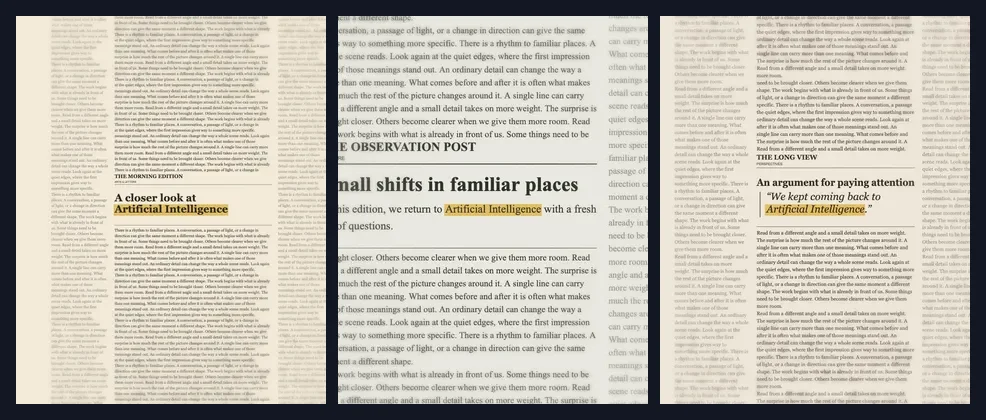
The same keyword highlighted in three different newspaper scenes01 / 06

Generate the shots automatically

Enter a keyword and the template builds a sequence of shots around it. In Newspaper, it can appear in different headlines, columns, and pull quotes.

How to Make a Text Match Cut

Open the editor
  1. Enter a keyword

    Enter the word or short phrase you want to highlight in the Text Match Cut Generator.

    The word create typed into the Highlight text field
  2. Choose a template

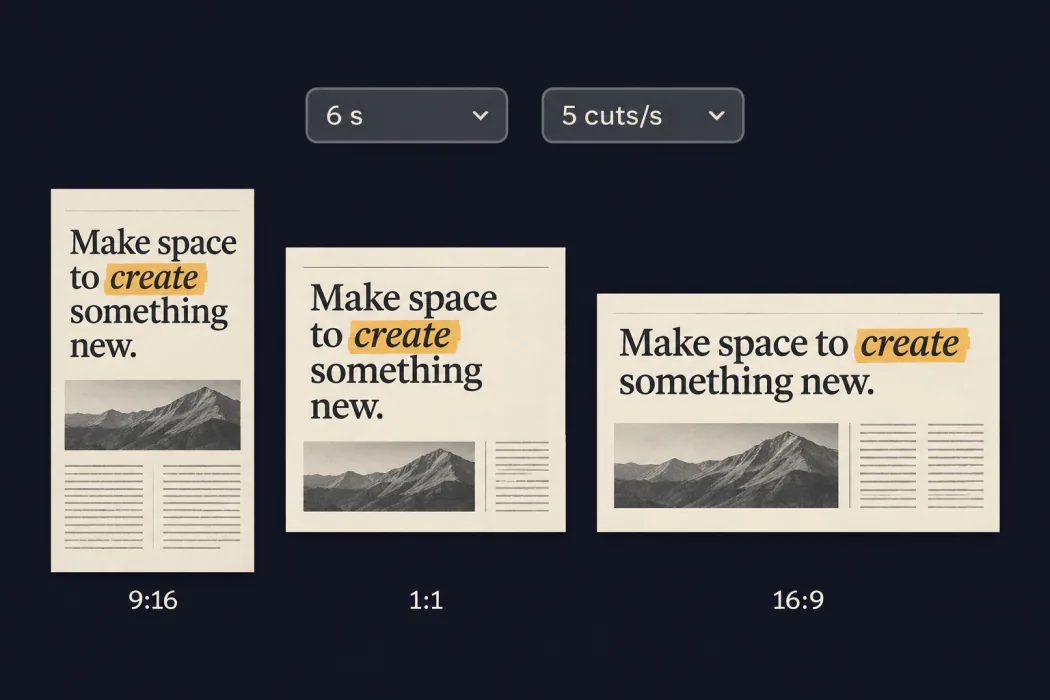
    Pick a style, then set the length and cut speed.

    Three template styles with controls for duration and cut speed
  3. Preview and export

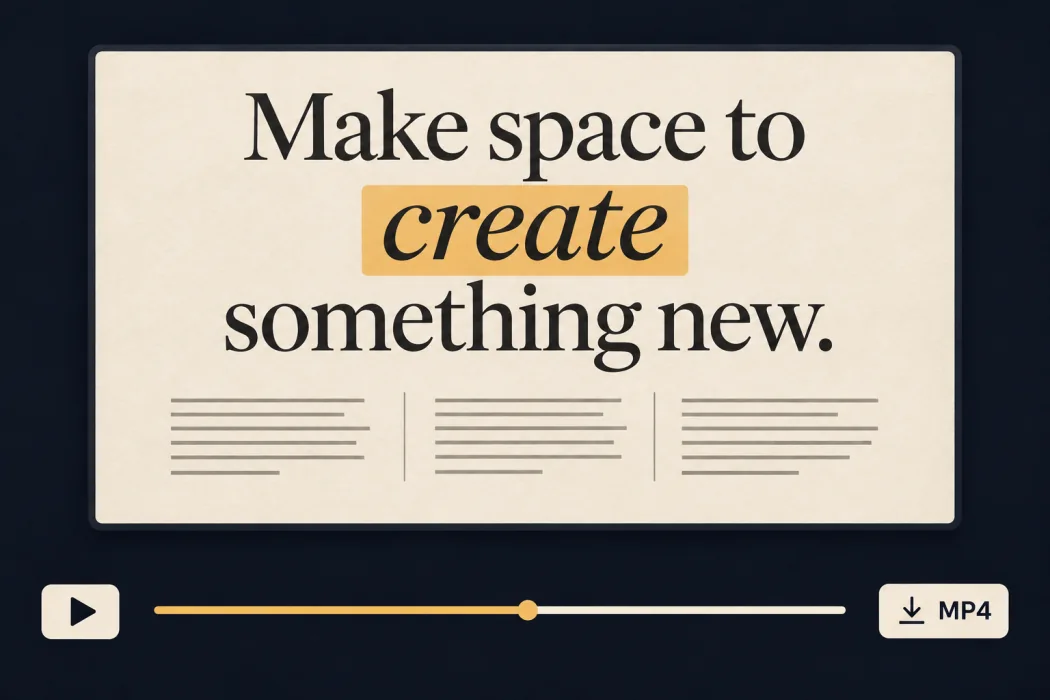
    Play or scrub through the clip, then export an MP4.

    Newspaper preview with a playback slider and an Export MP4 button

Text Match Cut Use Cases

Use the clip to introduce a topic, highlight a quote, or reveal an event name.

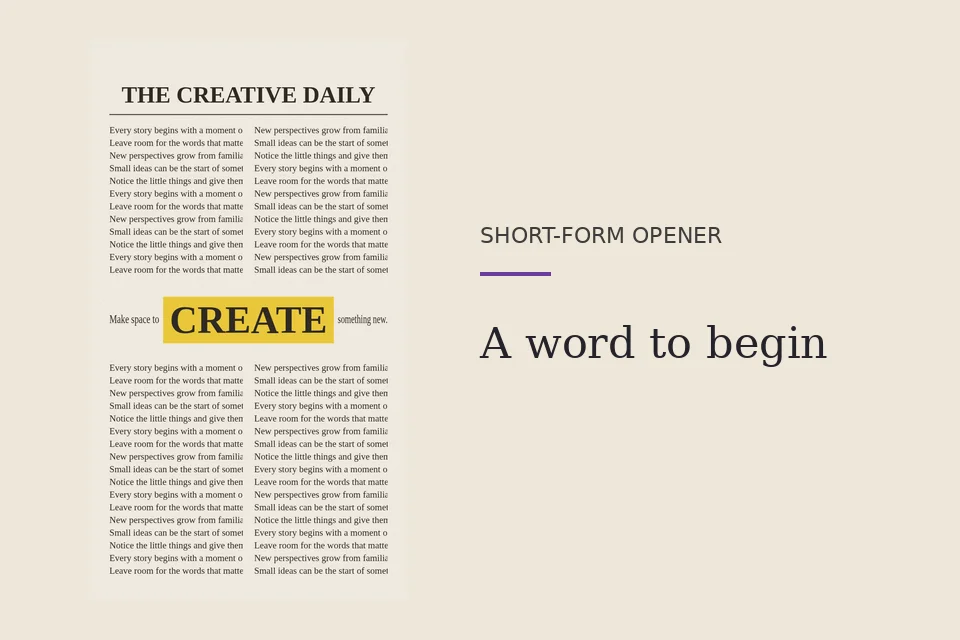
Newspaper CREATE animation framed as a short-form opener01 / 03

Open a short-form video

Enter the topic of a tutorial or announcement as the highlight. Use the Newspaper clip as an opener for a Reel, TikTok, or Short.
Build the video that follows your text match cut opener.

Text to Video

Describe the scene you want to follow your opening text.

Image to Video

Add motion to a still image and cut it together with your typography clip.

Hotel Lobby AI

Make a two-person performance clip to pair with a short introduction.
Text Match Cut Generator FAQ

A text match cut generator uses a word or short phrase as the focal point of a fast-cut video. The highlight stays centered while the surrounding text and page layouts change.

Enter a keyword or short phrase and pick a template. Select the vertical 9:16 canvas, preview the cuts, and export your MP4. Add the clip to your video before posting.

No. Web Pages and Magazine put your keyword into original, built-in article layouts. You can make both styles without screenshots.

A film match cut joins two shots that share a shape, movement, or idea. This tool creates a typography effect that emphasizes one word across changing layouts. It does not join live-action footage.

Newspaper is free to preview and export without an account. Editorial, Field Notes, Web Pages, and Magazine are free to preview. Sign in and use 3 credits per export for those four templates. You can use any available credits, including free credits. The same export can be downloaded again without using more credits.

Supported browsers export a silent H.264 MP4 at 30 frames per second. Choose 720 × 1280 for vertical, 720 × 720 for square, or 1280 × 720 for landscape. Clips are 3, 6, or 9 seconds. Export availability depends on your device’s H.264 encoder.

Your text and video frames are processed in your browser. The tool does not send them to a generation model or upload them for encoding. For a template that costs credits, the site checks your balance and deducts the credits after encoding.

FastMoro AI is independent. This generator is our own tool and is not affiliated with other text match cut apps.

Create a Text Match Cut

Pick a template, enter a keyword, and preview your clip.