Skip to content

Seedance 2.0 Reference to Video AI Generator | FastMoro AI

Upload reference material image

Get a paid credit pack or subscription to turn off watermarks and download HD

Cost:10 Credits

Seedance 2.0 Reference to Video Showcase

See how Seedance 2.0 combines multiple reference inputs — images, clips, and audio — to produce cinematic output.

IMG + VIDEO

Motion & Style Extraction

Feed Seedance 2.0 a reference video and a style image — it deconstructs the camera movement, pacing, and visual rhythm from the clip, then re-renders the entire sequence in your chosen artistic style. No VFX expertise required.

References
Reference 1
IMG 1
VIDEO
Description

Feed Seedance 2.0 a reference video and a style image — it deconstructs the camera movement, pacing, and visual rhythm from the clip, then re-renders the entire sequence in your chosen artistic style. No VFX expertise required.

Output
4 IMG + VIDEO

Multi-Image Scene Composition

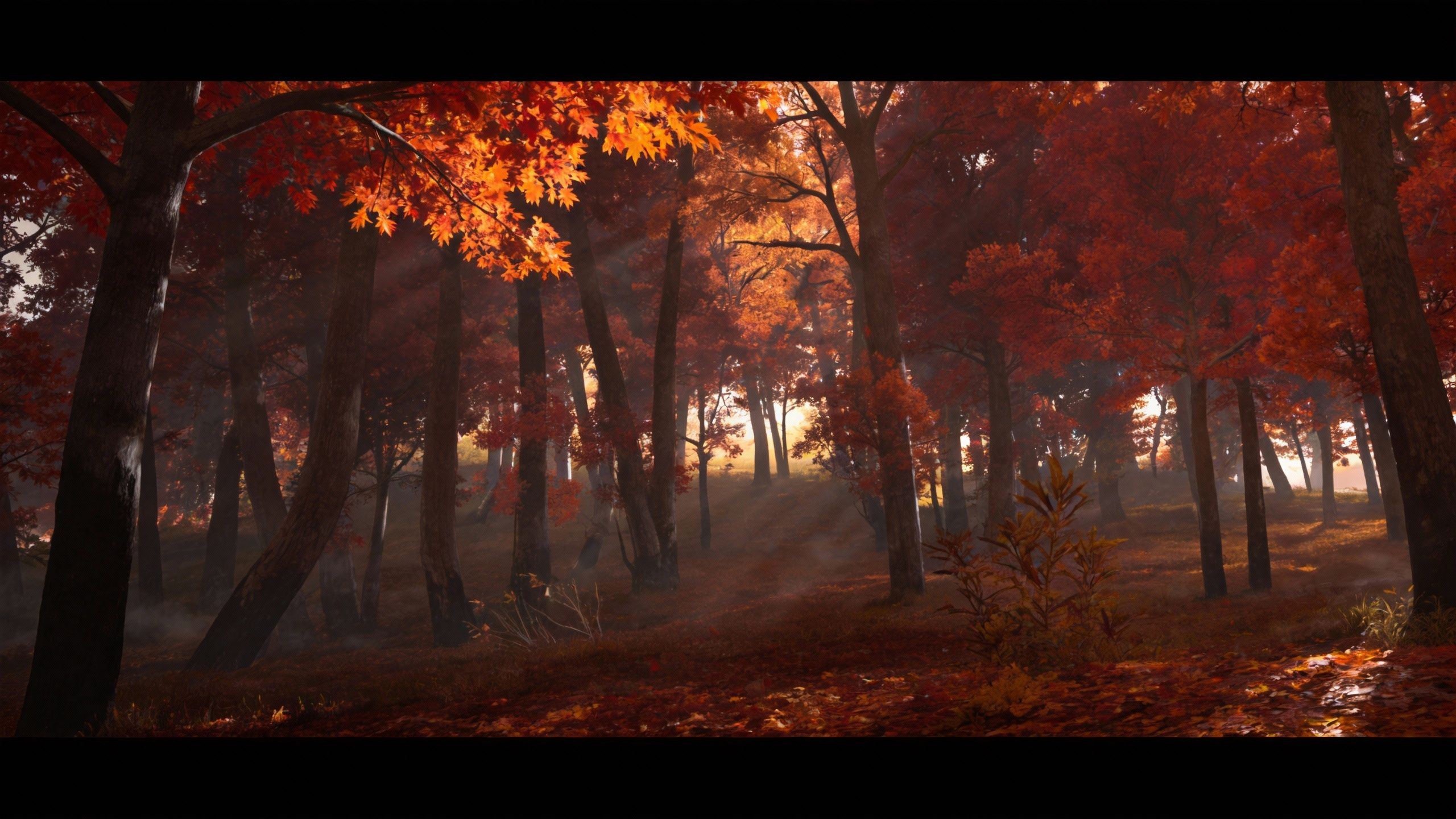
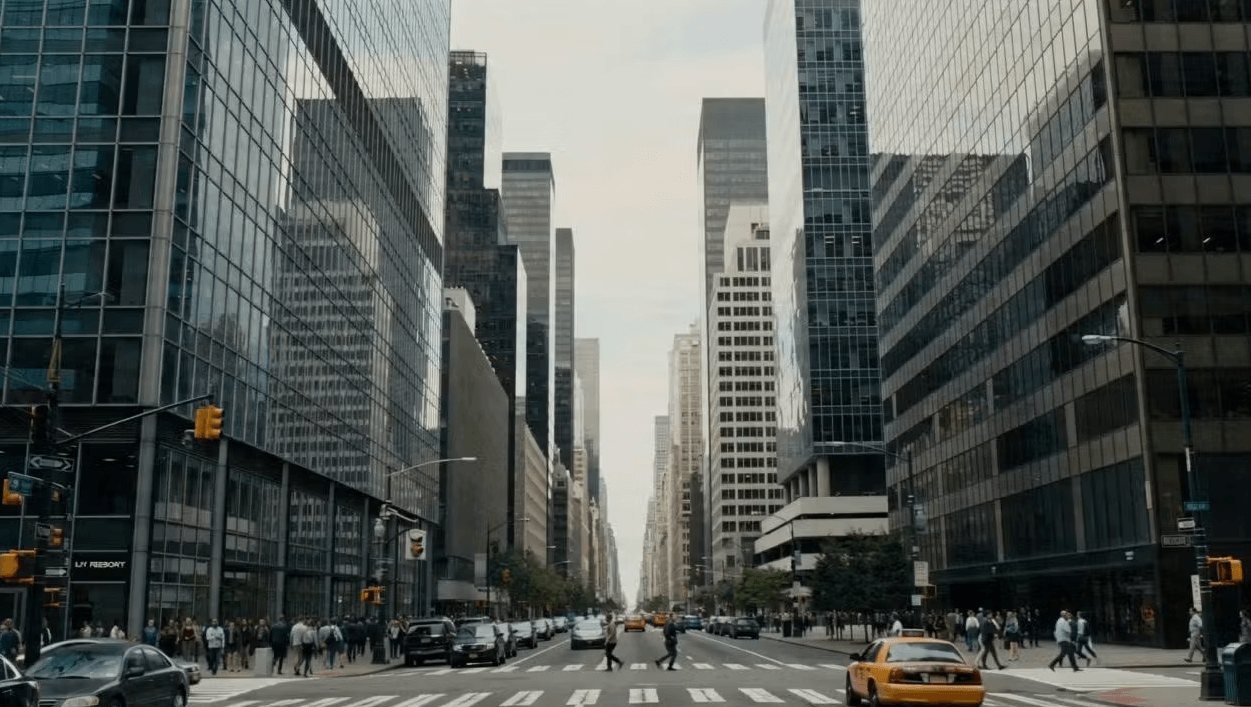
Seedance 2.0 lets you assign each reference image to a specific role — first frame, top, left, right — while borrowing camera movement from a reference video. Compose complex scenes from multiple visual inputs in a single generation.

References
Reference 1
First Frame
Reference 2
Upper Scene
Reference 3
Left Scene
Reference 4
Right Scene
VIDEO
Prompt

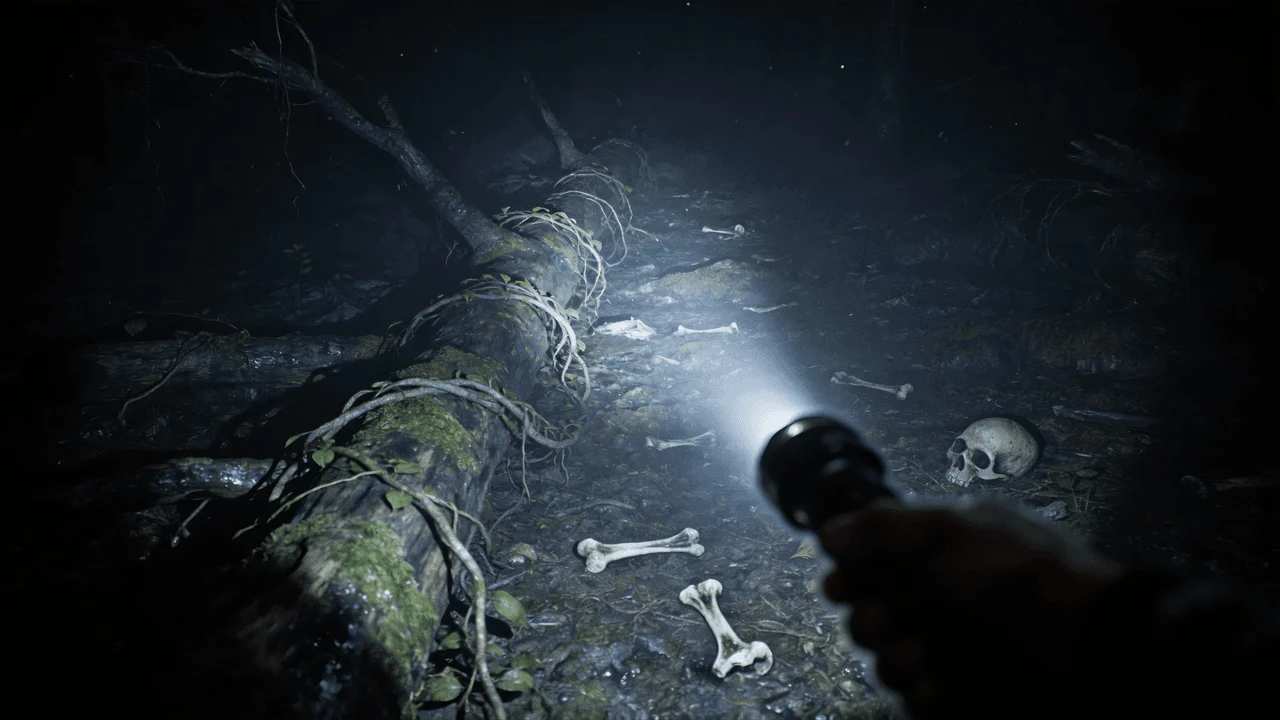
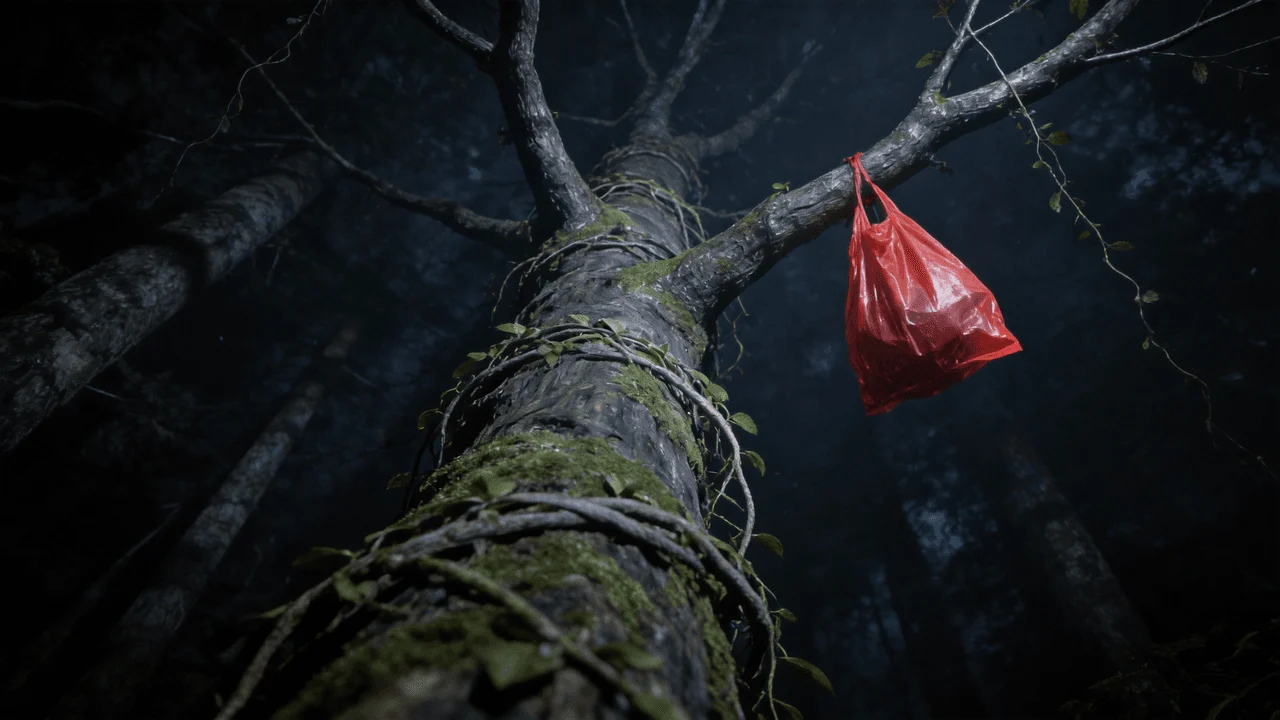
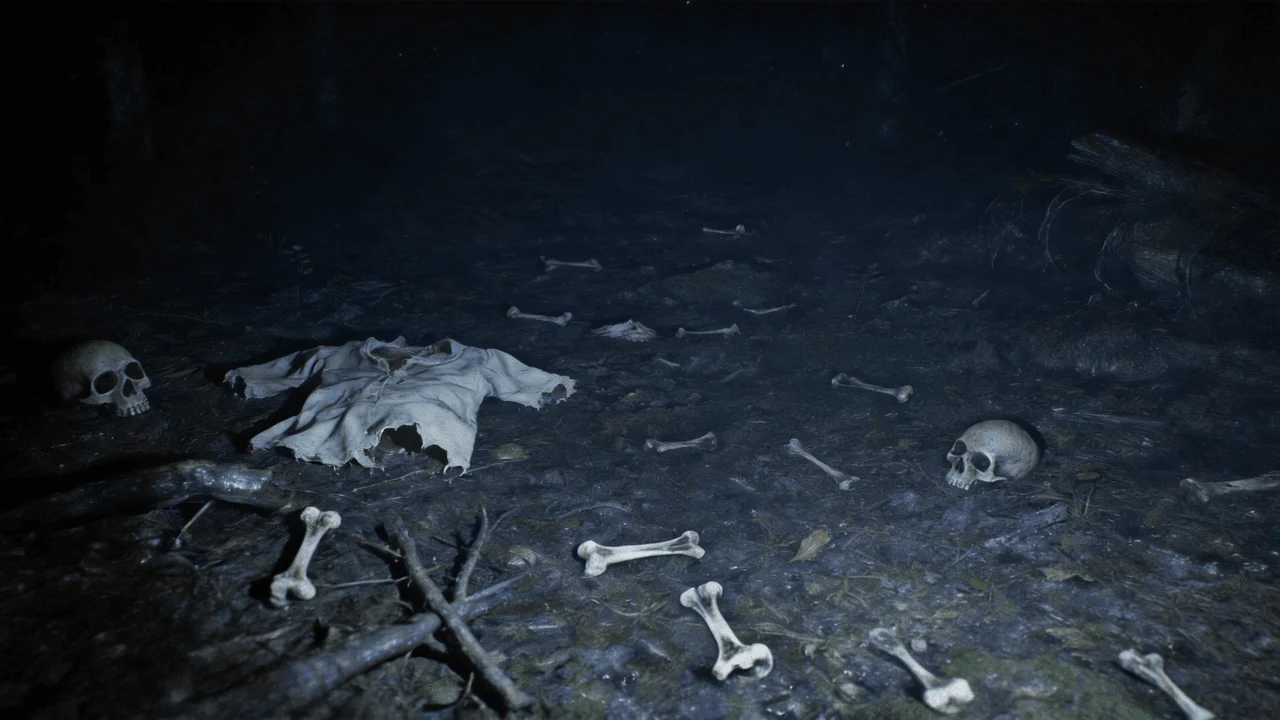
Use @Image 1 as the first frame of the scene. Adopt a first-person perspective and refer to the camera movement effect in @Video 1. The upper scene should be based on @Image 2, the left scene on @Image 3, and the right scene on @Image 4.

Description

Seedance 2.0 lets you assign each reference image to a specific role — first frame, top, left, right — while borrowing camera movement from a reference video. Compose complex scenes from multiple visual inputs in a single generation.

Output
5 IMG + VIDEO

Character + Scene Separation Control

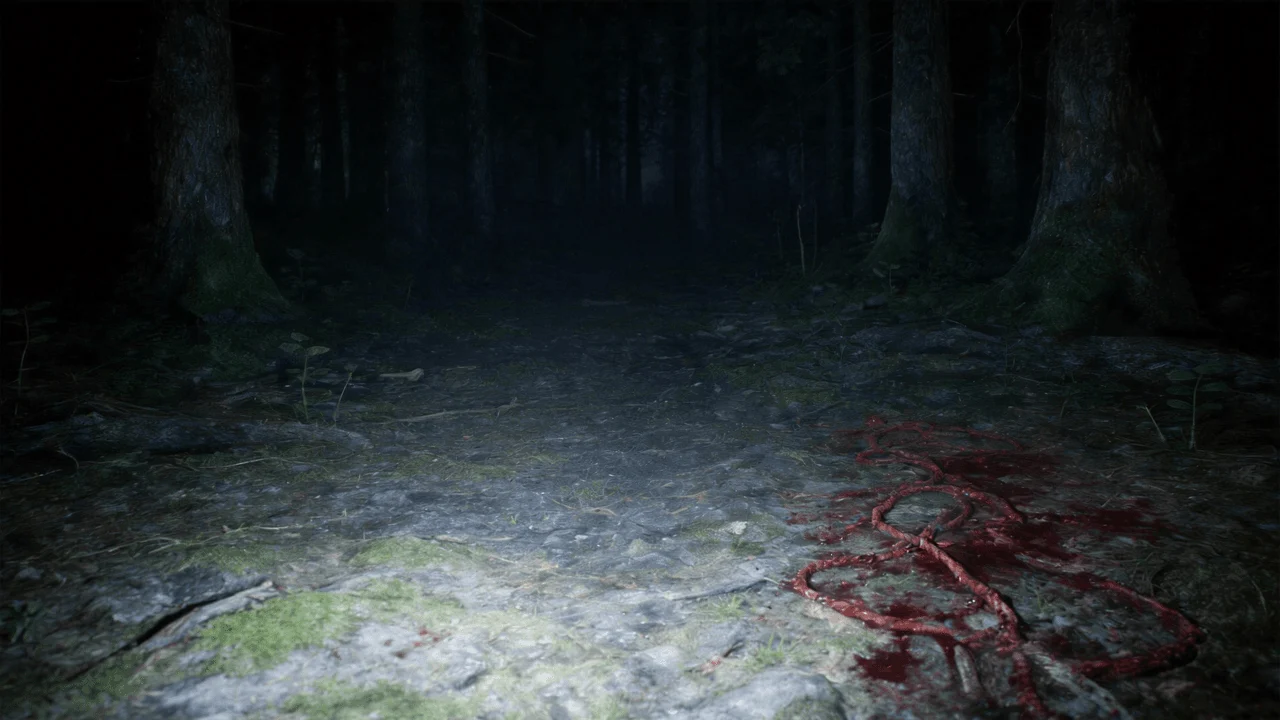
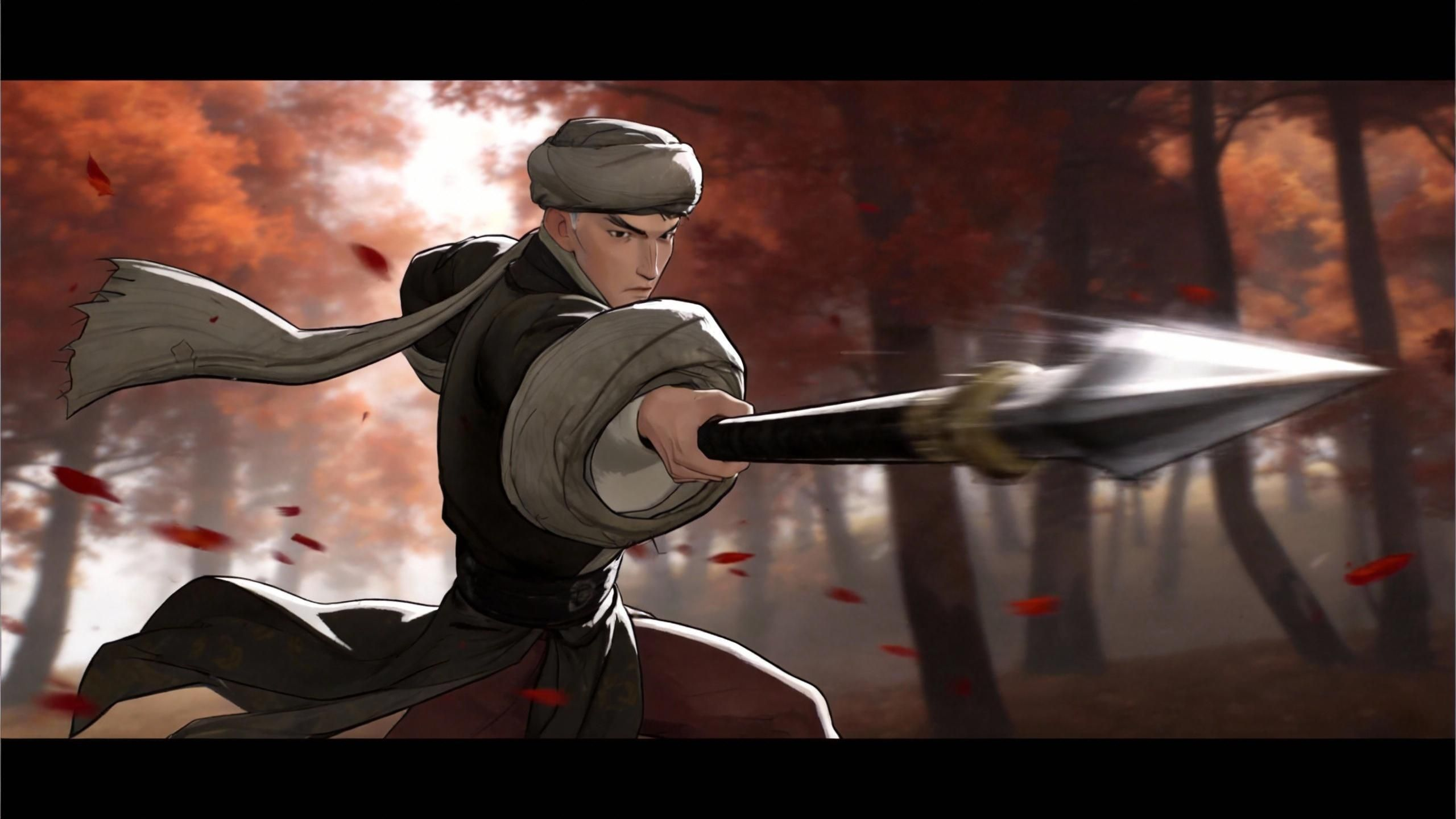
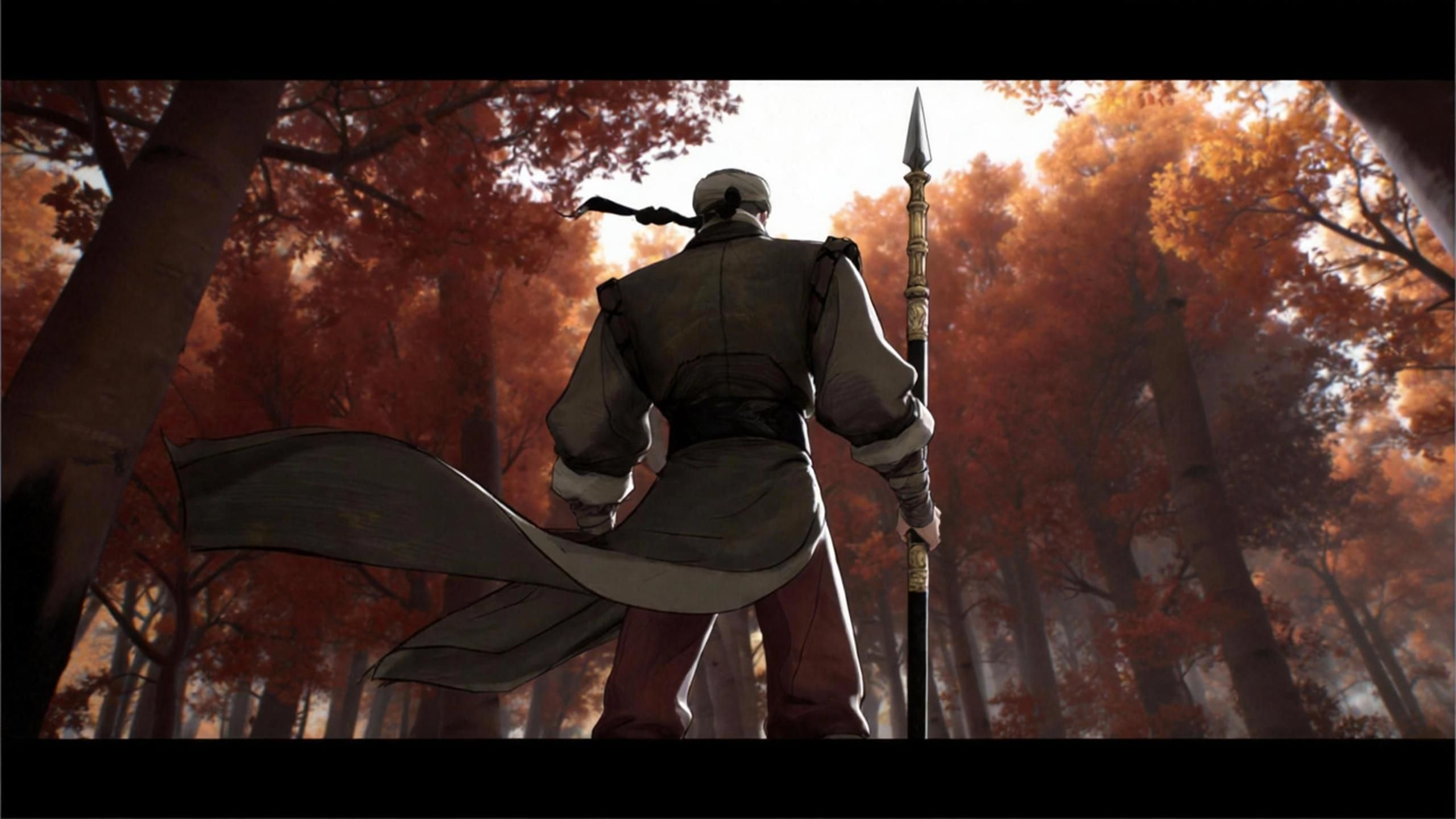
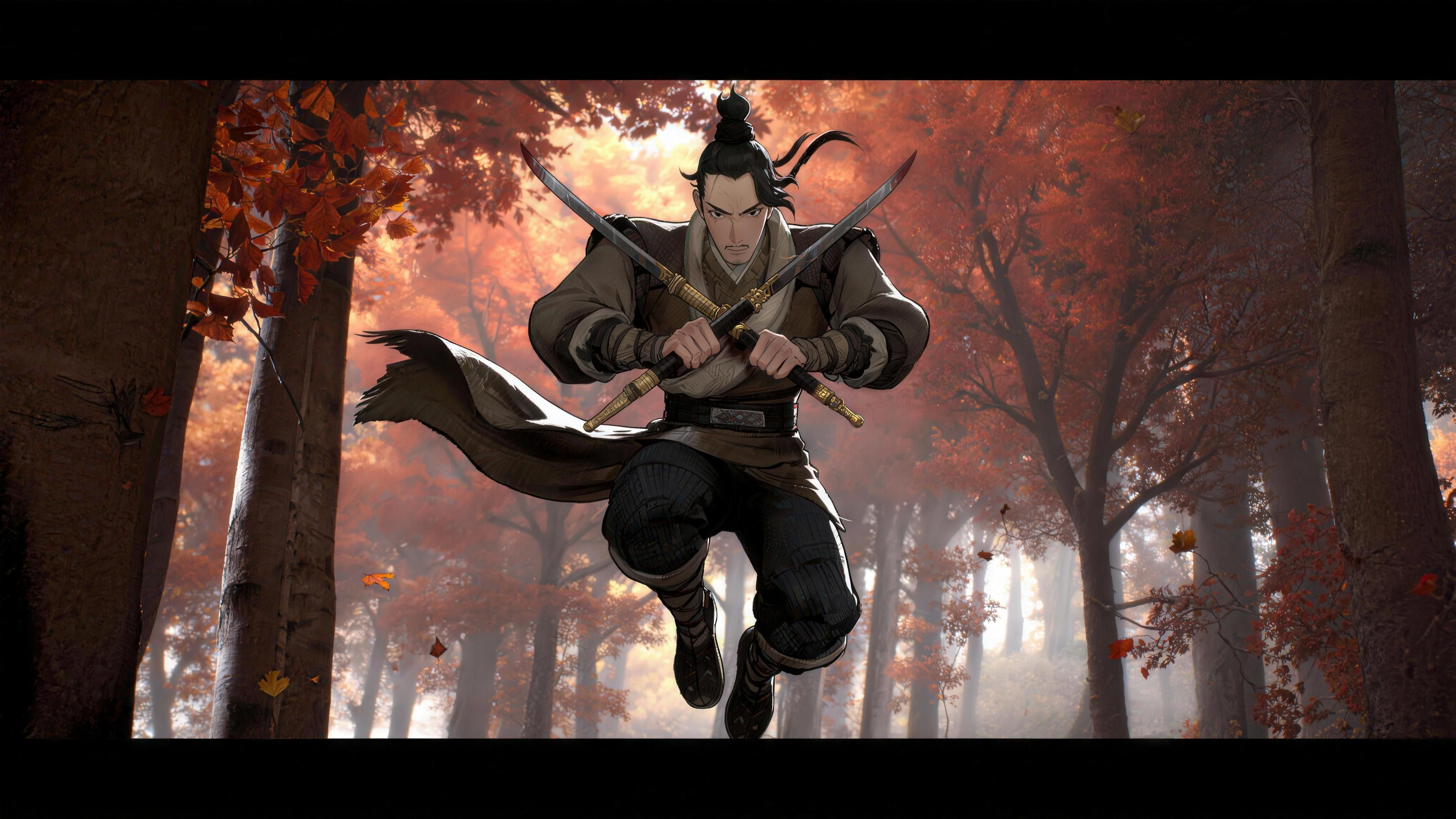
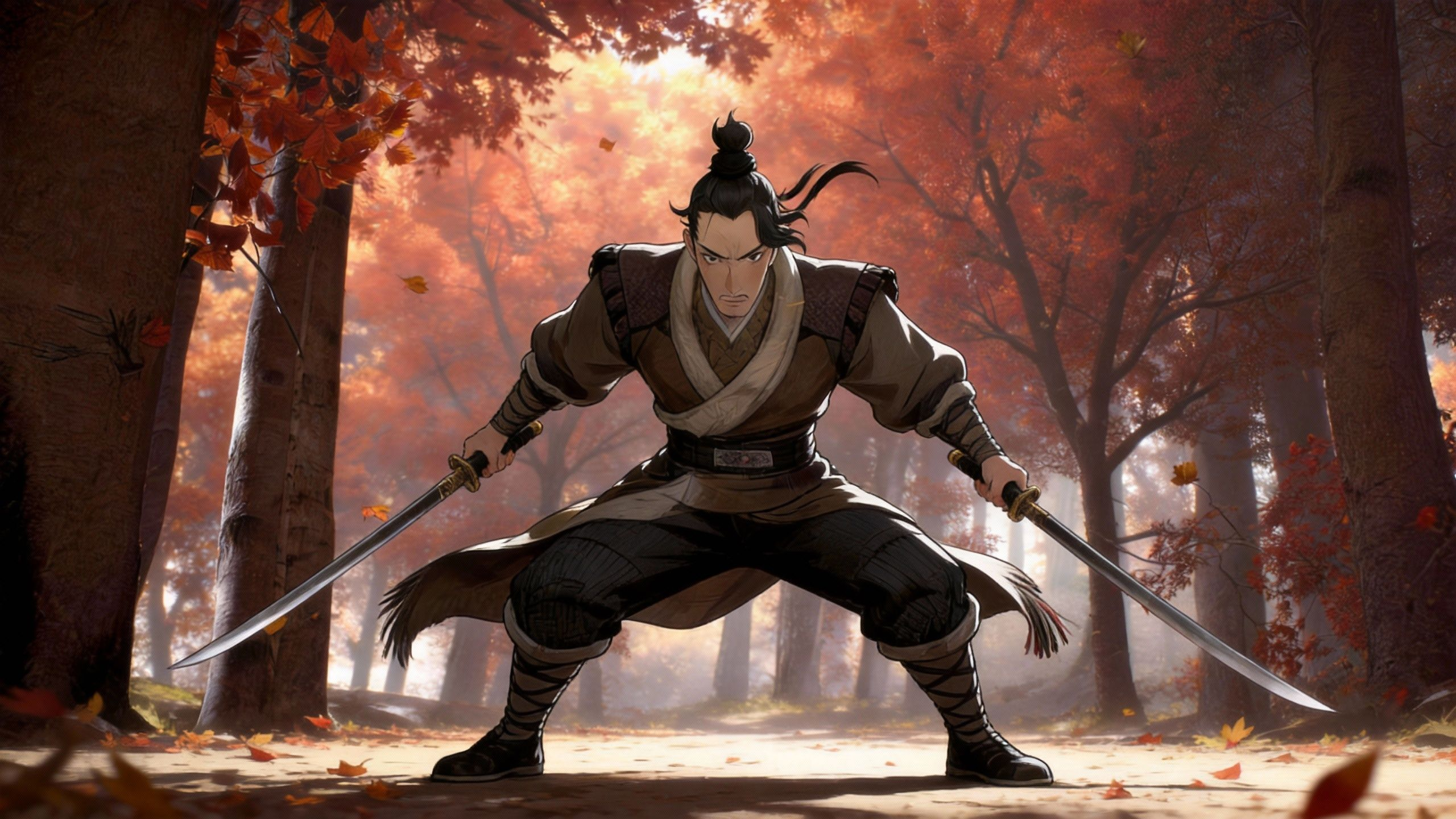
Define characters and backgrounds independently — assign reference images to specific roles like 'character' or 'scene', then let Seedance 2.0 merge them with cinematic camera work from a reference video.

References
Reference 1
Character 1
Reference 2
Character 2
Reference 3
Scene 1
Reference 4
Scene 2
Reference 5
Scene 3
VIDEO
Prompt

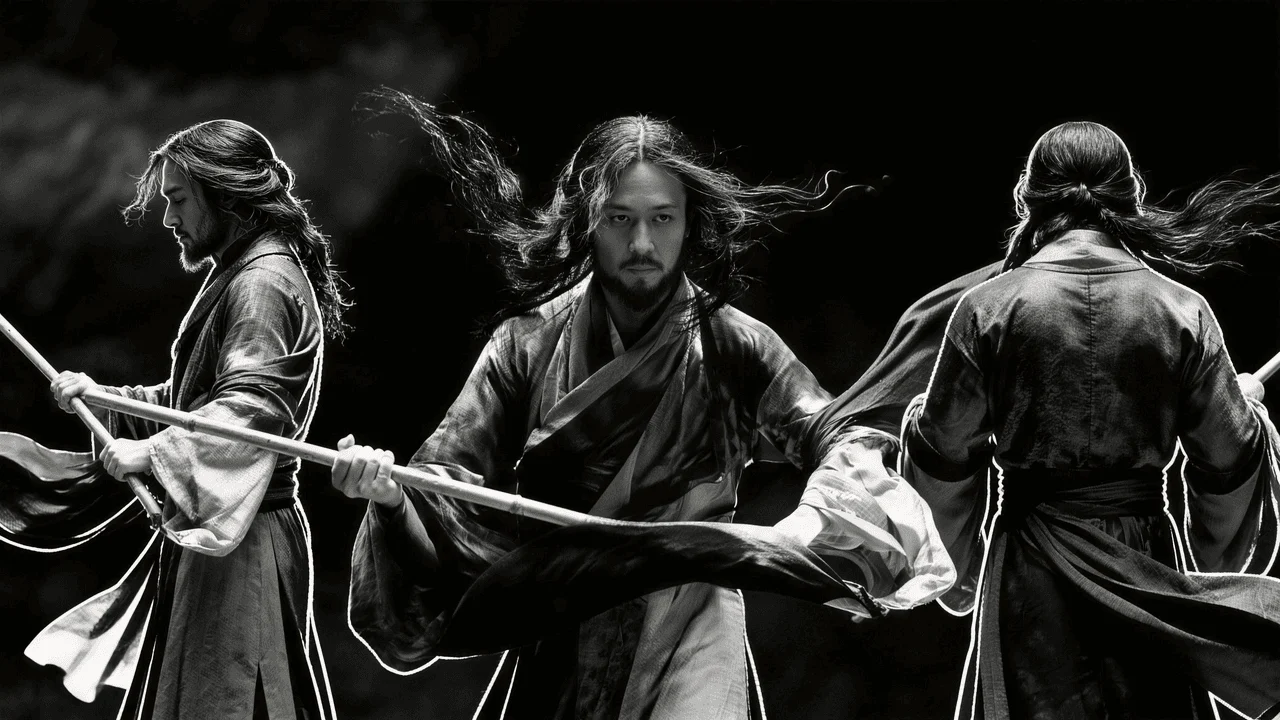
Reference @Image1 @Image2 for the spear-wielding character, @Image3 @Image4 for the scene. Generate a martial arts action sequence where the character performs fluid spear techniques. Use multi-angle tracking shots to capture the power and beauty of martial arts.

Description

Define characters and backgrounds independently — assign reference images to specific roles like 'character' or 'scene', then let Seedance 2.0 merge them with cinematic camera work from a reference video.

Output

Seedance 2.0 Reference to Video Capabilities

Seedance 2.0 supports up to 15 reference files across three modalities — the most versatile creative control in the industry.

Multimodal Reference Input

Combine up to 9 images, 3 video clips, and 3 audio files as input references. Mix style images with motion clips and soundtracks for complete creative control.

Pixel-Level Creative Replication

Seedance 2.0 analyzes your reference materials and reproduces visual styles, character appearances, scene compositions, and lighting conditions with pixel-level accuracy.

Style Transfer & Fusion

Transfer artistic styles, color palettes, and visual aesthetics from reference images to newly generated video. Blend multiple style references for unique hybrid looks.

Audio-Driven Generation

Upload audio references and Seedance 2.0 generates video synchronized with the audio's rhythm, mood, and timing — or use native audio co-generation for auto-matched sound.

Motion Reference Transfer

Upload video clips as motion references. Seedance 2.0 extracts the movement patterns and applies them to your new content while maintaining your visual style references.

Brand Consistency Engine

Upload brand assets — logos, color schemes, product images — as references. Generate on-brand video content that maintains visual identity across every frame.

How Multimodal References Work in Seedance 2.0

Unlike single-image-to-video models, Seedance 2.0's Reference to Video mode accepts a rich combination of visual, motion, and audio inputs. The Dual-Branch Diffusion Transformer cross-references all inputs simultaneously, extracting style from images, dynamics from videos, and rhythm from audio to produce cohesive output.

Cross-Modal Understanding

Seedance 2.0 doesn't just process references in isolation — it understands the relationships between your image styles, video motions, and audio cues to produce a unified creative result.

Reference Priority Control

Control how strongly each reference influences the output. Emphasize character consistency from one image while borrowing camera motion from a video clip.

Standard & Fast Modes

Standard mode for maximum fidelity and complex reference blending. Fast mode for rapid iteration. Both support the full 15-file multimodal reference system.

Who Uses Seedance 2.0 Reference to Video

From ad agencies to indie filmmakers, Reference to Video unlocks creative possibilities that single-input models can't match.

Advertising & Brand Agencies

Upload brand guidelines, product shots, and mood boards as references to generate on-brand commercial content at scale — no shooting required.

Filmmakers & Storyboarders

Use storyboard frames as image references and sample footage as motion references to pre-visualize scenes before committing to expensive live-action shoots.

Artists & Style Explorers

Upload artwork as style references and let Seedance 2.0 animate them into motion — preserving brushstrokes, textures, and artistic identity in every frame.

Seedance 2.0 vs Sora 2 vs Veo 3.1 — Reference Mode

A head-to-head comparison of reference-to-video capabilities across three leading AI video models.

Max Reference Files

Seedance 2.0Best

Up to 15 files: 9 images + 3 videos + 3 audio in a single generation.

Sora 2Fair

Limited to 1-2 reference images only.

Veo 3.1Fair

Single image or text reference only.

Multimodal Input

Seedance 2.0Best

Full multimodal: images + video clips + audio files as combined references.

Sora 2Fair

Image-only reference; no video or audio input.

Veo 3.1Fair

Image-only reference with text enhancement.

Creative Replication

Seedance 2.0Best

Pixel-level style, character, and composition replication from multiple references.

Sora 2Good

Good single-image style transfer; limited composition control.

Veo 3.1Fair

Basic style matching from single reference.

Native Audio

Seedance 2.0Best

Co-generates synchronized audio or accepts audio references for rhythm-matched output.

Sora 2Fair

No native audio support.

Veo 3.1Fair

No native audio support.

Motion Reference

Seedance 2.0Best

Upload video clips as motion references; extracts and transfers movement patterns.

Sora 2Fair

No motion reference input.

Veo 3.1Fair

No motion reference input.

Max Video Duration

Seedance 2.0Best

Up to 15 seconds with 5s / 10s / 15s options.

Sora 2Best

Up to 20 seconds.

Veo 3.1Good

Up to 10 seconds.

How to Create Videos with Multimodal References

Three steps to generate professional videos from your creative references on FastMoro AI. No downloads, no API keys, no GPU required.

01

Upload Your References

Upload a mix of reference materials — images for style and character, video clips for motion patterns, audio files for rhythm and mood. Up to 15 files total.

02

Select Seedance 2.0 & Describe Your Vision

Choose Seedance 2.0 Standard or Fast mode. Write a text prompt describing what you want to create. Set duration (5s/10s/15s) and aspect ratio.

03

Generate & Download

Seedance 2.0 cross-references all your inputs to generate a cohesive video with optional synchronized audio. Download in minutes.

Seedance 2.0 Reference to Video FAQ

Everything you need to know about using Seedance 2.0's multimodal reference system on FastMoro AI.

Image to Video focuses on animating a single reference image. Reference to Video accepts up to 15 multimodal files (9 images + 3 videos + 3 audio) simultaneously, allowing you to combine visual styles, motion patterns, and audio cues for far more complex creative control.

Seedance 2.0 accepts up to 15 reference files in a single generation: 9 images, 3 video clips, and 3 audio files. You can mix and match freely — for example, 5 style images + 2 character images + 1 motion video + 1 soundtrack.

Creative replication means Seedance 2.0 analyzes your reference materials at a structural level — extracting visual styles, character features, scene compositions, and lighting — then reproduces these elements with pixel-level accuracy in the generated video.

Upload a video clip as a motion reference, and Seedance 2.0 will extract the movement patterns, camera dynamics, and temporal flow. It then applies these motion characteristics to your new content while preserving the visual style from your image references.

Upload audio files (music, sound effects, voiceover) as references. Seedance 2.0 generates video content synchronized with the audio's rhythm, mood, and timing. Alternatively, enable native audio co-generation for auto-matched sound.

Absolutely. Upload brand guidelines, product shots, logo files, and style mood boards as references. Seedance 2.0 will generate video content that consistently maintains your brand's visual identity across every frame.

Standard mode maximizes visual fidelity and complex multi-reference blending — ideal for final production. Fast mode is optimized for speed, perfect for rapid iteration and previewing different reference combinations.

Standard mode: 65 credits (5s), 130 credits (10s), 195 credits (15s). Fast mode: 55 credits (5s), 105 credits (10s), 155 credits (15s). Audio co-generation is included at no extra cost. New users get free credits on sign-up.

Free to Start

Start Creating with Multimodal References

Upload your images, clips, and audio references. Let Seedance 2.0 replicate your creative vision with industry-leading multi-reference understanding. Sign up and get free credits.

No credit card required · Free credits on sign-up · Cancel anytime