
AI Image Generator from Image — Image to Image AI Generator Free | Fast Moro AI
AI Image Transformation Gallery — Image to Image Examples
Explore stunning transformations created with our image to image AI. Style transfers, creative edits, and artistic remixes — all powered by GPT Image 2.
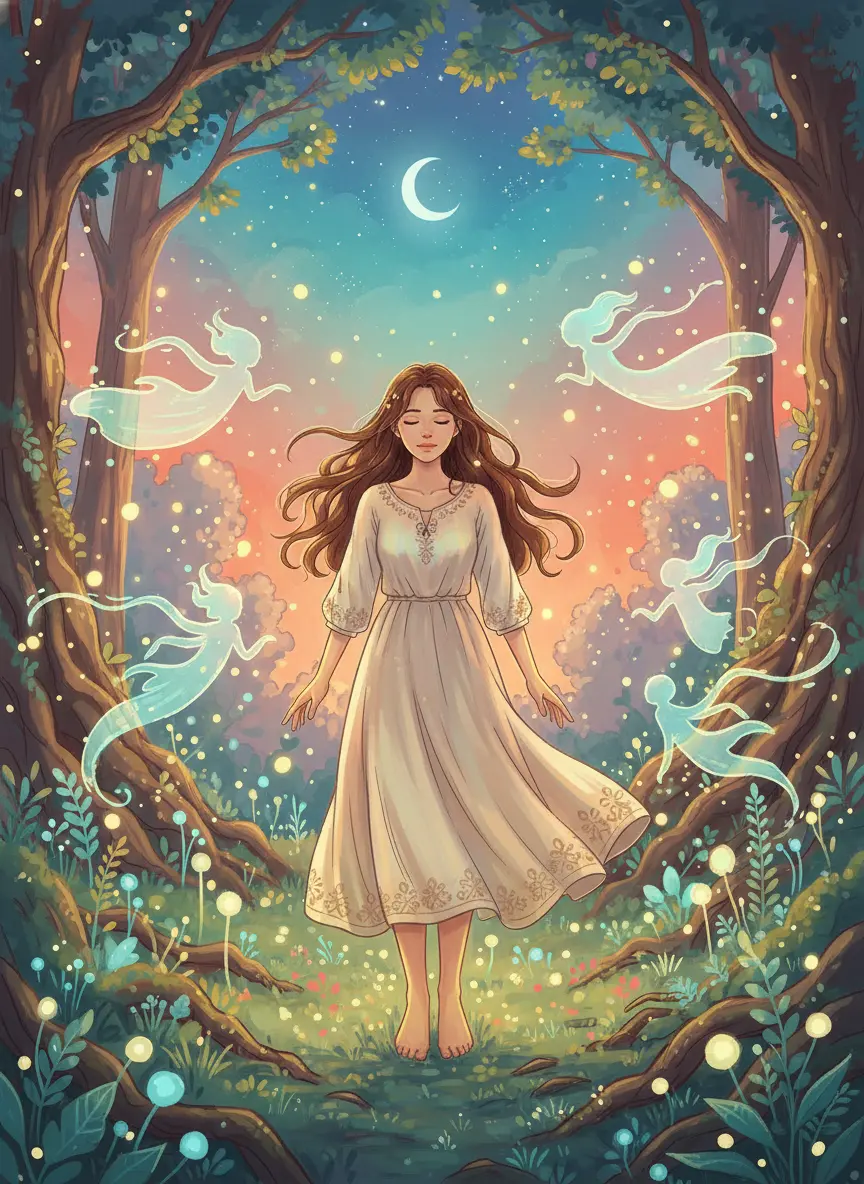
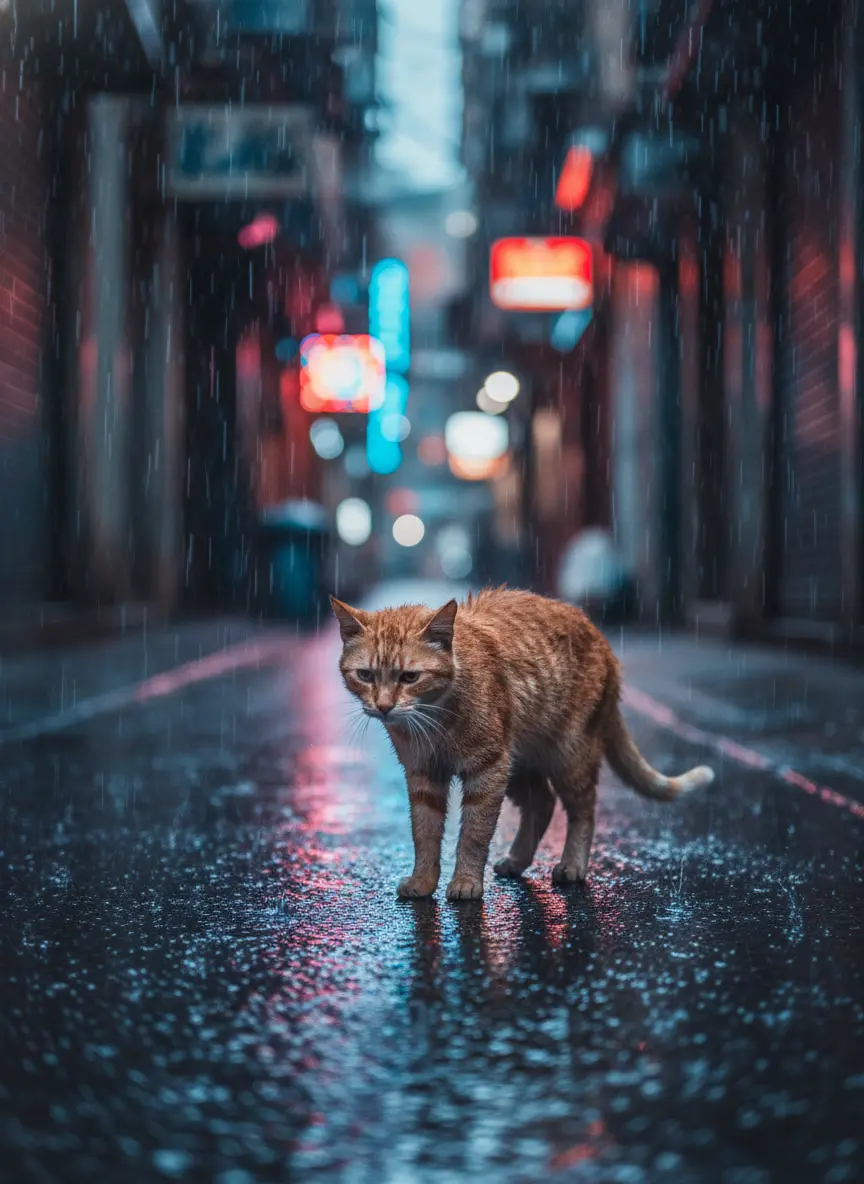
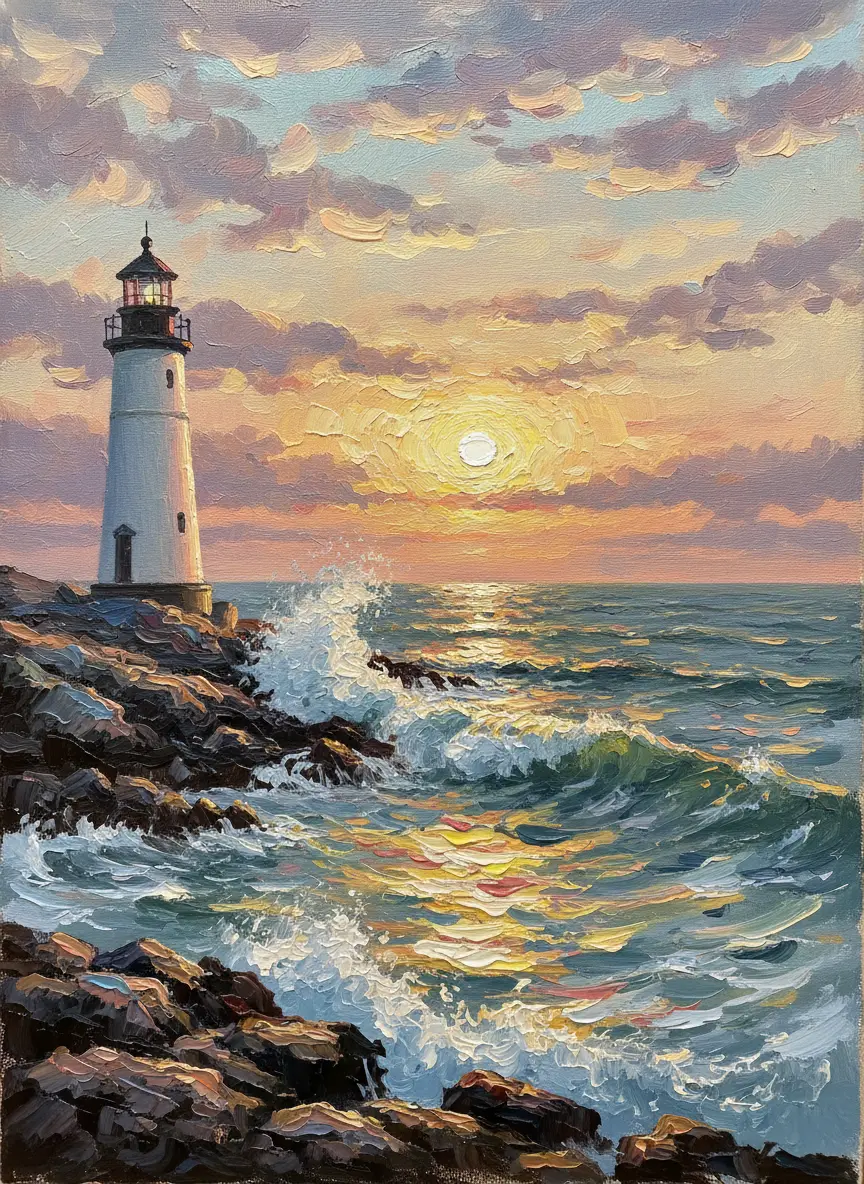
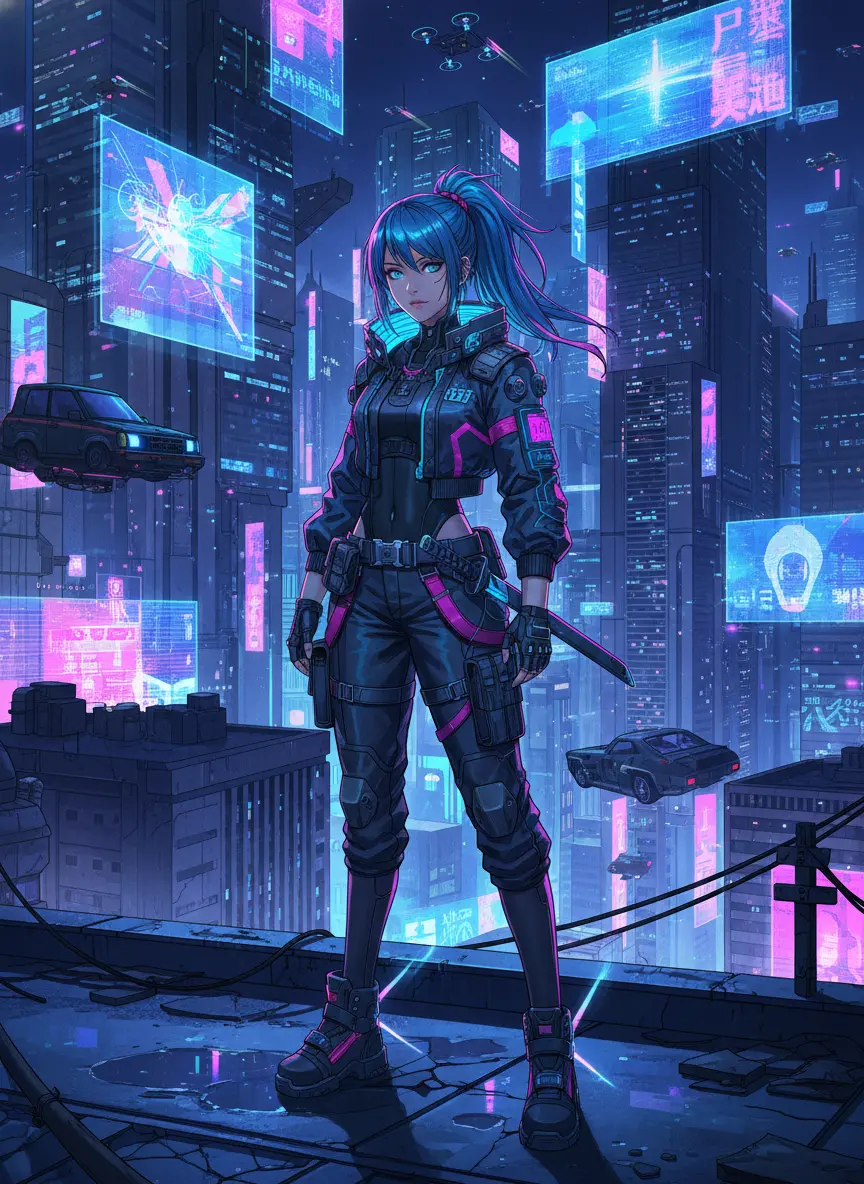
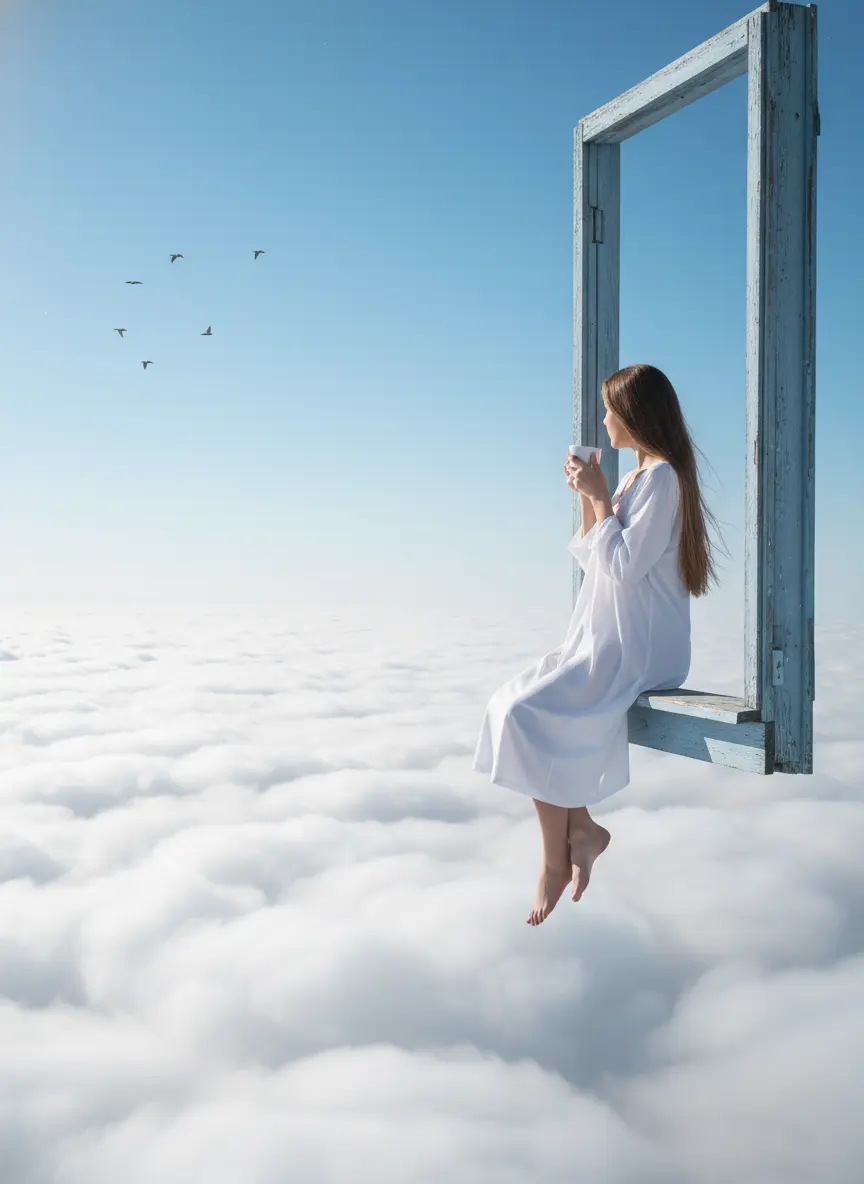
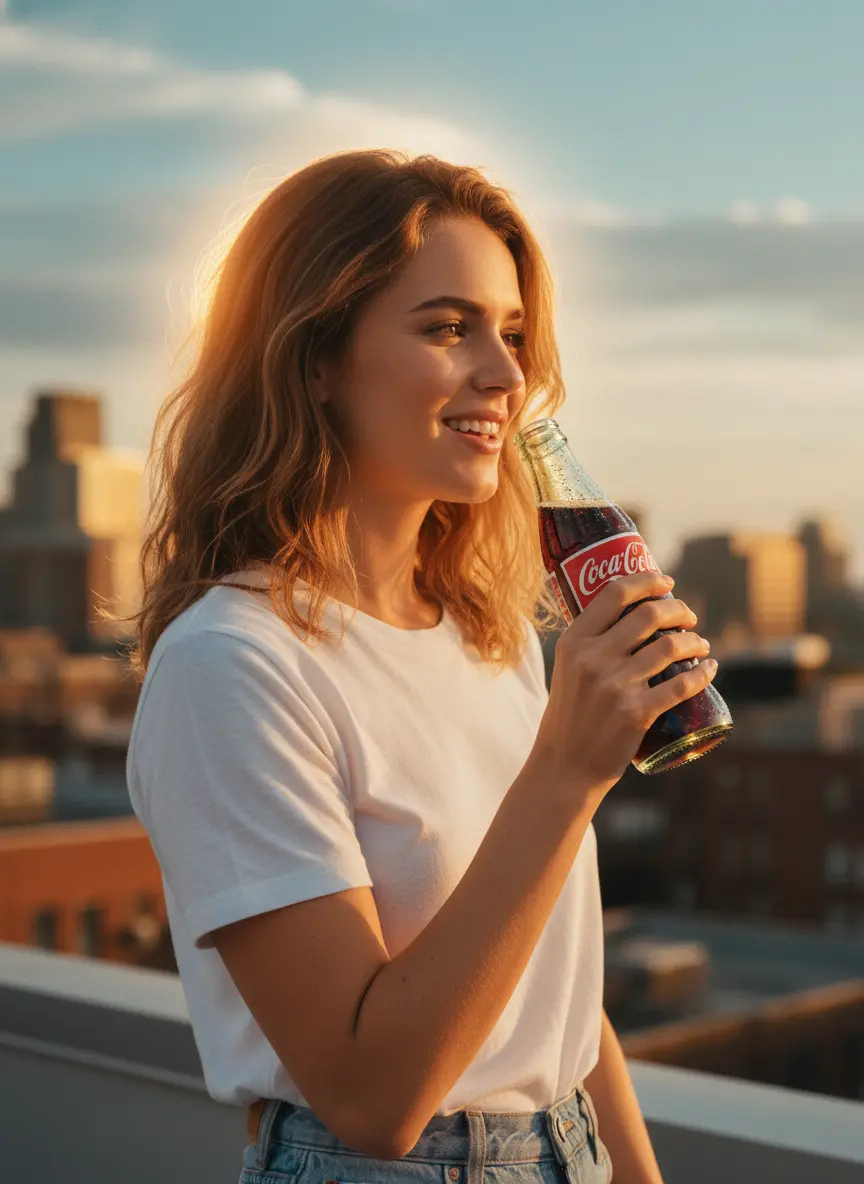
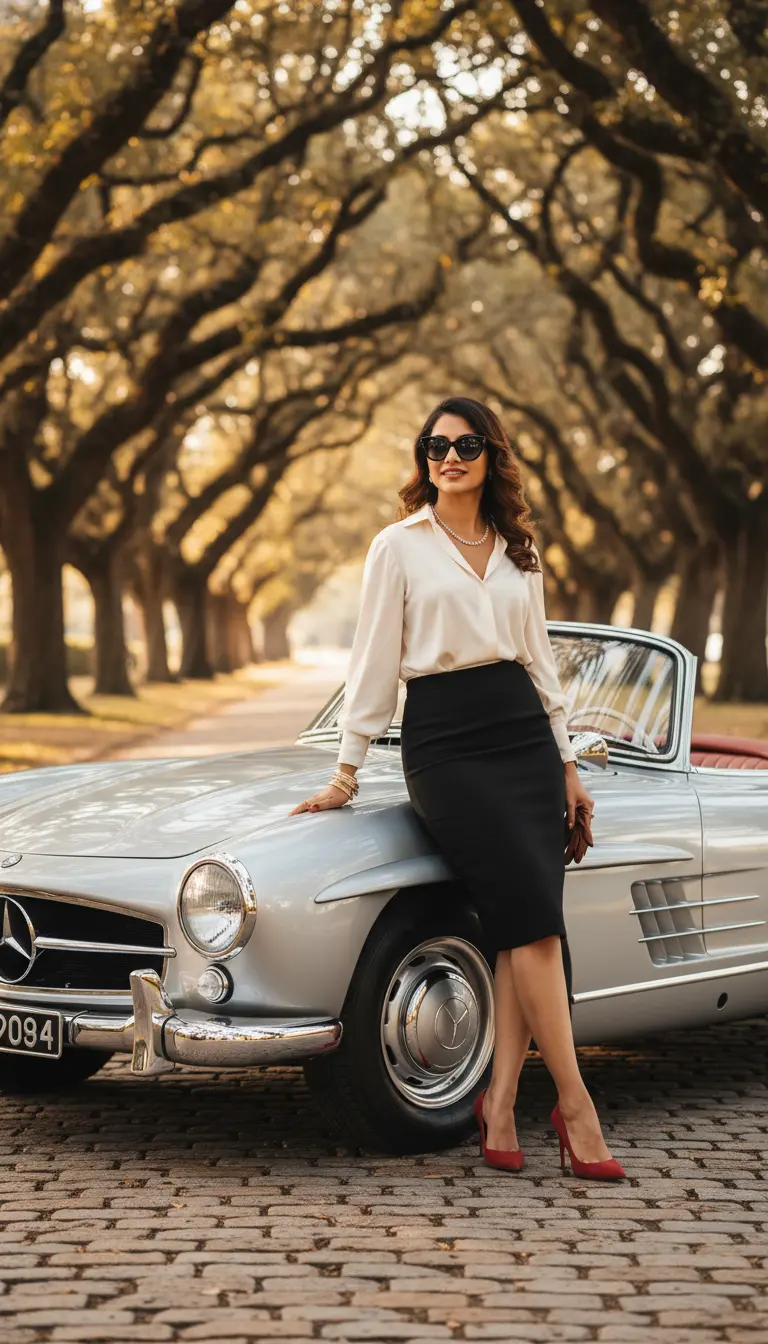
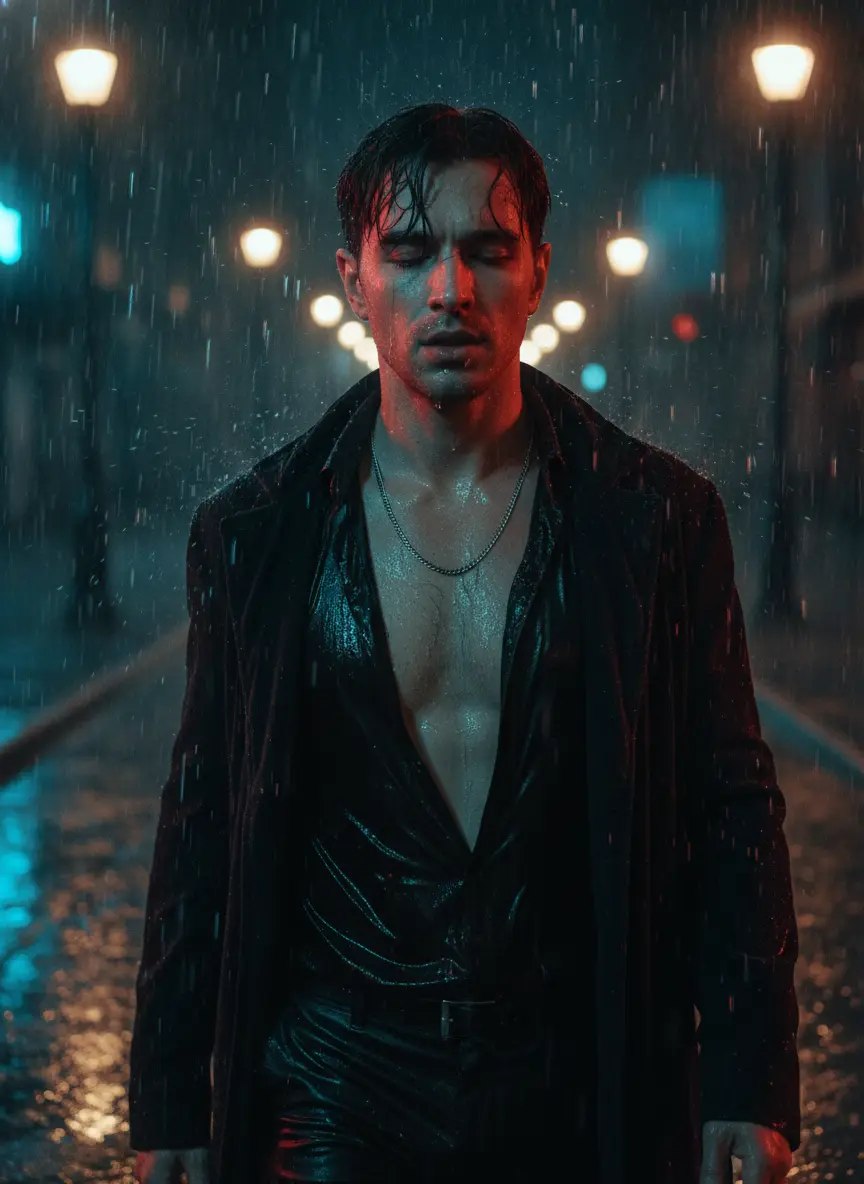
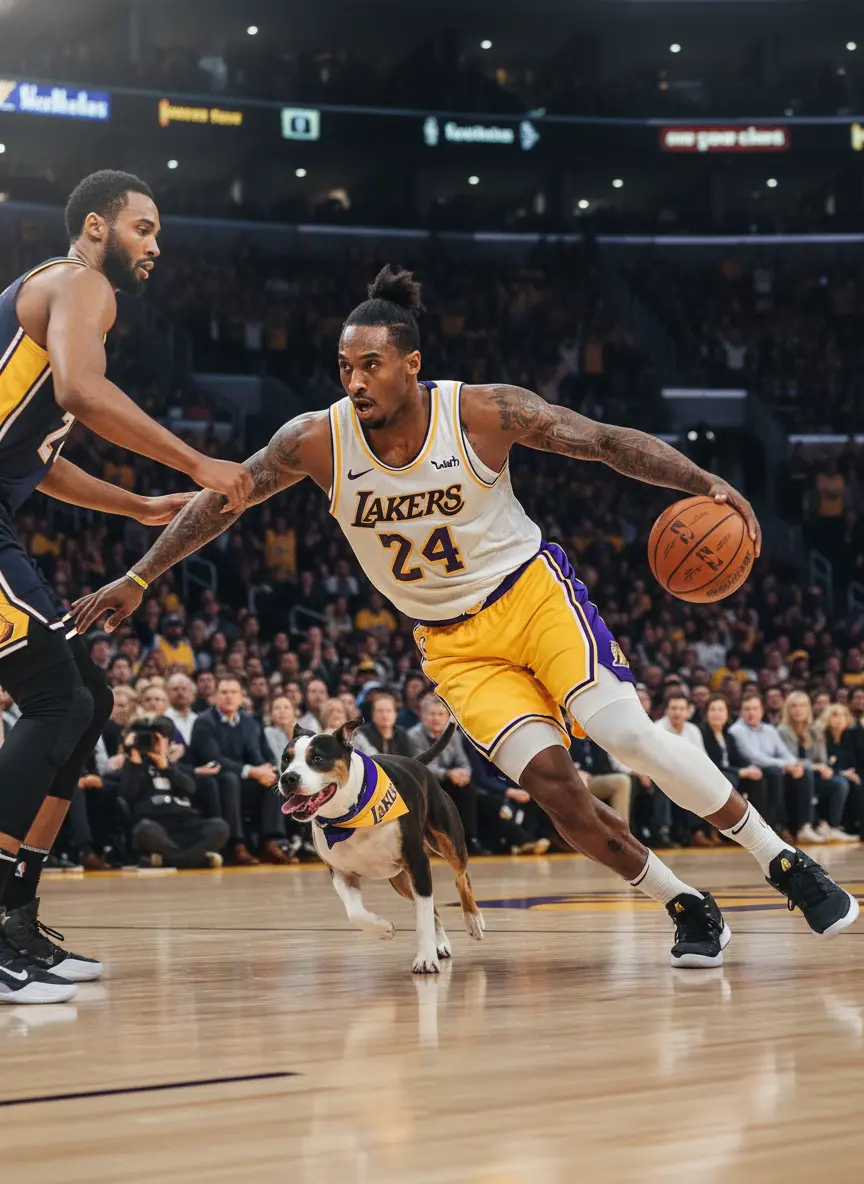
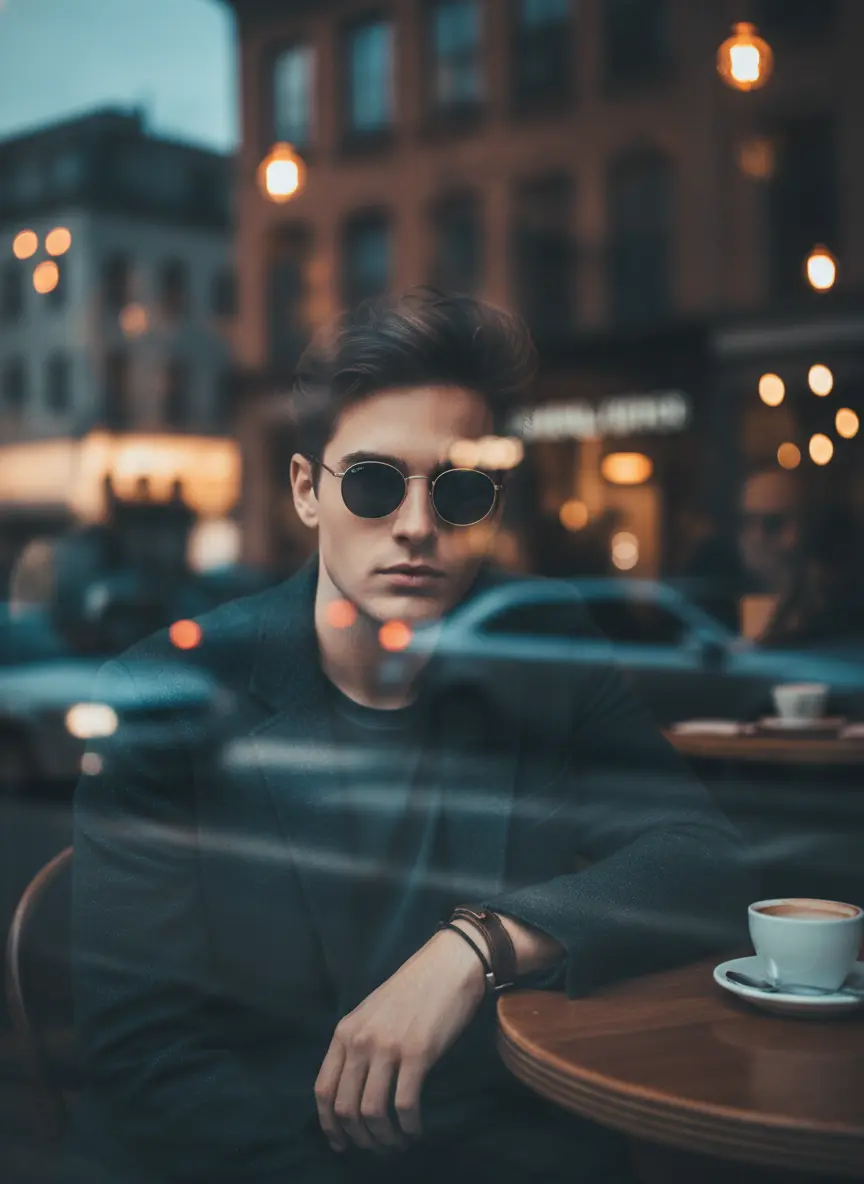
The Most Powerful AI Image Generator from Image
Fast Moro AI is an image to image AI generator powered by GPT Image 2 — intelligently transform, restyle, and edit your images using natural language.
Intelligent Image-to-Image Transformation
Upload any image and describe your desired changes. This AI image generator from image understands context and preserves the elements you want while transforming what you specify.
Style Transfer & Creative Editing
Change art styles, adjust lighting, modify colors, add or remove elements — our image to image AI generator handles complex edits through simple text descriptions.
Flexible Output Options
Choose from multiple aspect ratios and resolutions up to 4K for your transformed images. Perfect for any use case from social media to professional print.
Multi-Image Reference Input
Upload up to 16 reference images to guide the AI. Combine elements from multiple sources into a single, cohesive output — a feature unique to this AI image generator from image.
Fast Cloud Processing
Get your transformed images in seconds, not minutes. Our GPU infrastructure ensures the fastest possible turnaround for every image to image AI generation.
Commercial License Included
All transformed images generated with credits are yours to use commercially — in marketing, social media, advertising, and more.

02 / Keep your creativity moving
A picture you love is a place to start
No need to find and upload the picture again. Choose Use image on a finished result, pick what to create next, and the selected image goes with you.
Make another version
Change the style, scene, or details with a new description, and refine your next version.
Set this scene in motion
Use the image as a first frame and describe the action and camera movement you want.
Take your subject somewhere new
Use visual elements from the picture as a reference, then describe a new scene and action.
From idea to creation in four steps
Upload Your Source Image
Upload the image you want to transform. Supports PNG, JPG, and WebP formats up to 10MB.
Describe Your Changes
Tell the AI what you want to change — style, colors, elements, mood, or any creative transformation you have in mind.
Generate & Download
Review your prompt, settings, and credit cost, then generate. Preview the edited image before downloading it or creating something new.
Use the image to keep creating
Choose Use image on the result to bring it into Image to Image, Image to Video, or Reference to Video.
Before you start
About Image to Image AI
A few useful details about image inputs, editing, and your next creation.
What is an AI image generator from image?
An AI image generator from image takes an existing photo as input and transforms it based on your text instructions. It can change styles, edit elements, adjust colors, swap backgrounds, and more — while preserving the overall composition of the original.
How does this image to image AI generator work?
Fast Moro AI's image to image AI generator is powered by GPT Image 2. You upload a source image, then describe the changes you want in natural language. The AI understands both the image context and your instructions to produce a seamless transformation.
Is this AI image generator from image free to use?
Yes. New users get free credits on signup. Image to image generation costs 3 credits at 1K, 6 credits at 2K, and 8 credits at 4K resolution — making it an affordable way to transform your images with AI.
What image formats are supported?
Fast Moro AI supports PNG, JPG, and WebP image uploads up to 10MB. You can upload up to 16 reference images for a single generation to combine elements from multiple sources.
What can I do with this image to image AI generator?
You can change art styles (photo to anime, sketch to painting), swap backgrounds, add or remove objects, adjust lighting and colors, age or de-age faces, convert day to night scenes, and much more — all from a single text prompt.
Can I use transformed images commercially?
Yes. All images generated with credits are yours to use commercially. Make sure you have rights to the original input images you upload.
What can I do with a generated image next?
Open Use image on the completed result and choose Image to Image to edit it, Image to Video to use it as a first frame, or Reference to Video to guide a new scene. The selected image is filled in for you; review the prompt and settings before starting the next generation.
Give a favorite image another possibility
Bring your picture and an idea, and start your next edit.
Back to the workspace