Grok Imagine Video 1.5 is most useful when it is treated less like a one-click ad maker and more like a fast prototyping partner. For creative teams, marketers, product teams, and AI video creators, the advantage is testing visual direction, motion, pacing, and production assumptions before a shoot, 3D build, or campaign edit begins.
This guide walks through a practical workflow for using Grok Imagine Video 1.5 on FastMoro AI to move from rough idea to reviewable video draft. The goal is to create prototypes that are specific enough to discuss and revise, without pretending the first generation should be final footage.
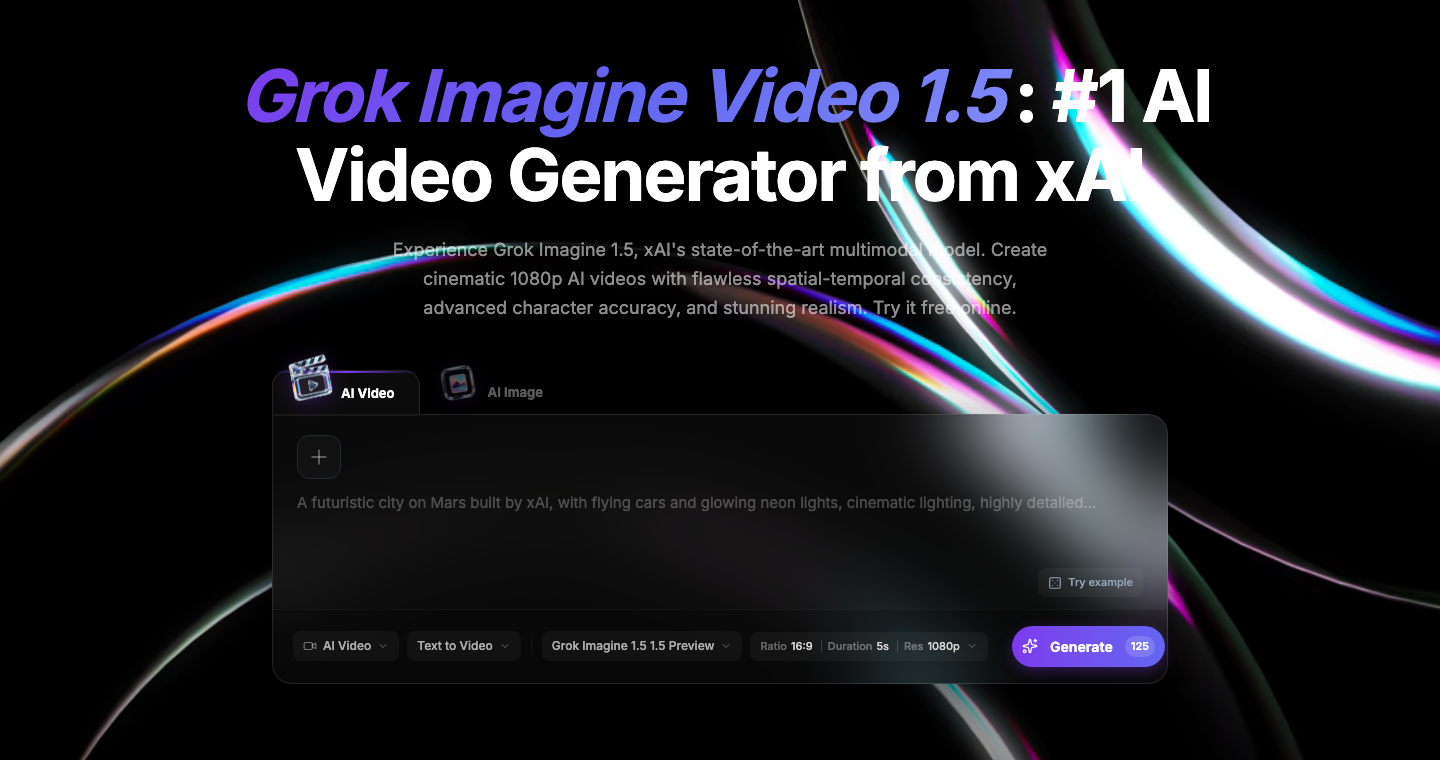
The screenshot shows the Grok Imagine Video 1.5 entry point on FastMoro AI: a prompt-first interface for choosing mode, model, aspect ratio, duration, and resolution.
Why AI video prototyping matters
Most video projects fail slowly. A team agrees on a script, then discovers during editing that the pacing feels wrong. A marketer approves a concept deck, then realizes the product shot needs a different emotional tone.
AI video prototyping helps teams find problems earlier. Instead of arguing over words like "premium" or "cinematic," teams can generate a short draft and ask:
- Does the scene communicate the core idea in the first two seconds?
- Is the camera language right for the audience?
- Does the product, person, or environment need to be more grounded?
- Should this be a vertical social concept, a horizontal landing-page clip, or a reference for a later production asset?
What Grok Imagine Video 1.5 is useful for
Grok Imagine Video 1.5 fits short-form concept development when the team needs to explore visual direction quickly. On FastMoro AI, the model page emphasizes cinematic generation, temporal coherence, face accuracy, photorealism, prompt adherence, and reference-friendly workflows.
For marketers, it can test a product launch mood: clean studio, lifestyle, playful social, luxury close-up, or dramatic reveal. For product teams, it can turn a feature idea into motion. For creators, it can draft shorts, hooks, or scene studies.
The discipline is to answer a specific creative question. "Can this product feel human?" is better than "make a cool video."
A practical workflow from idea to review
1. Write the creative question first
Start with a one-sentence question your prototype must answer:
Can we make our new analytics feature feel like a calm morning workflow instead of a technical dashboard?
That sentence becomes the creative anchor. If the draft does not answer the question, revise the direction before polishing details.
2. Choose text-to-video, image-to-video, or reference-guided generation
Use text-to-video when you are exploring from scratch. It is best for mood boards, camera tests, and narrative sketches.
Use image-to-video when you have a product image, brand visual, character frame, packaging shot, or UI still that must remain recognizable.
Use reference-to-video when consistency matters. A reference can guide character identity, art direction, composition, product styling, or brand feel.
3. Build the prompt in layers
A strong prompt is easier to review when it has clear layers:
- Subject: who or what the video is about.
- Action: what changes during the clip.
- Setting: where the scene happens.
- Camera: how the viewer sees it.
- Style: visual language, lighting, texture, and mood.
- Constraints: what should not appear, what must stay stable, and whether text should be avoided.
Text-to-video pattern:
Create a 5-second 16:9 cinematic product teaser.
Subject: an AI research dashboard on a designer's laptop.
Action: scattered notes organize into a launch plan.
Setting: warm morning studio, minimal desk.
Camera: slow push-in from medium shot to close-up on the screen.
Style: realistic, calm, premium, shallow depth of field.
Constraints: no extra logos, no unreadable interface text, no fast cuts.
Image-to-video pattern:
Animate the uploaded product image into a short launch teaser.
Keep the product shape, color, logo placement, and front-facing angle consistent.
Add gentle camera parallax, soft studio reflections, and a slow light sweep.
No new text, no extra packaging, no distorted product proportions.
Reference-guided pattern:
Use the reference image as the style and character guide.
Create a 6-second vertical clip where the same character enters a neon studio
and gestures toward a floating product concept.
Keep face structure, jacket color, and art direction consistent.
Camera: handheld but stable, slight push-in, energetic social pacing.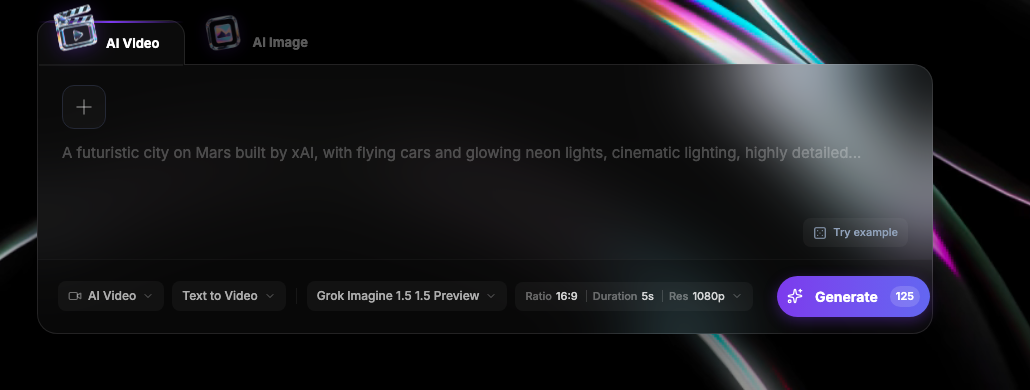
The prompt panel is where a loose idea becomes a controlled test. Mode, model, aspect ratio, duration, and resolution should match the review context: 9:16 social hook, 16:9 landing-page concept, or internal storyboard.
4. Generate several small variants
Do not spend all your credits perfecting one prompt. Generate three to five focused variants:
- One conservative version close to the brief.
- One more cinematic version with stronger camera movement.
- One simpler version with fewer objects and cleaner motion.
Teams learn faster from comparison than from one output. Put the variants side by side and ask what each one teaches you.
Use cases for teams
Campaign previsualization
Before writing a full ad script, generate a few visual treatments. A skincare brand might test "clinical clean," "warm lifestyle," and "macro texture." A SaaS team might test whether the story should focus on the user, interface, or outcome.
Product storytelling
Product teams can use AI video drafts to show how an abstract experience should feel: automation, analytics, security, workflow, or AI assistance.
Creator concept testing
AI video creators can prototype hooks quickly: a first shot, reveal, transition, or character setup. The best use is expanding the number of ideas worth editing.
Review checklist for AI video drafts
When outputs arrive, review them with a checklist instead of vague reactions:
- Hook: Is the first second visually clear?
- Intent: Can a viewer understand the concept without reading a brief?
- Motion: Does the action progress naturally, or does it drift?
- Subject stability: Does the product, face, or key object stay recognizable?
- Camera: Does movement help the idea, or distract from it?
- Brand fit: Would this belong in your campaign, product page, or creator channel?
- Artifacts: Are hands, text, logos, reflections, or UI details breaking trust?
- Next step: Should this become a stronger prompt, a reference image, a storyboard, or a production brief?
Common mistakes to avoid
The most common mistake is asking for too much in one short clip. A 5-second prototype cannot introduce a character, explain a product, show three locations, render readable text, and deliver a complete narrative.
Another mistake is overusing negative prompts. State what should happen first, then add only the constraints that matter.
Teams also review AI video like final footage. That creates frustration. A prototype should be judged by what it teaches: the angle works, the lighting is wrong, the reference should be stronger, the format should be vertical, or the product needs a close-up.
Turning a draft into a production asset
Once a prototype earns approval, save the prompt, reference image, settings, and why the team preferred that version. Then choose the next path:
- Regenerate with a tighter prompt if the AI output itself may become usable.
- Use the clip as a storyboard reference for editing, motion design, or live production.
- Extract a still frame and use it as a stronger image-to-video reference.
- Split the idea into multiple shots if one prompt is carrying too much.
This is where AI video becomes part of a real workflow. The model helps the team explore, but the team still owns taste, sequence, and final delivery.
Further reading
These community notes collect related thoughts on Grok Imagine Video 1.5 and AI video prototyping: